
Explore up to date profile, onboarding, search, messaging, and login flows from Meet and more on Lazyweb.
Meet in Social Networking — see 30 app screens across profile, onboarding, search, messaging, and login flows. Compare onboarding, paywall, and pricing patterns against real competitors inside Lazyweb.
Lazyweb is a blazing-fast design research library with 281k+ real app screens, user flow examples, UI patterns, and product design patterns for competitive analysis and benchmarking.
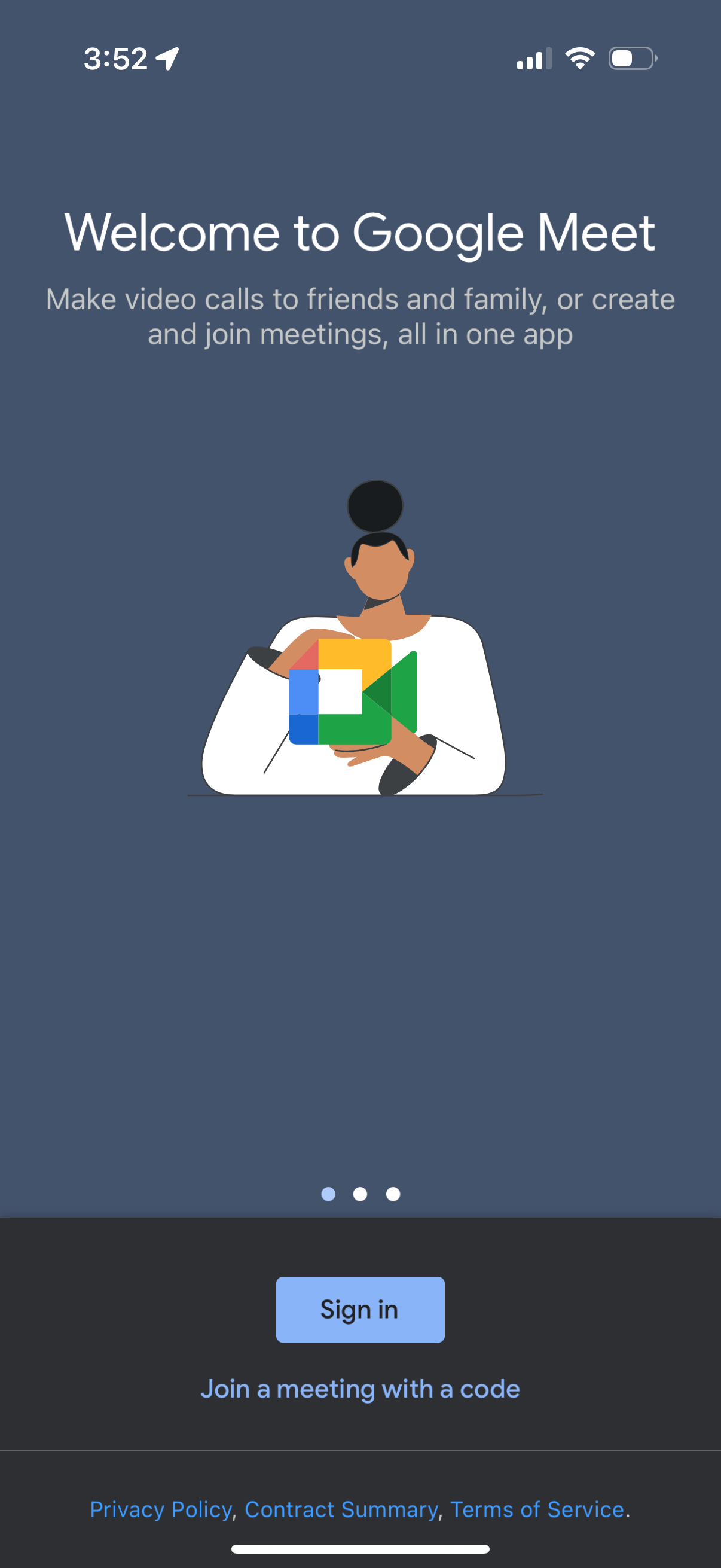
Screenshots
Company metadata
| Category | Social Networking |
|---|---|
| Subcategory | Meetings & Video Conferencing |
| Tagline | Video calls with anyone, anywhere. Stay connected and collaborate with friends, family, and colleagues no matter where you are. |
| Business model | B2B Licensing, Cross-subsidized Funnel / Companion App |
| Product archetype | Social, Collaborative, Enterprise |
| Growth engine | Network effects (social graph), Hardware/Distribution bundling, Sales-led (B2B), Land-and-expand, Cold outreach, Channel / partnership-led, PR, Word of mouth |
| Active users | 300,000,000 |
| Money raised | $1,205,968,039 |
| Public company | Yes |
| Market leader | No |
| Website | https://meet.google.com |
| App Store | https://apps.apple.com/us/app/google-meet/id1096918571 |
| X / Twitter | https://x.com/googleworkspace |
| https://www.instagram.com/googleworkspace/ | |
| https://www.linkedin.com/showcase/googleworkspace/ | |
| TikTok | https://www.tiktok.com/@googleworkspace |
| Crunchbase | https://www.crunchbase.com/organization/google |
App Store description
Google Meet is a high-quality video calling app designed to help you have meaningful and fun interactions with your friends, family, colleagues, and classmates, wherever they are. Meet lets you connect in whatever way works for you: Call someone spontaneously, schedule time together, or send a video message that they can watch and respond to later. Meet also helps you get things done. It integrates with other Google Workspace apps like Gmail, Docs, Slides, and Calendar, and offers a number of features to help you run smooth and engaging meetings, like noise cancellation, in‑call chat, recordings, and more.* Features to look forward to: Make spontaneous calls or host video meetings with your friends and colleagues, all in one app. Enjoy one‑on‑one video calls for up to 24 hours and host meetings for up to 60 minutes and 100 people at no cost. Follow along in your preferred language with real‑time translated captions in over 70 languages. Use in‑call chat to share ideas, ask questions, or provide feedback without interrupting the flow of the conversation. Make your calls more engaging with in‑call emojis that allow you to express yourself seamlessly without interrupting the conversation. Share visuals like photos, videos, and presentations during your call to collaborate or simply share memories from your recent vacation. Make your calls with family and friends more fun with stackable effects that allow participants to add multiple backgrounds, filters, and animations, to create a personalized experience. Use on‑the‑go mode for an audio‑only experience with larger call controls, making it easier to take calls with fewer distractions while walking, driving, or using public transportation. Access on any device: Meet works across mobile, tablet, web, and smart devices,** so everyone can join. High quality video: Show up looking your best with up to 4k video quality video***. Learn more about Google Meet: https://workspace.google.com/products/meet/ Follow us for more: Twitter: https://twitter.com/googleworkspace Linkedin: https://www.linkedin.com/showcase/googleworkspace Facebook: https://www.facebook.com/googleworkspace/ *Meeting recording, noise cancellation are available as premium features. See https://workspace.google.com/pricing.html for more details **Not available in every language. ***Bandwidth permitting. Google Meet automatically adjusts to the highest video quality possible based on your bandwidth. Data charges may apply. Check your carrier for details. Specific feature availability may vary based on device specifications.