Download App
Company library
grammarly logo

grammarly screenshots

Explore up to date profile, onboarding, dashboard, paywall, and reviews flows from grammarly and more on Lazyweb.

profile, onboarding, dashboard, paywall, and reviews flows 159 screens App screenshots

grammarly app screenshots and user flows

Browse grammarly app screenshots, user flow examples, and UI patterns. Explore profile, onboarding, dashboard, paywall, and reviews flows for competitive app analysis and design benchmarking with Lazyweb.

Lazyweb is a library of mobile app screenshots, user flow examples, UI patterns, and product design patterns for competitive app analysis and design benchmarking.

Screenshots

The first 5 screenshots are shown in full. Additional screens are blurred previews.

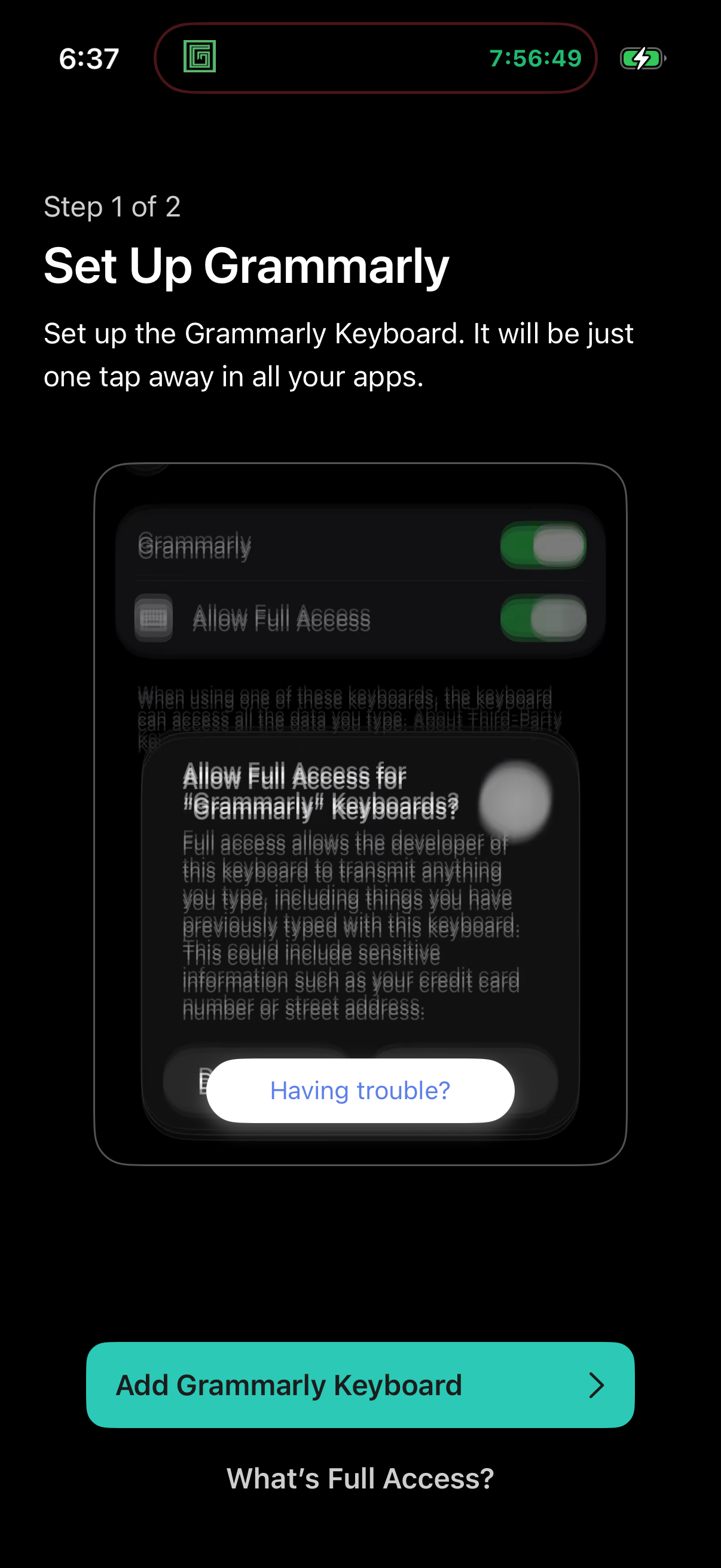
grammarly app screenshot 1
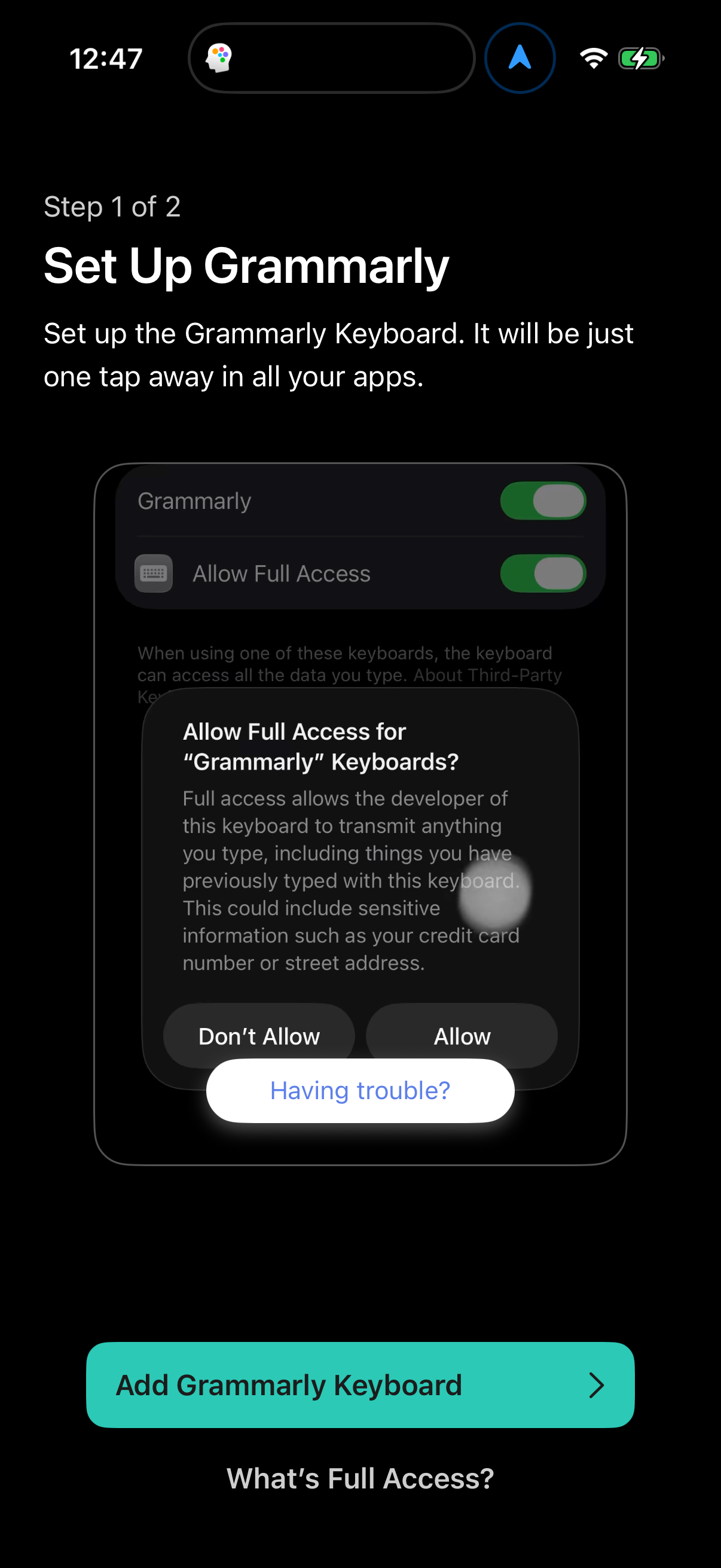
grammarly app screenshot 2
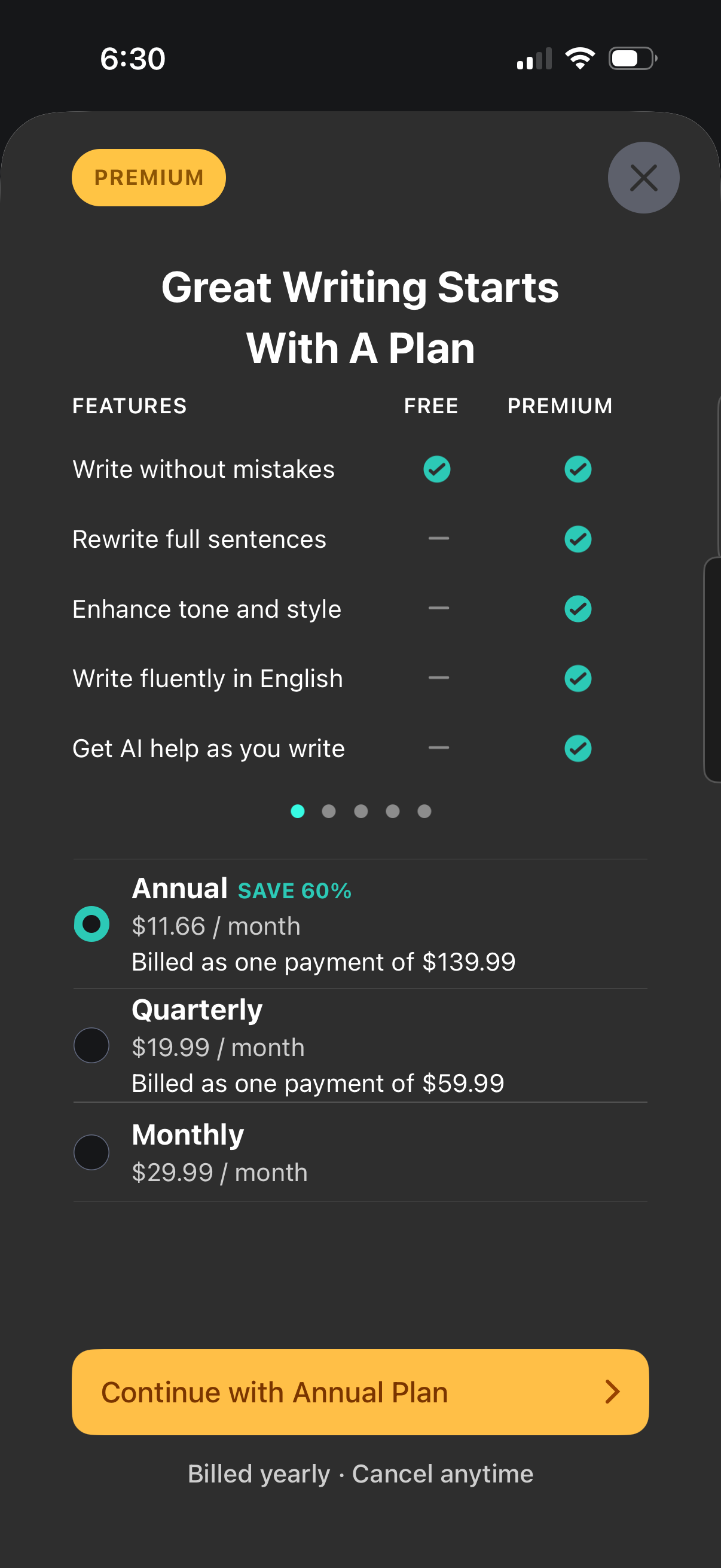
grammarly app screenshot 3
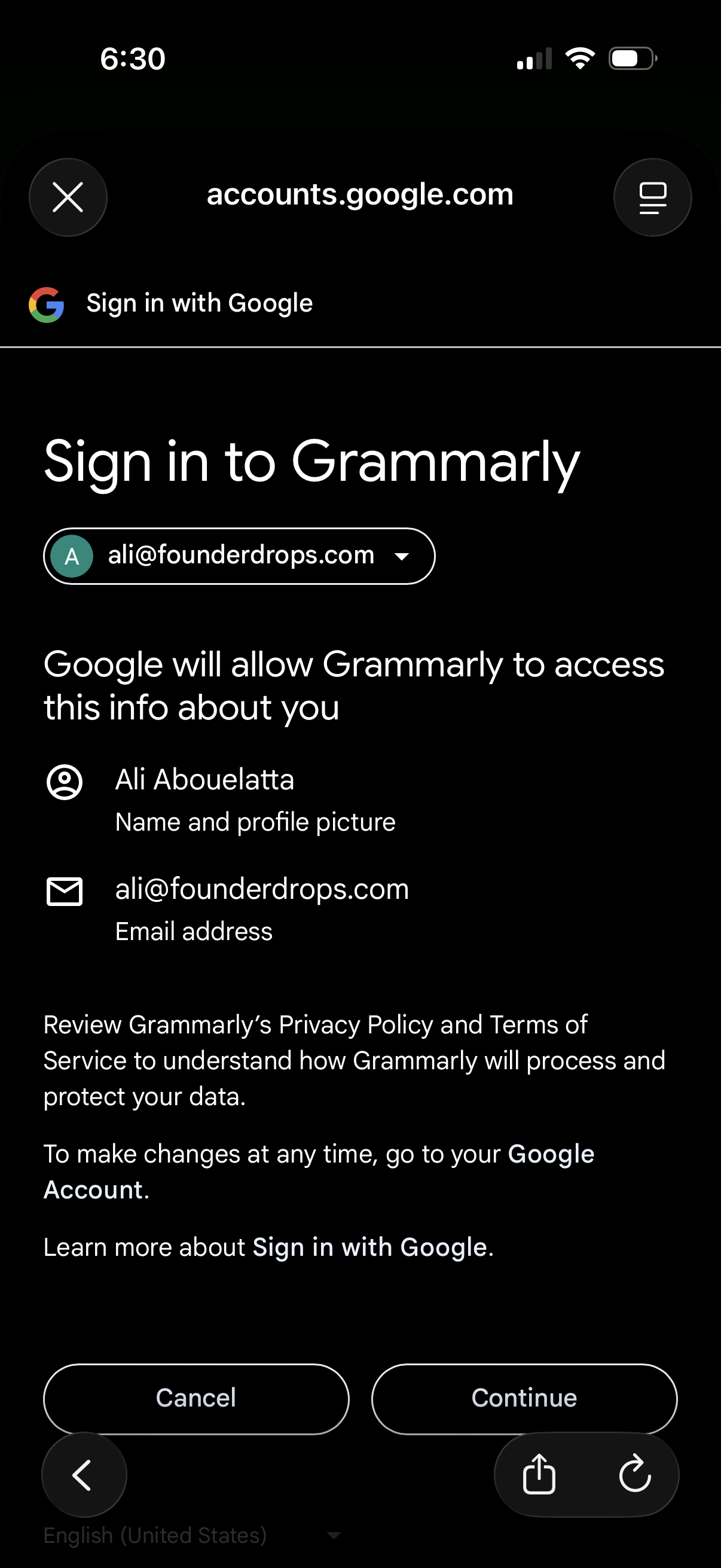
grammarly app screenshot 4
grammarly app screenshot 5
grammarly app screenshot 6
grammarly app screenshot 7
grammarly app screenshot 8
grammarly app screenshot 9
grammarly app screenshot 10
grammarly app screenshot 11
grammarly app screenshot 12
grammarly app screenshot 13
grammarly app screenshot 14
grammarly app screenshot 15
grammarly app screenshot 16
grammarly app screenshot 17
grammarly app screenshot 18
grammarly app screenshot 19
grammarly app screenshot 20
grammarly app screenshot 21
grammarly app screenshot 22
grammarly app screenshot 23
grammarly app screenshot 24
grammarly app screenshot 25
grammarly app screenshot 26
grammarly app screenshot 27
grammarly app screenshot 28
grammarly app screenshot 29
grammarly app screenshot 30
grammarly app screenshot 31
grammarly app screenshot 32
grammarly app screenshot 33
grammarly app screenshot 34
grammarly app screenshot 35
grammarly app screenshot 36
grammarly app screenshot 37
grammarly app screenshot 38
grammarly app screenshot 39
grammarly app screenshot 40
grammarly app screenshot 41
grammarly app screenshot 42
grammarly app screenshot 43
grammarly app screenshot 44
grammarly app screenshot 45
grammarly app screenshot 46
grammarly app screenshot 47
grammarly app screenshot 48
grammarly app screenshot 49
grammarly app screenshot 50
grammarly app screenshot 51
grammarly app screenshot 52
grammarly app screenshot 53
grammarly app screenshot 54
grammarly app screenshot 55
grammarly app screenshot 56
grammarly app screenshot 57
grammarly app screenshot 58
grammarly app screenshot 59
grammarly app screenshot 60
grammarly app screenshot 61
grammarly app screenshot 62
grammarly app screenshot 63
grammarly app screenshot 64
grammarly app screenshot 65
grammarly app screenshot 66
grammarly app screenshot 67
grammarly app screenshot 68
grammarly app screenshot 69
grammarly app screenshot 70
grammarly app screenshot 71
grammarly app screenshot 72
grammarly app screenshot 73
grammarly app screenshot 74
grammarly app screenshot 75
grammarly app screenshot 76
grammarly app screenshot 77
grammarly app screenshot 78
grammarly app screenshot 79
grammarly app screenshot 80
grammarly app screenshot 81
grammarly app screenshot 82
grammarly app screenshot 83
grammarly app screenshot 84
grammarly app screenshot 85
grammarly app screenshot 86
grammarly app screenshot 87
grammarly app screenshot 88
grammarly app screenshot 89
grammarly app screenshot 90
grammarly app screenshot 91
grammarly app screenshot 92
grammarly app screenshot 93
grammarly app screenshot 94
grammarly app screenshot 95
grammarly app screenshot 96
grammarly app screenshot 97
grammarly app screenshot 98
grammarly app screenshot 99
grammarly app screenshot 100
grammarly app screenshot 101
grammarly app screenshot 102
grammarly app screenshot 103
grammarly app screenshot 104
grammarly app screenshot 105
grammarly app screenshot 106
grammarly app screenshot 107
grammarly app screenshot 108
grammarly app screenshot 109
grammarly app screenshot 110
grammarly app screenshot 111
grammarly app screenshot 112
grammarly app screenshot 113
grammarly app screenshot 114
grammarly app screenshot 115
grammarly app screenshot 116
grammarly app screenshot 117
grammarly app screenshot 118
grammarly app screenshot 119
grammarly app screenshot 120
grammarly app screenshot 121
grammarly app screenshot 122
grammarly app screenshot 123
grammarly app screenshot 124
grammarly app screenshot 125
grammarly app screenshot 126
grammarly app screenshot 127
grammarly app screenshot 128
grammarly app screenshot 129
grammarly app screenshot 130
grammarly app screenshot 131
grammarly app screenshot 132
grammarly app screenshot 133
grammarly app screenshot 134
grammarly app screenshot 135
grammarly app screenshot 136
grammarly app screenshot 137
grammarly app screenshot 138
grammarly app screenshot 139
grammarly app screenshot 140
grammarly app screenshot 141
grammarly app screenshot 142
grammarly app screenshot 143
grammarly app screenshot 144
grammarly app screenshot 145
grammarly app screenshot 146
grammarly app screenshot 147
grammarly app screenshot 148
grammarly app screenshot 149
grammarly app screenshot 150
grammarly app screenshot 151
grammarly app screenshot 152
grammarly app screenshot 153
grammarly app screenshot 154
grammarly app screenshot 155
grammarly app screenshot 156
grammarly app screenshot 157
grammarly app screenshot 158
grammarly app screenshot 159

Company metadata

CategorySafari Extensions
SubcategoryWriting & Grammar
TaglineYou think big. We’ll take care of the details. Work with an AI partner that helps turn your thoughts into writing that’s clear, credible, and impossible to ignore.
Business modelSubscription, B2B Licensing
Product archetypeConsumer
Growth engineNetwork effects (social graph), Sales-led (B2B), Product-led sales (PLS), Cold outreach, Channel / partnership-led, PR, Word of mouth
Active users40,000,000
Money raised$1,545,000,000
Public companyNo
Market leaderYes

App Store description

Instantly and easily create smart, polished writing with the Grammarly Keyboard. Designed to deliver real-time writing feedback and provide AI assistance, the Grammarly Keyboard works directly in your iPhone and iPad apps, no copy and paste required. When you join the millions of people using the Grammarly Keyboard, you’ll benefit from: An easy-to-use AI keyboard that works in all your apps - Spelling, grammar, and conciseness suggestions - Vocabulary and clarity recommendations (Premium only) - Tone detection - Tone transformations (Premium only) - Multiword text predictions - Smart autocorrect and swipe typing - Emoji predictions and search bar Generative AI Rewrites - New versions of your entire message in a couple of taps - Versions adjust for length, fluency, tone, and more - Works in all your favorite apps A document editor for long-form writing - Comprehensive writing feedback - Cloud-based document management - Personal writing statistics - Plagiarism and AI detection - Compatible with hardware keyboards A Safari extension for typing on websites - Spelling and grammar checker Further Improve Your Writing With Grammarly Premium Grammarly Premium makes your writing more engaging and effective with advanced suggestions for clarity, conciseness, tone, and vocabulary. Premium works across all your devices; just sign in to enjoy its benefits.

Compare competitors with Lazyweb

Search every screen, flow, and UX pattern in one place.

Download Mac App