Explore up to date profile, onboarding, dashboard, settings, and signup flows from Google Classroom and more on Lazyweb.
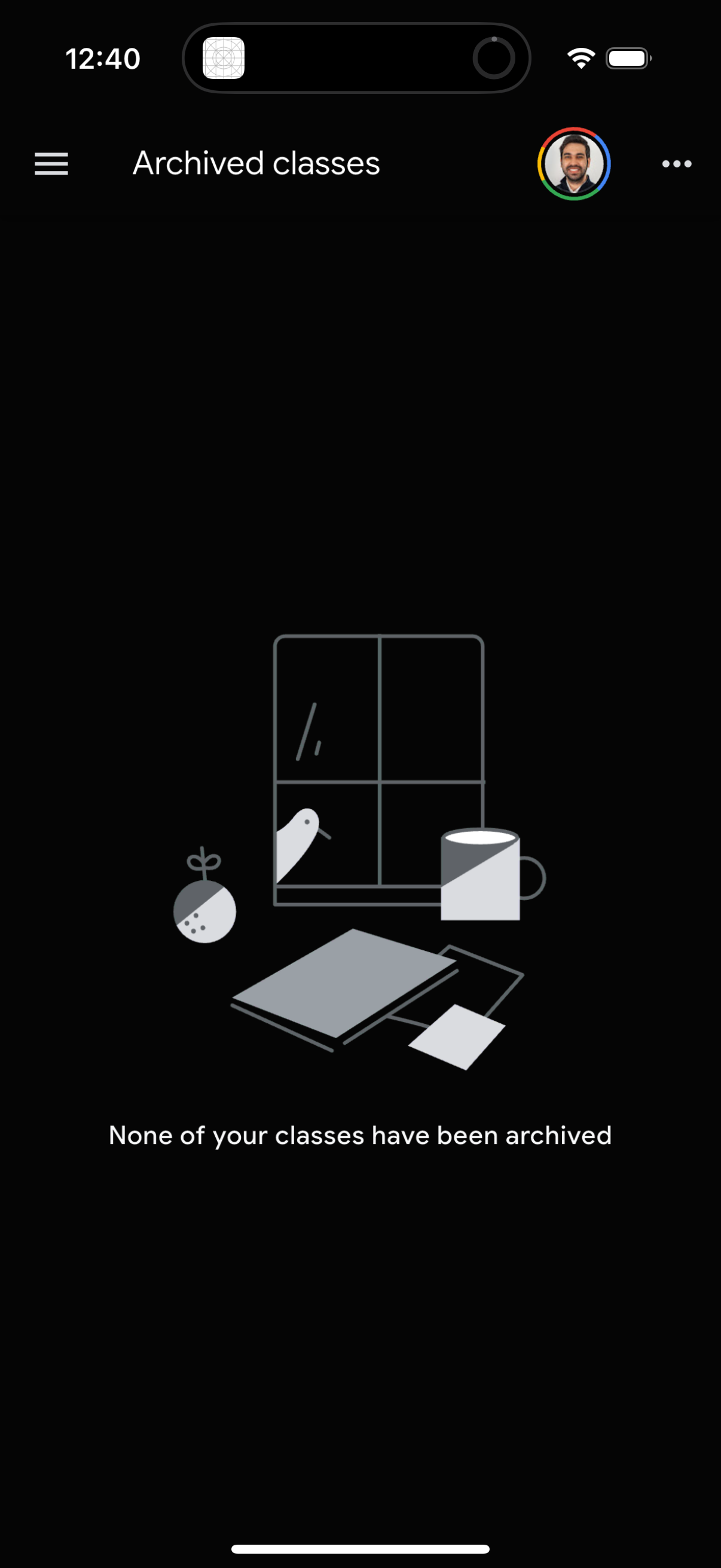
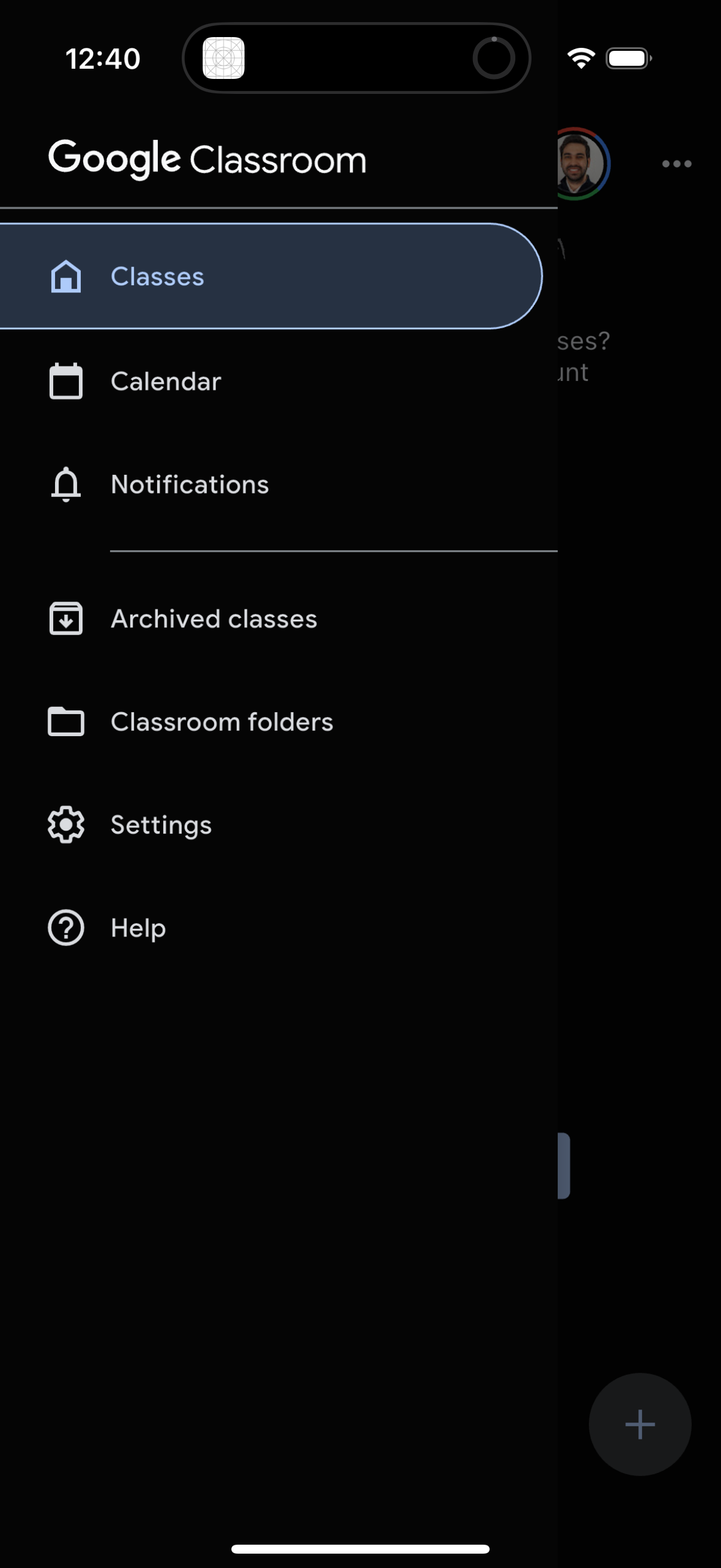
Google Classroom in Education — see 51 app screens across profile, onboarding, dashboard, settings, and signup flows. Compare onboarding, paywall, and pricing patterns against real competitors inside Lazyweb.
Lazyweb is a blazing-fast design research library with 281k+ real app screens, user flow examples, UI patterns, and product design patterns for competitive analysis and benchmarking.
Screenshots
Company metadata
| Category | Education |
|---|---|
| Subcategory | Classroom & School Tools |
| Tagline | Where teaching and learning come together. Google Classroom helps educators create engaging learning experiences they can personalize, manage, and measure. |
| Business model | B2B Licensing, Cross-subsidized Funnel / Companion App |
| Product archetype | Social, Collaborative, Enterprise |
| Growth engine | UGC / creator-led, Hardware/Distribution bundling, Sales-led (B2B), Land-and-expand, Cold outreach, Channel / partnership-led, PR, Word of mouth |
| Active users | 150,000,000 |
| Money raised | $0 |
| Public company | Yes |
| Market leader | Yes |
| Website | https://classroom.google.com |
| App Store | https://apps.apple.com/us/app/google-classroom/id924620788 |
| X / Twitter | https://x.com/GoogleForEdu |
| https://www.instagram.com/googleforedu | |
| https://www.linkedin.com/company/google |
App Store description
Classroom is a free service for schools, non-profits, and anyone with a personal Google account. Classroom makes it easy for learners and instructors to connect—inside and outside of schools. Classroom saves time and paper, and makes it easy to create classes, distribute assignments, communicate, and stay organized. It takes just minutes to set up. Saves time The simple, paperless assignment workflow allows teachers to create, review, and grade assignments quickly, all in one place. Improves organization Students can see all of their assignments on an assignments page, and all class materials (e.g., documents, photos, and videos) are automatically filed into folders in Google Drive. Enhances communication Classroom allows teachers to send announcements and start class discussions instantly. Secure Like the rest of Google Workspace for Education services, Classroom contains no ads, never uses your content or student data for advertising purposes. Permissions Notice: Camera: Needed to allow the user to take photos or videos and post them to Classroom. Microphone: Needed to enable audio capture for recording videos to be posted to Classroom. Photos: Needed to allow the user to attach photos or videos to Classroom.