
Explore up to date login, onboarding, profile, reviews, and search flows from Figma and more on Lazyweb.
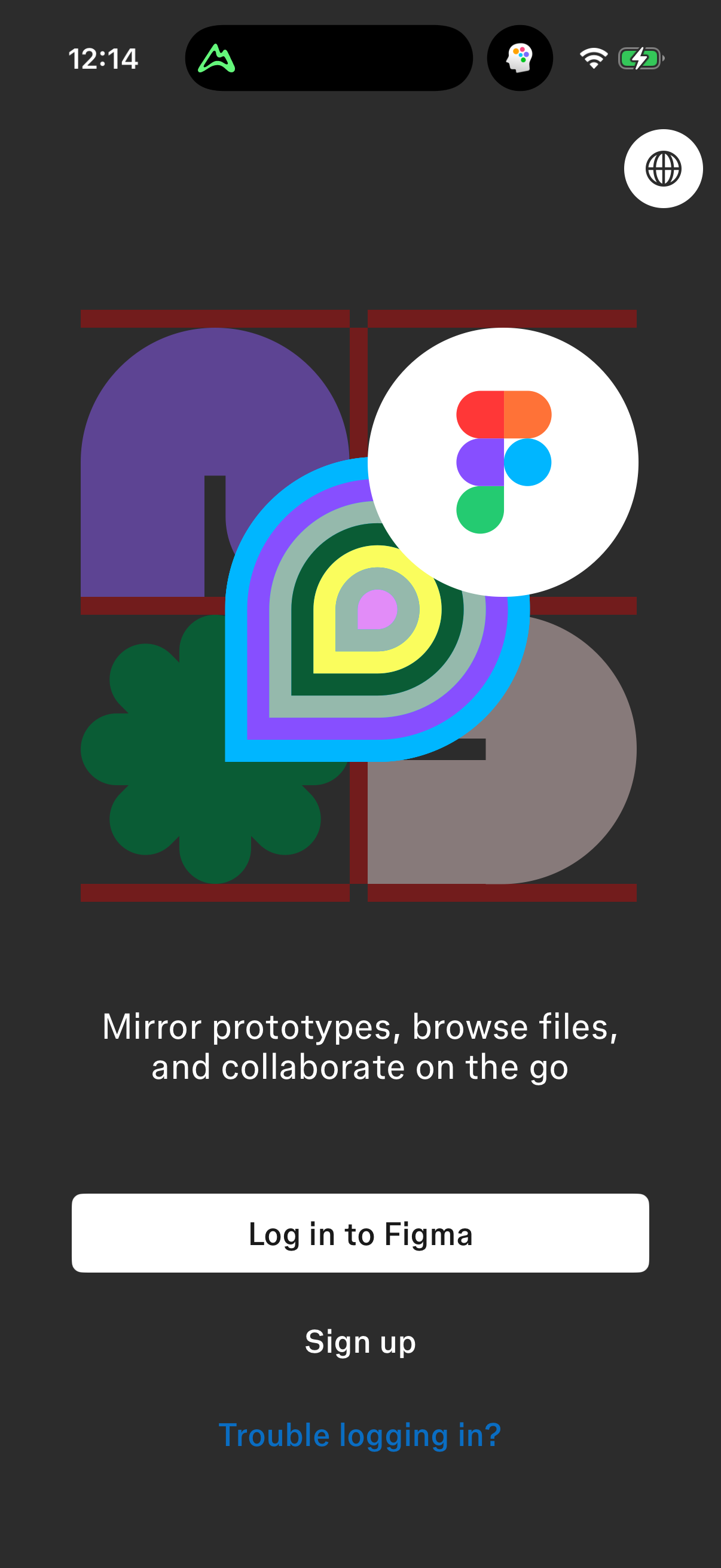
Figma in Graphics & Design — see 24 app screens across login, onboarding, profile, reviews, and search flows. Compare onboarding, paywall, and pricing patterns against real competitors inside Lazyweb.
Lazyweb is a blazing-fast design research library with 281k+ real app screens, user flow examples, UI patterns, and product design patterns for competitive analysis and benchmarking.
Screenshots




Company metadata
| Category | Graphics & Design |
|---|---|
| Subcategory | Drawing & Illustration |
| Tagline | Make anything possible, all in Figma. Figma lets you turn big ideas into real products, brainstorm, design, and build with your team. |
| Business model | B2B Licensing, Subscription |
| Product archetype | Social, Collaborative, Prosumer |
| Growth engine | Sales-led (B2B), Product-led sales (PLS), Land-and-expand, Cold outreach, Channel / partnership-led, PR, Virality / invites |
| Revenue (2024) | $749,011,000 |
| Active users | 13,000,000 |
| Money raised | $1,533,000,000 |
| Public company | Yes |
| Market leader | Yes |
| Website | https://www.figma.com |
| App Store | https://apps.apple.com/us/app/figma/id1152747299 |
| X / Twitter | https://x.com/figma |
| https://www.instagram.com/figma/ | |
| https://www.linkedin.com/company/figma | |
| TikTok | https://www.tiktok.com/@figma |
| Crunchbase | https://www.crunchbase.com/organization/figma |
App Store description
Collaborate on the go. View, share, and mirror designs with just a few taps. With Figma’s official mobile app, you can: REVIEW YOUR FILES * Access Figma, FigJam, Prototype and Slides files. * Quickly search for files by name or browse your recently viewed files. * Navigate between pages and flows in any file. CREATE AND REPLY TO COMMENTS * Add comments and mention teammates anywhere in a file. * Get notified for new comments and replies. * Resolve and respond to comments on the go. * View a list of all comment threads in a file. SHARE FILES WITH YOUR TEAM * Invite collaborators and share links to your files. PLAY YOUR PROTOTYPES * Play and replay prototypes in full screen. * Adjust prototype scaling. * Toggle hotspot hints. MIRROR DESIGNS IN REAL‑TIME * Sync selected frames from desktop to your mobile device. * Watch real‑time edits to your designs on your mobile device. * Preview how assets in your design look scaled to a device screen. EXPLORE SLIDES EFFORTLESSLY * View and comment on decks in both landscape and portrait mode. MANAGE PERMISSIONS ON THE FLY * Update file permissions to control who can view or edit your work. BROWSE AND SWITCH WORKSPACES AND ACCOUNTS * Navigate between teams, plans, projects, and accounts. On iPad, you can also use FigJam to: * Sketch with the Apple Pencil to explore and iterate on ideas more fluidly. * Share and riff on early thinking with your team. * Annotate designs to share feedback. * Jot down ideas whenever inspiration strikes.