Explore up to date search, dashboard, login, onboarding, and settings flows from Chrome and more on Lazyweb.
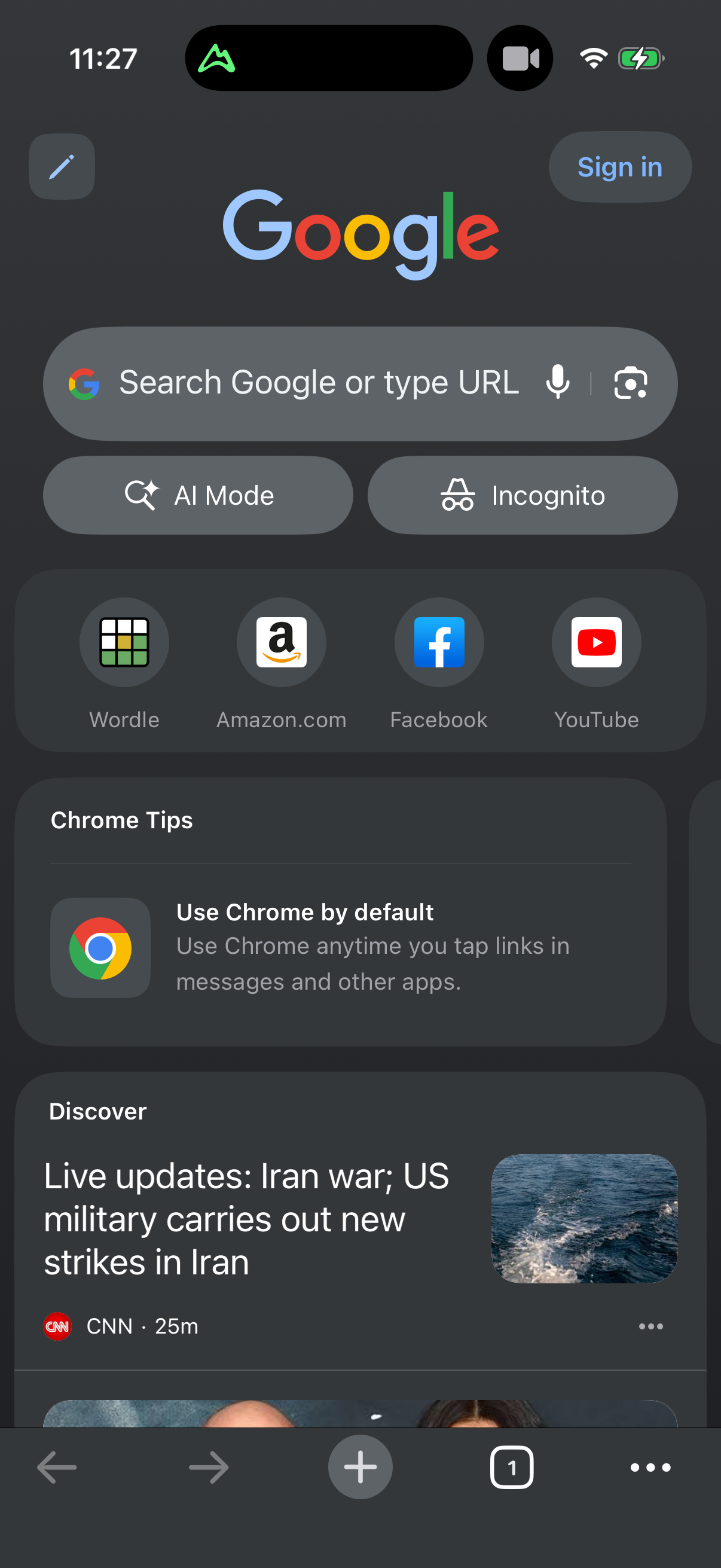
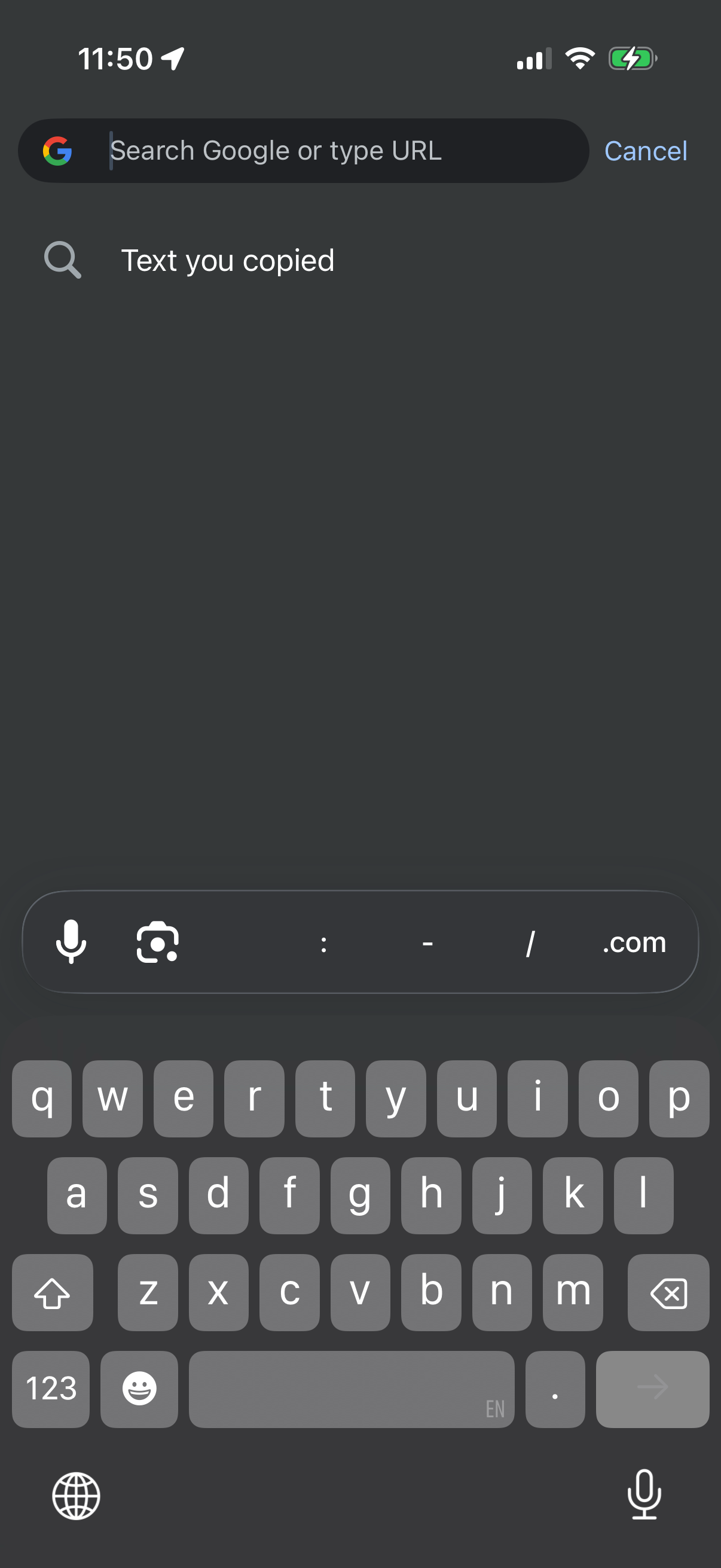
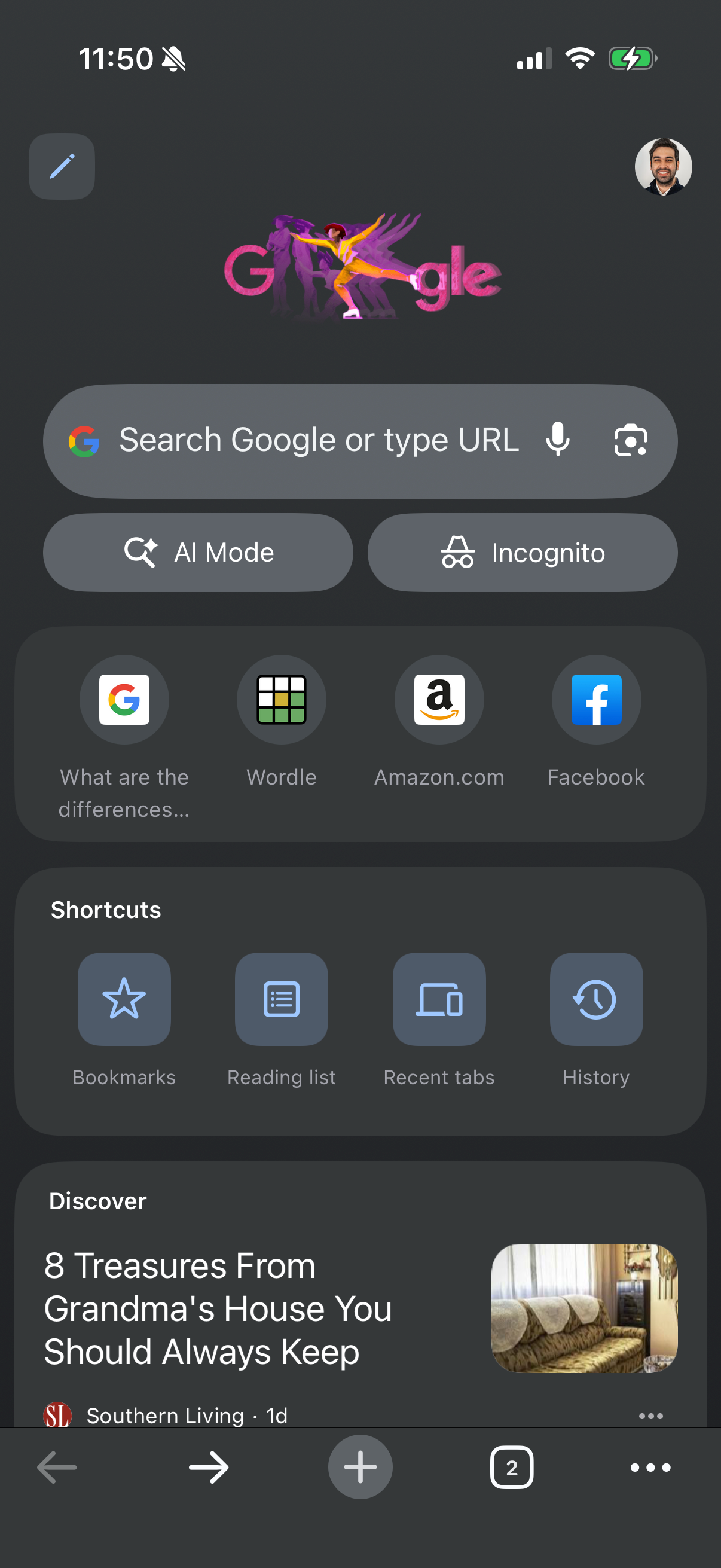
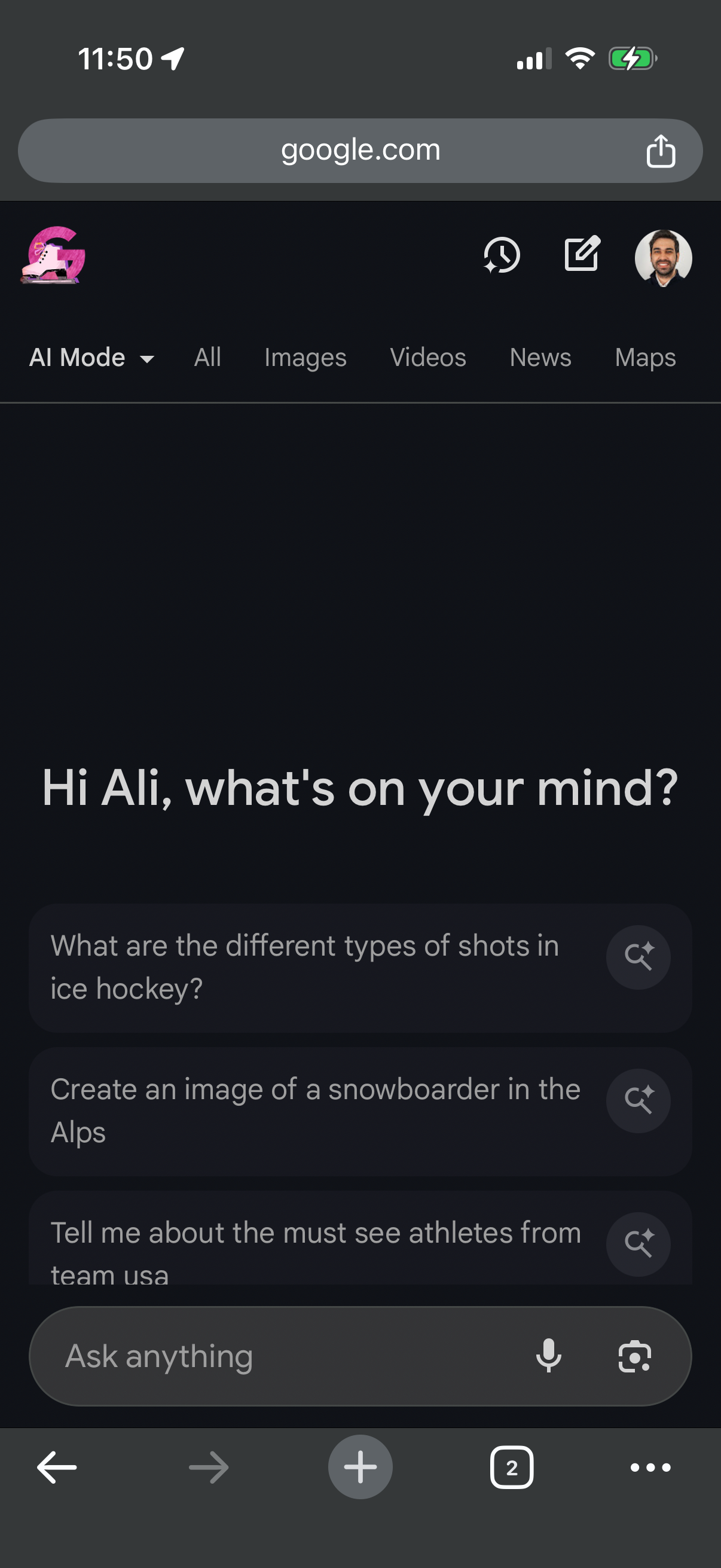
Chrome in Utilities — see 21 app screens across Close All, Search, Private Browsing, and Search Tabs flows. Compare onboarding, paywall, and pricing patterns against real competitors inside Lazyweb.
Lazyweb is a blazing-fast design research library with 281k+ real app screens, user flow examples, UI patterns, and product design patterns for competitive analysis and benchmarking.
Screenshots

Company metadata
| Category | Utilities |
|---|---|
| Subcategory | Browsers & Search |
| Tagline | Google’s fast, secure web browser with sync across devices. |
| Business model | Advertising, Cross-subsidized Funnel / Companion App |
| Product archetype | Consumer |
| Growth engine | Hardware/Distribution bundling, Paid performance marketing, PR, Word of mouth |
| Active users | 3,830,000,000 |
| Money raised | $0 |
| Public company | Yes |
| Market leader | Yes |
| Website | http://www.google.com/chrome/ |
| App Store | https://apps.apple.com/us/app/google-chrome/id535886823?uo=4 |
| X / Twitter | https://x.com/googlechrome |
| https://www.linkedin.com/showcase/google-chrome/ | |
| TikTok | https://www.tiktok.com/@googlechrome |
App Store description
Chrome helps you do what’s possible on the web. Download the fast, secure browser by Google. GET THE BEST OF GOOGLE IN CHROME • SEARCH WITH GOOGLE - Search and get answers on Google fast. Use your voice to search hands-free. • GOOGLE LENS - Search what you see on your screen or with your camera. • GOOGLE TRANSLATE - Explore the web in 130+ languages. Translate entire sites in one click. BROWSE WITH BEST-IN-CLASS SECURITY • ENHANCED PROTECTION MODE - Browse confidently with the highest level of Chrome’s security. • SAFETY CHECK - Get peace of mind with proactive safety alerts. • GOOGLE PASSWORD MANAGER - Securely generate and save passwords for fast sign-in, and get alerts if your passwords are at risk. ACCESS YOUR CHROME ACROSS DEVICES • SYNC ACROSS DEVICES - Save your things (like bookmarks, tabs, and passwords) and easily access them when you sign in to Chrome on your phone, computer or tablet. • TAB GROUPS - Create tab groups to stay organized across devices. • AUTOFILL - Save time typing by autofilling your saved payments, addresses and passwords. Feature availability varies by country and language. Compatibility varies. Check responses for accuracy.