
Explore up to date onboarding, permissions, paywall, checkout, and notifications flows from Burn Bar and more on Lazyweb.
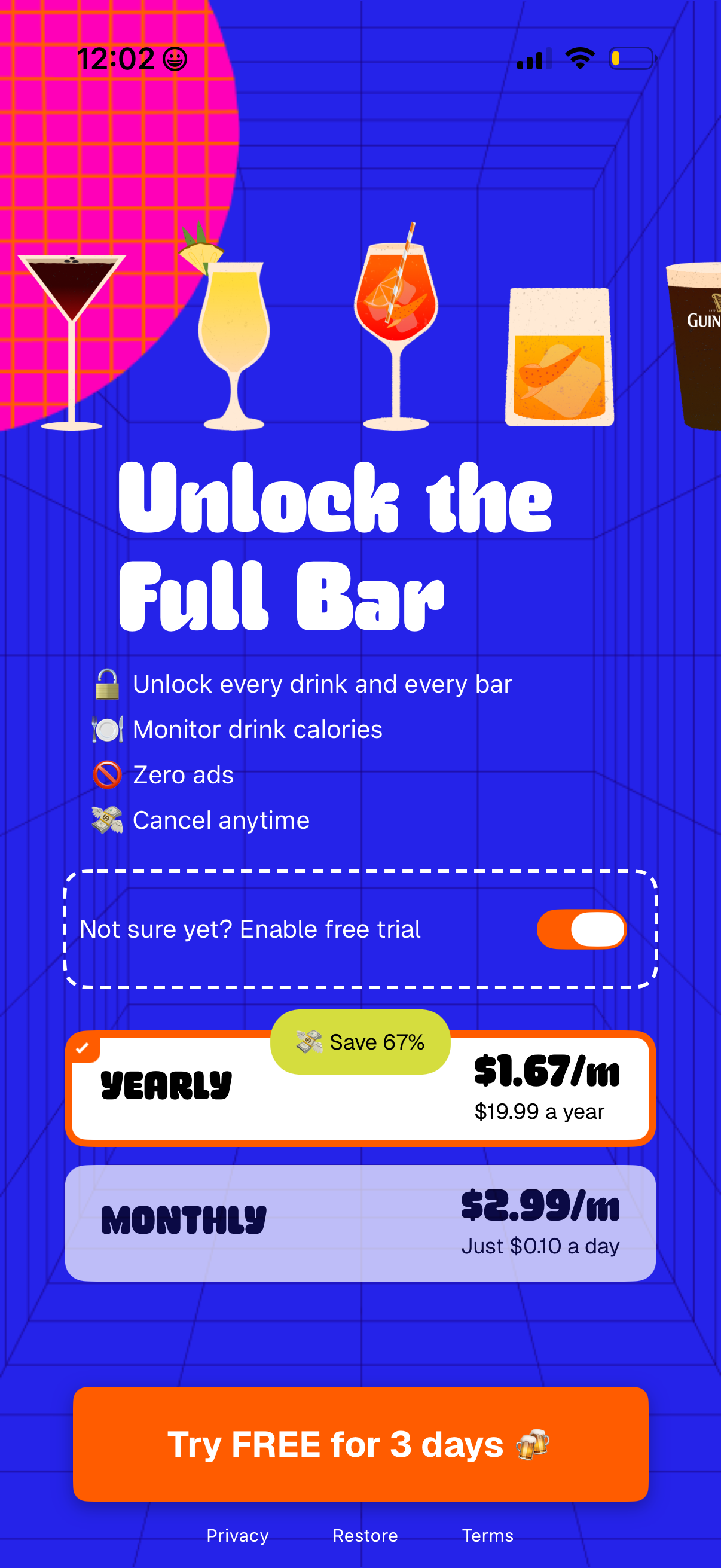
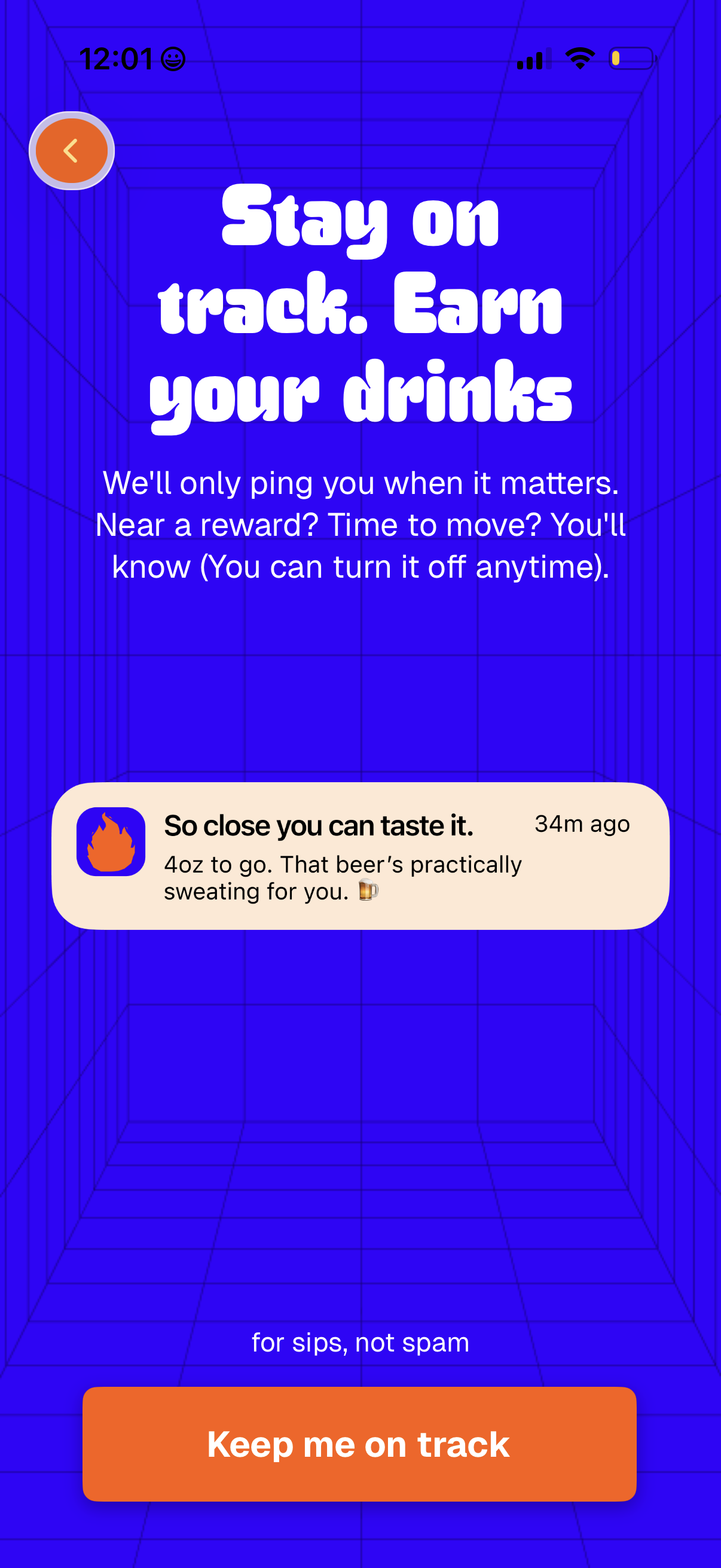
Burn Bar in Health & Fitness — see 27 app screens across Start free trial, Choose method, Enable notifications, and Choose drink target flows. Compare onboarding, paywall, and pricing patterns against real competitors inside Lazyweb.
Lazyweb is a blazing-fast design research library with 281k+ real app screens, user flow examples, UI patterns, and product design patterns for competitive analysis and benchmarking.
Screenshots



Company metadata
| Category | Health & Fitness |
|---|---|
| Subcategory | Alcohol tracking |
| Business model | Subscription |
| Product archetype | Consumer |
| Public company | No |
| Market leader | Unknown |
| Website | https://burnbar.app |
| App Store | https://apps.apple.com/us/app/burnbar-earn-drinks/id6748422916 |
| https://www.instagram.com/burnbarapp |
App Store description
BurnBar is a drink tracker for people who want to drink smarter, not quit altogether. Instead of cutting things out or feeling guilty, BurnBar helps you earn your drinks through movement. Walk, run, work out, every bit of activity counts. No pressure. No extremes. Just better balance. How BurnBar works • Track your activity with Apple Health • Choose your drink — beer, wine, cocktails, and more • Move your body and burn calories • See what you’ve earned and enjoy it intentionally BurnBar follows a simple rule: burn two times more than you drink, and you’ve earned it. It’s not about restriction. It’s about timing. Why people use BurnBar • To drink less without quitting • To be more aware of their habits • To enjoy drinks without the next-day drag • To turn movement into motivation Whether you’re cutting back, tracking drinks, or just trying to find a healthier rhythm, BurnBar helps you reward yourself — without being extreme. Designed for real life • Simple, clear goals • No ads • Flexible for different activity levels • Cancel anytime BurnBar isn’t a sobriety app. It’s a smarter way to enjoy drinking — one earned drink at a time. Subscription Information • Full Bar Monthly – $4.99/month – Access to all drinks and bars • Full Bar Yearly – $29.99/year – Access to all drinks and bars Payment & Renewal Payment will be charged to your Apple ID account at confirmation of purchase. Subscriptions automatically renew unless canceled at least 24 hours before the end of the current period. You can manage and cancel your subscriptions in your App Store account settings after purchase. Terms & Privacy Terms of Use: https://www.apple.com/legal/internet-services/itunes/dev/stdeula/ Privacy Policy: https://burnbar.app/privacy