
Explore up to date signup, login, search, profile, and dashboard flows from Blink and more on Lazyweb.
Blink in Navigation — see 13 app screens across signup, login, search, profile, and dashboard flows. Compare onboarding, paywall, and pricing patterns against real competitors inside Lazyweb.
Lazyweb is a blazing-fast design research library with 281k+ real app screens, user flow examples, UI patterns, and product design patterns for competitive analysis and benchmarking.
Screenshots


Company metadata
| Category | Navigation |
|---|---|
| Subcategory | EV Charging Networks |
| Tagline | Blink Powers Wherever Life Takes You With EV Charging Stations. Charging more than electric vehicles, Blink is electrifying imaginations with innovative EV charging solutions. |
| Business model | Marketplace / Transaction Fees, Subscription |
| Product archetype | Social, 2-sided Marketplace, Enterprise |
| Growth engine | Marketplace liquidity, Paid performance marketing, PR |
| Revenue (2024) | $126,197,000 |
| Active users | 600,000 |
| Money raised | $254,000,250 |
| Public company | Yes |
| Market leader | No |
| Website | https://blinkcharging.com |
| App Store | https://apps.apple.com/us/app/blink-charging-mobile-app/id1612678852 |
| X / Twitter | https://x.com/BlinkCharging |
| https://www.instagram.com/blinkcharging/ | |
| https://www.linkedin.com/company/blinkcharging | |
| Crunchbase | https://www.crunchbase.com/organization/blink-charging-co |
App Store description
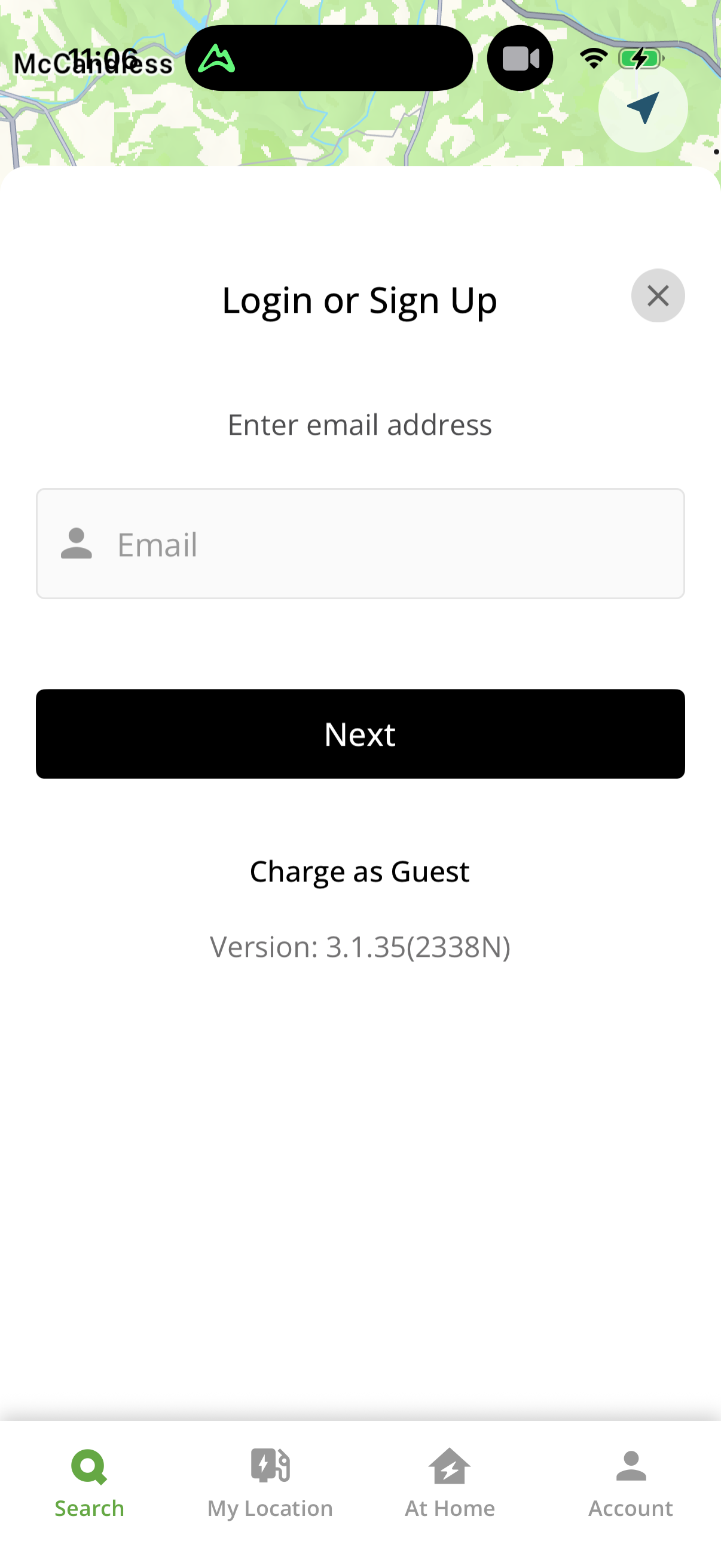
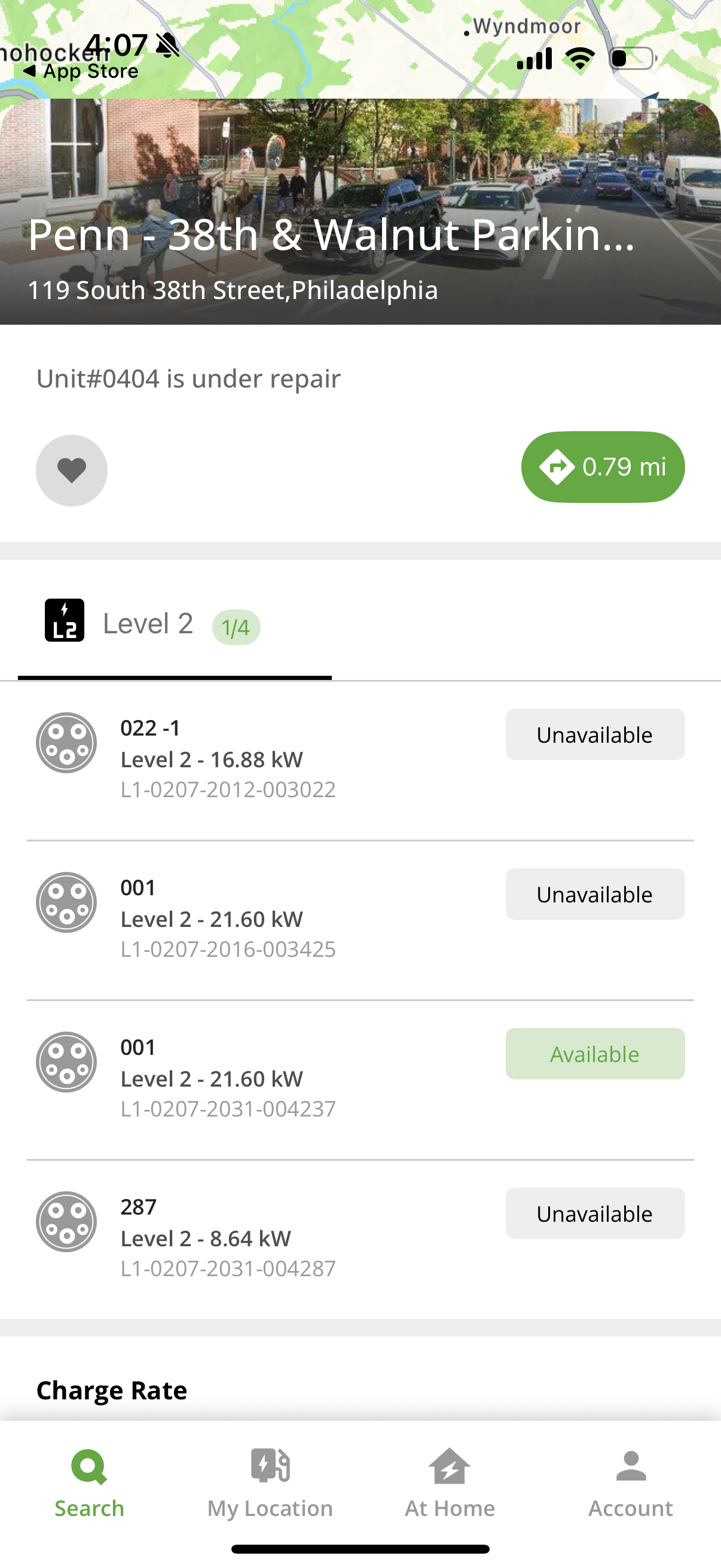
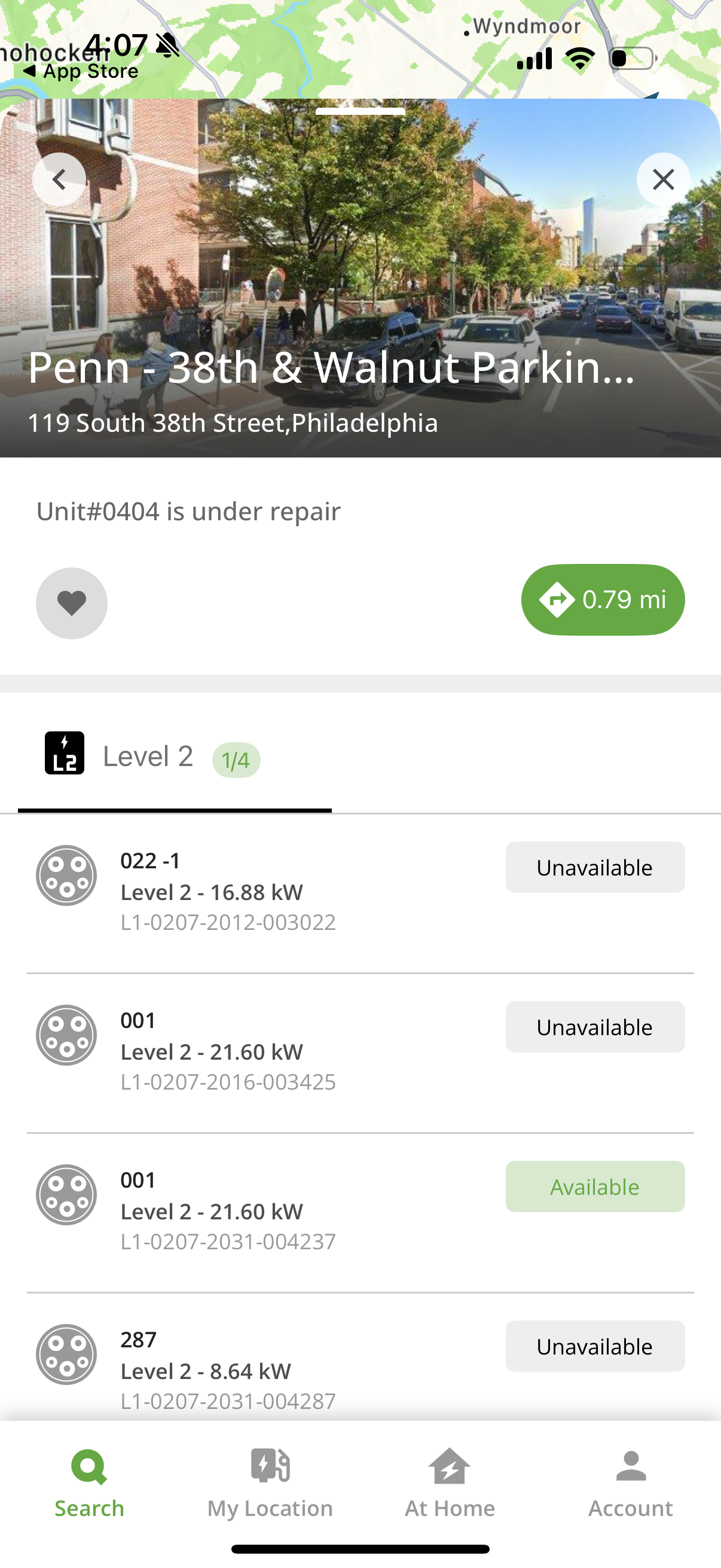
The Blink Charging mobile app was created with you in mind. We are making it more convenient and seamless to charge your EV. Whether you are charging at home or your favorite public charge location, your charging experience has been upgraded. LOCATE EV CHARGING STATIONS Find public electric vehicle charging stations on the Blink Charging mobile app. Search for an EV charger location by zip code, city, business name, location category, or physical address. LOCATION INFORMATION View photos of the location, locate nearby amenities, view real-time EV charging information and status, such as type of EV charging available (Level 2 or DC), EV charging status (available, busy, or unavailable), charging or parking fees, and host or property site information. FAVORITE CHARGE LOCATION Favorite frequent visited location for quick access and convenient status searches. MANAGE CHARGE SESSIONS Monitor real-time information during a charging session and view details about the charging session including occupancy time, estimated charge session cost, charging stations information, energy delivered, and current vehicle charging speed. MANAGE PAYMENT INFORMATION View transaction history, view detail charge receipt, refill your Blink account, view your account and notification settings, and choose how you receive EV charging status updates and notifications (email or text message), update payment information, and edit personal account information. RECEIVE CHARGING STATUS UPDATES Check the status of your EV charge. Set charging status notifications that provide you with updates to your EV charging session. Get notifications for all statuses including: charging, charging completed, EV unplugged, fault occurrence SETUP AND MANAGE HQ 200 Setup and manage HQ 200, Blink’s home charging station. Conveniently charge from home, track charging history, configure station setting, and manage charge session. EXPANDED NETWORK The Blink Network continues to expand! Now EV drivers can charge at SemaConnect charging stations. Existing SemaConnect drivers can use the Blink Charging mobile app to charge their EVs. SemaConnect drivers can search for available chargers on the network, charge at all public Blink and SemaConnect stations, manage active charging session, setup/manage Series 4 stations, manage charging history, manage payment wallet, and much more. Social Energy! Twitter: https://twitter.com/BlinkCharging Facebook: https://www.facebook.com/blinkcharging Instagram: https://www.instagram.com/blinkcharging/ LinkedIn: https://www.linkedin.com/company/blinkcharging Have a question? Contact us at https://blinkcharging.com/corporate/contact/