Explore up to date booking, dashboard, onboarding, settings, and paywall flows from Apple Sports and more on Lazyweb.
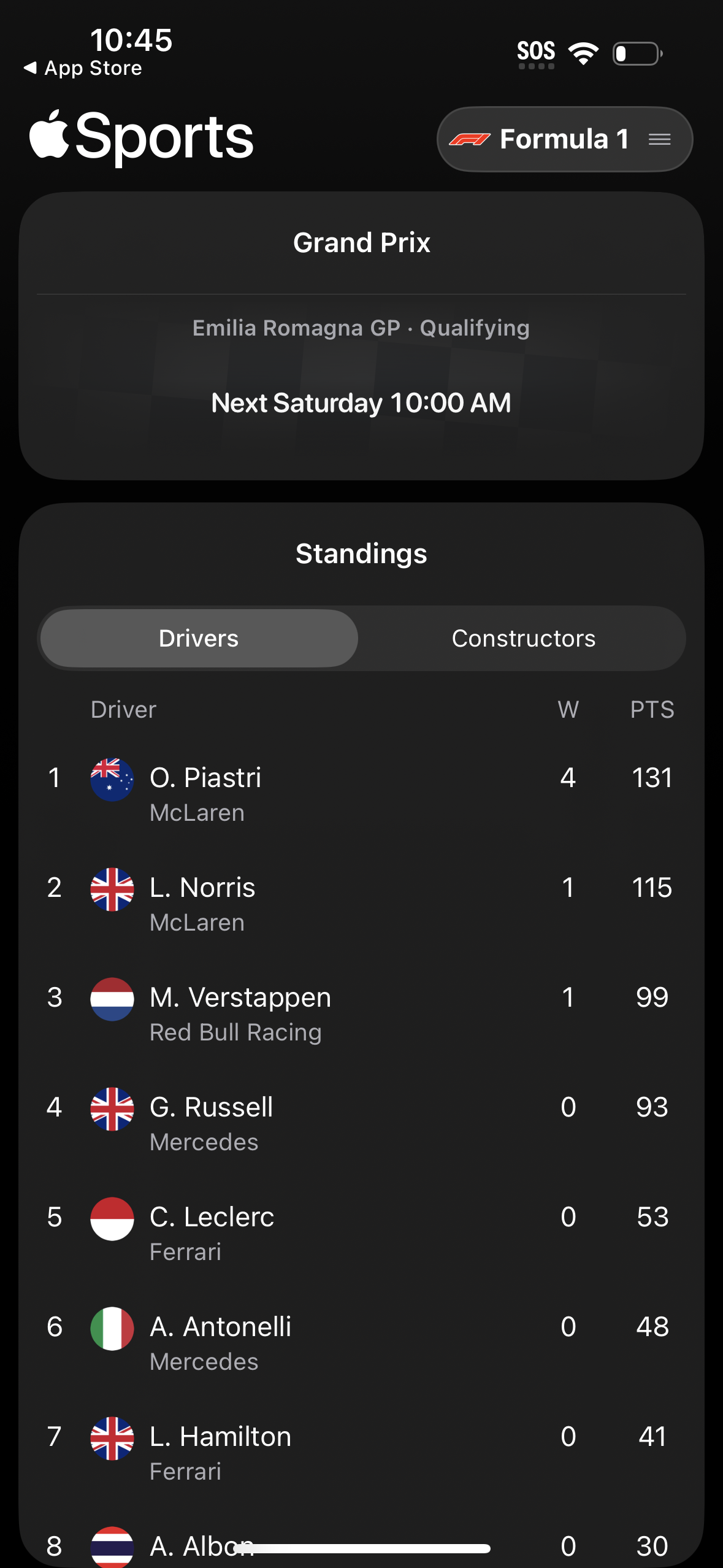
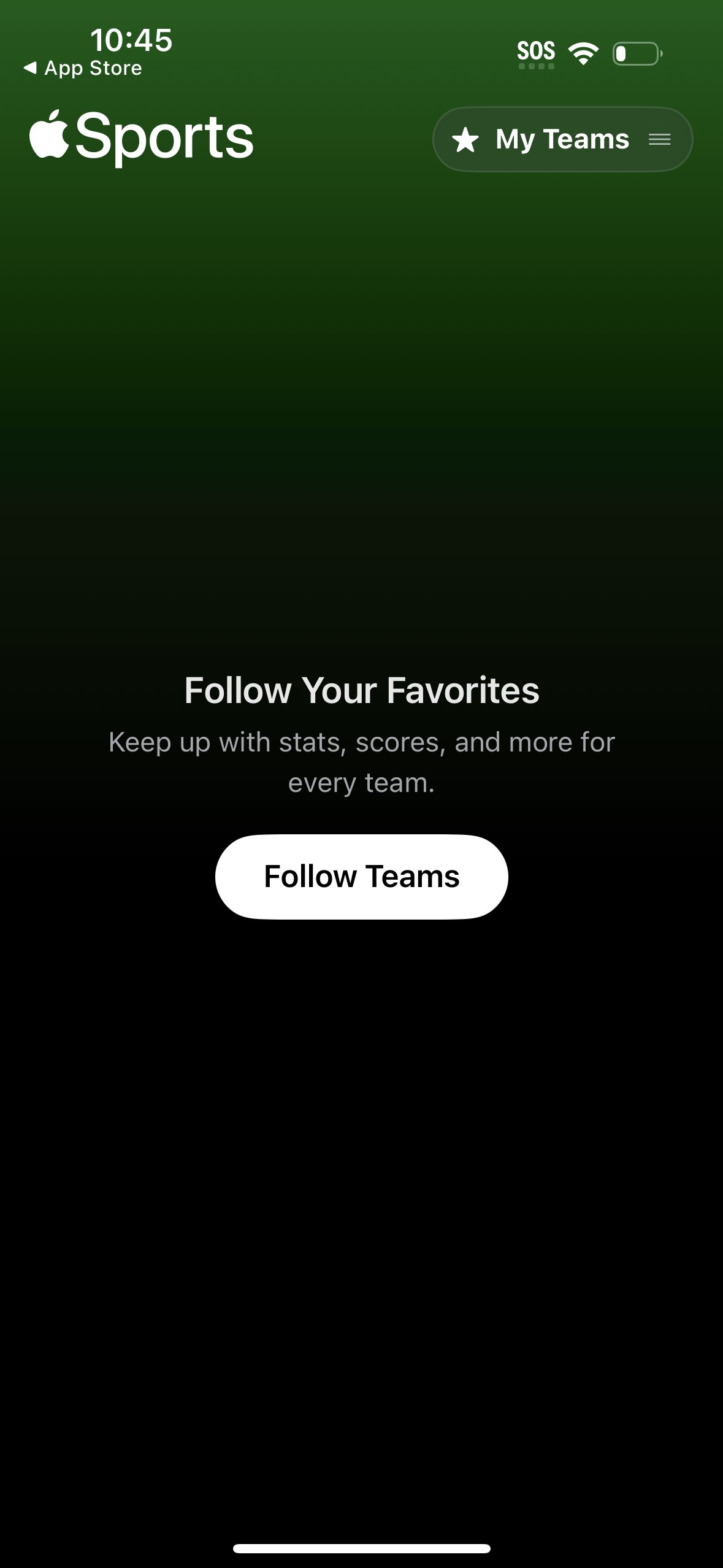
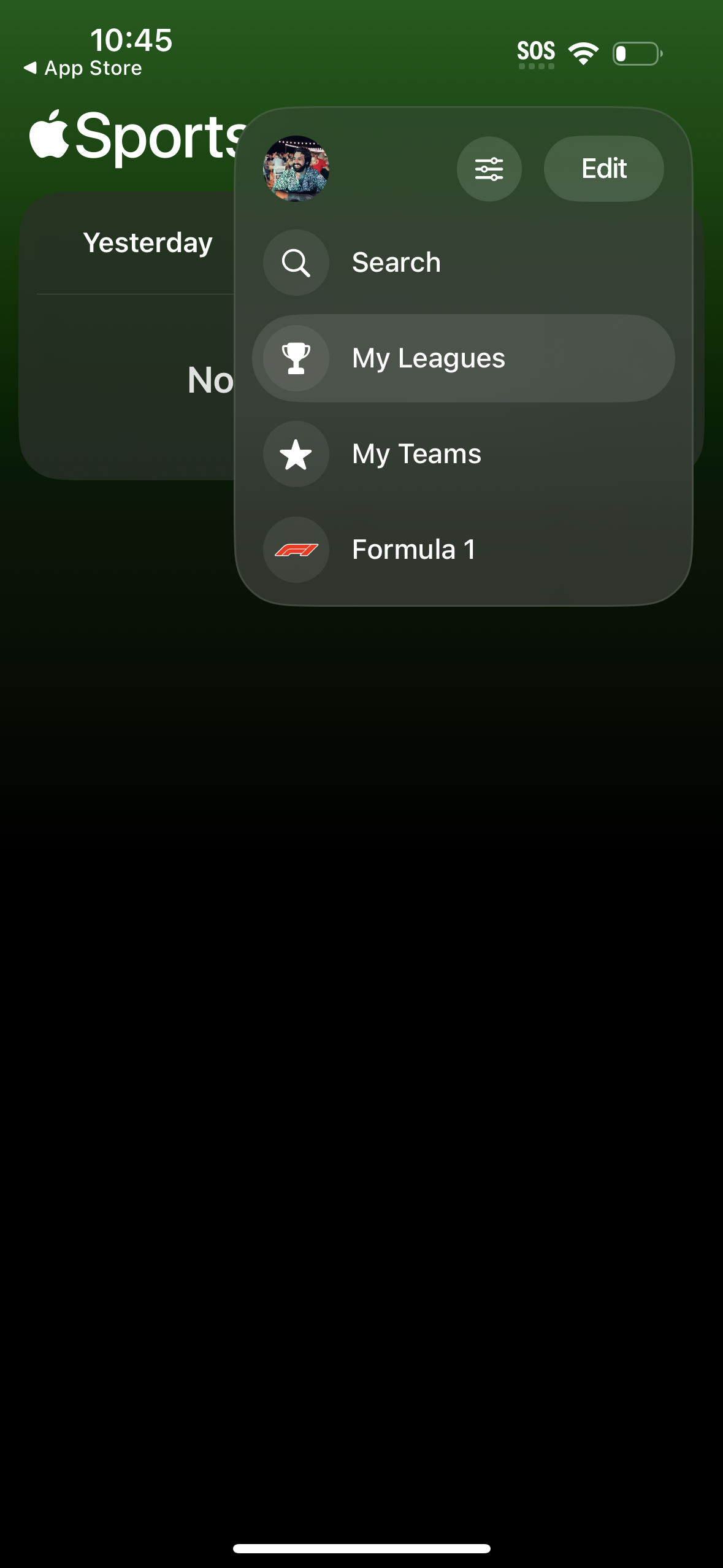
Apple Sports in Sports — see 10 app screens across Onboarding flows. Compare onboarding, paywall, and pricing patterns against real competitors inside Lazyweb.
Lazyweb is a blazing-fast design research library with 281k+ real app screens, user flow examples, UI patterns, and product design patterns for competitive analysis and benchmarking.
Screenshots


Company metadata
| Category | Sports |
|---|---|
| Subcategory | Sports Scores & Leagues |
| Tagline | The free app for iPhone delivers real‑time scores, stats, and more, all designed for speed and simplicity. |
| Business model | Subscription |
| Product archetype | Prosumer |
| Growth engine | Network effects (social graph), Word of mouth |
| Revenue (2024) | $0 |
| Money raised | $101,450,000 |
| Public company | No |
| Market leader | Unknown |
| Website | https://www.apple.com/newsroom/2024/02/introducing-apple-sports-a-new-app-for-sports-fans |
| App Store | https://apps.apple.com/us/app/apple-sports/id6446788829 |
| X / Twitter | https://x.com/Apple |
| https://www.instagram.com/apple/ | |
| https://www.linkedin.com/company/apple | |
| TikTok | https://www.tiktok.com/@apple?lang=en |
| Crunchbase | https://www.crunchbase.com/organization/apple |
App Store description
Your real-time scores and stats app, fast and simple. • As fast as a sports app can be. Get updates in real time with Live Activities on your Lock Screen or on game pages with odds, box scores, play‑by‑play, and more. • Follow teams, leagues, divisions, and tournaments, and personalize your home view in the app. • Add a widget to your Home Screen to get quick access to scores and upcoming schedules. • The best place to be a fan. Watch live games on Apple TV or catch up on breaking stories with Apple News when you sync your sports. • Includes Bundesliga, Bundesliga 2, Champions League, Conference League, EFL Championship, EFL Cup, Europa League, F1, FA Cup, FBS and FCS NCAA College Football, LaLiga, Leagues Cup, LIGA MX, Ligue 1, Ligue 2, Men’s College Basketball, Men’s Tennis, MLB, MLS, NASCAR, NBA, NFL, NHL, NWSL, Primeira Liga, Premier League, Segunda División, Serie A, Serie B, WNBA, Women’s Champions League, Women’s College Basketball, and Women’s Tennis. Requirements: • Availability and features may vary by country, region or device. • Apple Sports is free to use and is available for all iPhone models running iOS 17.2 or later. • Features require internet access over a Wi‑Fi or cellular data connection.