manage security and privacy
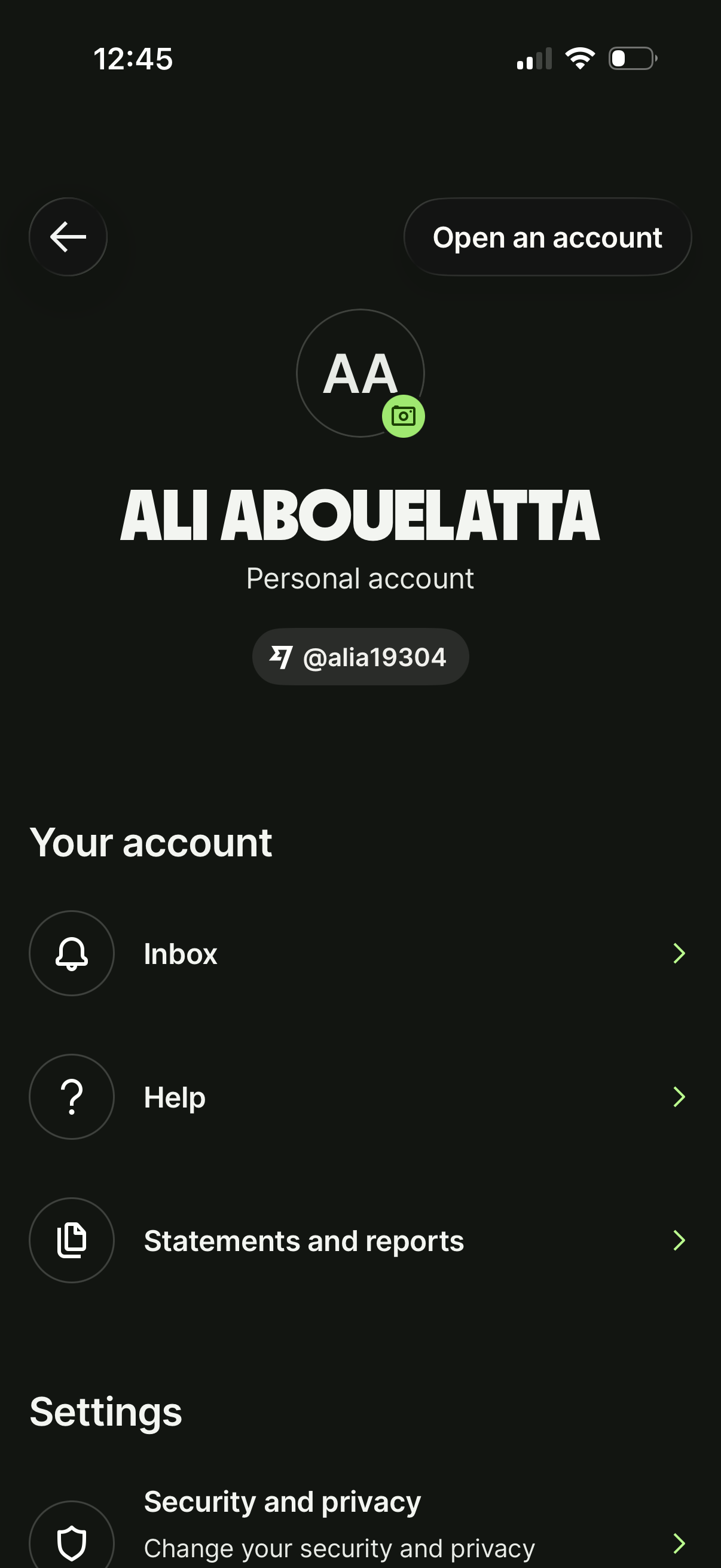
Account profile and settings screen for a finance app showing user avatar, account type, and username handle, with a primary action to open an account. Provides navigation to inbox, help, statements and reports, and security/privacy settings.
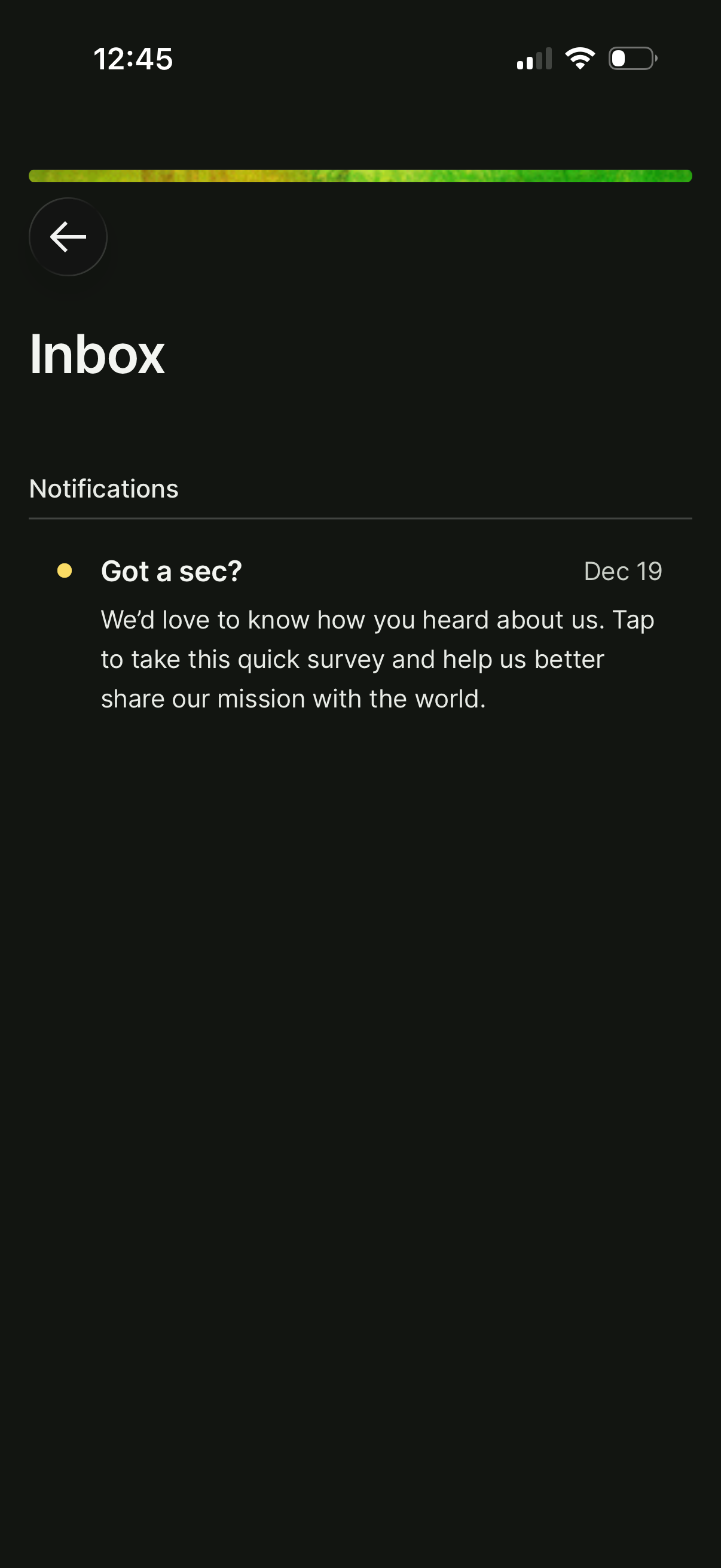
Mobile app inbox screen showing a Notifications list with a single message item marked as unread and dated, prompting the user to tap and complete a quick survey. Includes a back navigation arrow and a simple, minimal list layout for viewing notification messages.
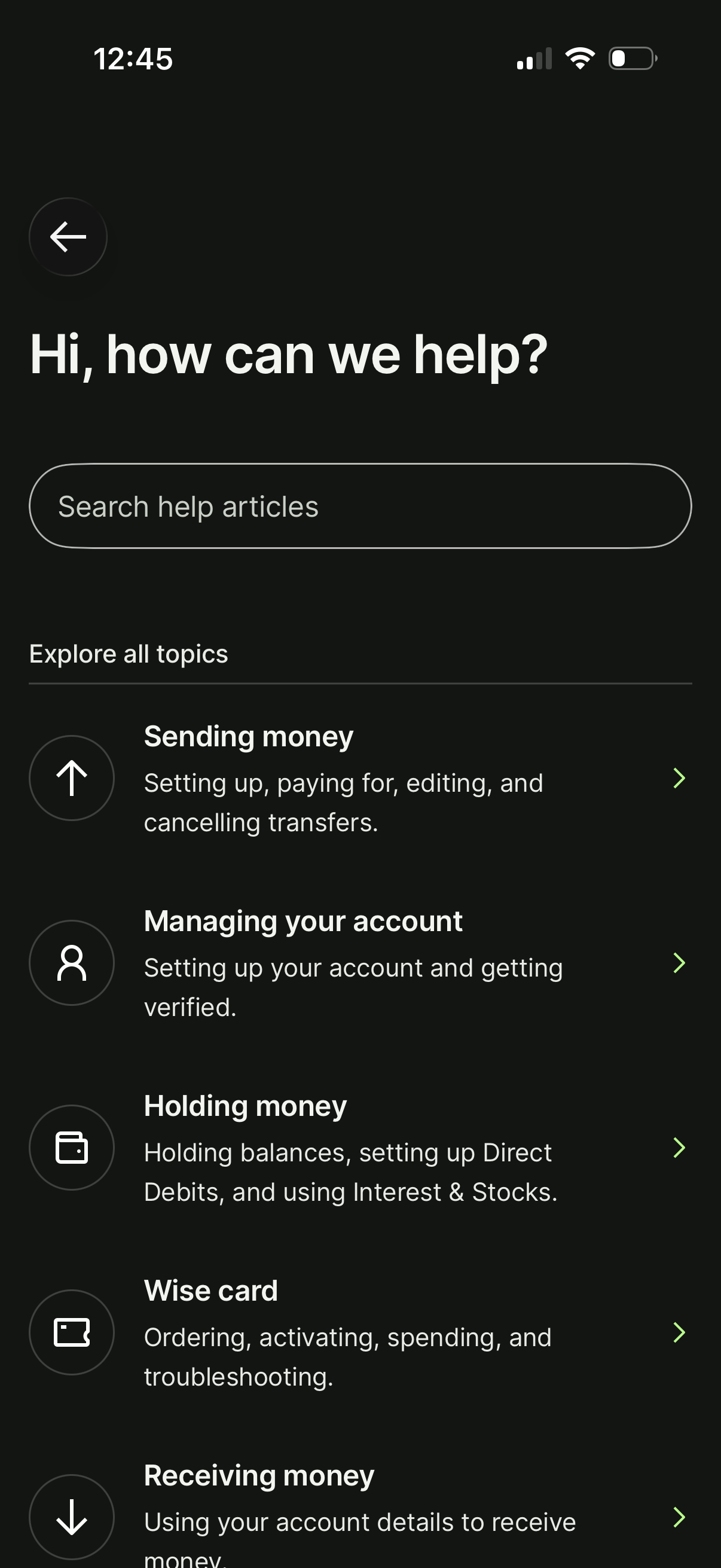
Help center support screen with a search bar to find help articles and a list of browseable support topics. Users can explore categories like sending money, managing the account and verification, holding money and balances, card ordering/troubleshooting, and receiving money.

A minimal finance settings page titled “Statements and reports” with a back arrow for navigation, serving as the entry point to view or download account statements and financial reports. The screen is largely empty aside from the header, indicating a section hub/loading state for document access.
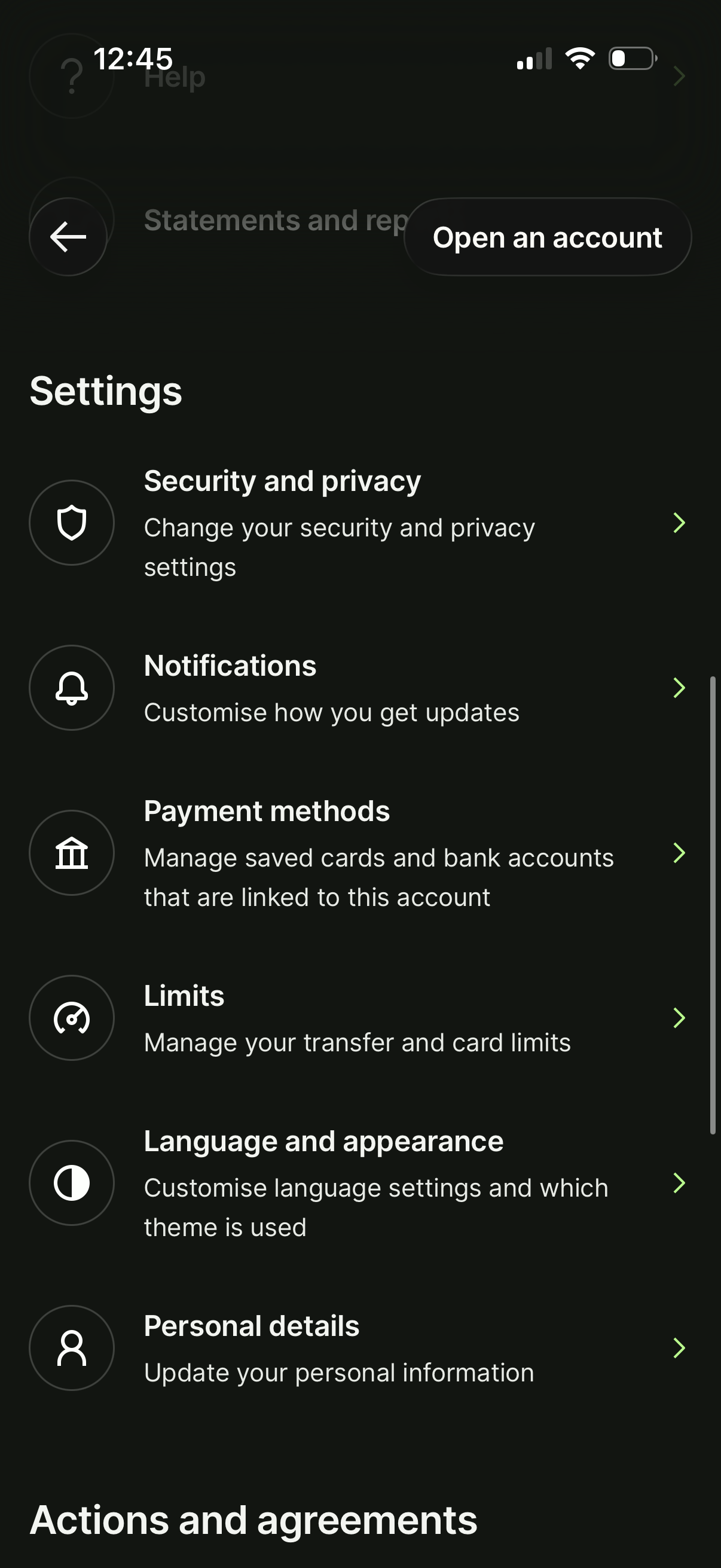
Banking app settings screen listing account management options such as security and privacy, notification preferences, payment methods, transfer/card limits, language and appearance (theme), and personal details. Includes back navigation and a prominent “Open an account” call-to-action button.