1
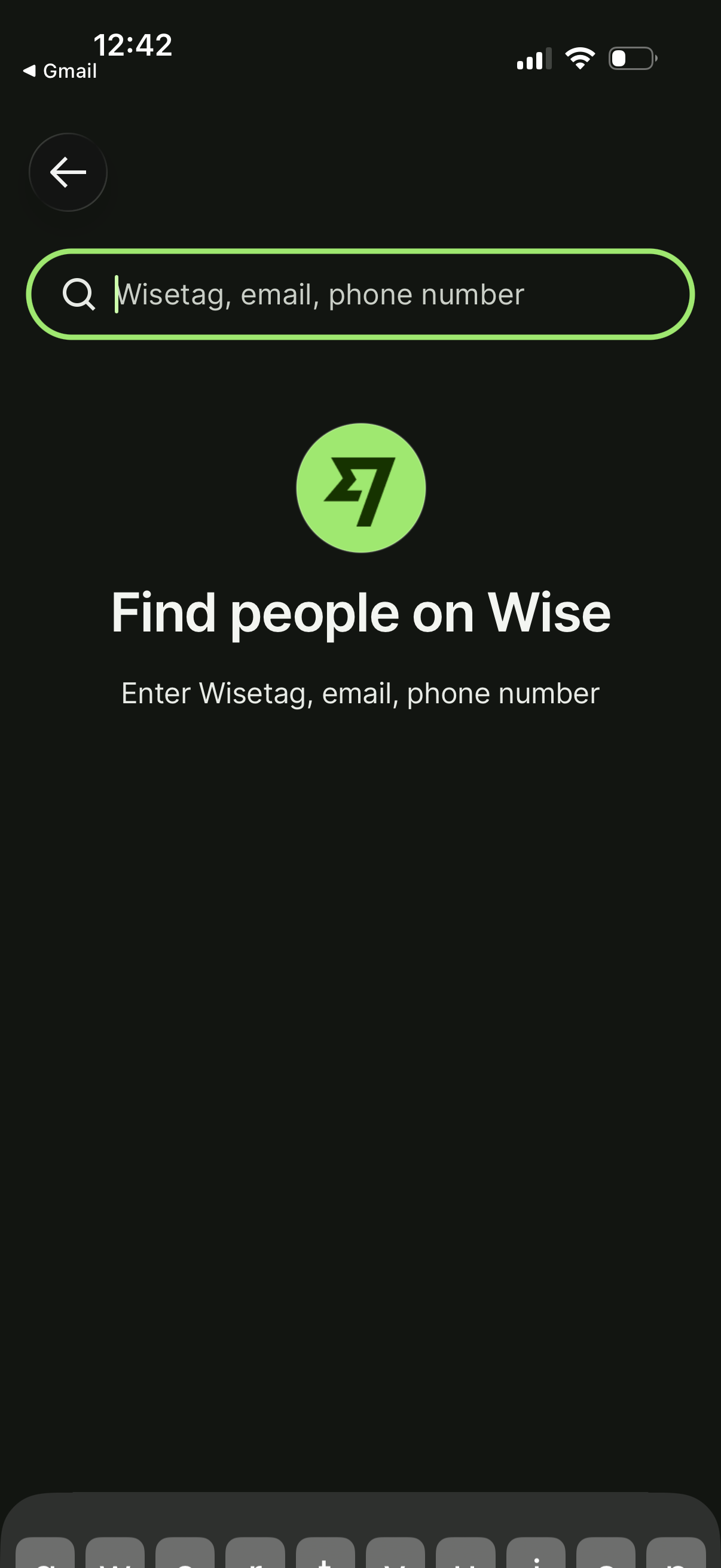
People search screen in the Wise app with a search field to find users by Wisetag, email address, or phone number, including a back button for navigation. Users can type an identifier to look up and connect or send money to someone.
2
In-app search screen with a prominent search bar for typing a query, including back navigation and a clear-text (X) button. The keyboard is open with a search/submit action to run the search.
3
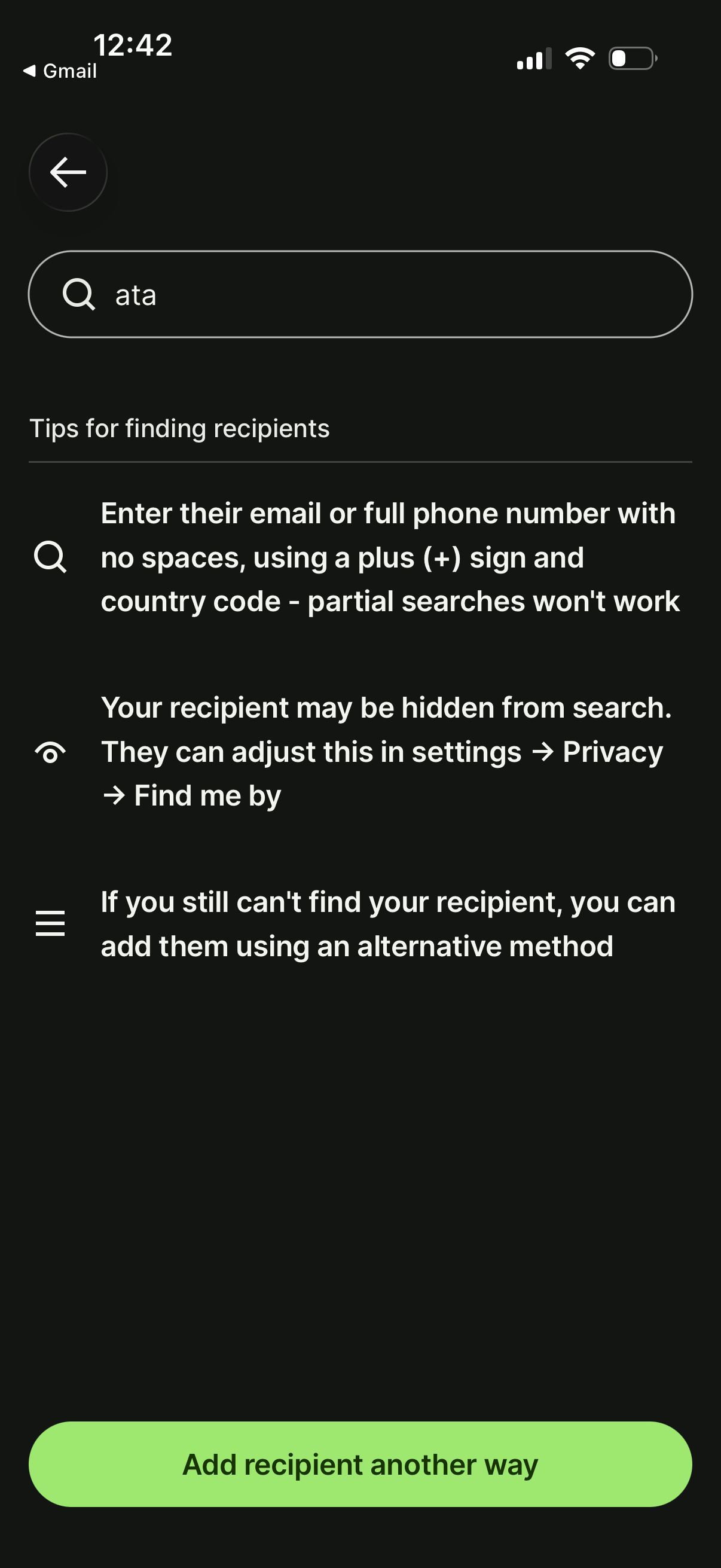
Recipient search screen for adding a payment/contact, with a search bar to find someone by entering their full email address or complete phone number including + country code. Includes tips about recipients being hidden due to privacy settings and a primary CTA button to “Add recipient another way” if search fails.