1

Biometric security onboarding screen prompting users to enable Face ID for quick, secure login, app unlocking, and transaction approval. Provides primary CTA to set up Face ID, an alternative to set a passcode, and a close/dismiss button.
2
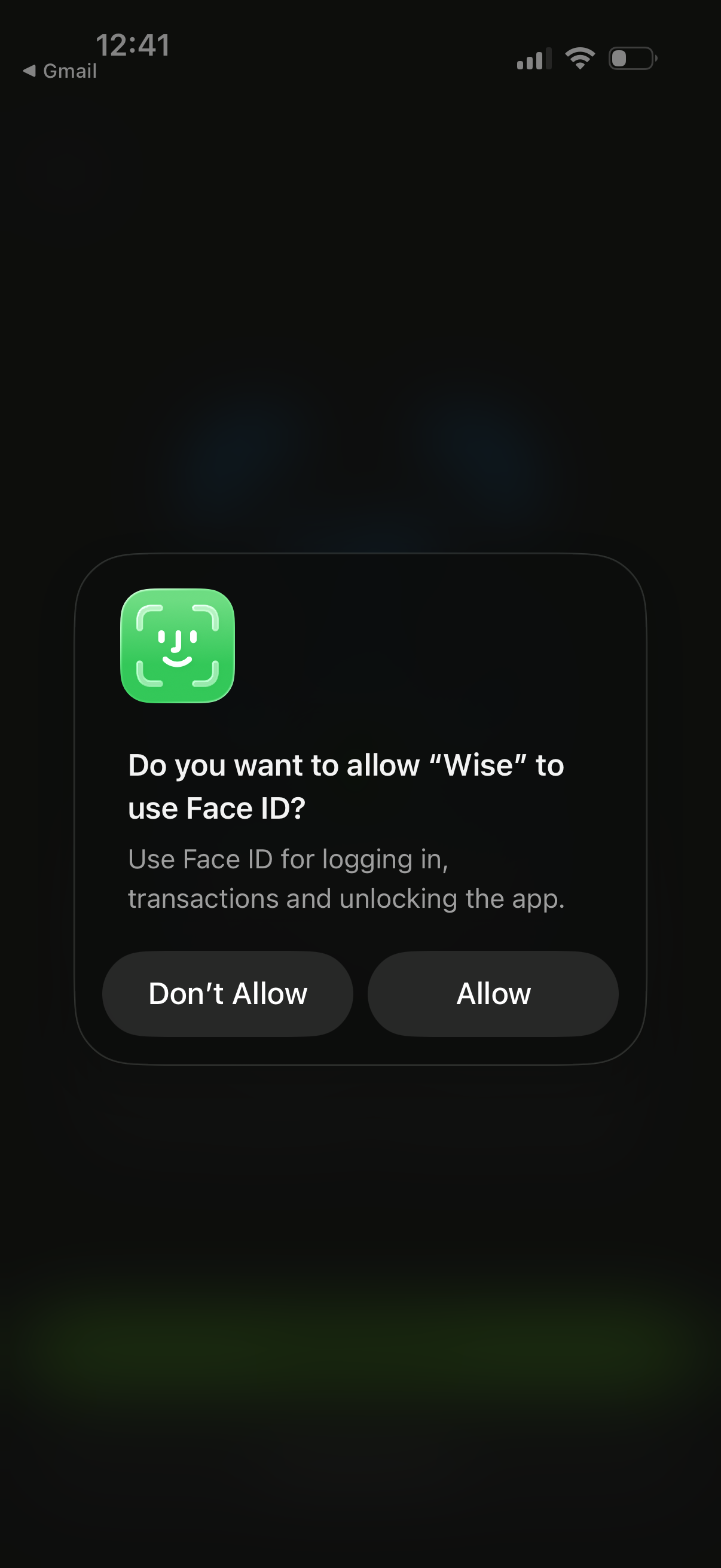
iOS system permission modal asking to allow the app to use Face ID for authentication, including logging in, approving transactions, and unlocking the app, with primary actions “Allow” and “Don’t Allow.
3
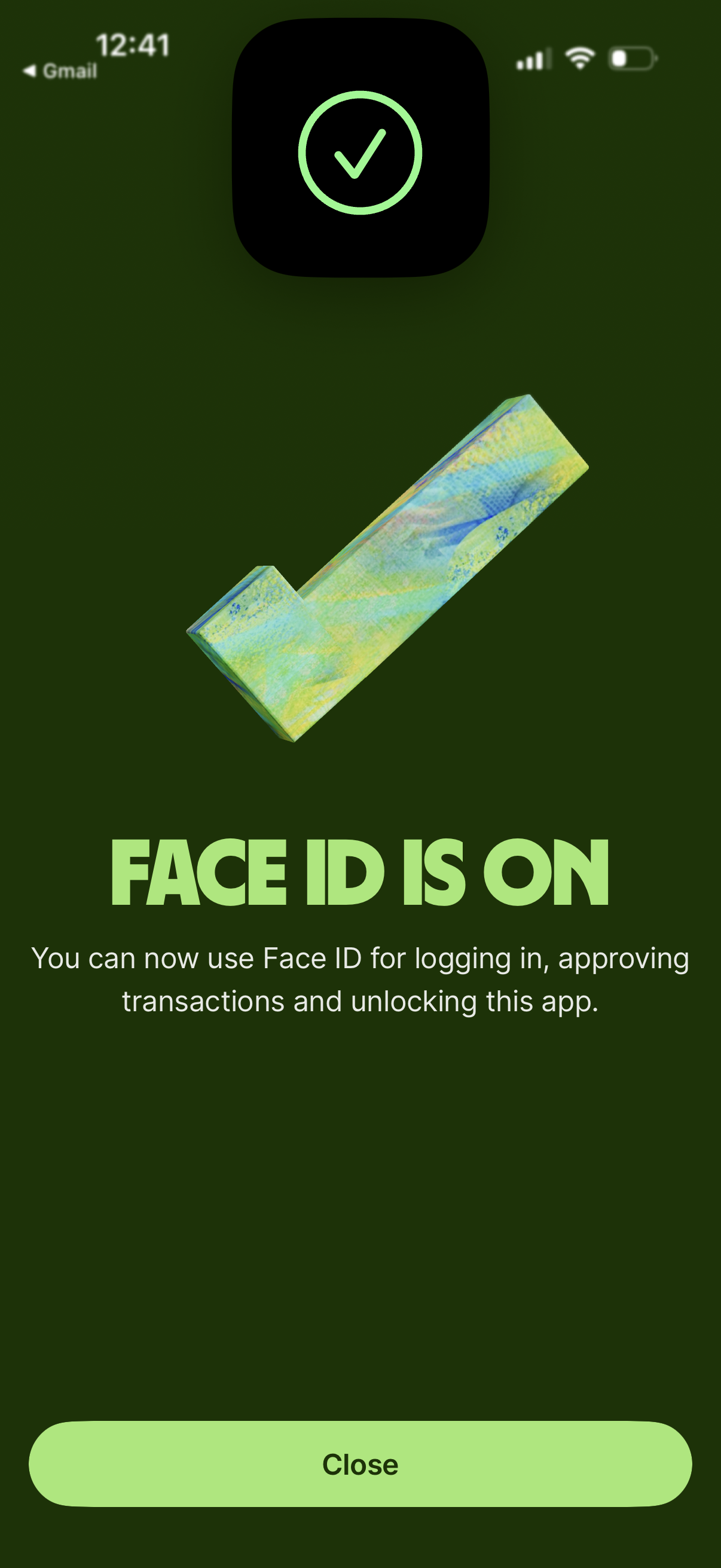
Confirmation success screen indicating Face ID biometric authentication has been enabled for logging in, approving transactions, and unlocking the app. Includes a large checkmark graphic and a single primary action button to close/dismiss the message.