create payment link
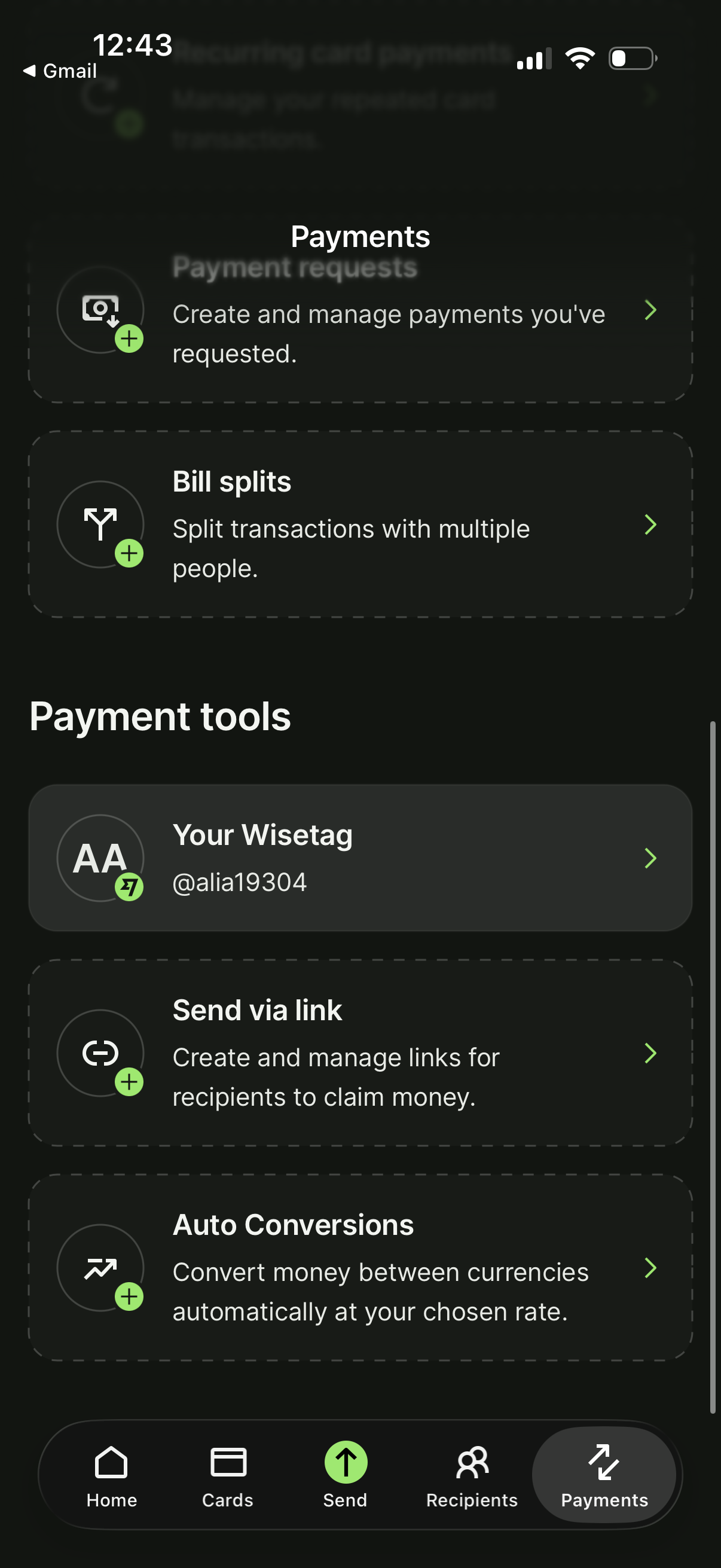
Payments hub screen in a money transfer app showing shortcuts to create/manage payment requests and bill splits, plus payment tools like viewing your payment handle (WiseTag), sending money via claim link, and setting up automatic currency conversions. Bottom navigation highlights the Payments tab for quick access to send, recipients, cards, and home.
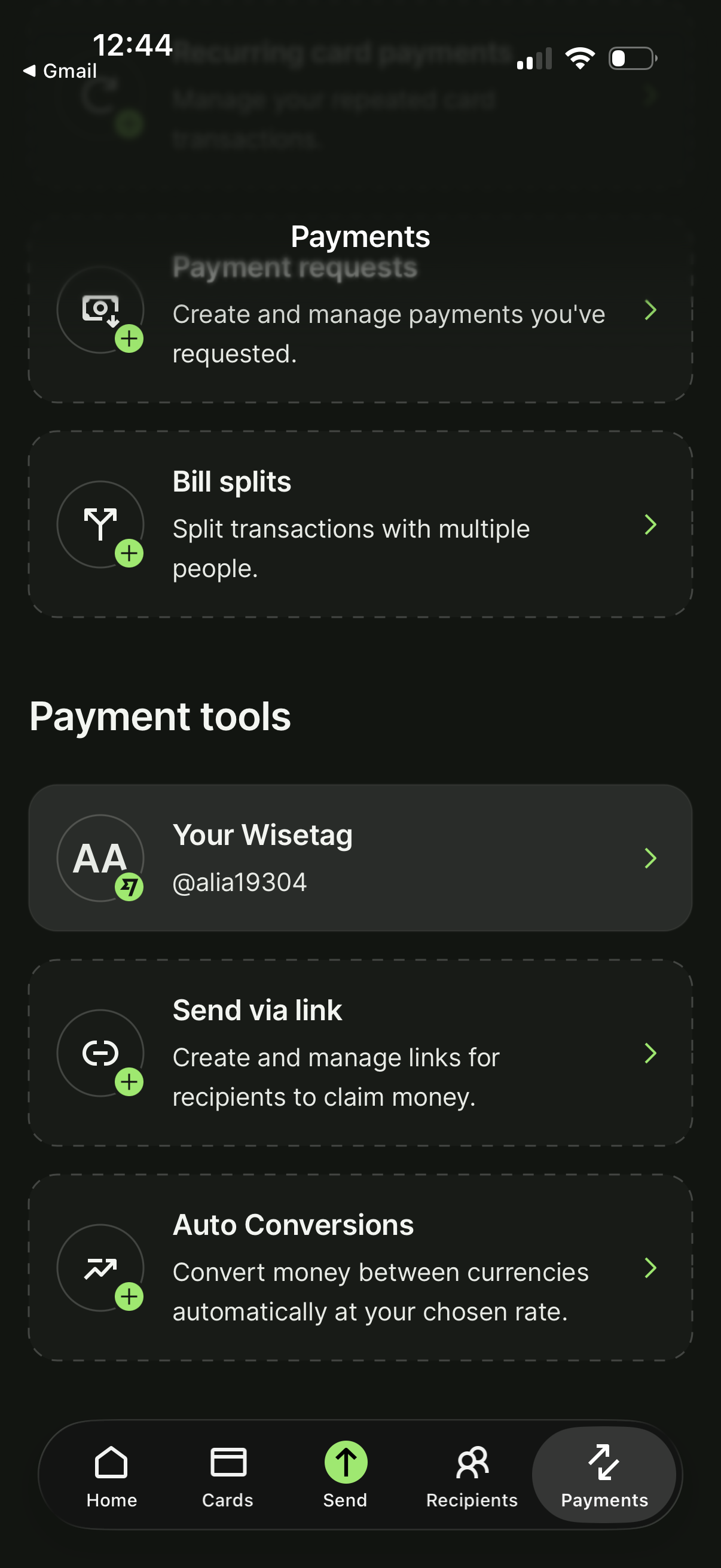
Payments hub screen in a money transfer app showing shortcuts to create and manage payment requests, split bills with multiple people, and access payment tools. Includes options to view your username tag, send money via shareable link for recipients to claim, and set up automatic currency conversions, with bottom navigation for Home, Cards, Send, Recipients, and Payments.
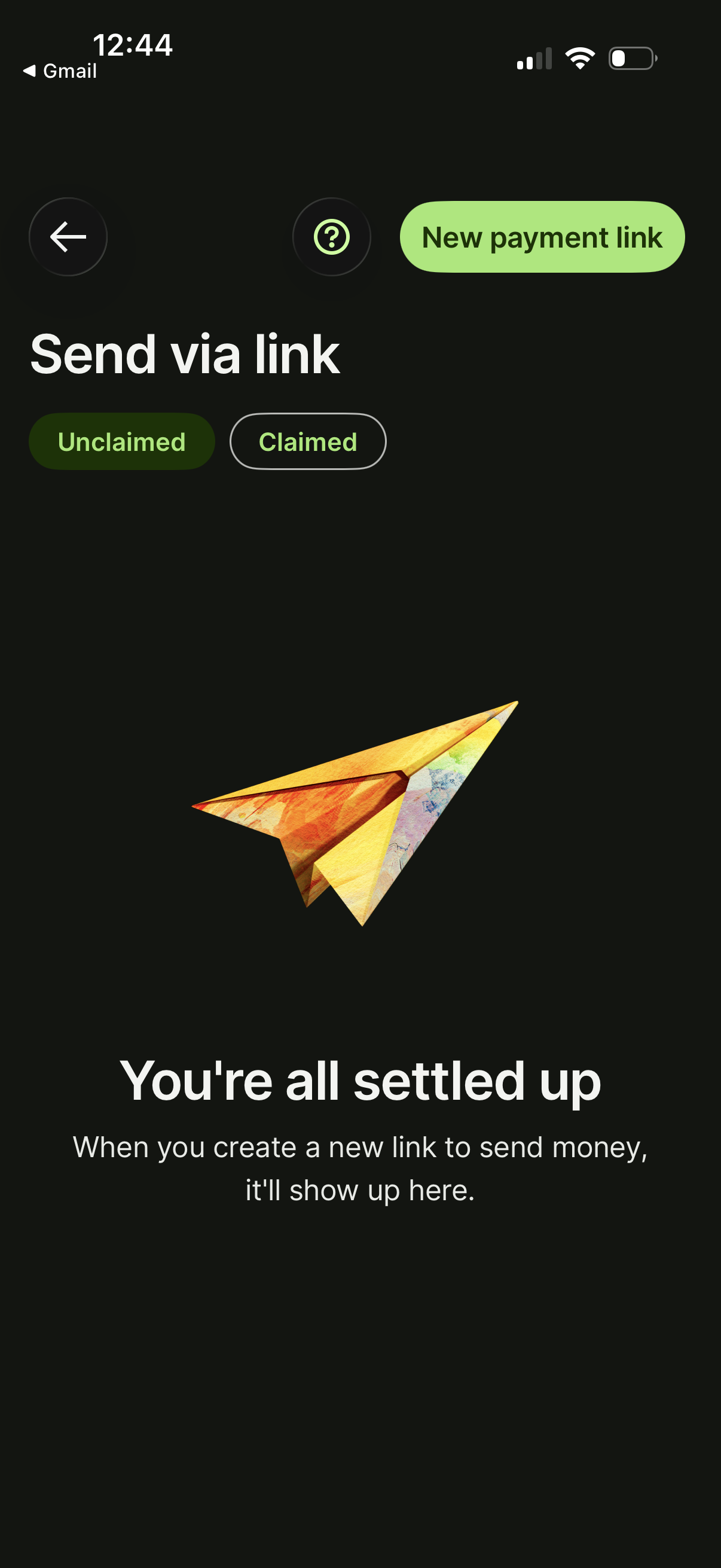
Money transfer “Send via link” screen showing an empty state for payment links, with tabs to switch between Unclaimed and Claimed links. Primary action is a “New payment link” button to create a shareable link to send money, plus back and help controls.

Minimal loading or waiting screen with a “Just a minute…” message and a progress indicator, showing the app is processing or setting up. Includes a prominent close (X) button to cancel and exit the flow.
Minimal loading/progress screen showing a “Almost there…” message while a task is completing, with a top progress indicator and an X button to cancel/close the flow.
Dark full-screen loading/progress state with the message “We’re on it…” indicating a task is being processed, and a prominent close (X) button to cancel or exit while waiting. The screen is minimal with a top progress indicator bar and no other content or actions.
Loading/interstitial wait screen with a progress indicator and “Just a minute…” message while content or a process is being prepared. Includes a prominent close (X) button to cancel or exit the flow.