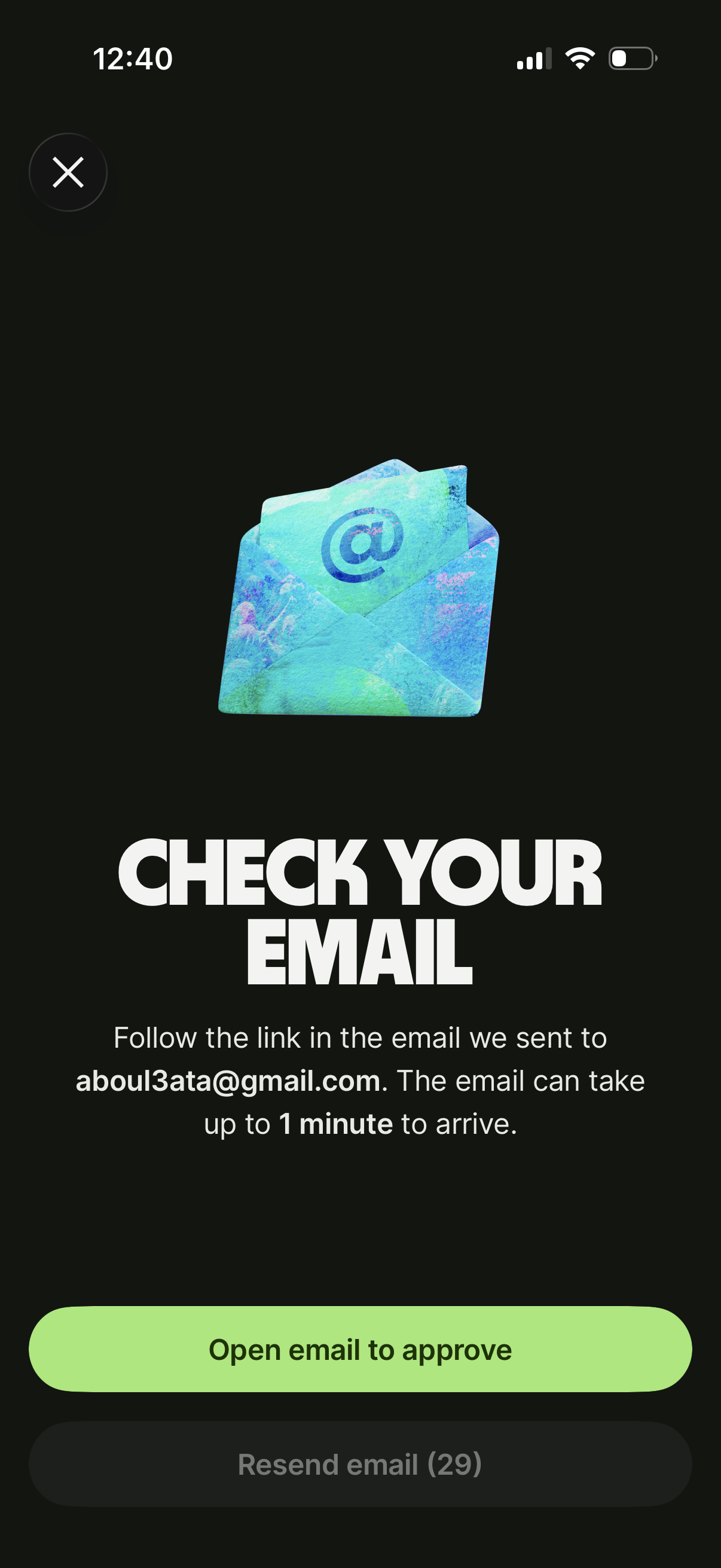
Email verification prompt screen telling the user to check their inbox and follow an approval link, including a primary button to open the email app. Provides resend email action with a countdown timer and a close (X) to exit.
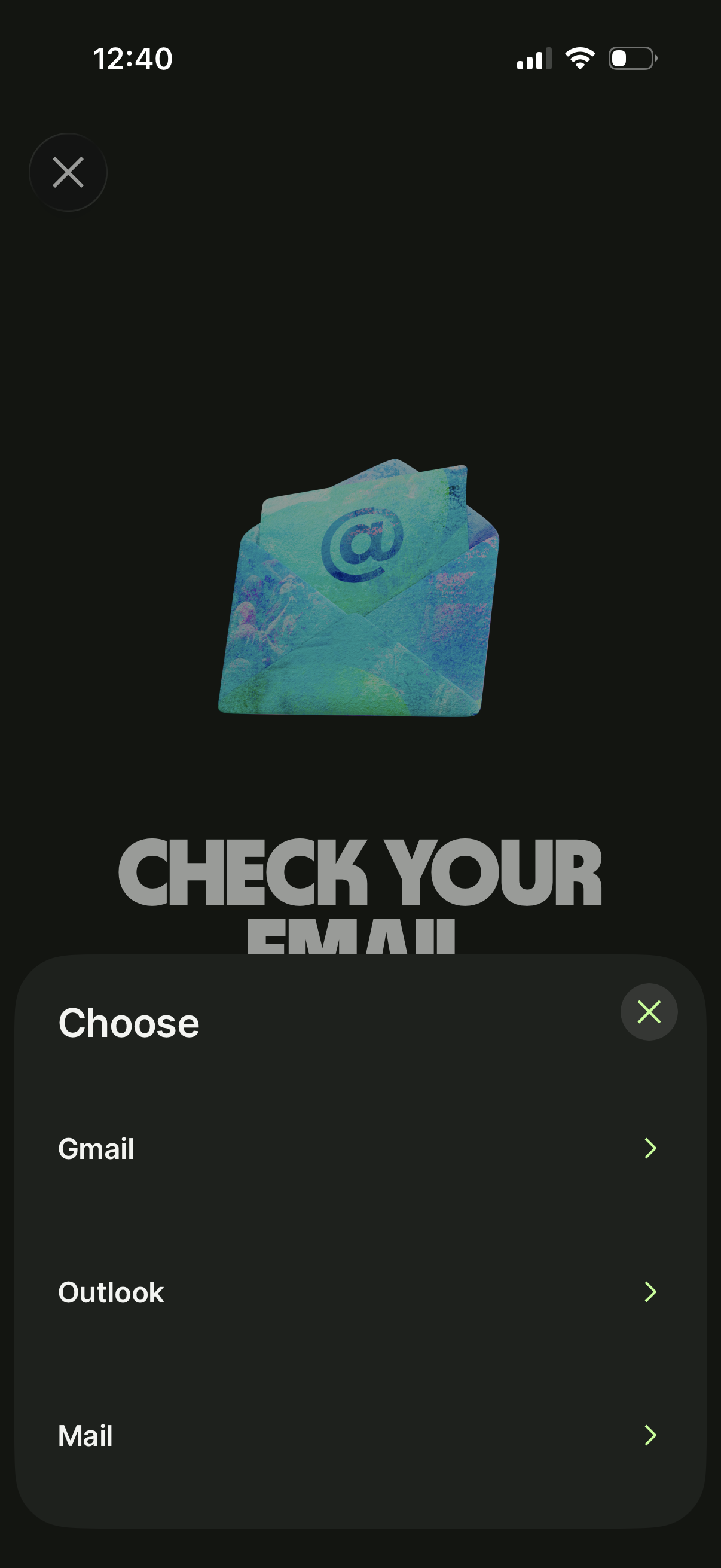
Email verification prompt screen instructing the user to “Check your email,” with a bottom sheet that lets them choose which email app to open (Gmail, Outlook, or Mail). Includes close/dismiss actions for both the page and the picker modal.
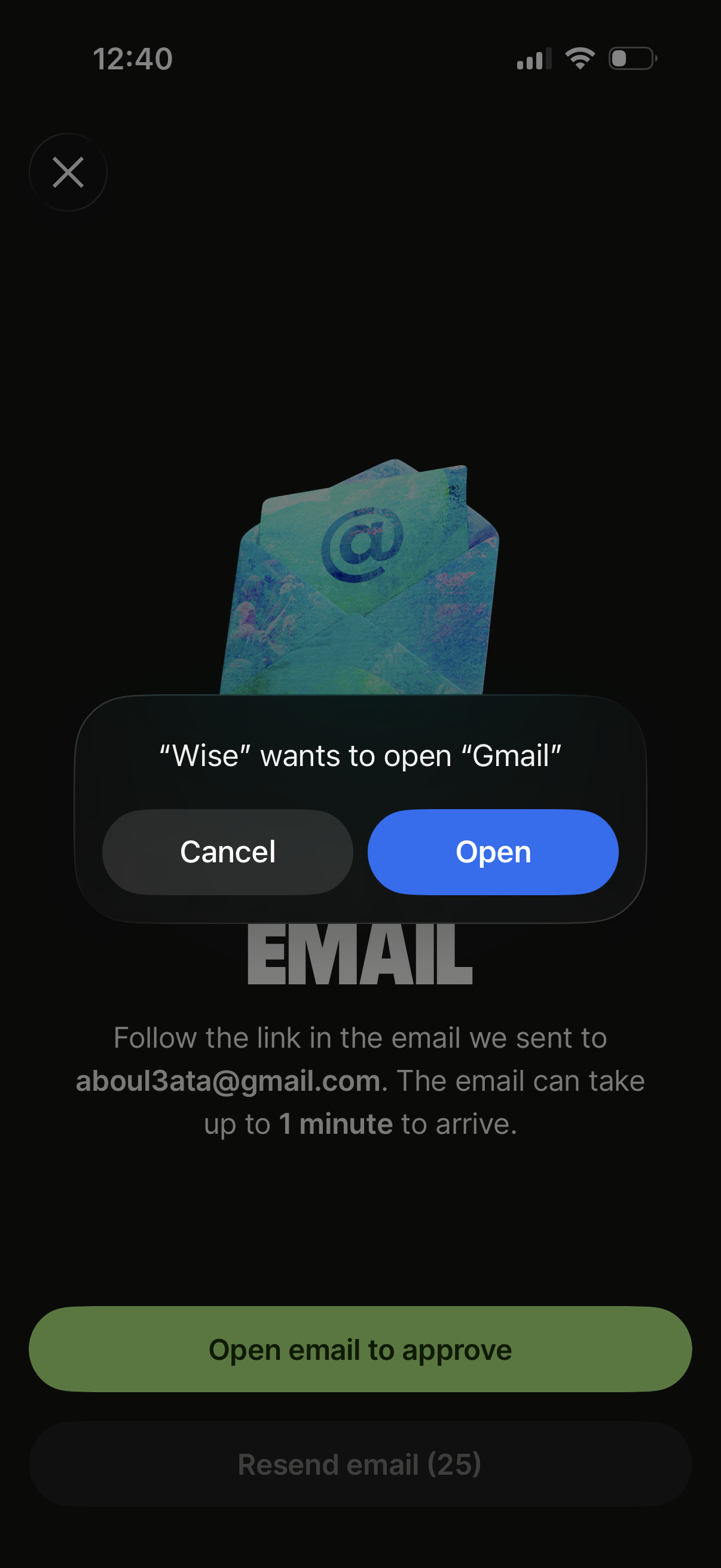
Email verification screen prompting the user to open their email app to approve a sign-in or account action, with instructions about the confirmation link and expected delivery time. Includes a primary “Open email to approve” CTA, a disabled countdown-based “Resend email” option, and an iOS system modal asking permission to open the Gmail app with Cancel/Open actions.
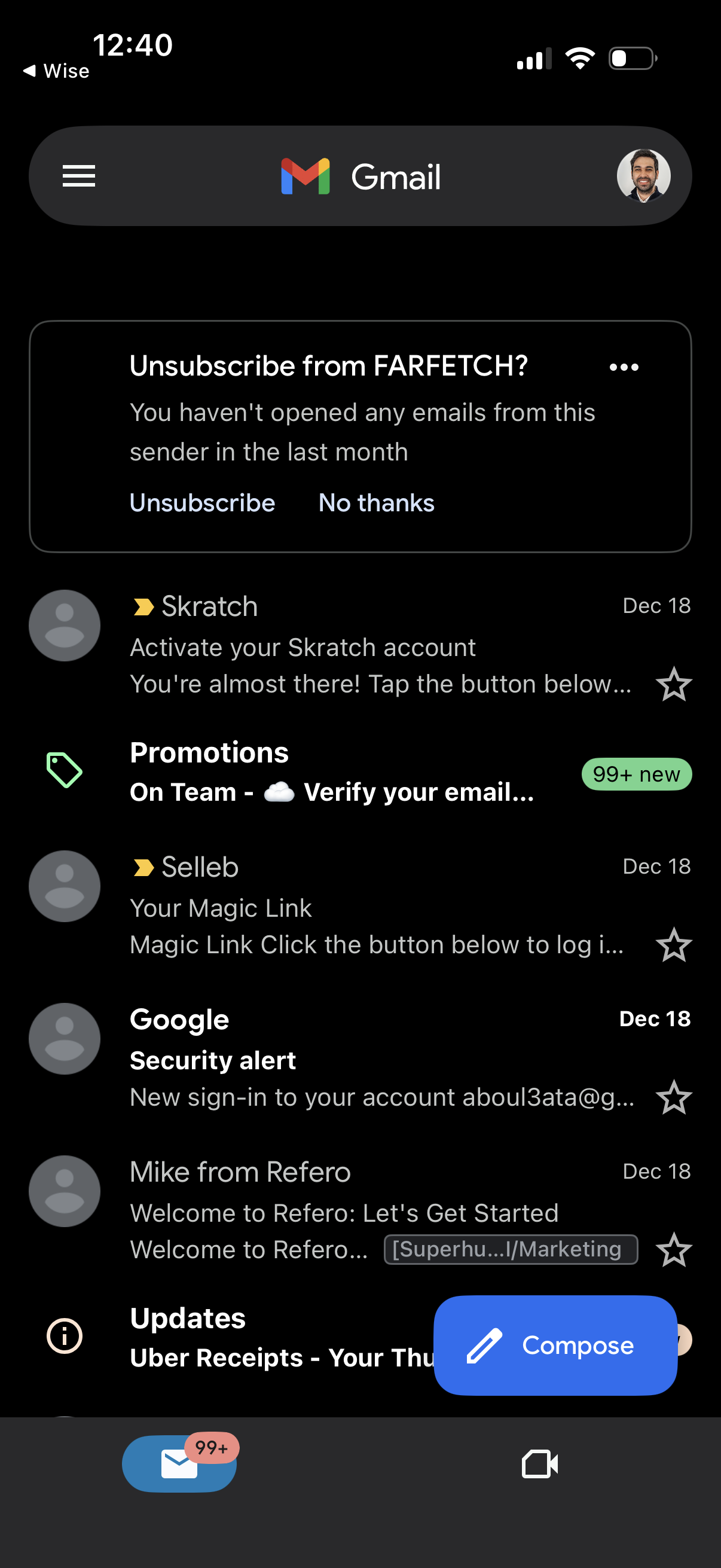
Gmail inbox list view in dark mode showing categorized emails (e. g.
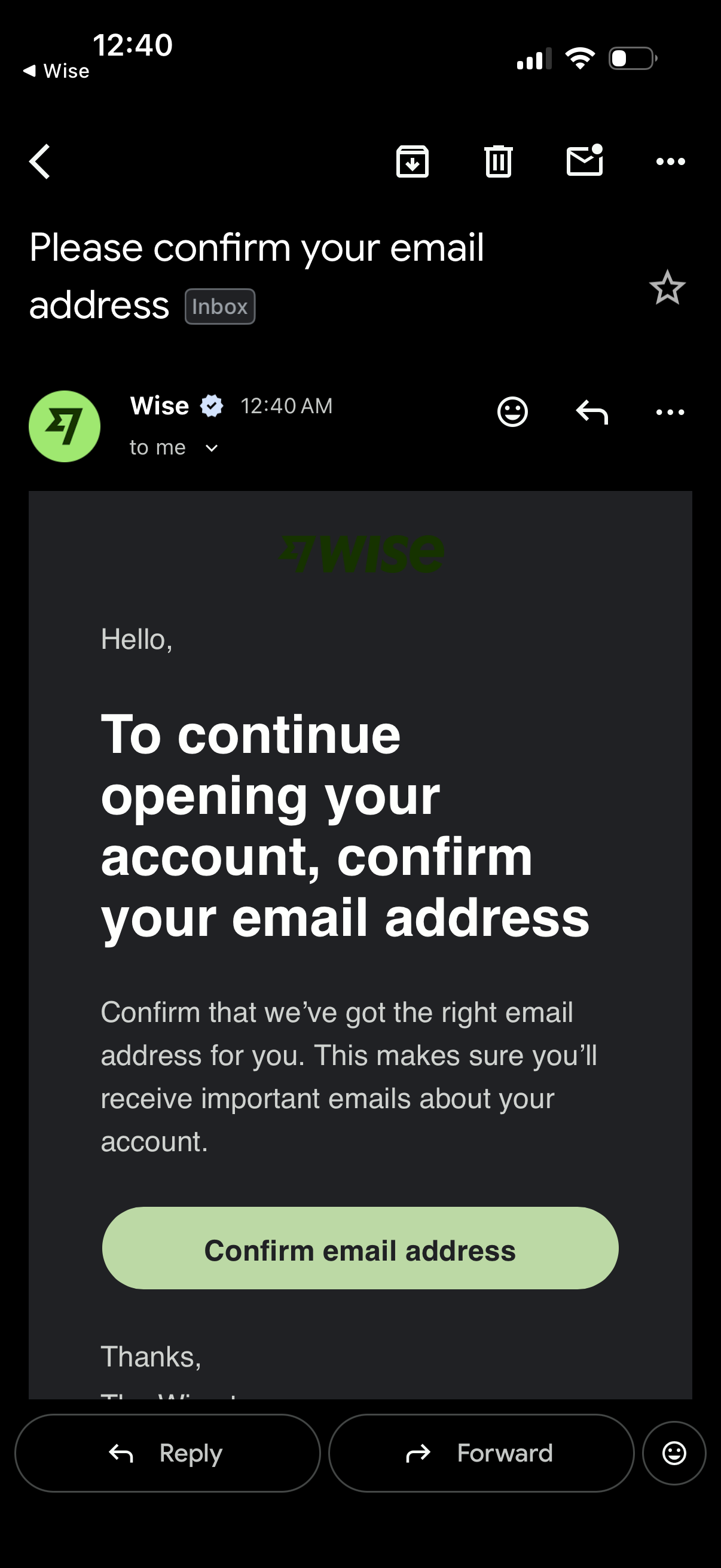
Email inbox message view showing an account signup verification email prompting the user to confirm their email address to continue opening an account, with a prominent “Confirm email address” call-to-action button and standard email actions like reply, forward, and delete.
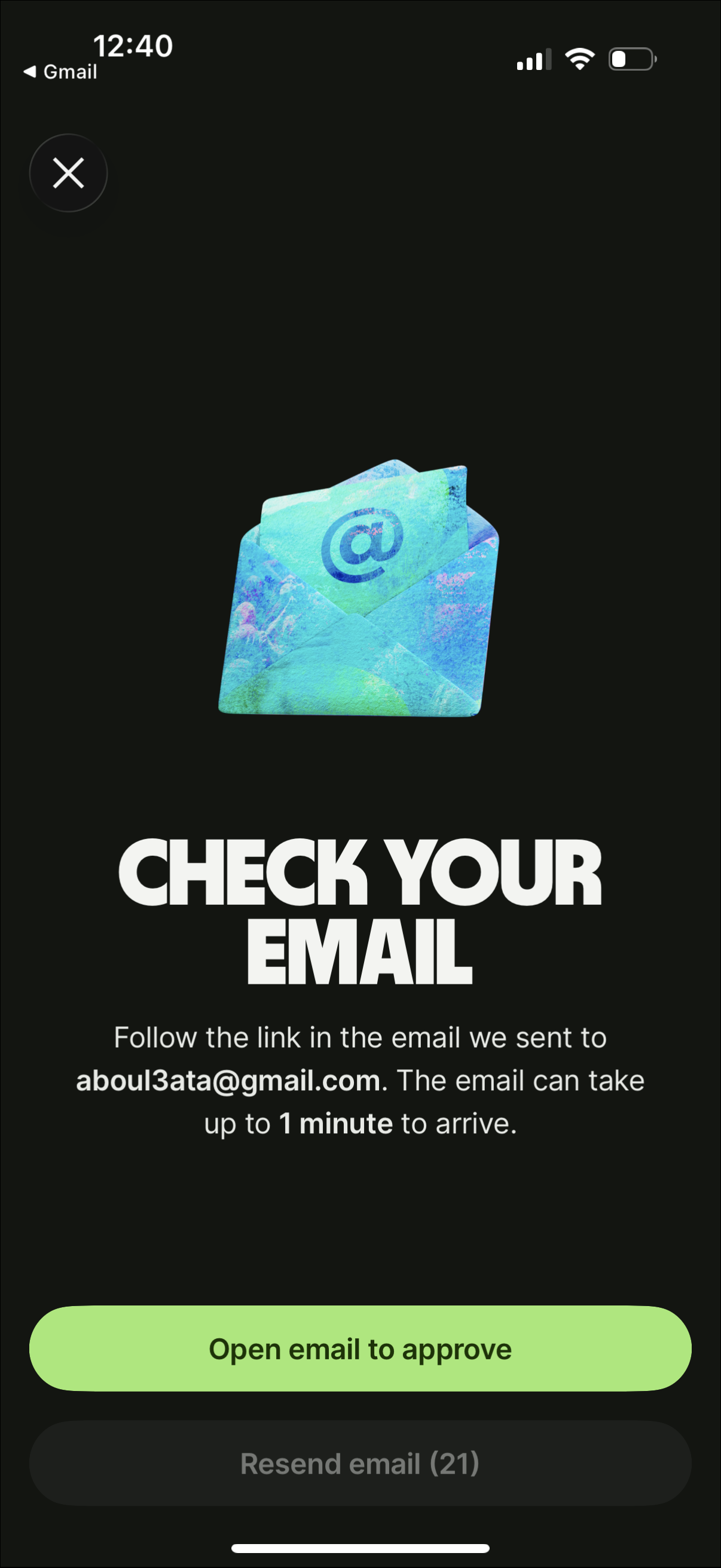
Email verification prompt screen instructing the user to check their inbox and follow a link to approve/sign in, noting the message may take up to a minute to arrive. Primary action opens the email app to approve, with a secondary option to resend the verification email and a close button to exit.
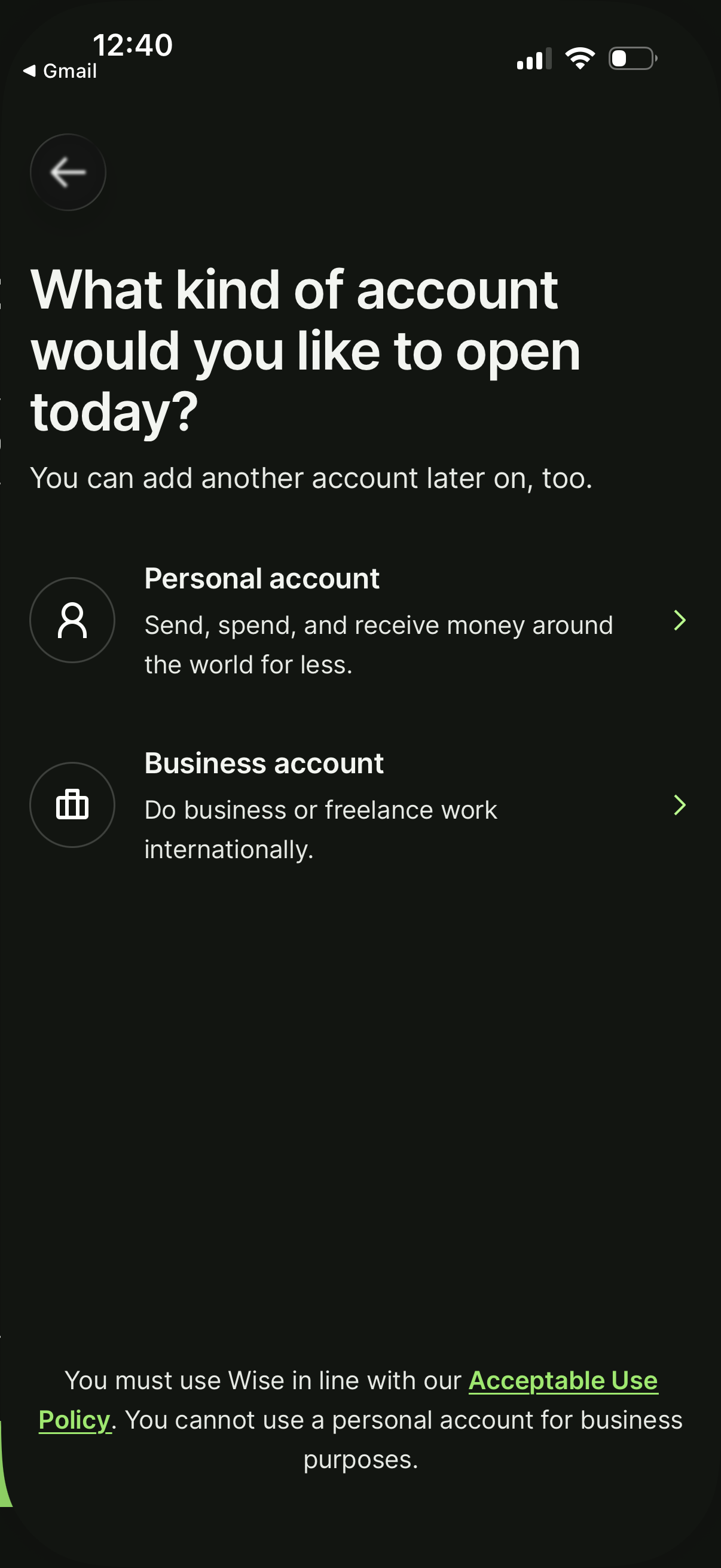
Account setup screen asking the user what type of account to open, offering two selectable options: Personal account for sending/spending/receiving money and Business account for international business or freelance use. Includes a note that another account can be added later and a policy disclaimer about acceptable use.