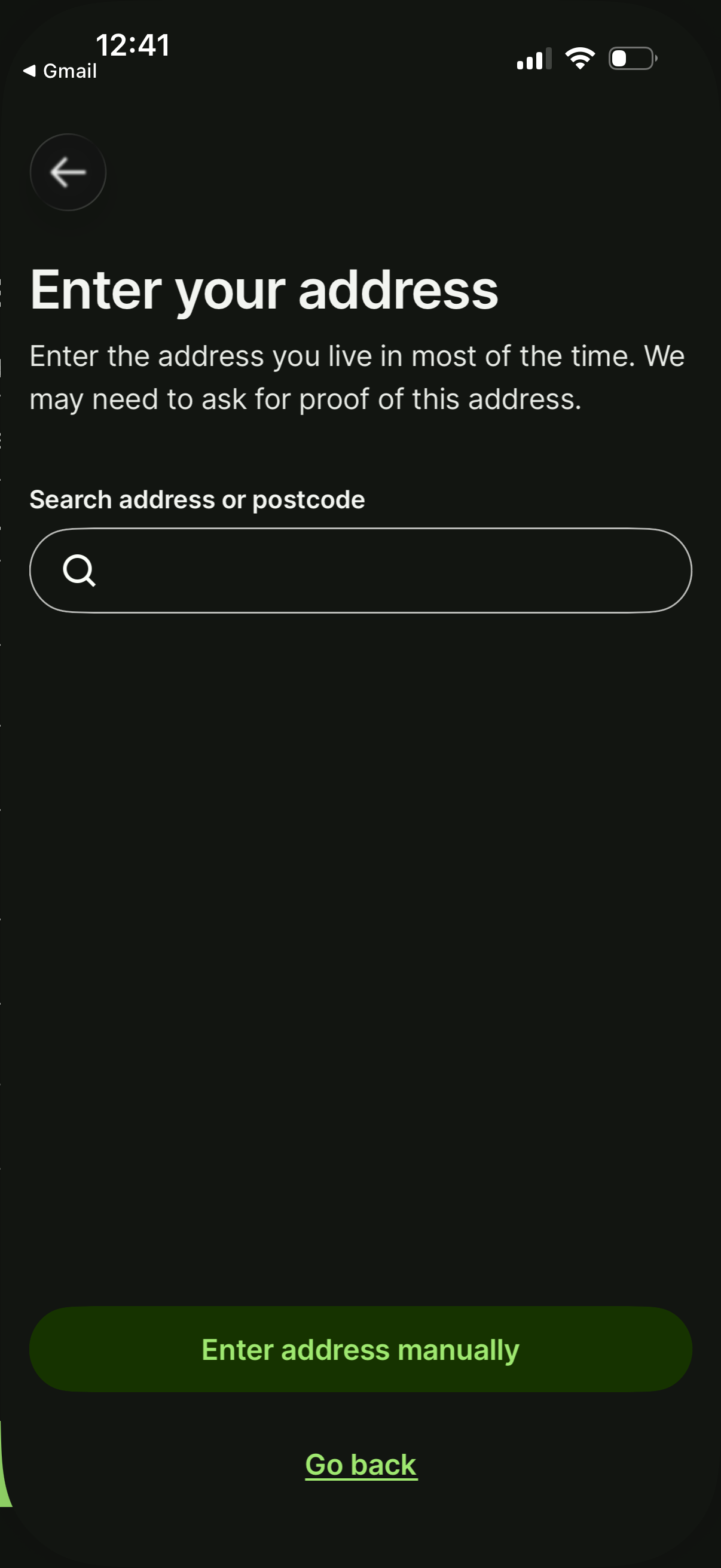
Address entry screen in an onboarding or verification flow prompting the user to provide their home address, with a search field to look up an address or postcode and an option to enter the address manually. Includes navigation controls to go back.
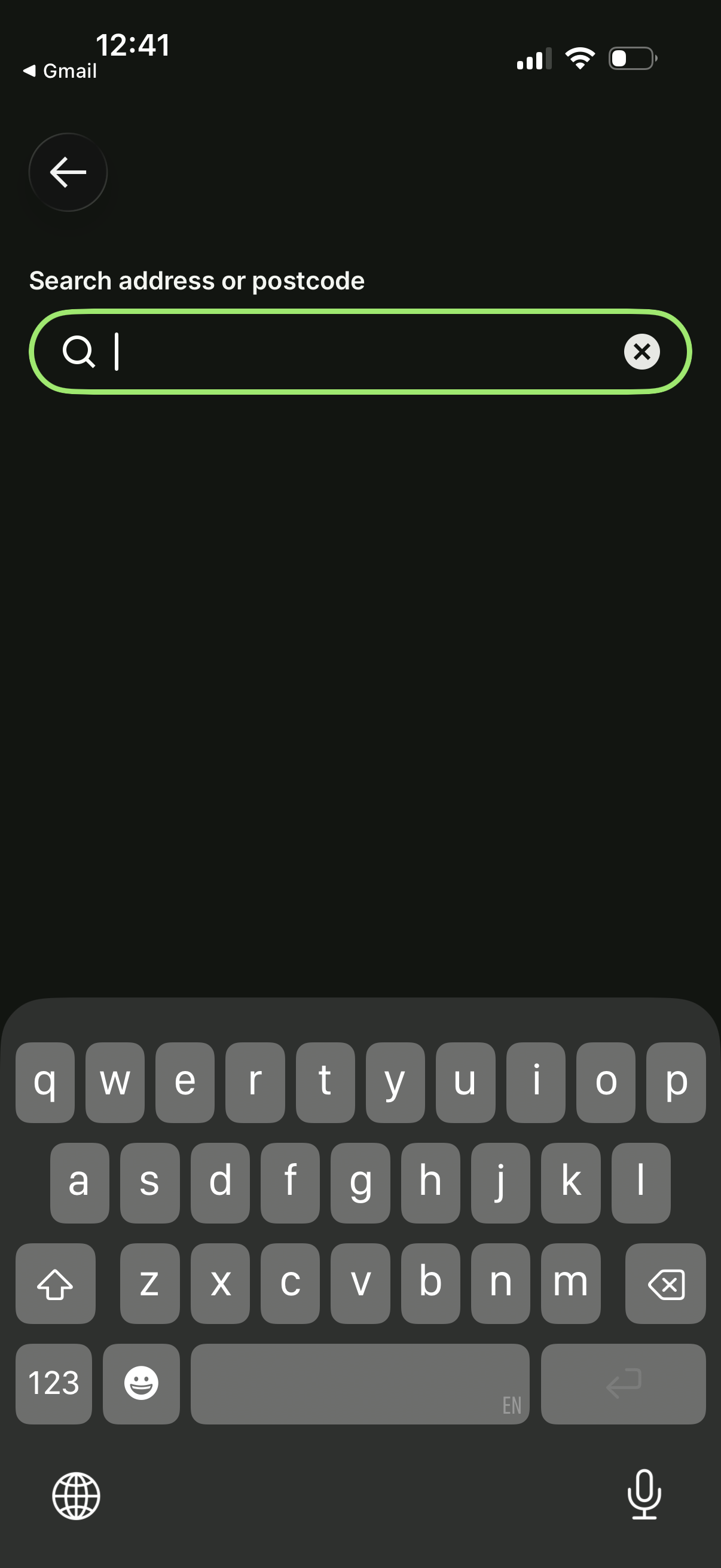
Location search screen prompting the user to search by address or postcode with a single text input field. Includes a back button for navigation and a clear (X) icon to reset the search query while the keyboard is open.
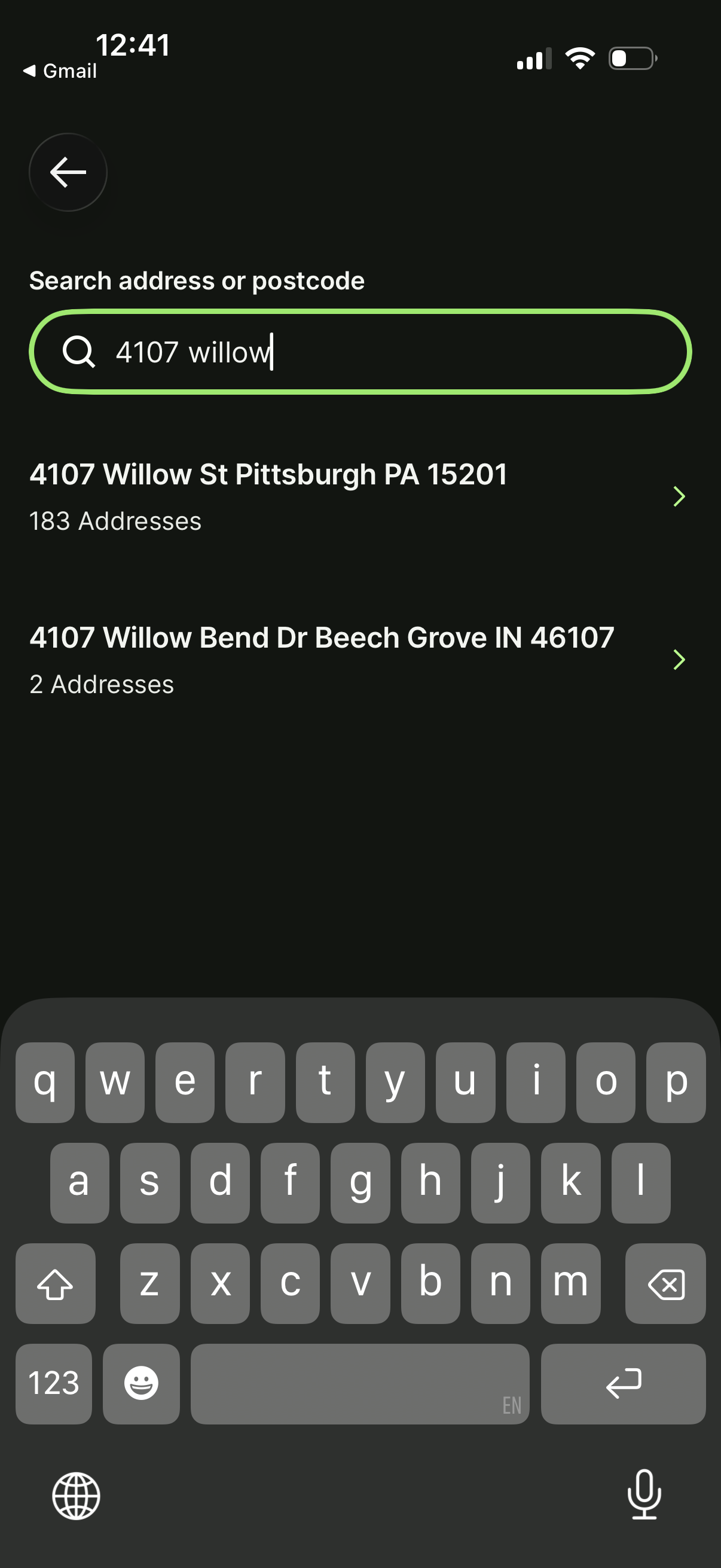
Address or postcode search screen with a text input field and live autocomplete results showing matching street addresses and locations. Users can tap a suggested result to select an address and proceed, with a back button for navigation.
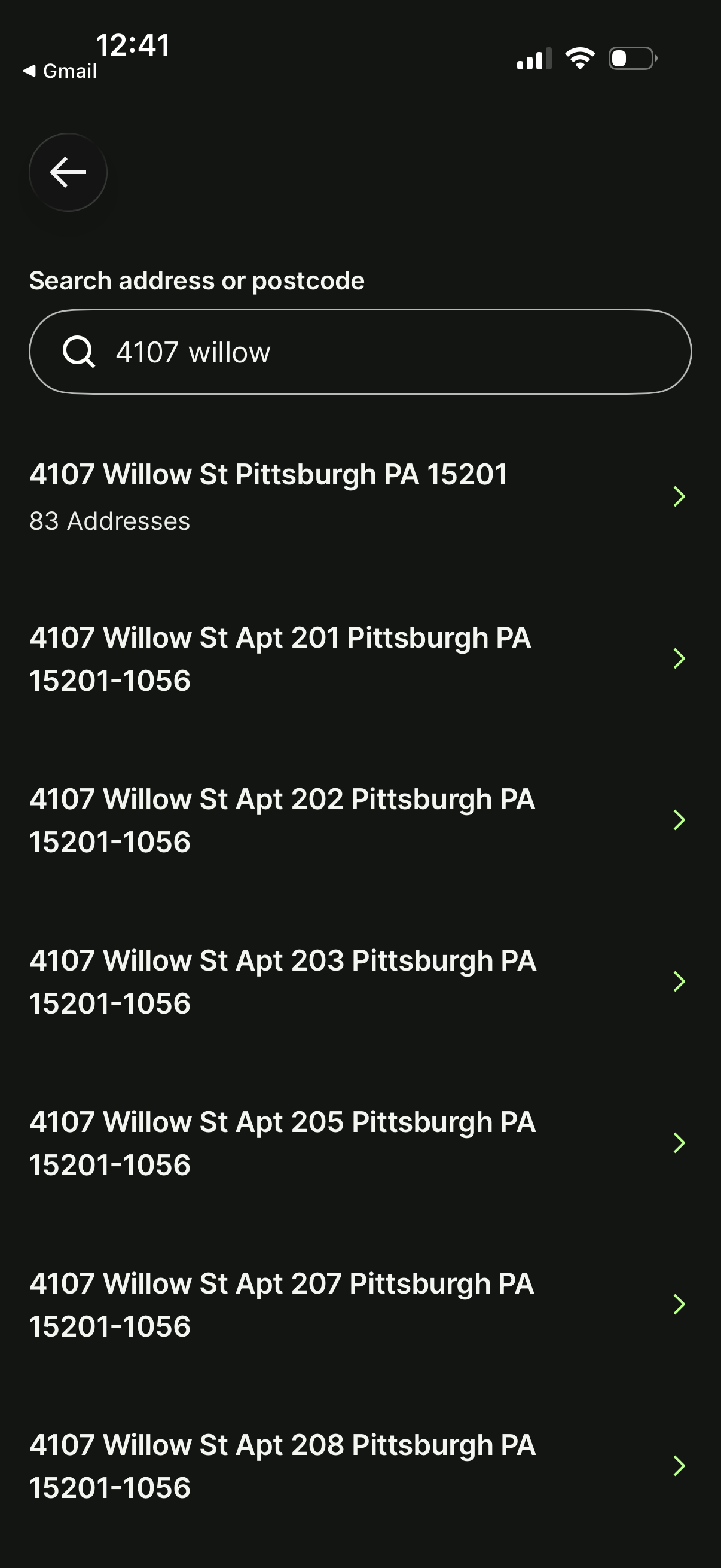
Address search screen with a search bar for entering an address or postcode and an autocomplete results list of matching locations, including a primary street result and multiple unit/apartment variations. Users can tap a result row (chevron) to select the address and proceed.
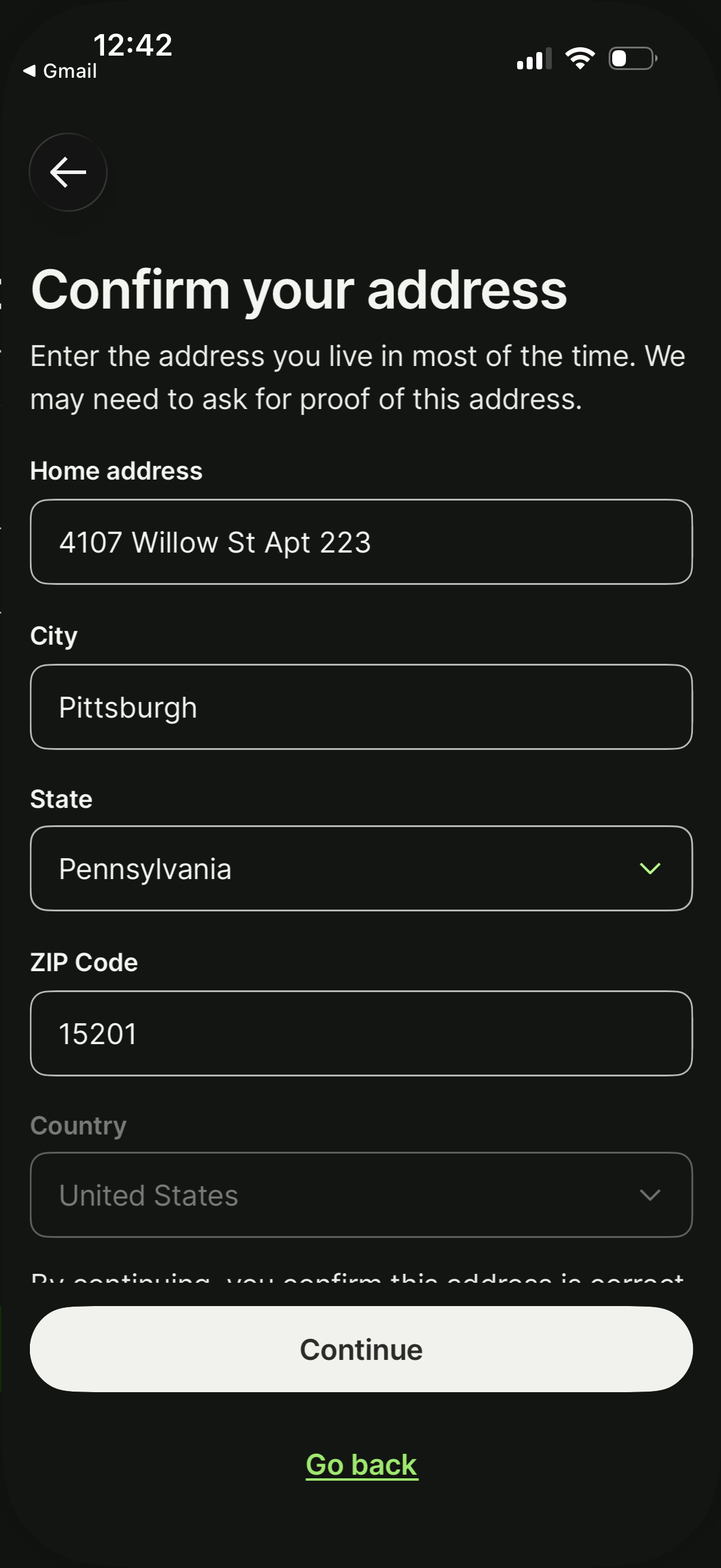
Address verification form screen prompting the user to confirm their home address for identity checks, with fields for street address, city, state dropdown, ZIP code, and country. Primary action is a “Continue” button with an option to go back.