
Rewards program sign-up/login screen offering social authentication options (Continue with Apple, Google, or Facebook) or email address entry. Includes a close button and a disabled “Next” CTA that activates after providing an email.
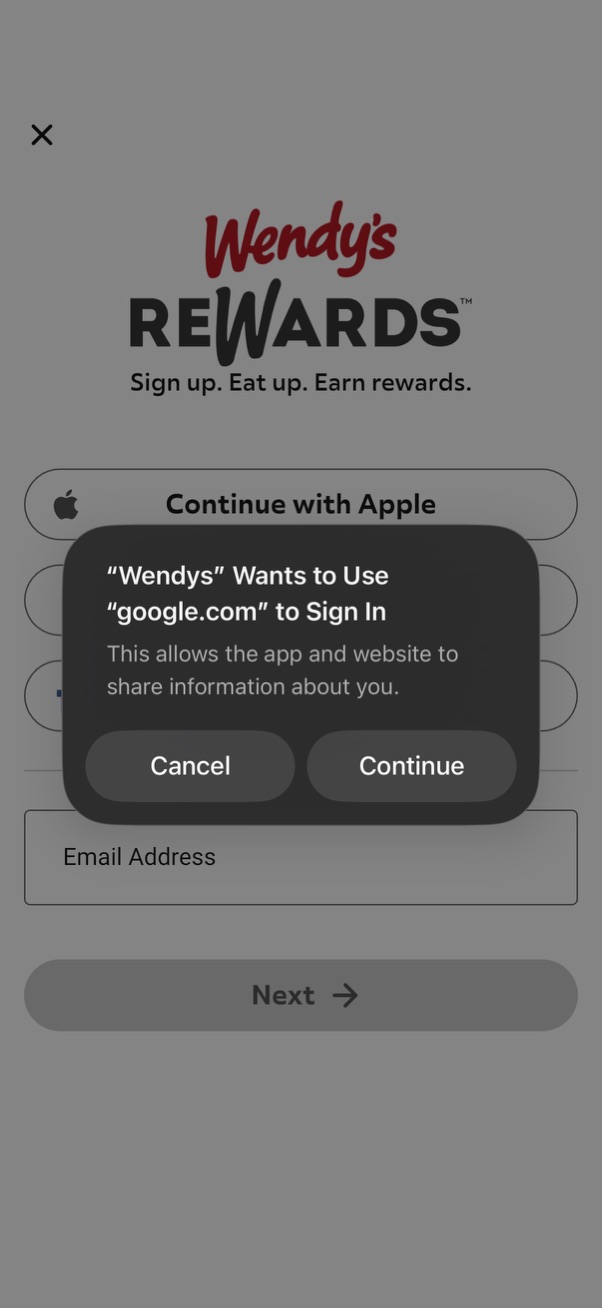
Rewards program sign-up/login screen offering social authentication with Apple and email address entry with a Next button. An iOS permission modal appears asking to allow using a web domain (google.
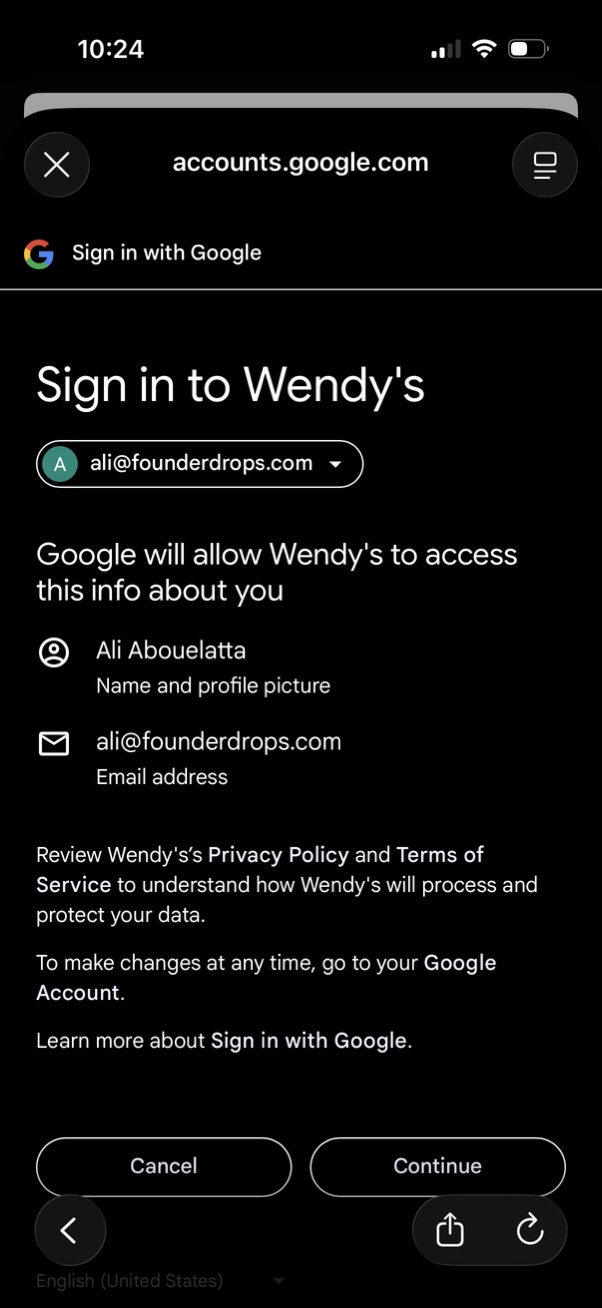
Third-party OAuth consent screen for “Sign in with Google” to Wendy’s, showing the selected Google account and the permissions being shared (name/profile photo and email address). Primary actions are to cancel or continue to authorize access, with links to privacy policy and terms.
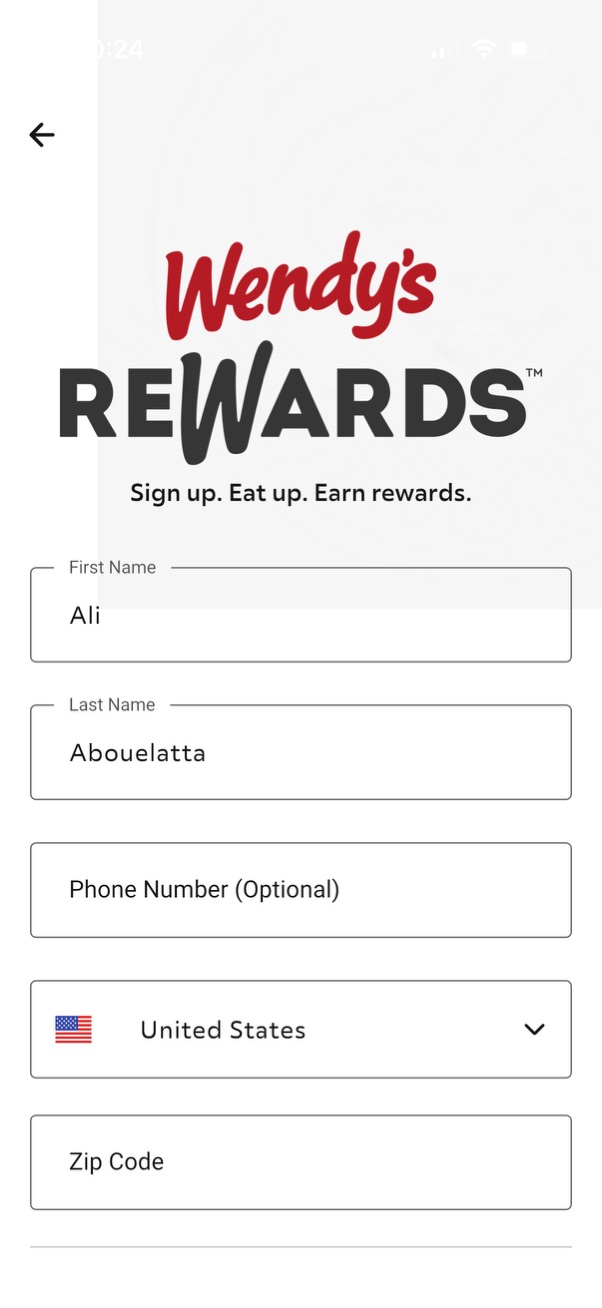
Rewards program sign-up form screen for a fast-food app, prompting users to register for loyalty rewards. Includes fields for first name, last name, optional phone number, country selector dropdown, and zip code, with a back navigation arrow.
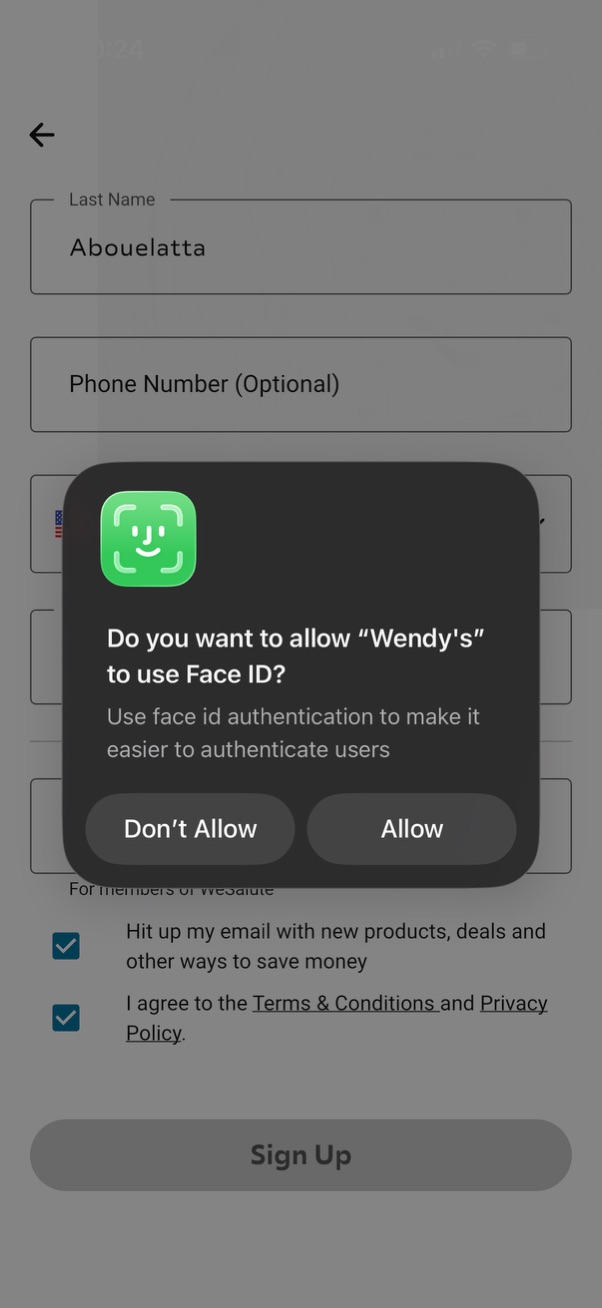
Sign-up form screen collecting user details like last name and optional phone number with consent checkboxes and a disabled “Sign Up” button in the background. An iOS system modal prompts the user to allow or deny Face ID authentication for the app with “Don’t Allow” and “Allow” actions.
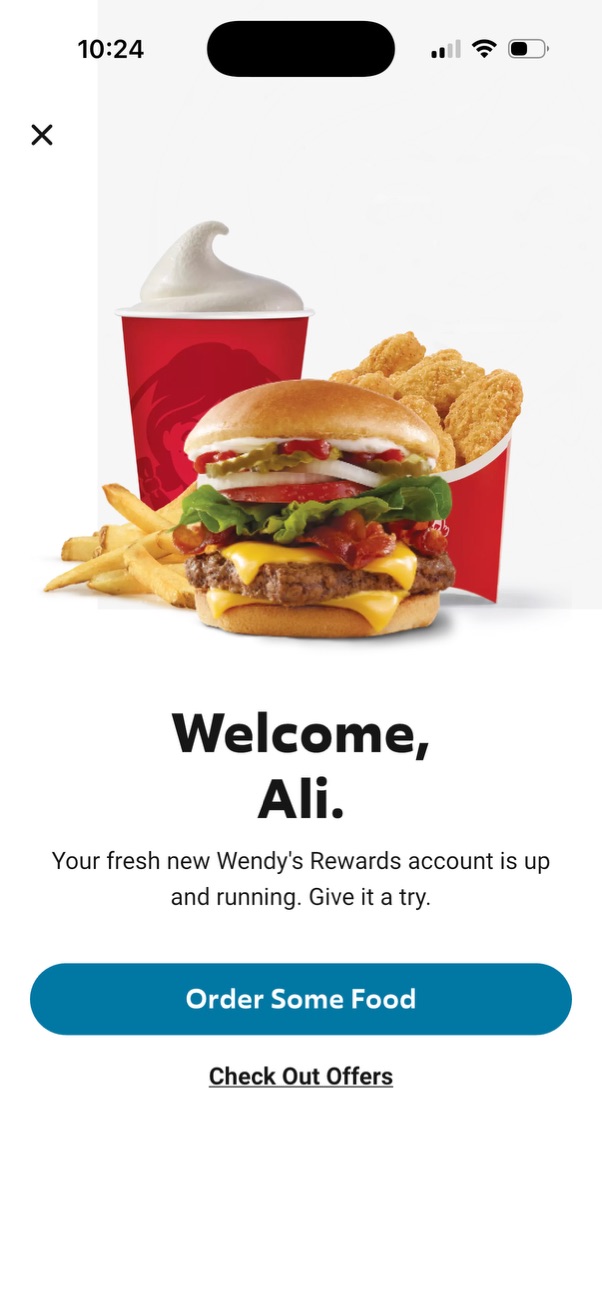
Welcome screen for a fast-food rewards app confirming a new loyalty account is active, featuring a prominent primary CTA to order food and a secondary link to browse offers/deals, with a close button to dismiss.