Notification & Tracking Permission

App splash/loading screen showing a centered brand logo on a plain background, used as the initial launch screen before onboarding or navigation loads.
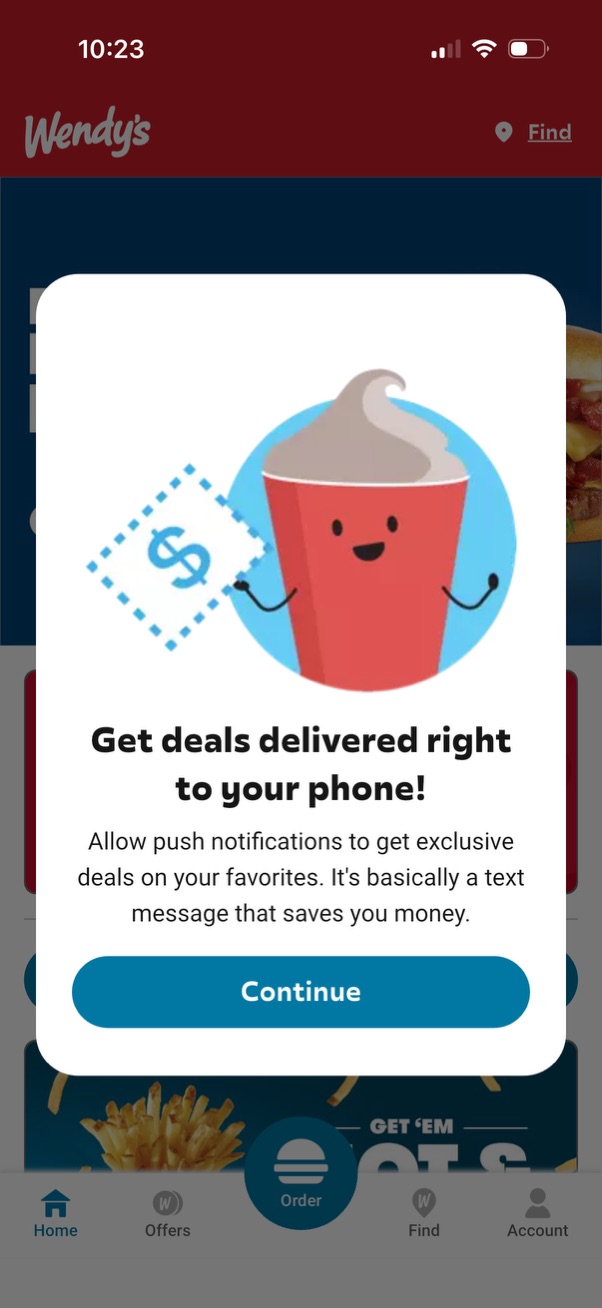
A promotional pop-up modal prompting users to enable push notifications to receive exclusive deals and discounts delivered to their phone. Includes explanatory copy and a primary “Continue” button to proceed with notification opt-in.

iOS system permission modal asking to enable push notifications for a fast-food app, with options to Allow, Allow in Scheduled Summary, or Don’t Allow. The underlying home screen shows promotional banners and primary navigation with tabs plus a central Order button.

Pop-up consent modal asking users to allow data sharing for personalized ads, referencing a privacy policy link and providing a primary “Continue” button. The dialog overlays a fast-food app home screen with navigation tabs and options like offers, order, find locations, and account/login.
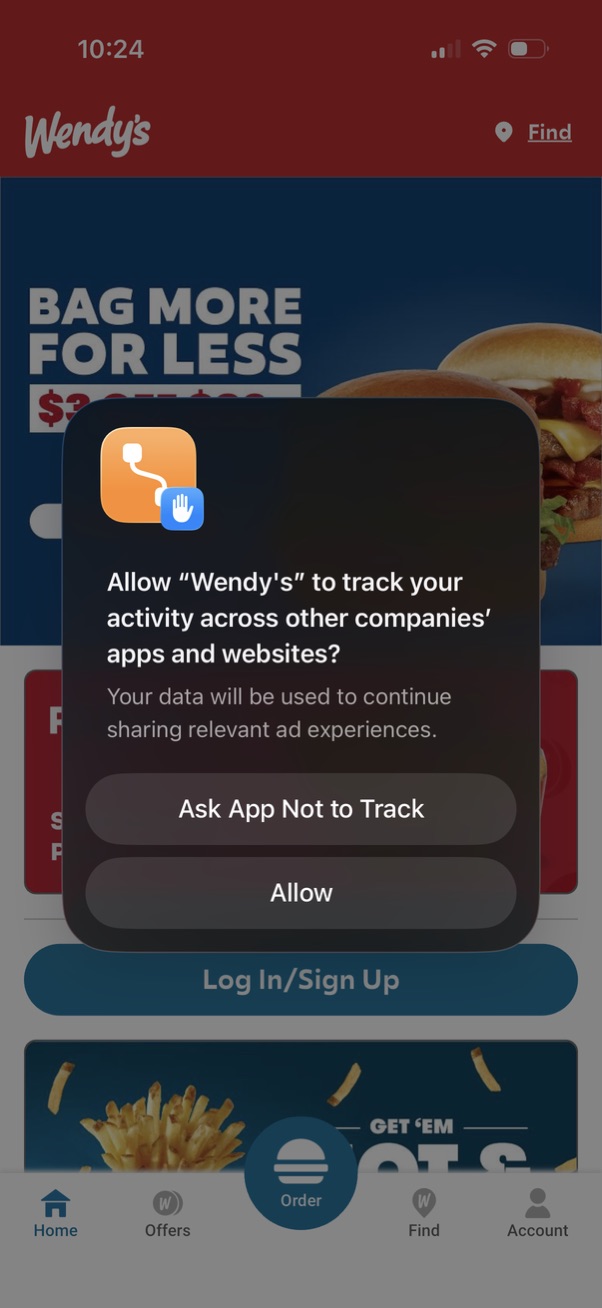
iOS app tracking transparency permission modal asking whether to allow the app to track user activity across other companies’ apps and websites, with primary actions “Ask App Not to Track” and “Allow” over the app’s home screen. The underlying screen shows a fast-food ordering app dashboard with navigation tabs (Home, Offers, Order, Find, Account) and login/sign up.

Fast food restaurant app home screen highlighting promotional deals and rewards enrollment, with a featured offer banner and primary “Order Now” CTA. Includes a rewards teaser, a prominent Log In/Sign Up button, and bottom navigation tabs for Home, Offers, Order, Find locations, and Account.