App launch splash screen with a gradient purple background and a centered “V” logo, showing a loading/branding screen before entering the app.

App splash/loading screen with a centered brand wordmark on a solid gradient background, showing no interactive elements while the app launches.
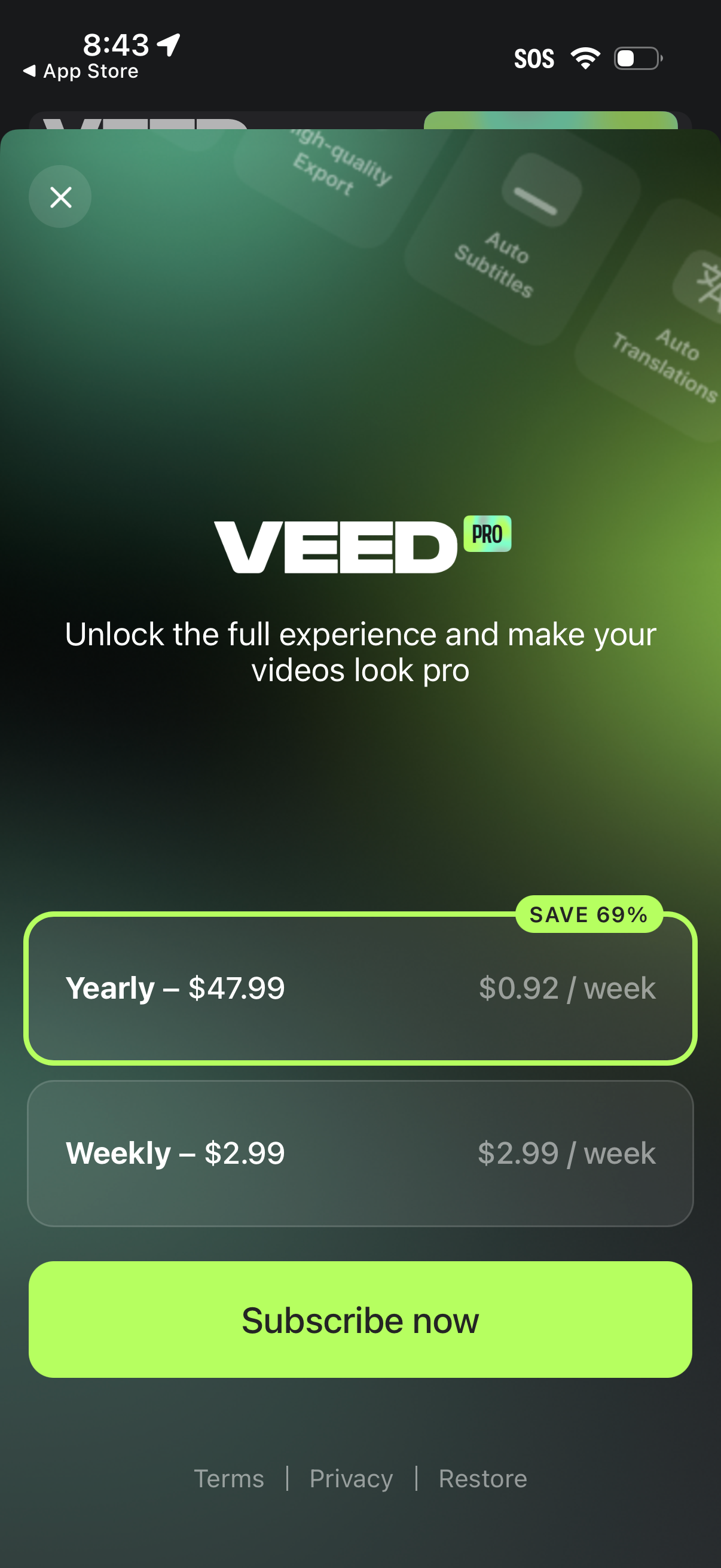
Subscription paywall screen for a video editing app promoting VEED Pro, offering yearly and weekly pricing options with a highlighted discount and per-week cost. Primary action is “Subscribe now,” with close/dismiss, and links to terms, privacy, and restore purchases.
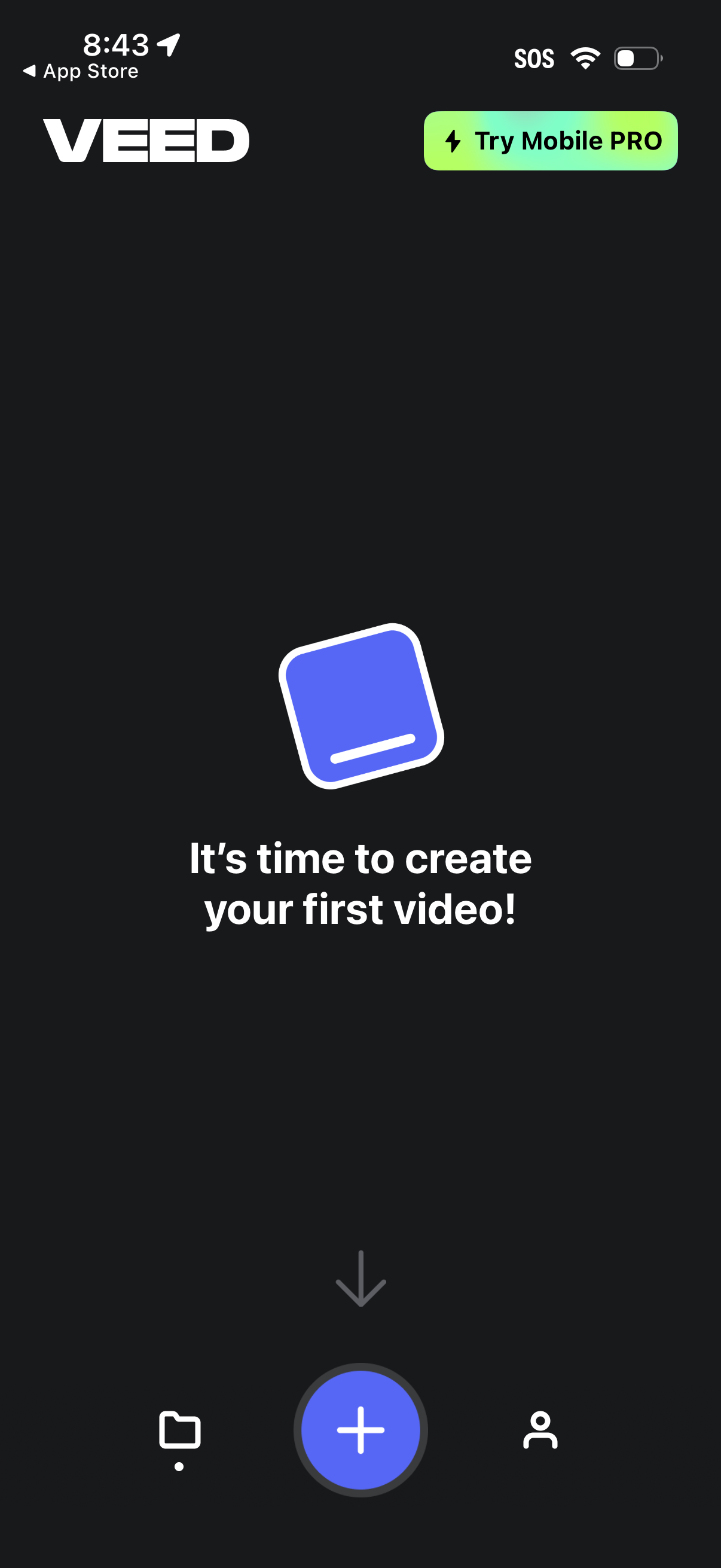
Home/empty state screen for a mobile video editor prompting the user to create their first video, with a prominent floating plus button to start a new project. Includes a top callout to try a mobile PRO upgrade and a bottom navigation bar to switch between projects/library, create, and profile/account.