add a sticker overlay
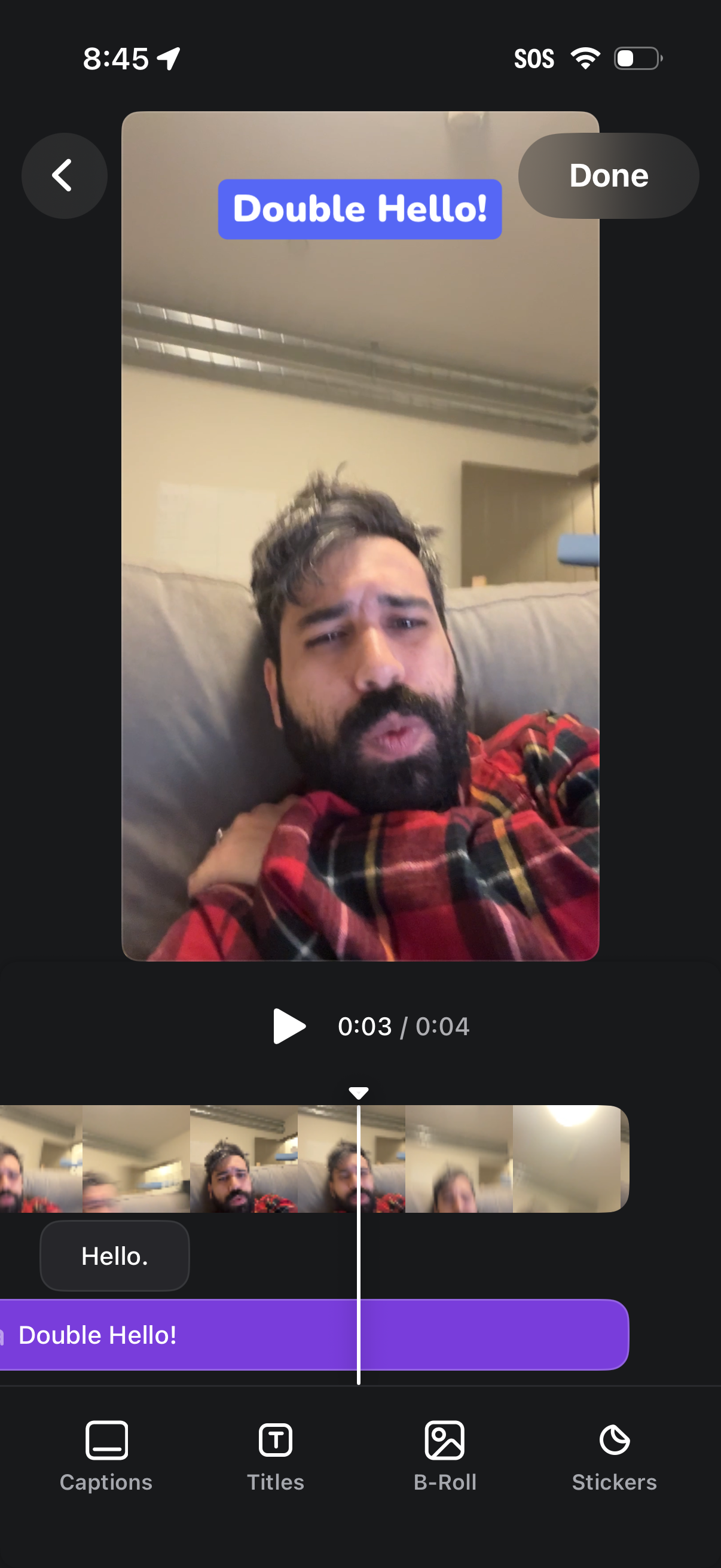
Video editing screen for a short clip with a timeline scrubber and thumbnail strip, showing a selected title/text overlay (“Double Hello! ”) on the preview.
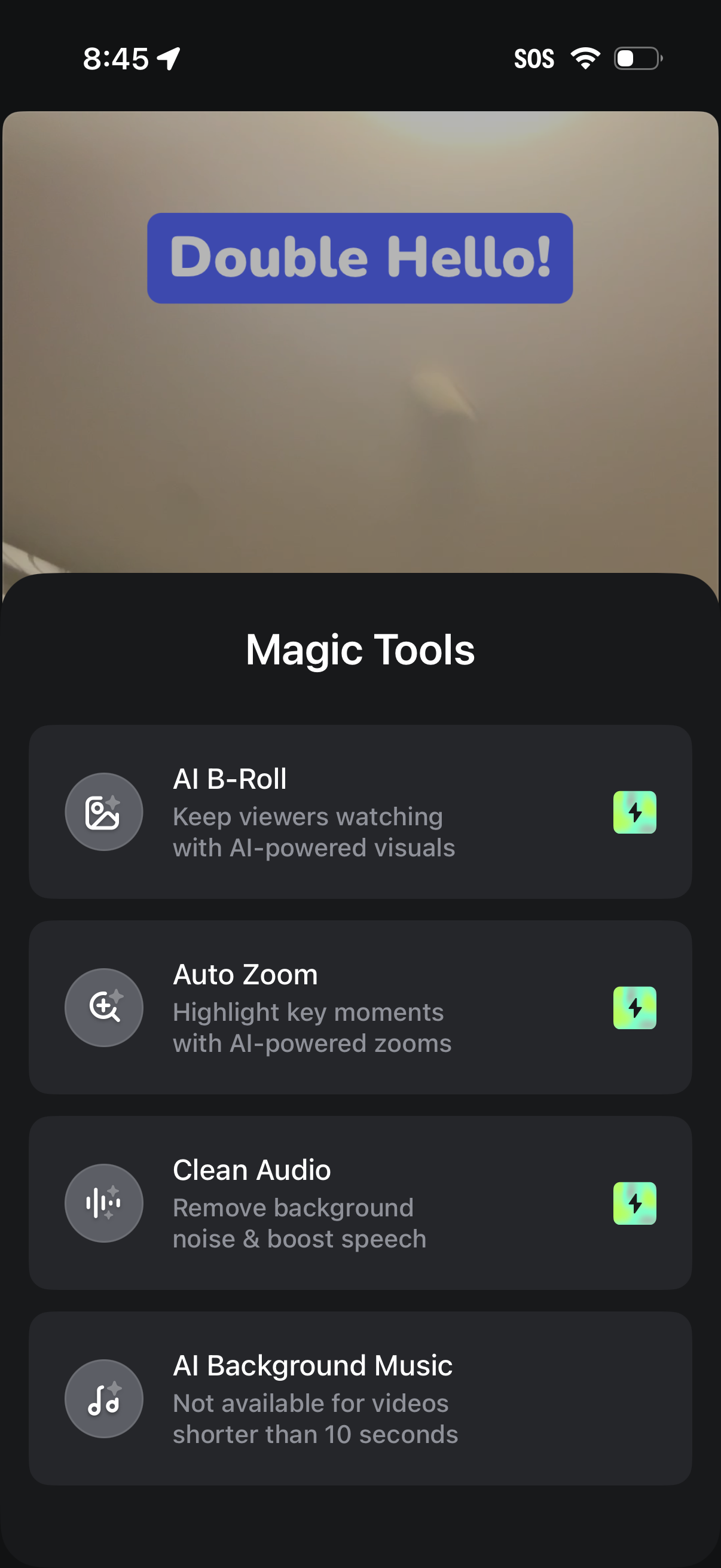
Video editing screen with a “Magic Tools” bottom sheet listing AI-powered enhancements to apply, including AI B-Roll, Auto Zoom, Clean Audio, and AI Background Music. Each tool is presented as a selectable card with an icon and short description, indicating automated effects for improving videos.
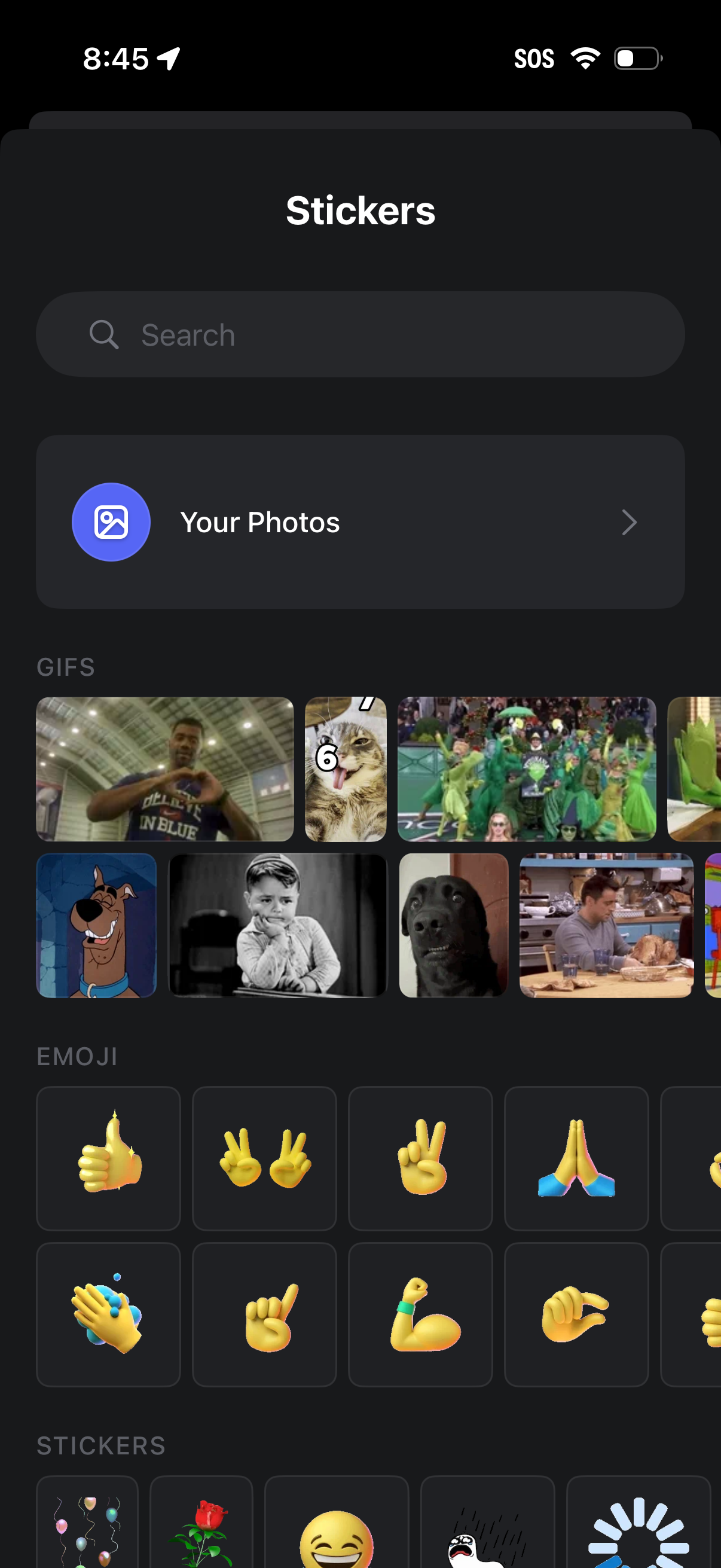
Sticker picker screen in a messaging app with a search bar and a “Your Photos” option to create or send stickers from the photo library. Below are scrollable grids of suggested GIFs, emoji reactions, and sticker packs for quick selection and insertion into a chat.
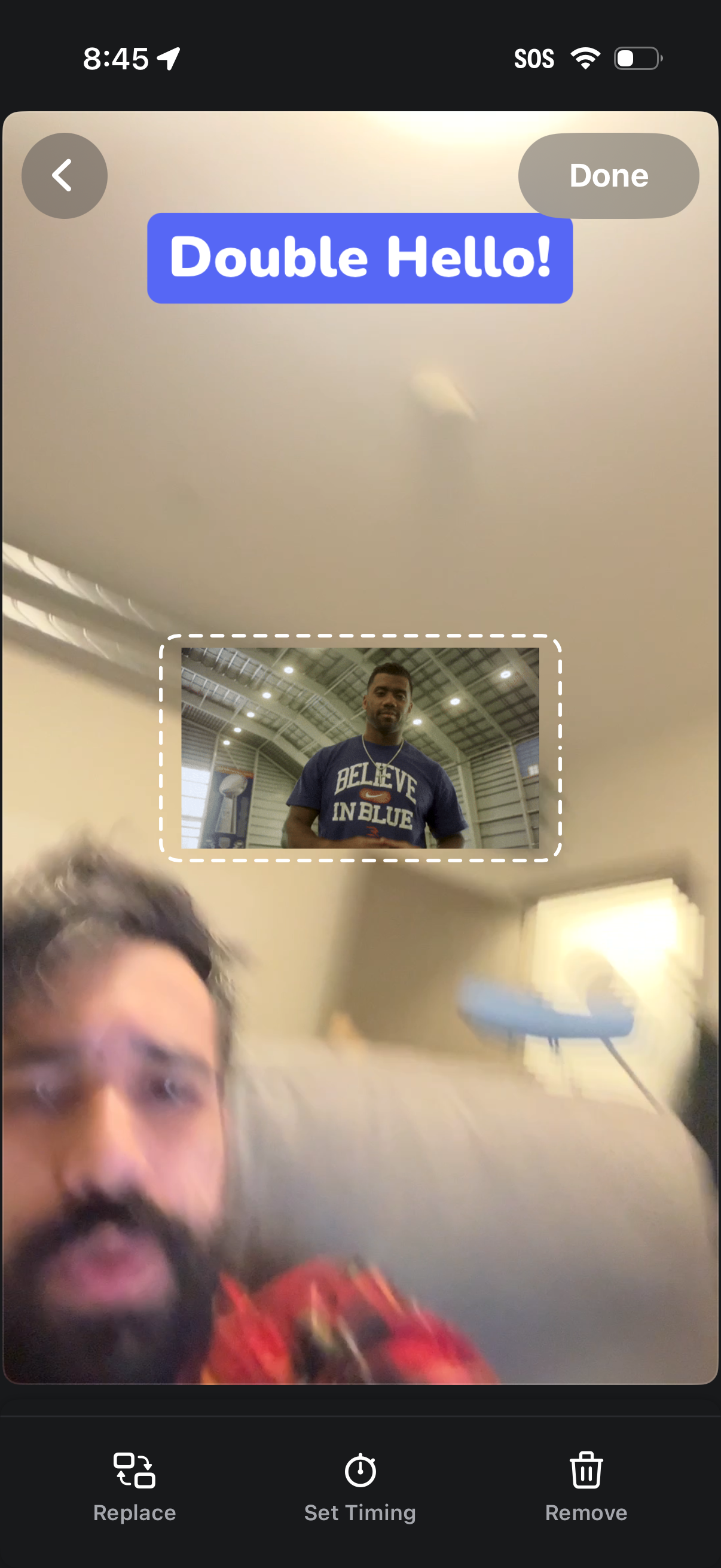
Story editing screen for a social app showing a preview with a GIF/sticker overlay selected inside a dashed bounding box, plus a text sticker at the top. Users can finish with Done, go back, and use bottom actions to replace the sticker, set its timing in the story, or remove it.
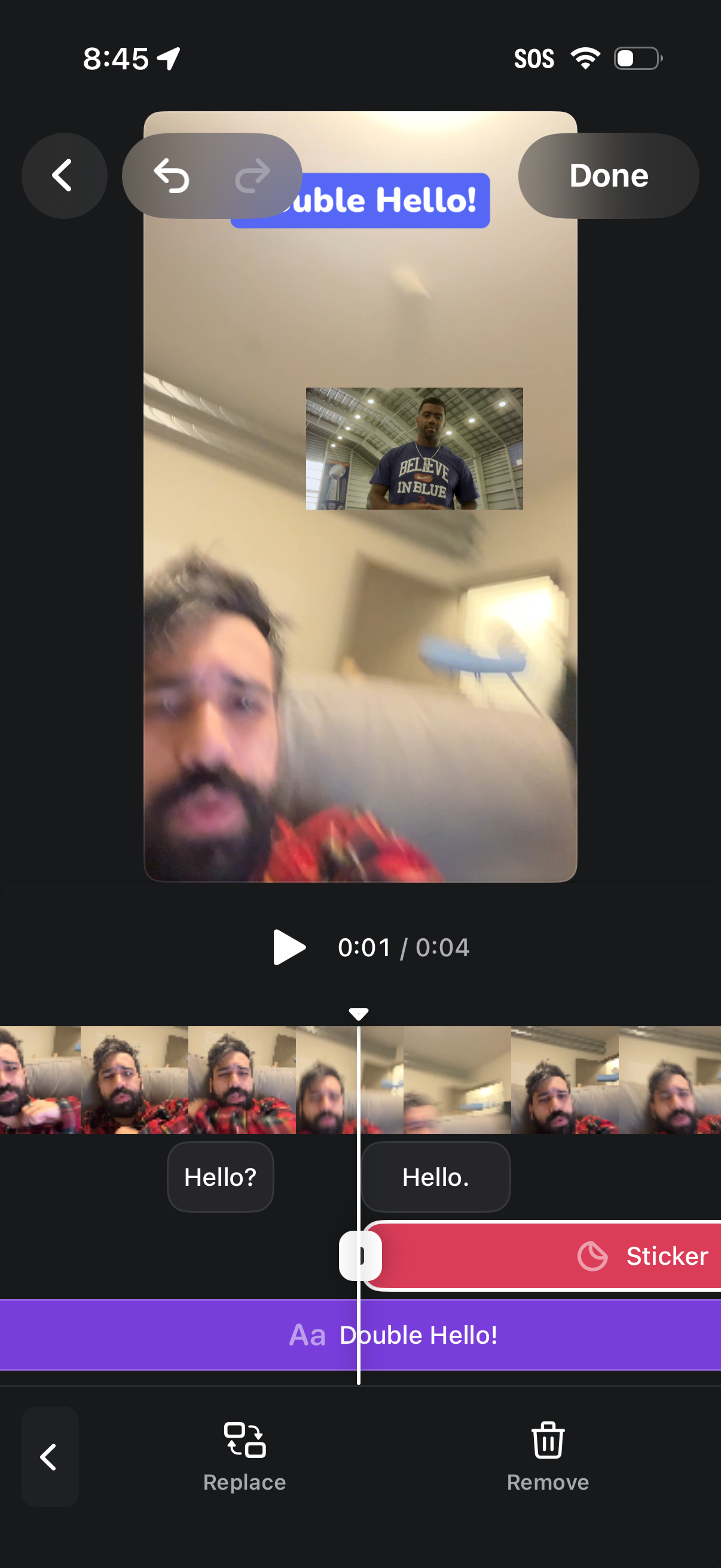
Video editing screen for a story/post showing a preview with a timeline of clip thumbnails, play/pause, and scrubber. Users can add and style text overlays or stickers with suggested captions, plus undo/redo, replace or remove the clip, and finish with a Done action.