respond to rating prompt
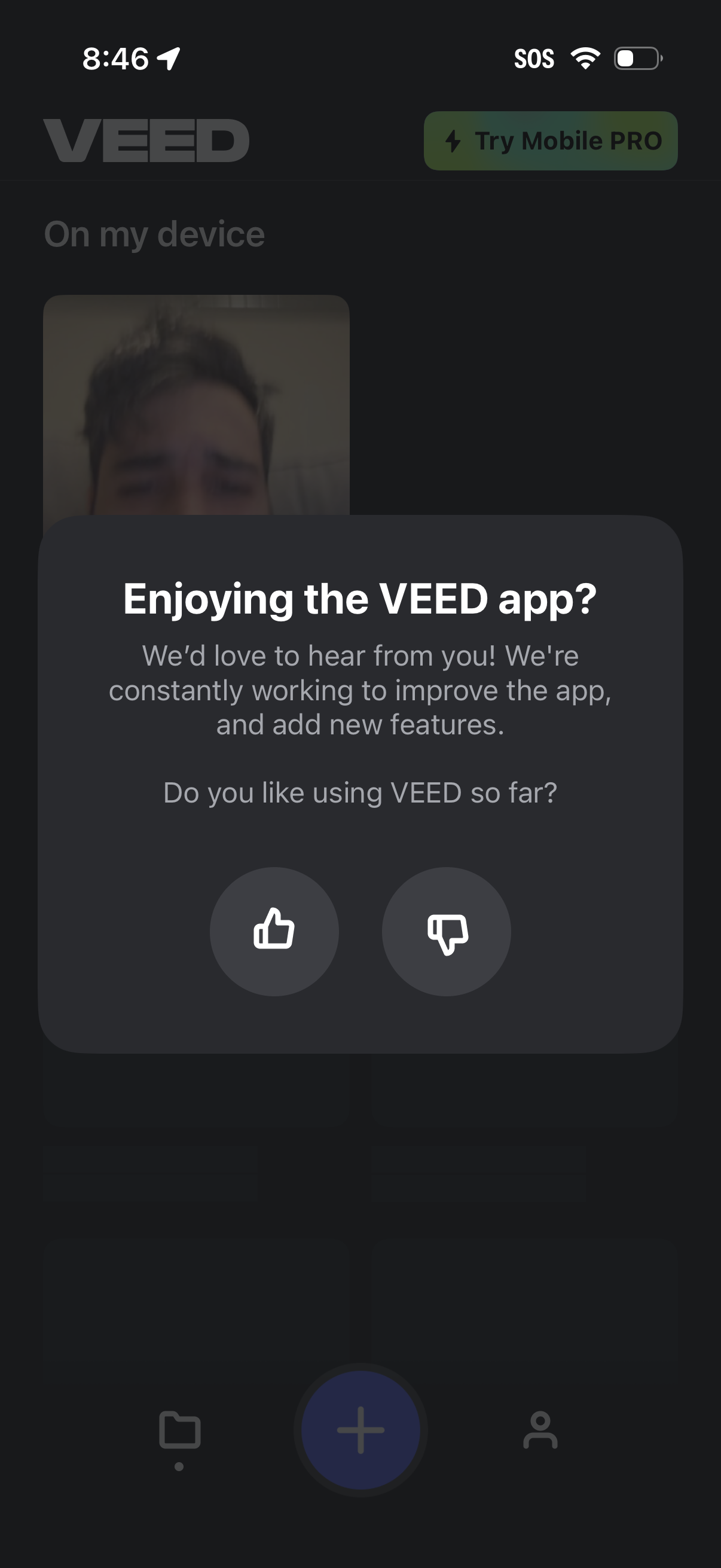
In-app feedback prompt modal asking users if they’re enjoying the app and requesting input to improve features. Users can submit a quick satisfaction rating by tapping thumbs up or thumbs down.
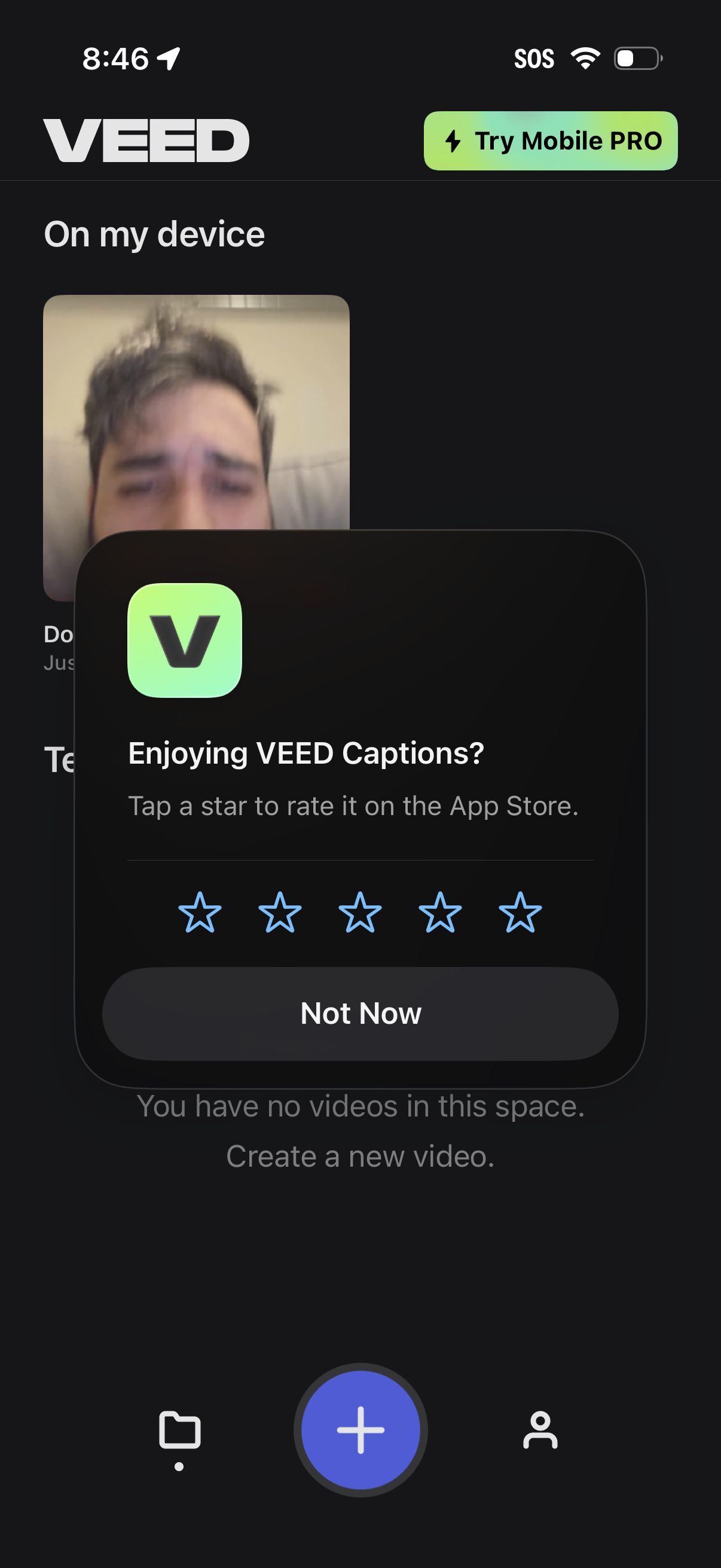
Home/library screen of a video captions editor showing “On my device” media and a prominent plus button to create a new video, with a banner to try the Pro plan. An in-app rating modal overlays the screen asking users to rate the app with star selection and a “Not Now” option.
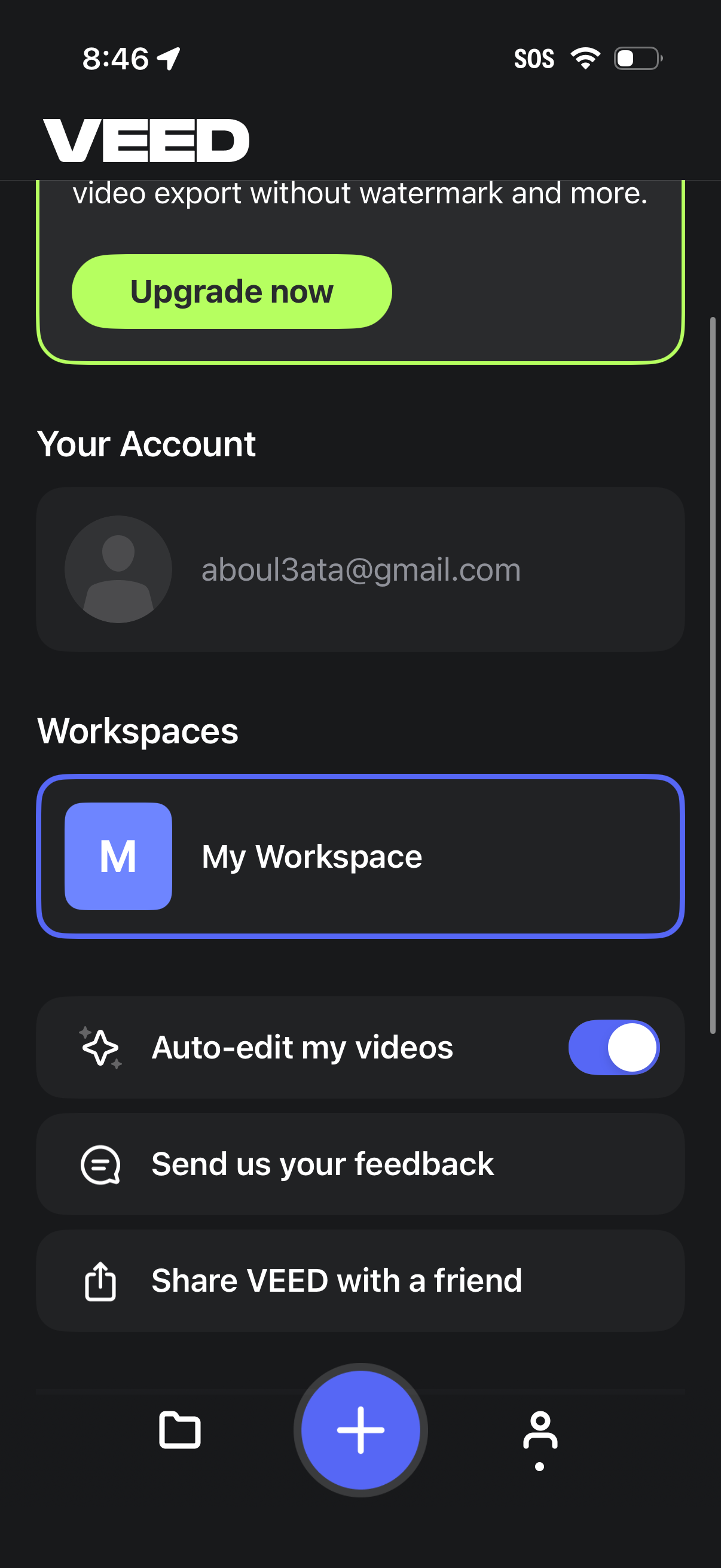
Settings/account screen for a video editing app showing an upgrade-to-premium banner, logged-in account info, and workspace selection. Includes options like an auto-edit videos toggle, send feedback, and share the app with a friend, with bottom navigation for projects, create (+), and profile.
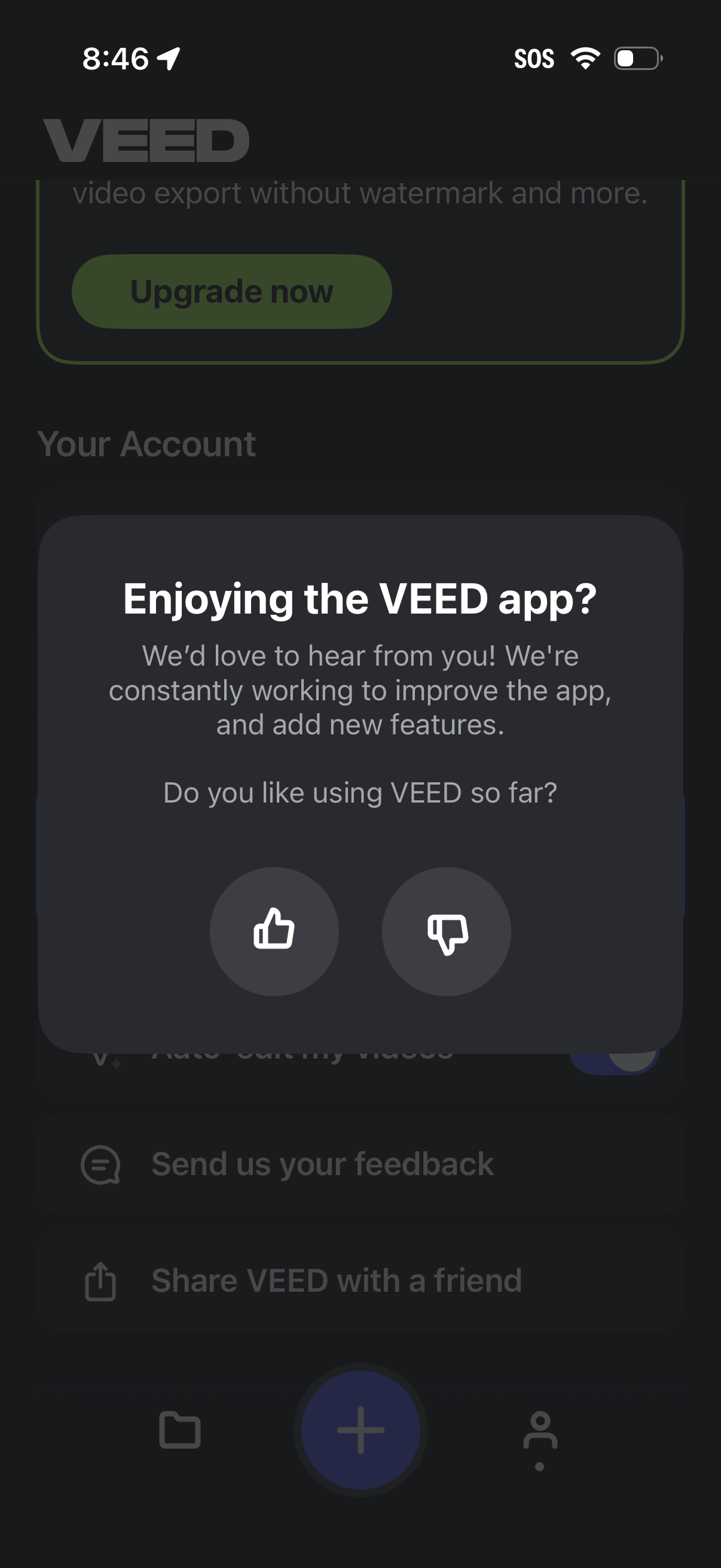
In-app feedback modal asking “Enjoying the app? ” with a short message about improving the product and two response actions: thumbs up for positive feedback and thumbs down for negative feedback.