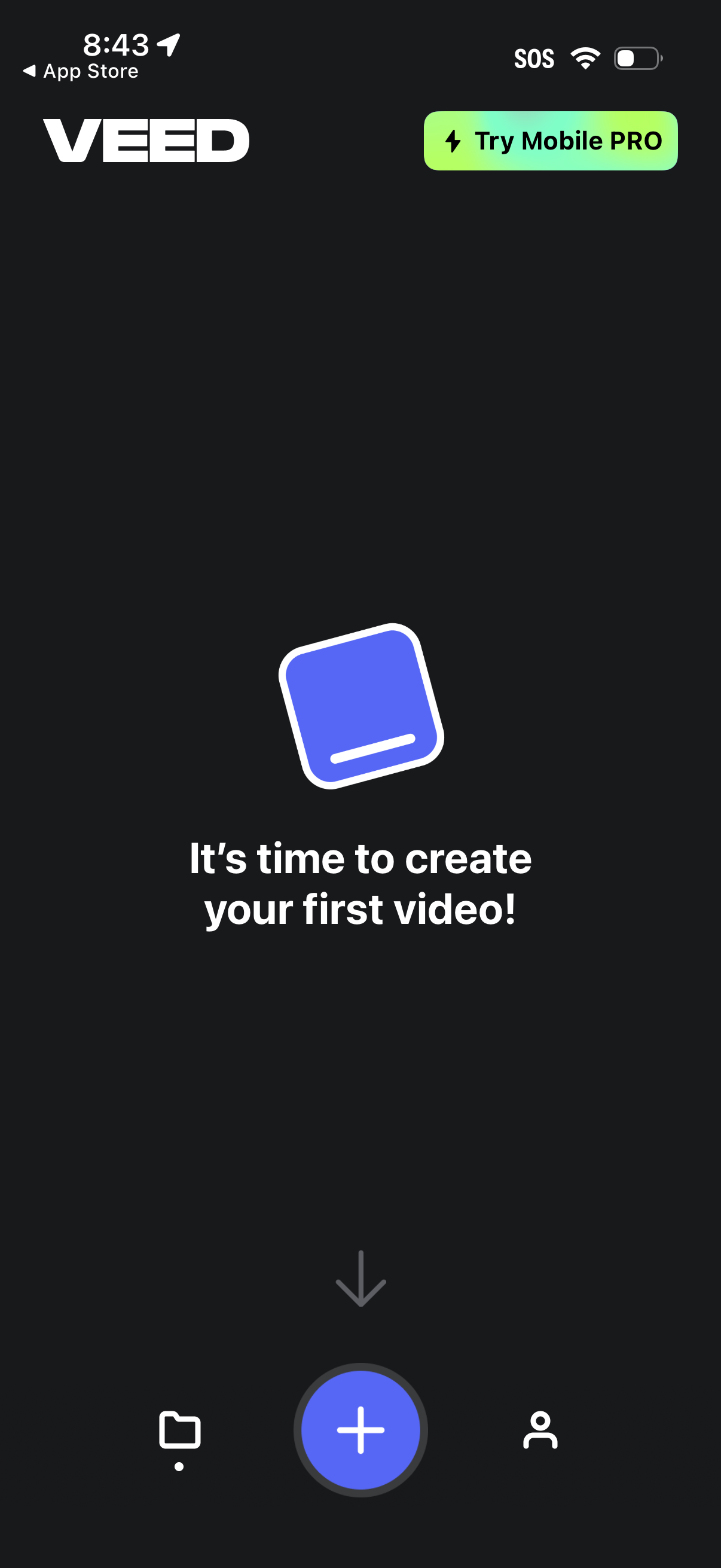
Home/empty state screen for a mobile video editor prompting the user to create their first video, with a prominent floating plus button to start a new project. Includes a top callout to try a mobile PRO upgrade and a bottom navigation bar to switch between projects/library, create, and profile/account.
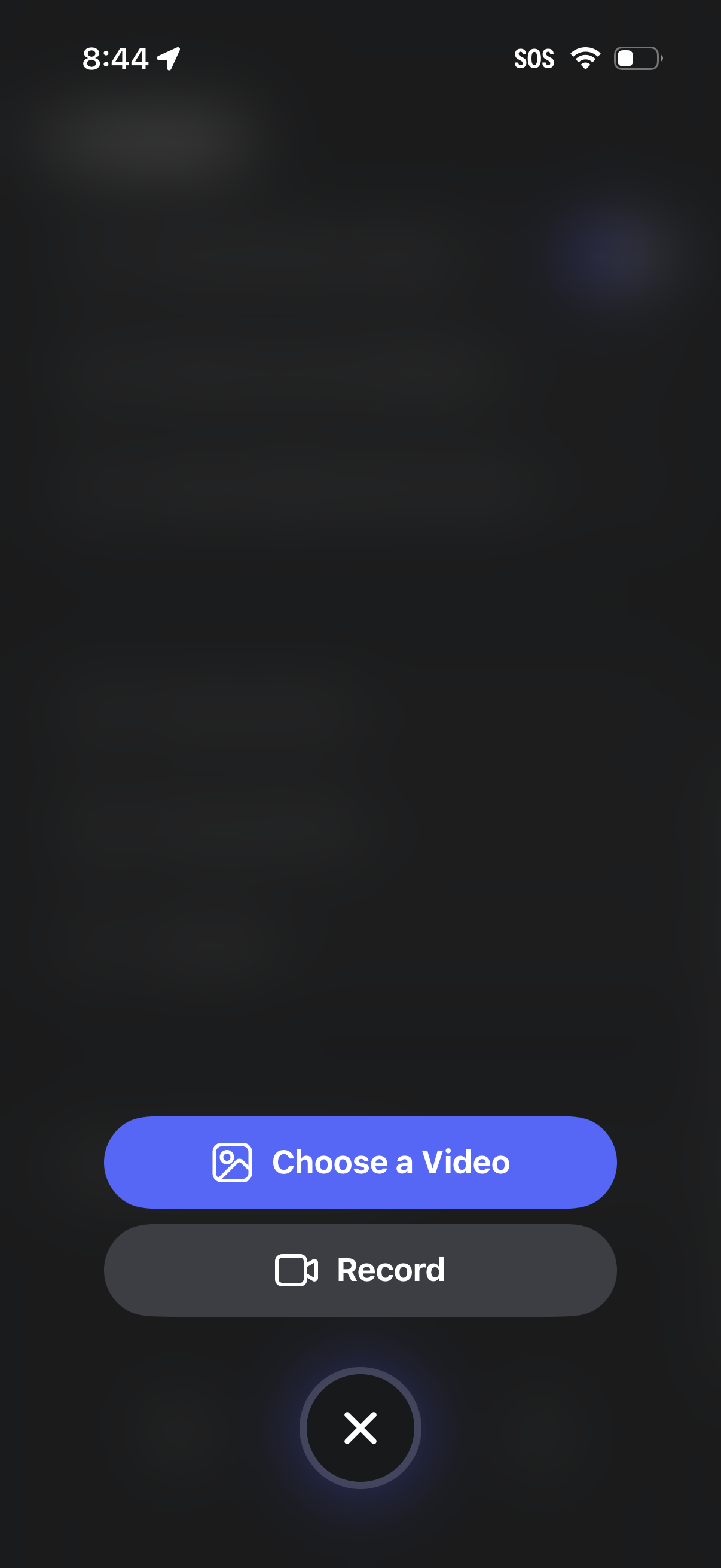
Modal media upload screen offering two primary actions: choose an existing video from the device gallery or record a new video with the camera. Includes a close button to dismiss the video selection/recording flow.
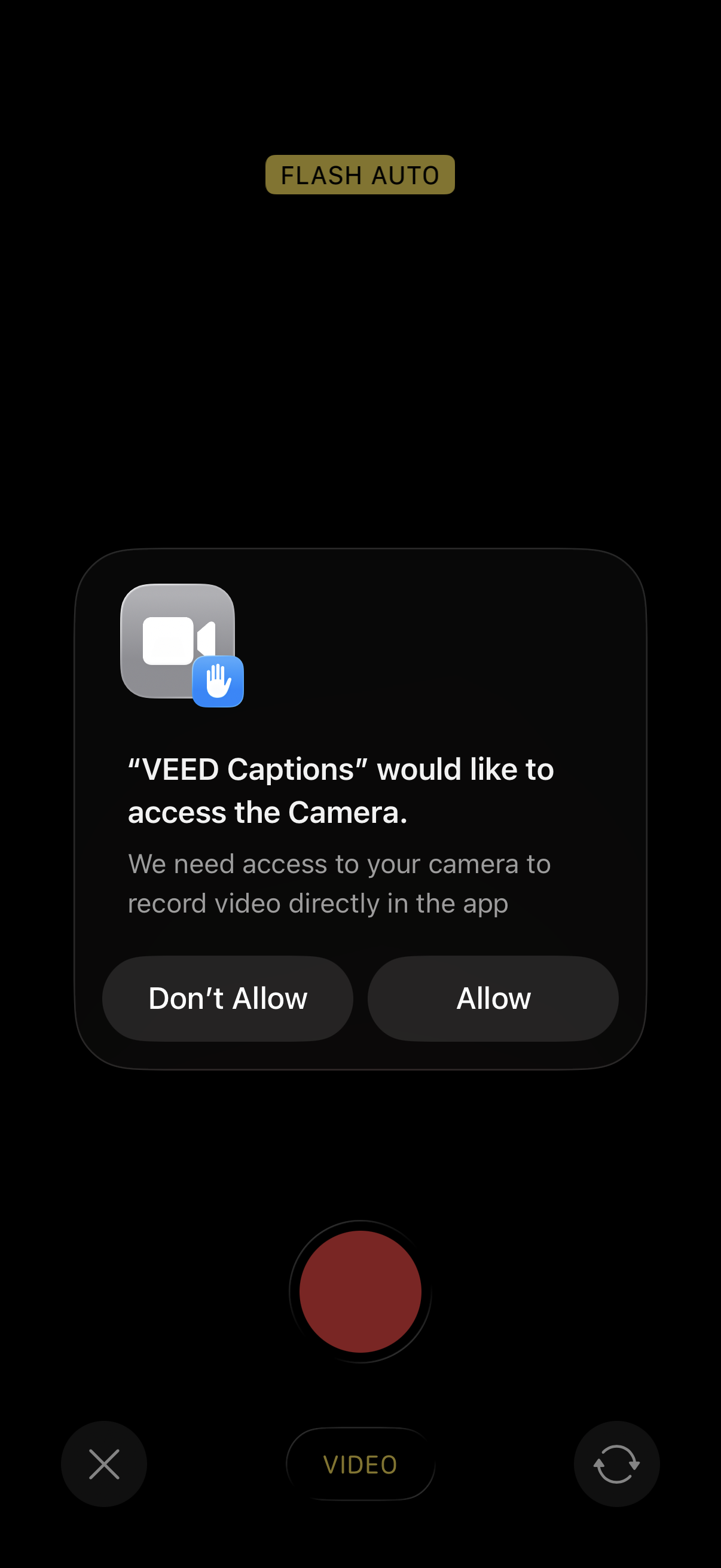
iOS camera recording screen with a system permission modal requesting camera access so the app can record video, offering primary actions to Allow or Don’t Allow. The background shows a video capture UI with flash auto indicator, record button, and camera switch/close controls.
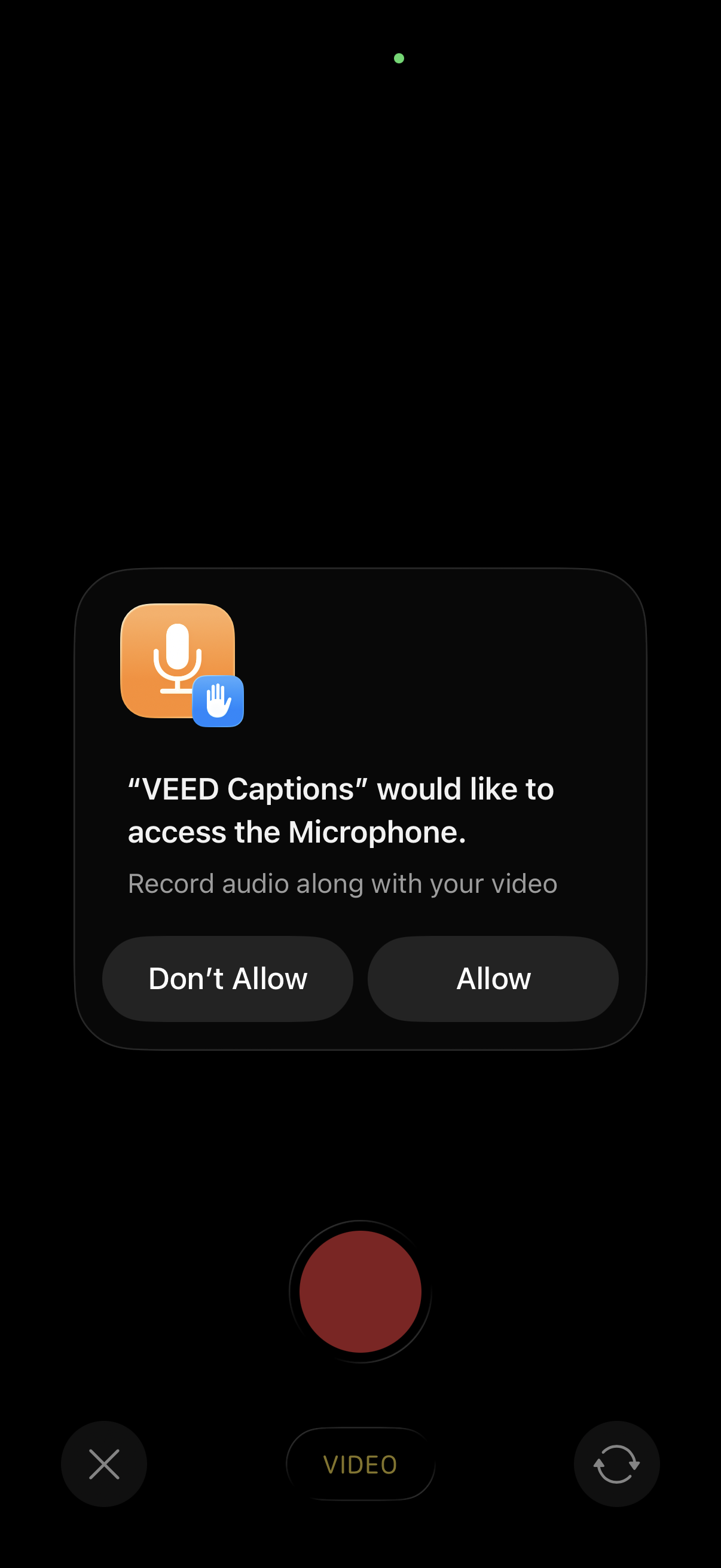
System permission modal requesting microphone access for a captions/video recording app so it can record audio along with video. The dialog offers primary actions to Allow or Don’t Allow while the camera video capture interface is visible in the background.
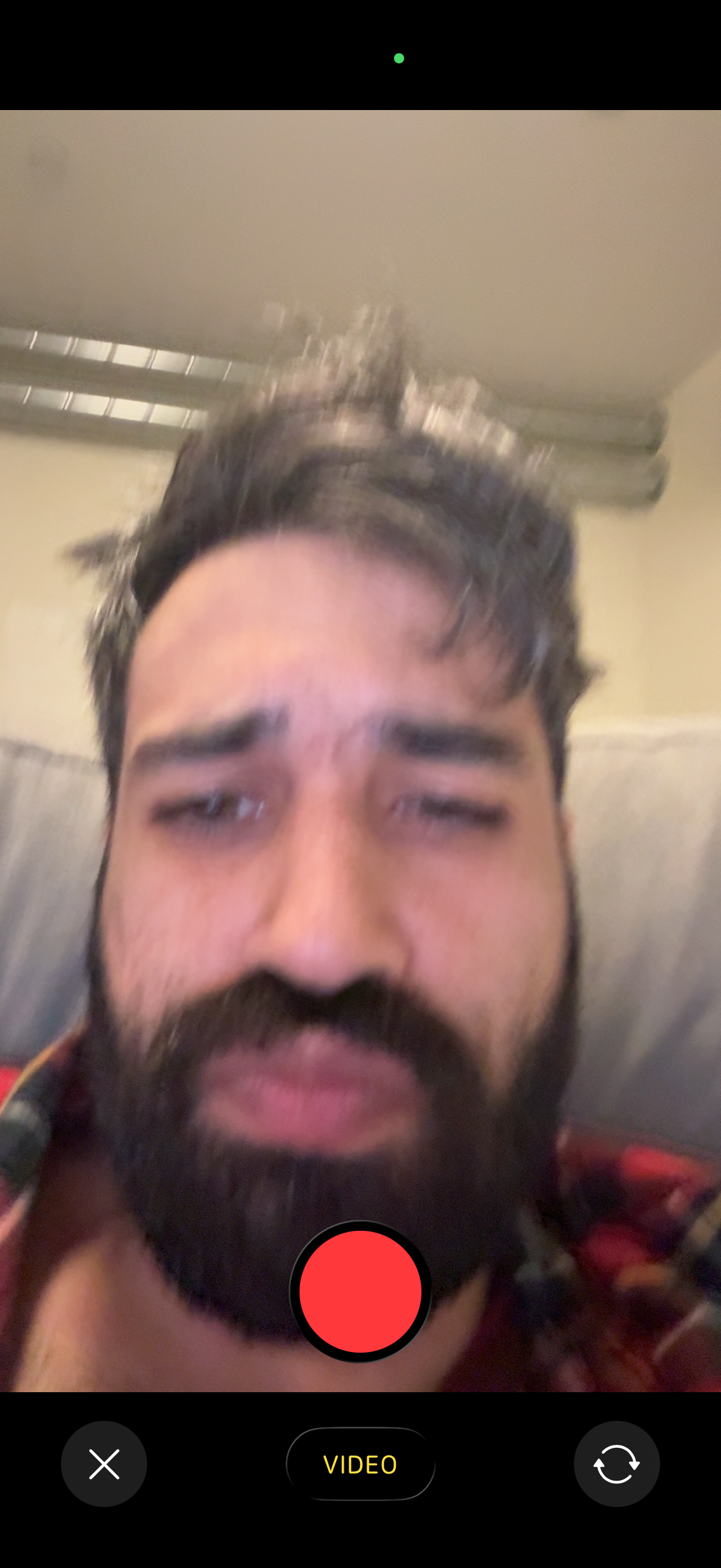
Front-facing camera preview for recording a video message, showing a large record button centered at the bottom with a toggle for Video mode. The screen includes controls to close/cancel and to switch/flip the camera.
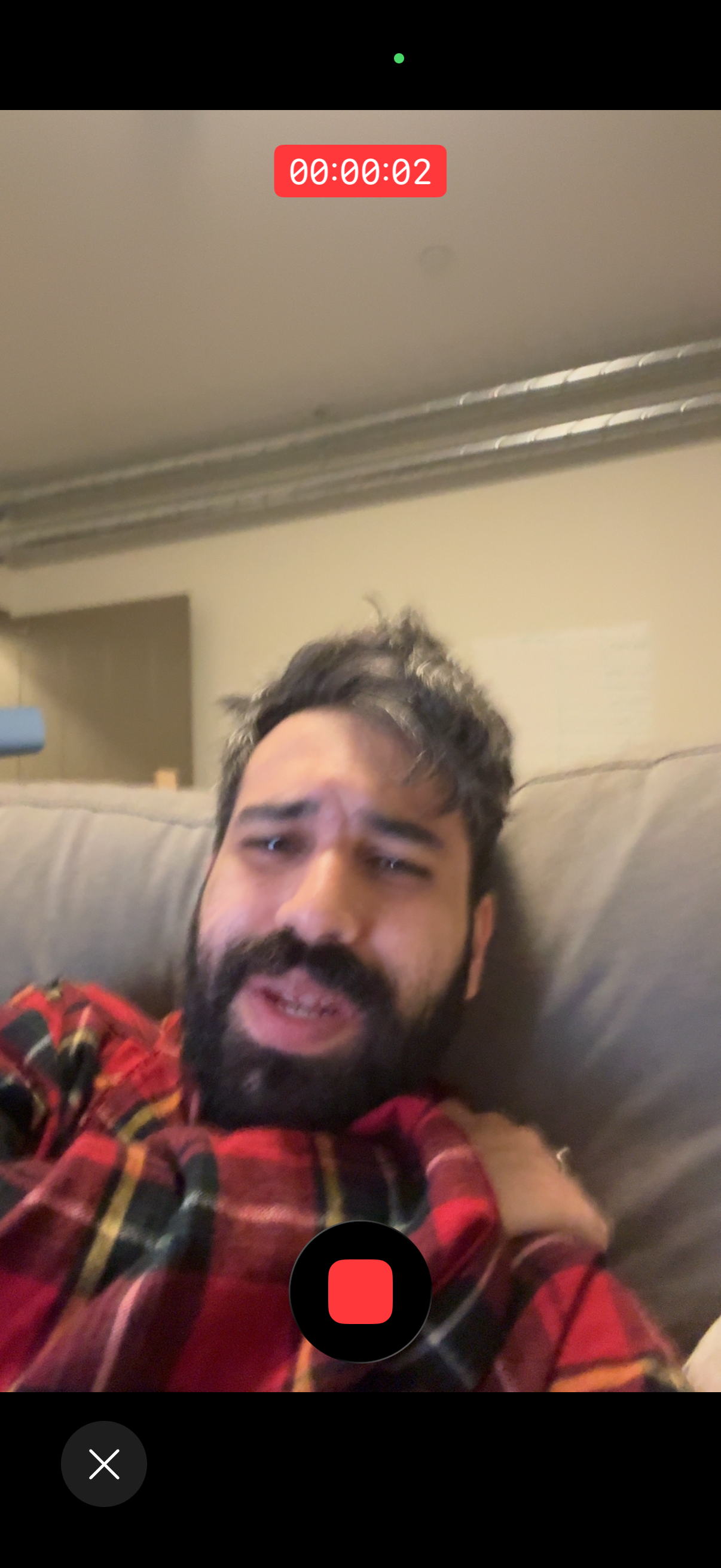
Front-facing camera video recording screen showing a live selfie preview with a recording timer at the top. Main actions include a large stop/record button and a cancel/close button to exit the recording.
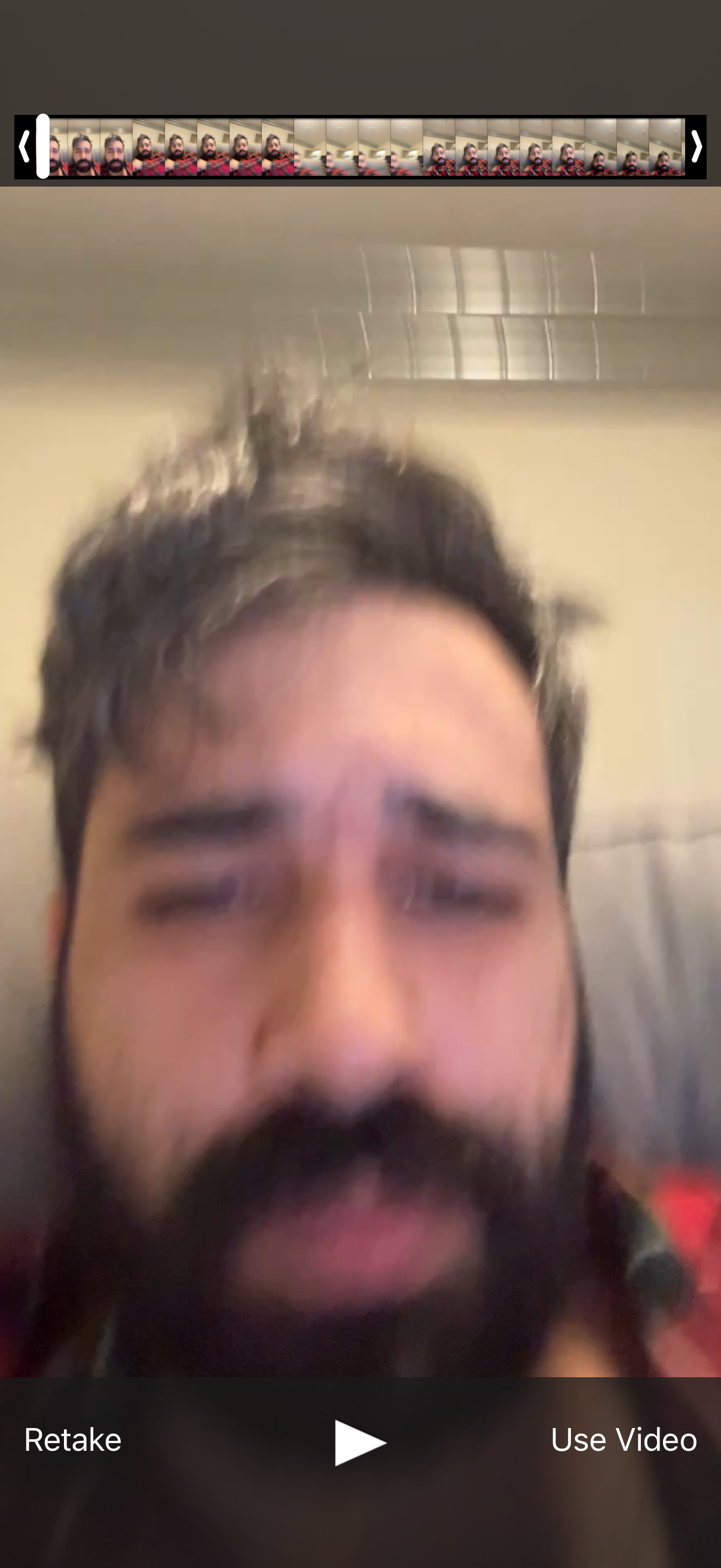
Video preview and trim screen after recording, showing a filmstrip timeline scrubber with back/next arrows and a play button to review playback. Primary actions let the user retake the recording or confirm and proceed with “Use Video.