start first breathing
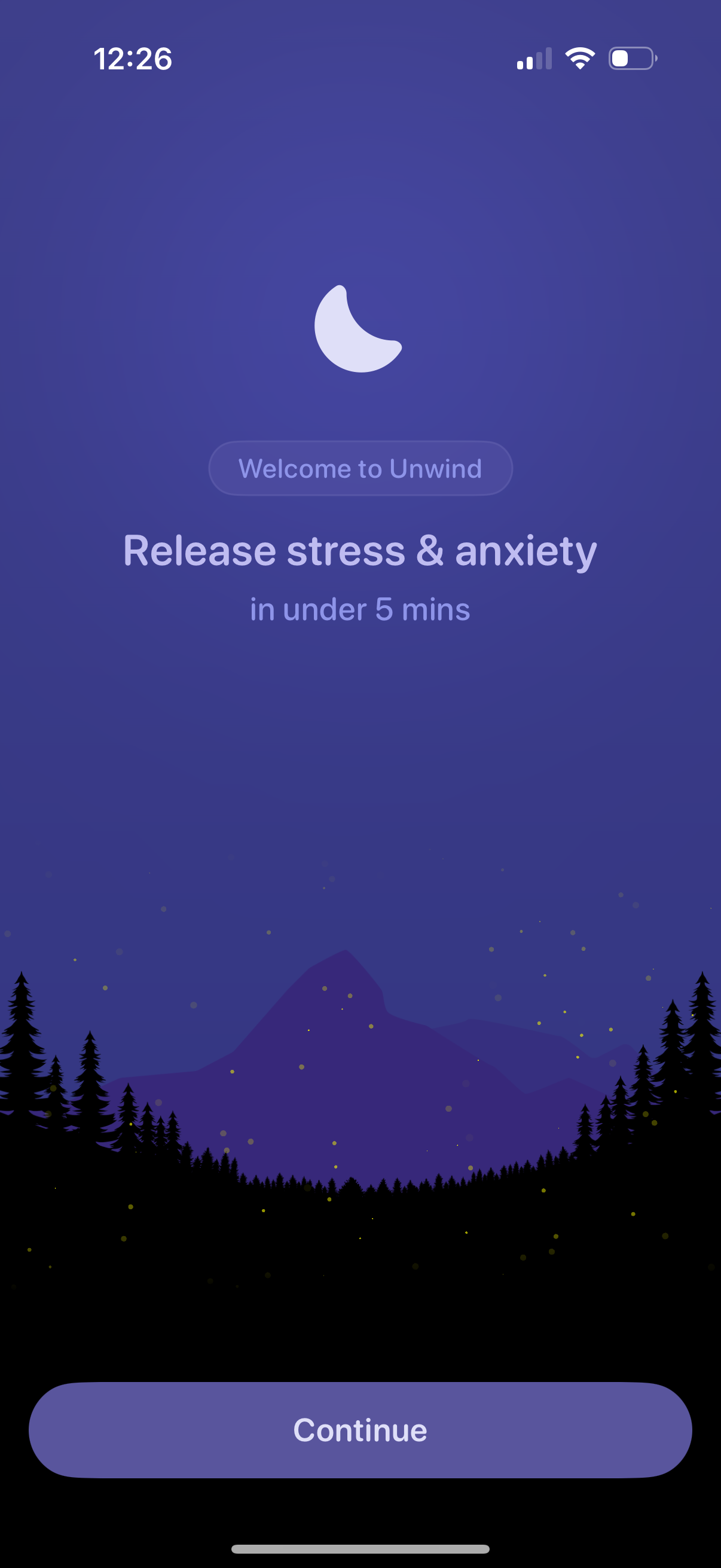
Onboarding welcome screen for a mindfulness or relaxation app introducing the promise to “release stress & anxiety in under 5 mins. ” Features a prominent Continue button to proceed into the app.
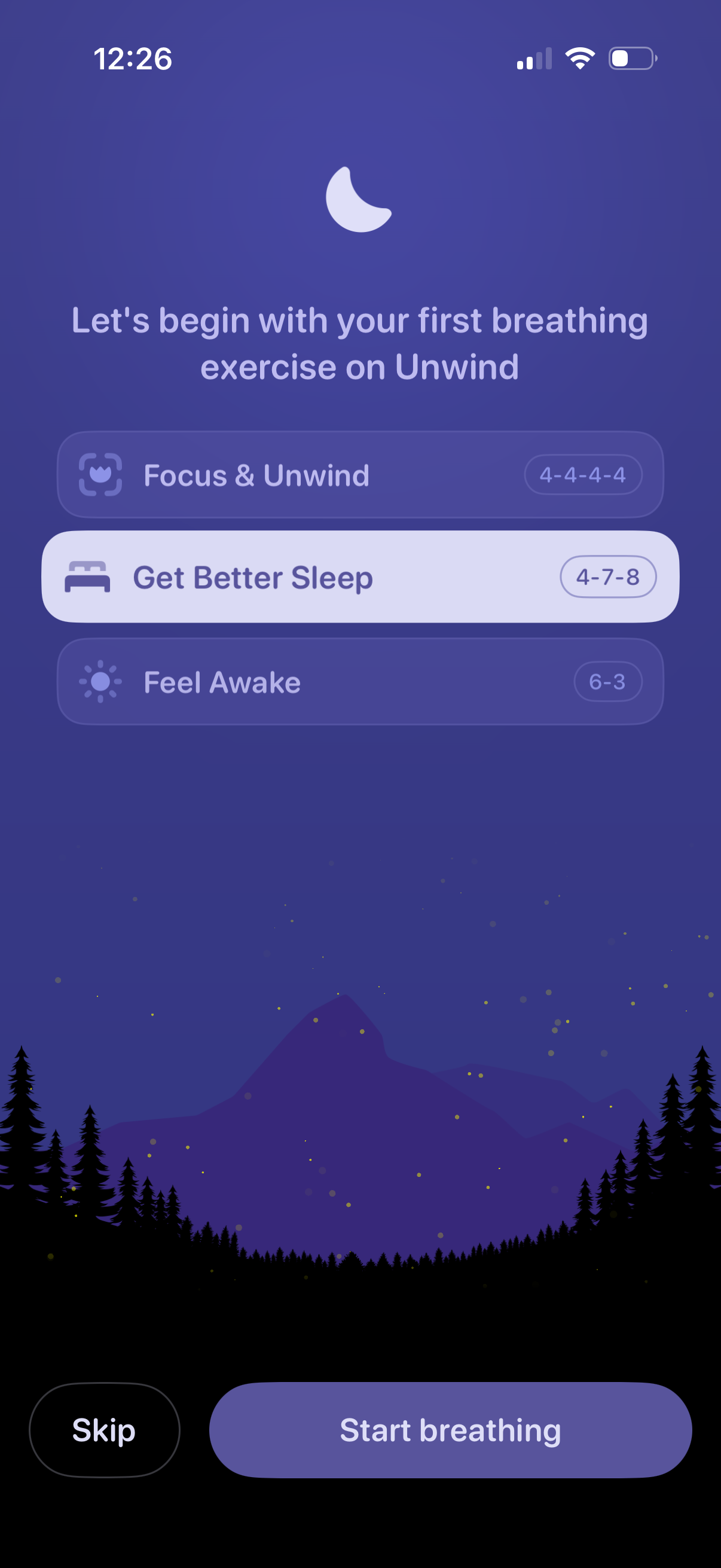
Onboarding screen for a breathing/meditation app prompting the user to begin their first breathing exercise by choosing a goal preset such as Focus & Unwind, Get Better Sleep, or Feel Awake, each showing a breathing pattern (e. g.
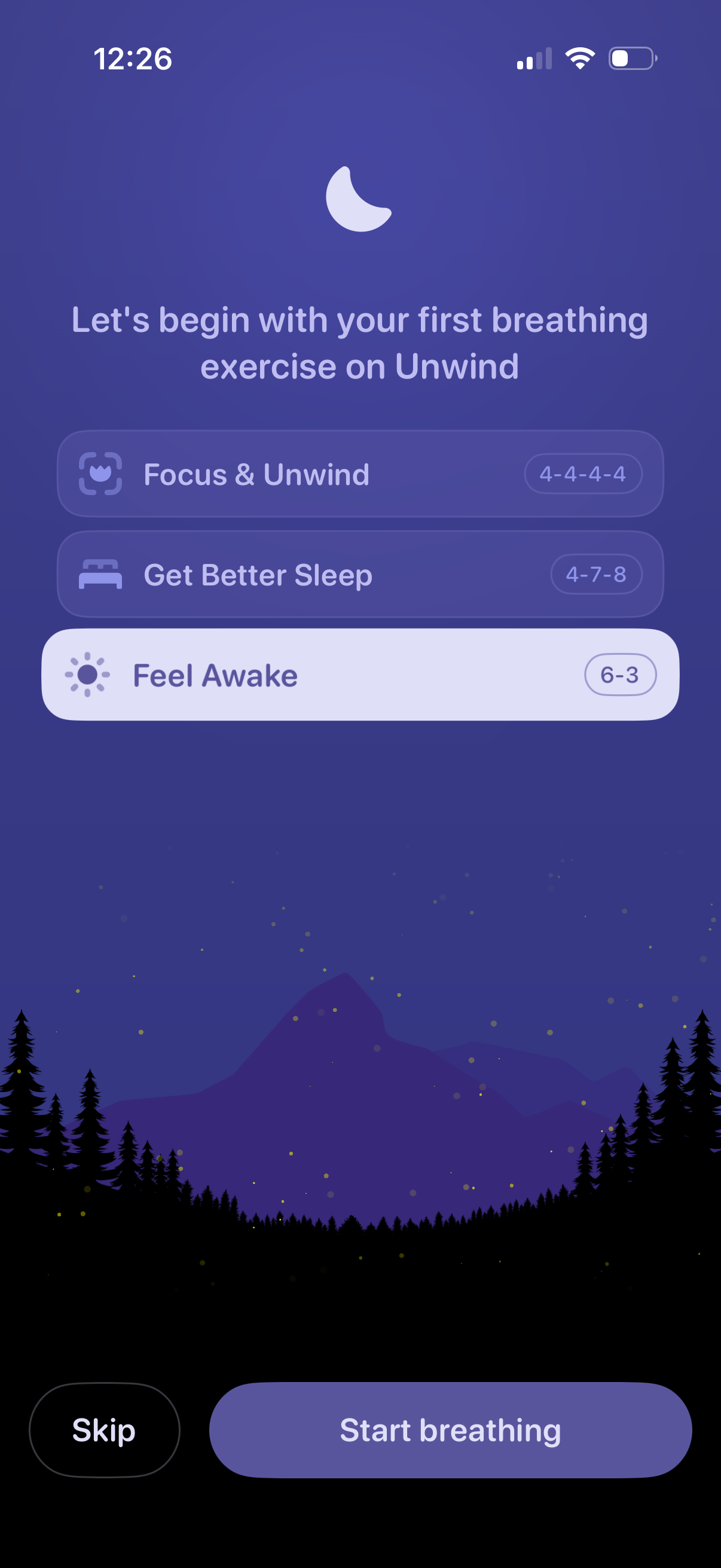
Onboarding screen for a meditation/breathing app prompting the user to begin their first breathing exercise, with selectable goals like Focus & Unwind, Get Better Sleep, or Feel Awake and showing each breathing pattern (e. g.
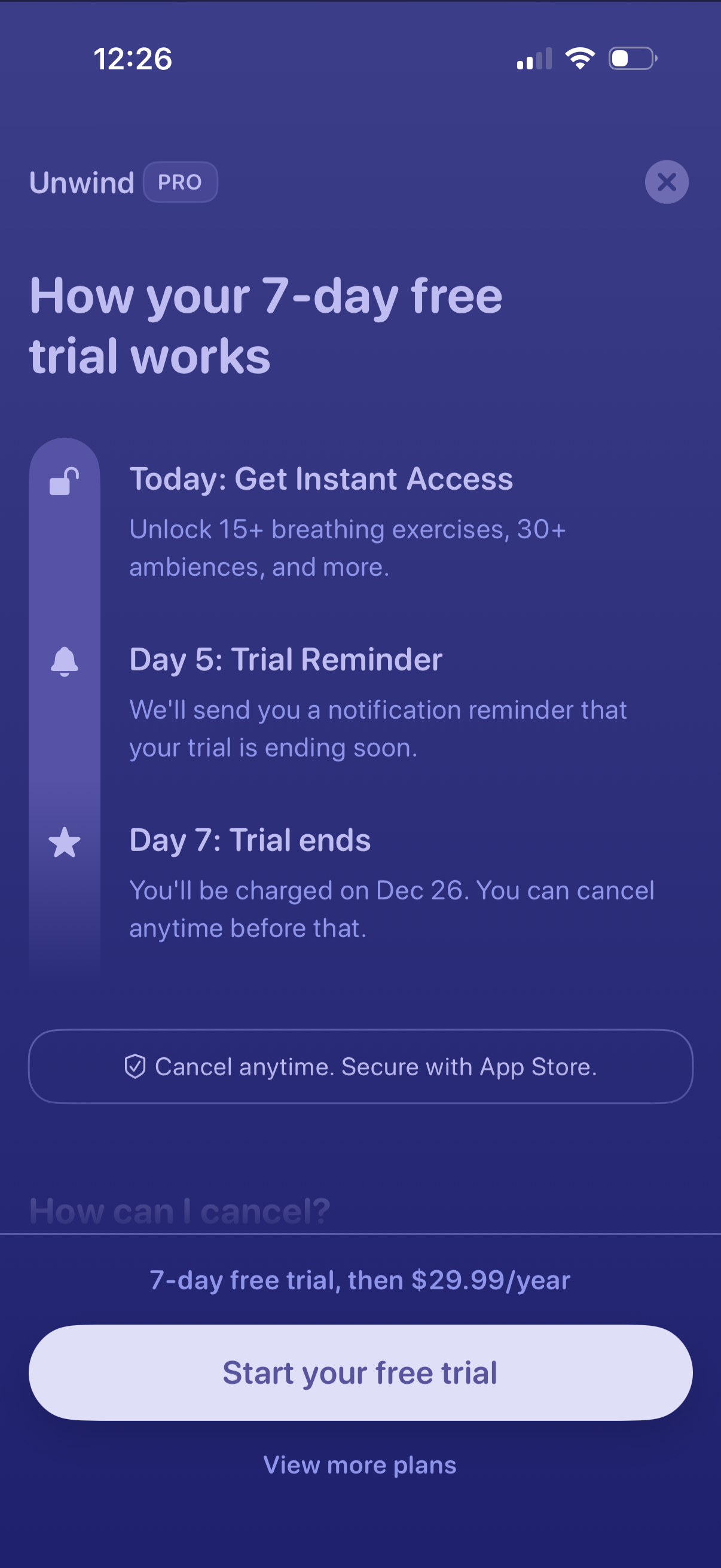
Subscription paywall explainer for a Pro upgrade showing how a 7-day free trial works, including instant access to premium content, a day 5 trial-ending reminder, and the day 7 charge date with cancel-anytime messaging. Primary CTA is “Start your free trial” with an option to view more plans and a close button to dismiss the modal.
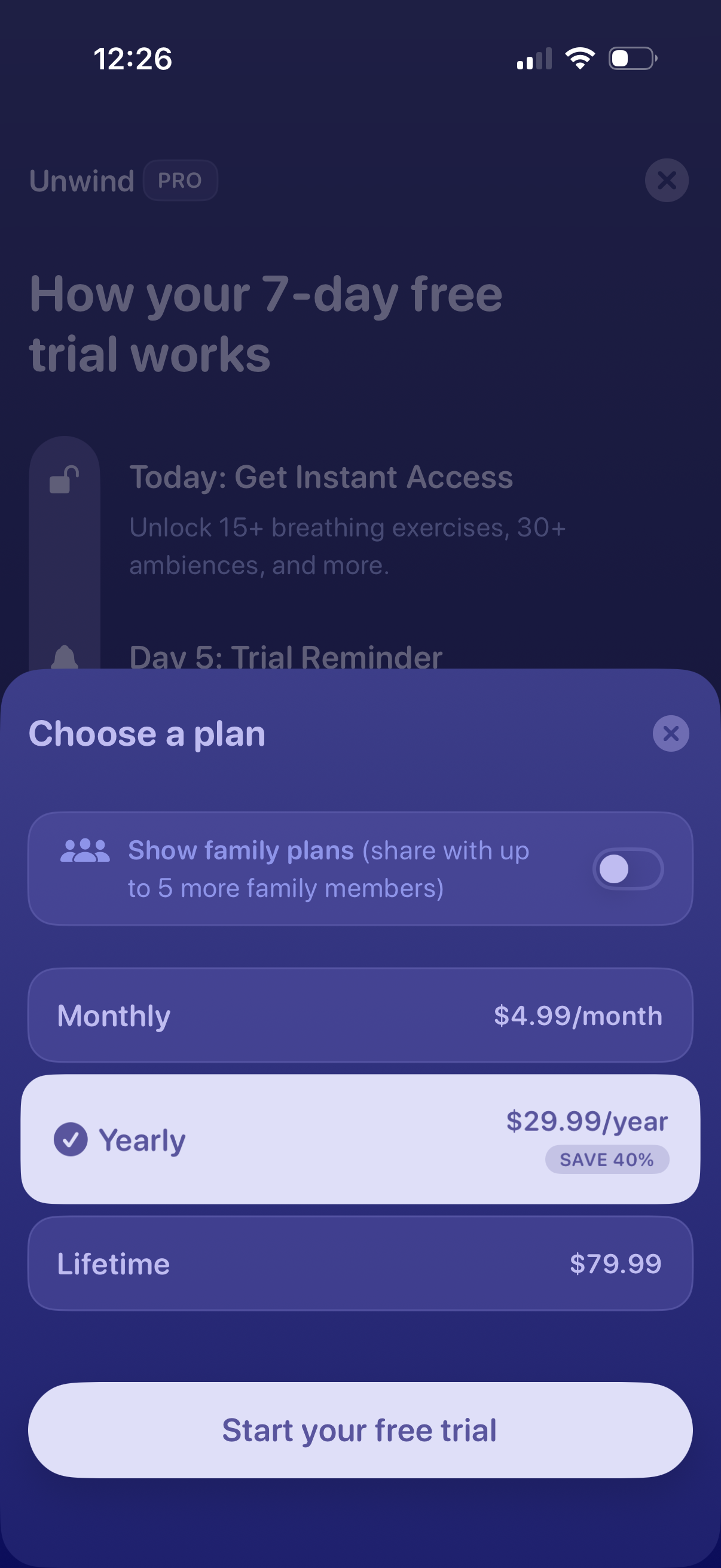
Subscription paywall modal for a wellness app showing how a 7-day free trial works and prompting the user to choose a plan. Users can toggle family plans and select Monthly, Yearly (highlighted with savings), or Lifetime pricing, then tap “Start your free trial” or close the sheet.
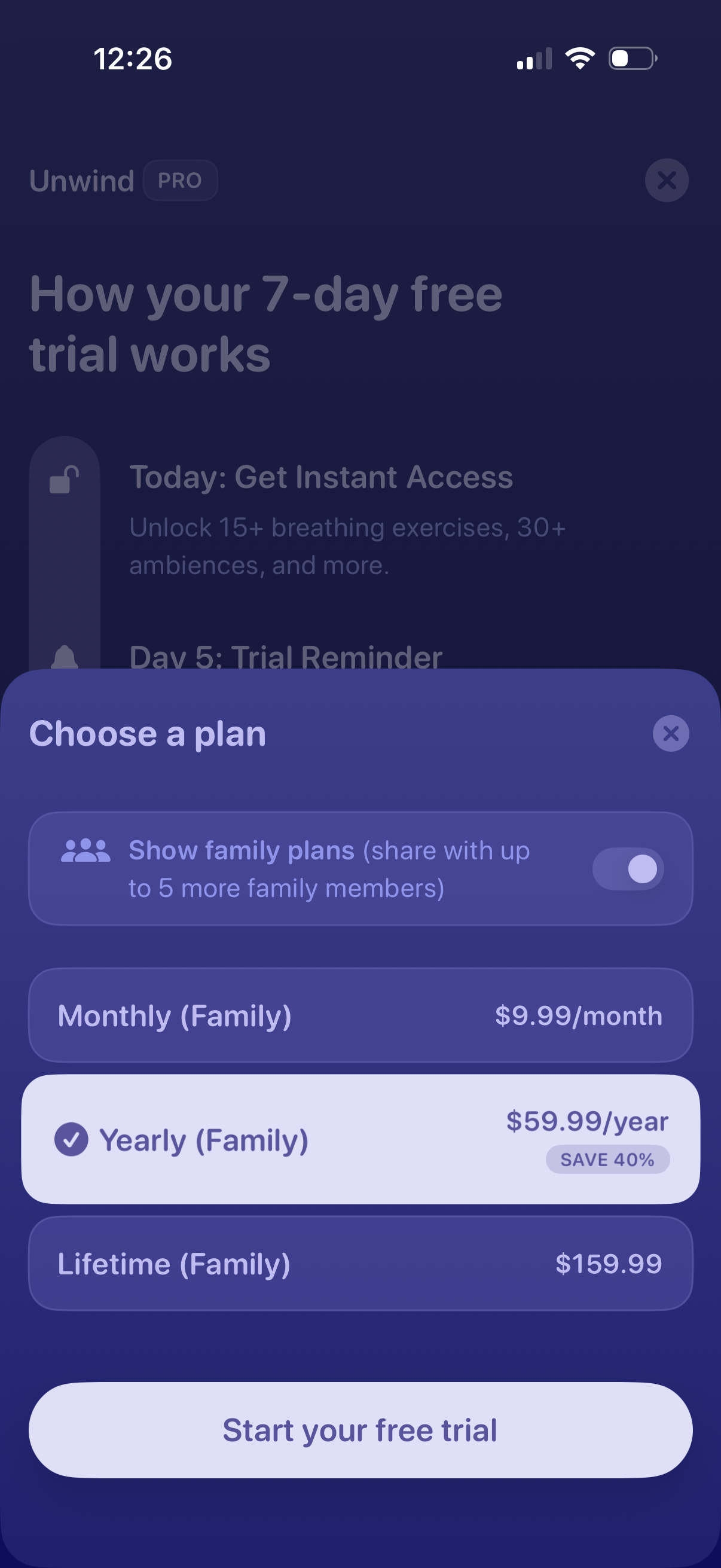
Subscription paywall modal for starting a 7-day free trial, prompting users to choose a plan with pricing options (monthly, yearly with savings, lifetime) and an optional toggle to show family plans. Includes a primary “Start your free trial” CTA and a close button.
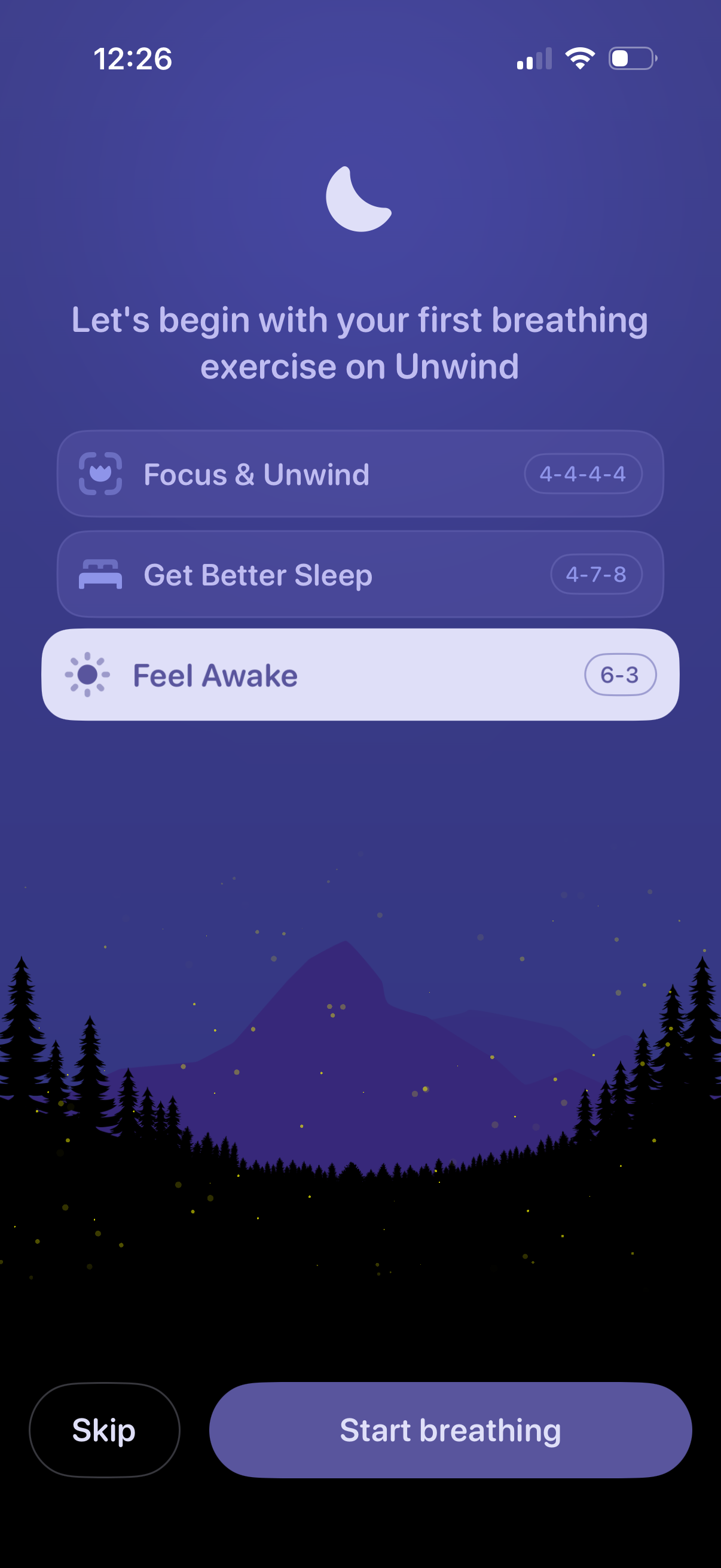
Onboarding screen for a meditation/breathing app prompting the user to start their first breathing exercise by choosing a goal-based routine (Focus & Unwind, Get Better Sleep, Feel Awake) with displayed breathing patterns. Primary actions are to start the breathing session or skip.
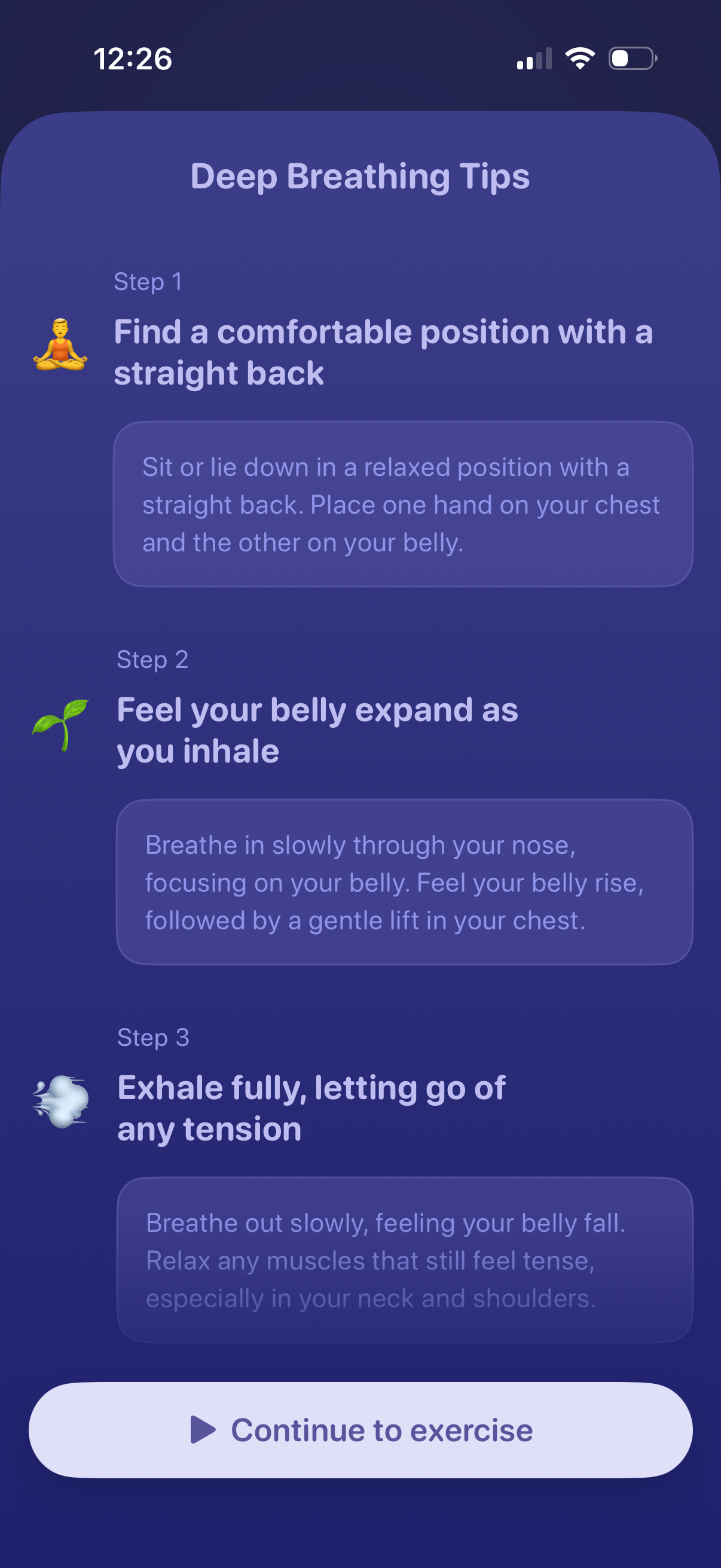
Wellness meditation screen showing “Deep Breathing Tips” with a step-by-step guide (find a comfortable posture, inhale with belly expansion, exhale to release tension), each step including a short explanatory paragraph. A primary bottom call-to-action button lets the user continue to the breathing exercise.
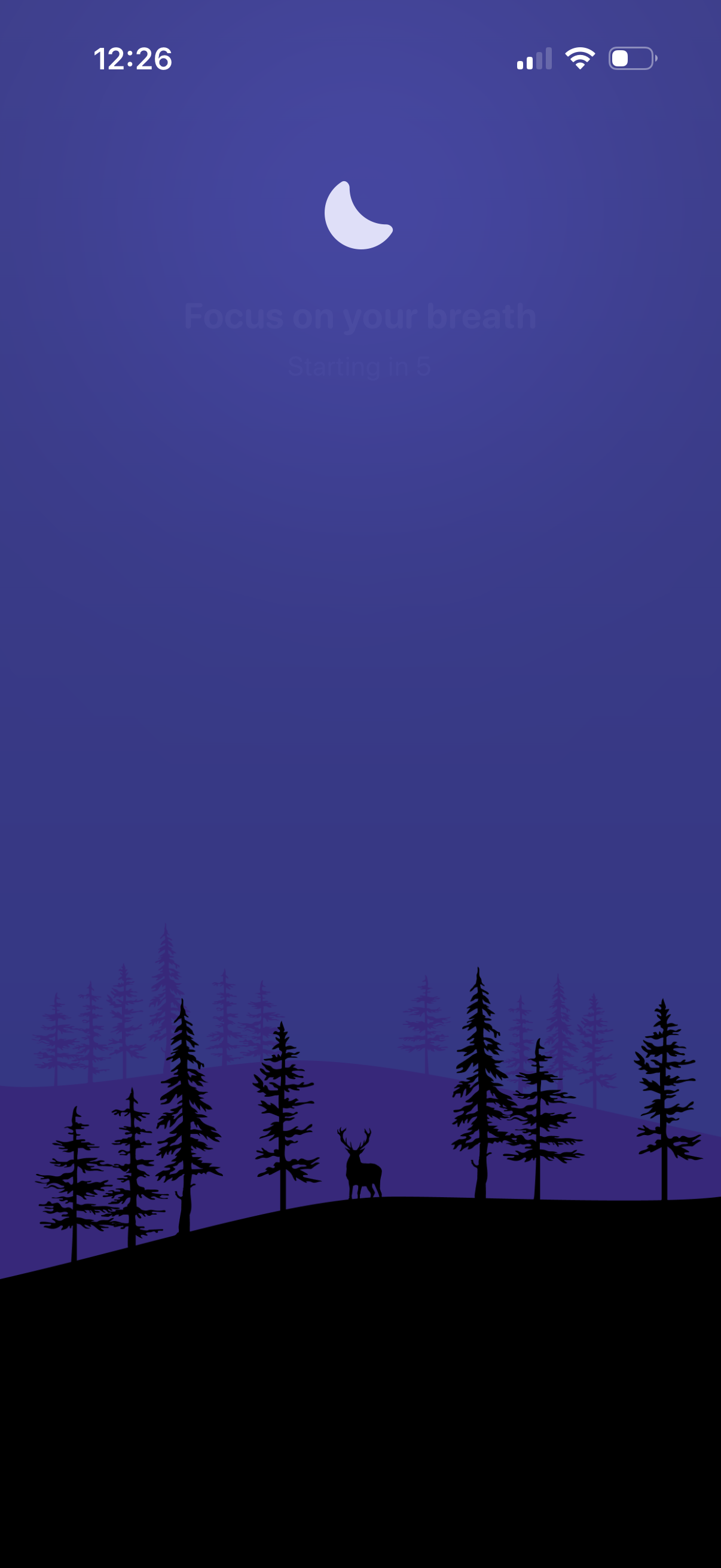
A calming meditation/breathing exercise start screen showing a “Focus on your breath” prompt with a countdown timer indicating the session will begin shortly. Minimal full-screen illustration background creates a tranquil atmosphere while the guided breathing session loads.
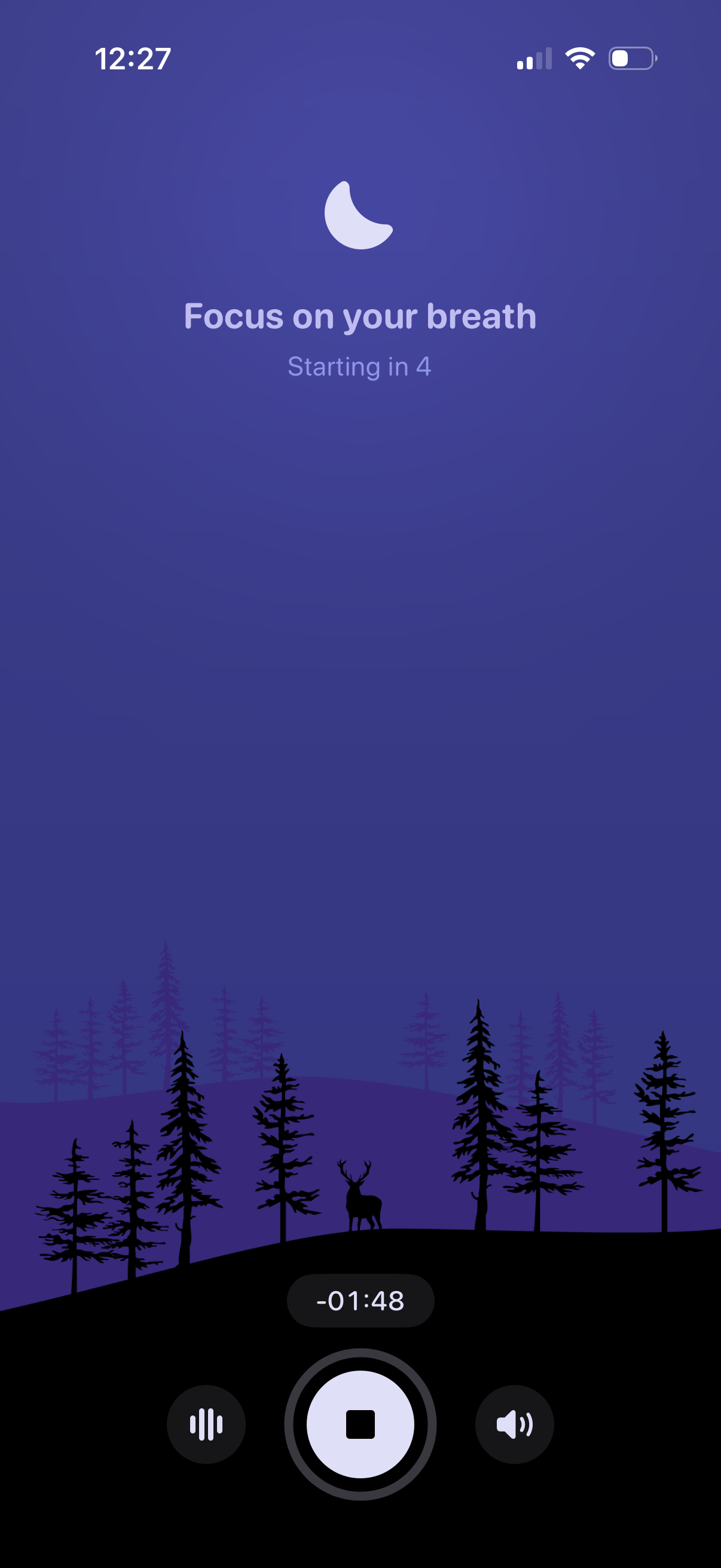
Meditation or breathing exercise session screen prompting the user to “Focus on your breath” with a short countdown before starting. Includes an active session timer and playback controls at the bottom such as stop, audio/voice toggle, and volume.