change reminder frequency
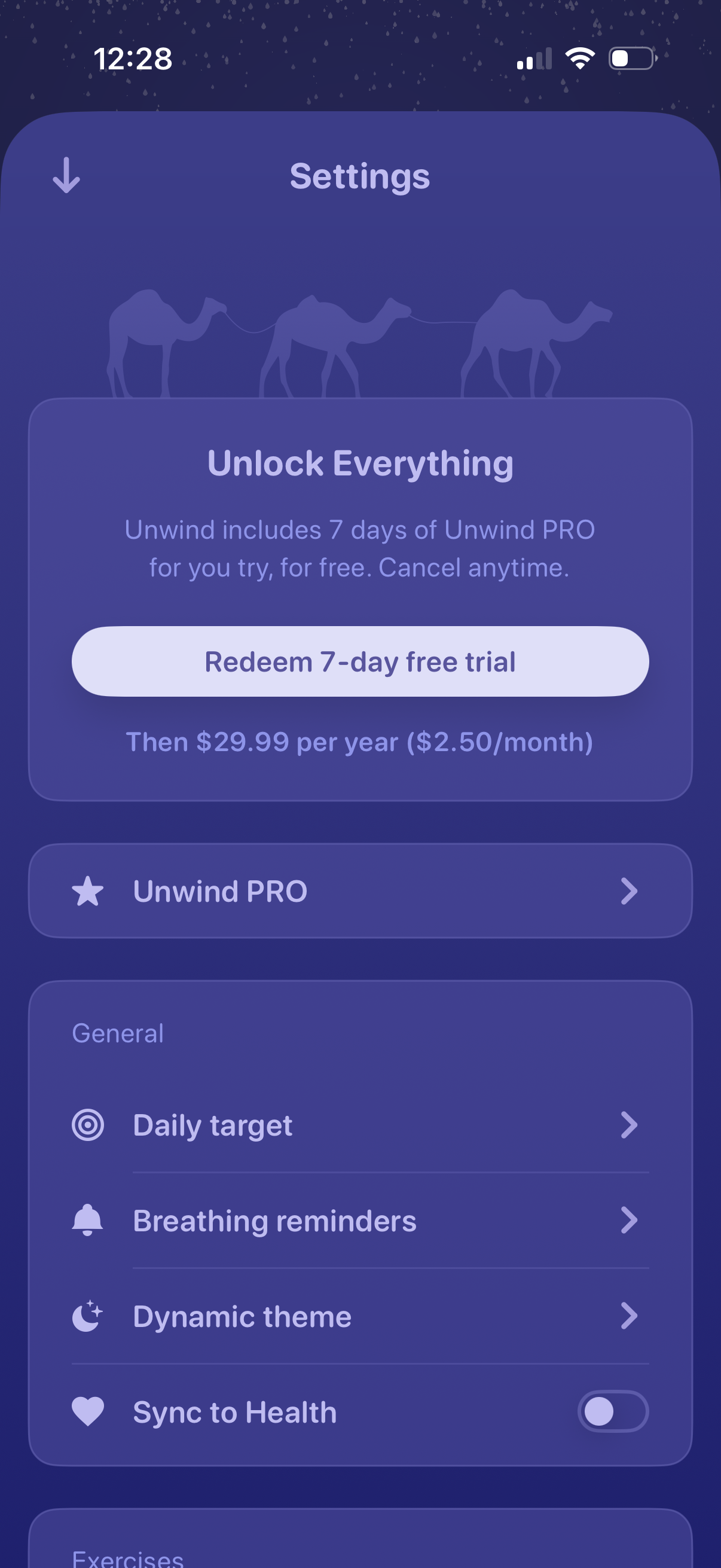
Settings screen featuring a premium upsell to “Unlock Everything” with a primary CTA to redeem a 7‑day free trial and pricing details, plus a link to manage the PRO subscription. Below, general settings options let users configure daily target, breathing reminders, dynamic theme, and toggle syncing data to Apple Health.
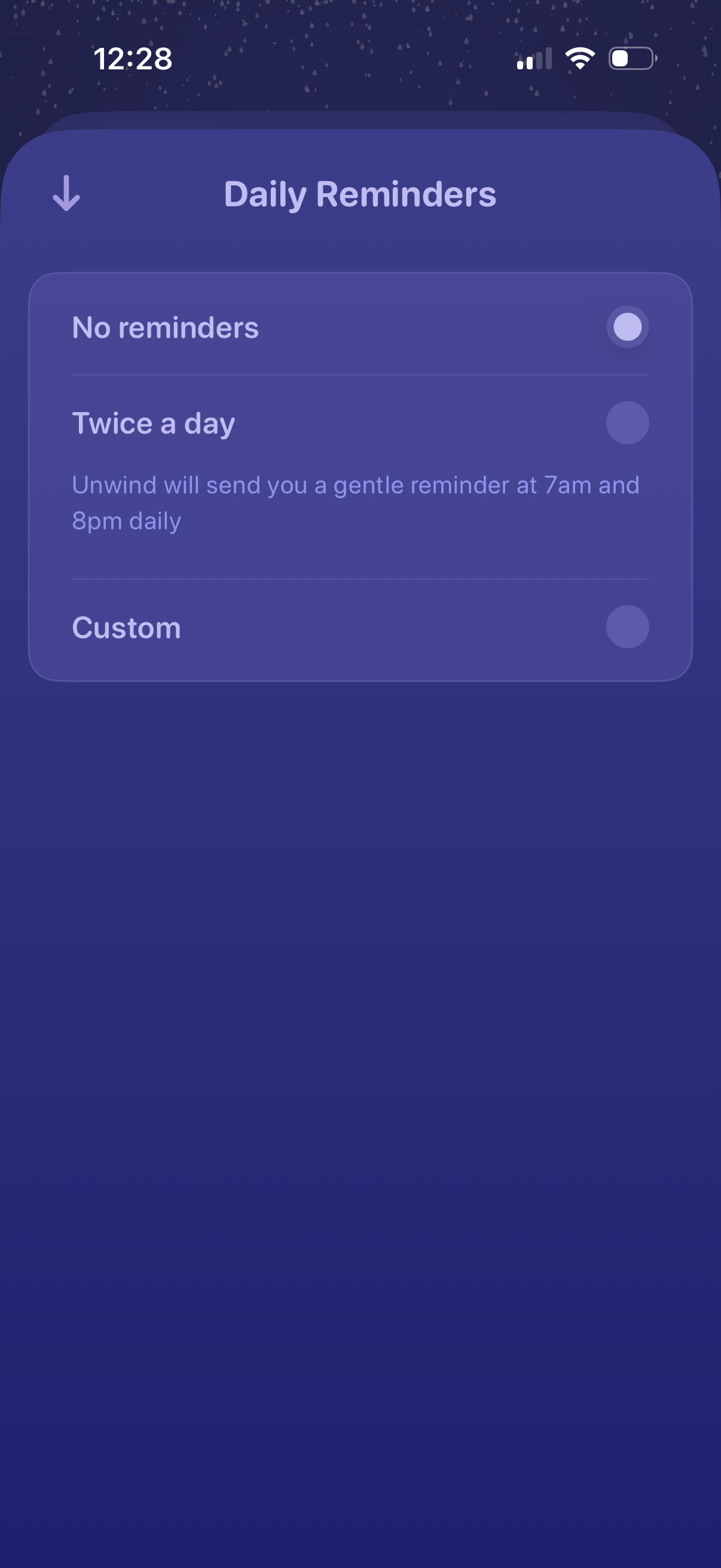
Daily reminders settings screen for a wellness app where users choose notification frequency via radio options: no reminders, twice a day (with preset times like 7am and 8pm), or a custom schedule, with a back navigation control.
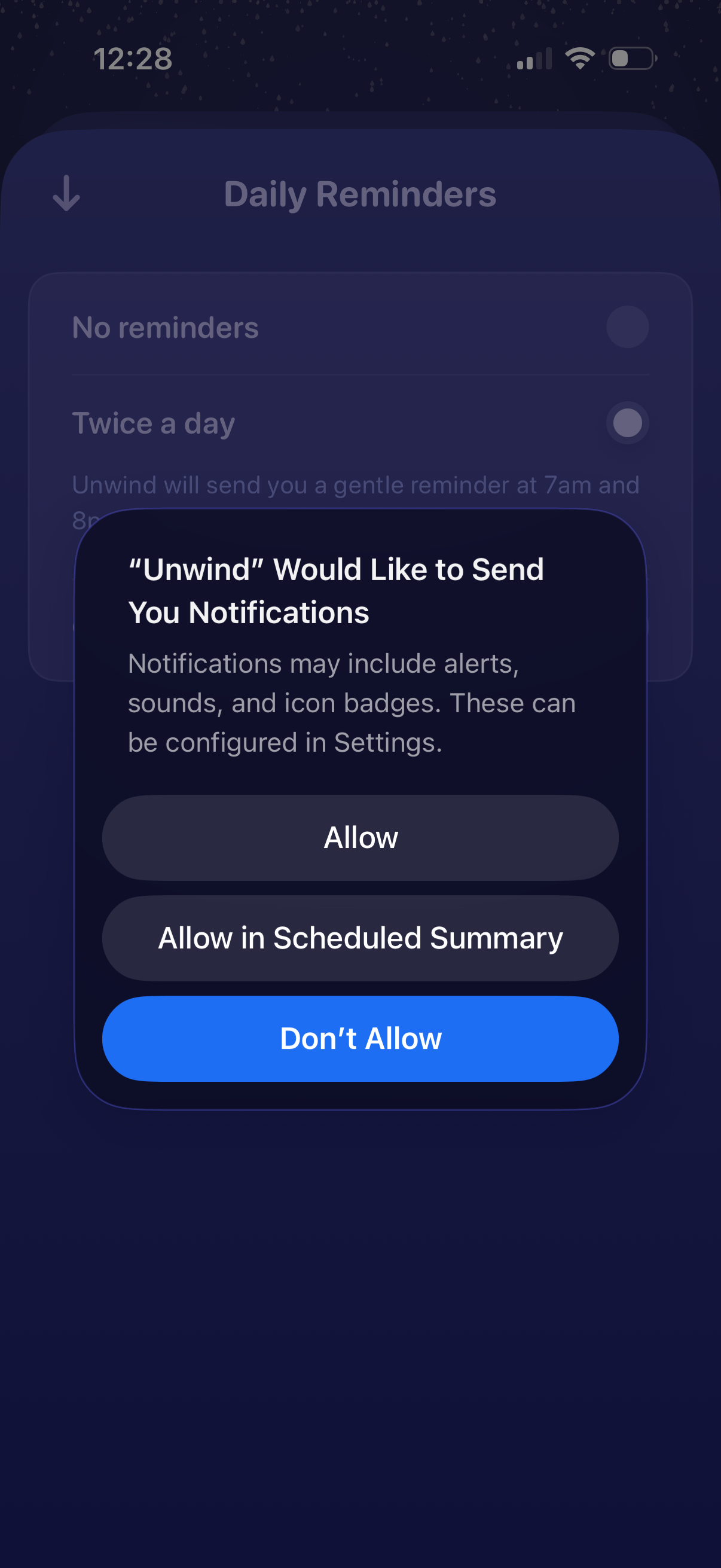
A daily reminders settings screen is shown with options like no reminders or twice-a-day reminders, and an iOS permission modal prompts the user to enable push notifications for the app. The dialog offers actions to Allow, Allow in Scheduled Summary, or Don’t Allow.
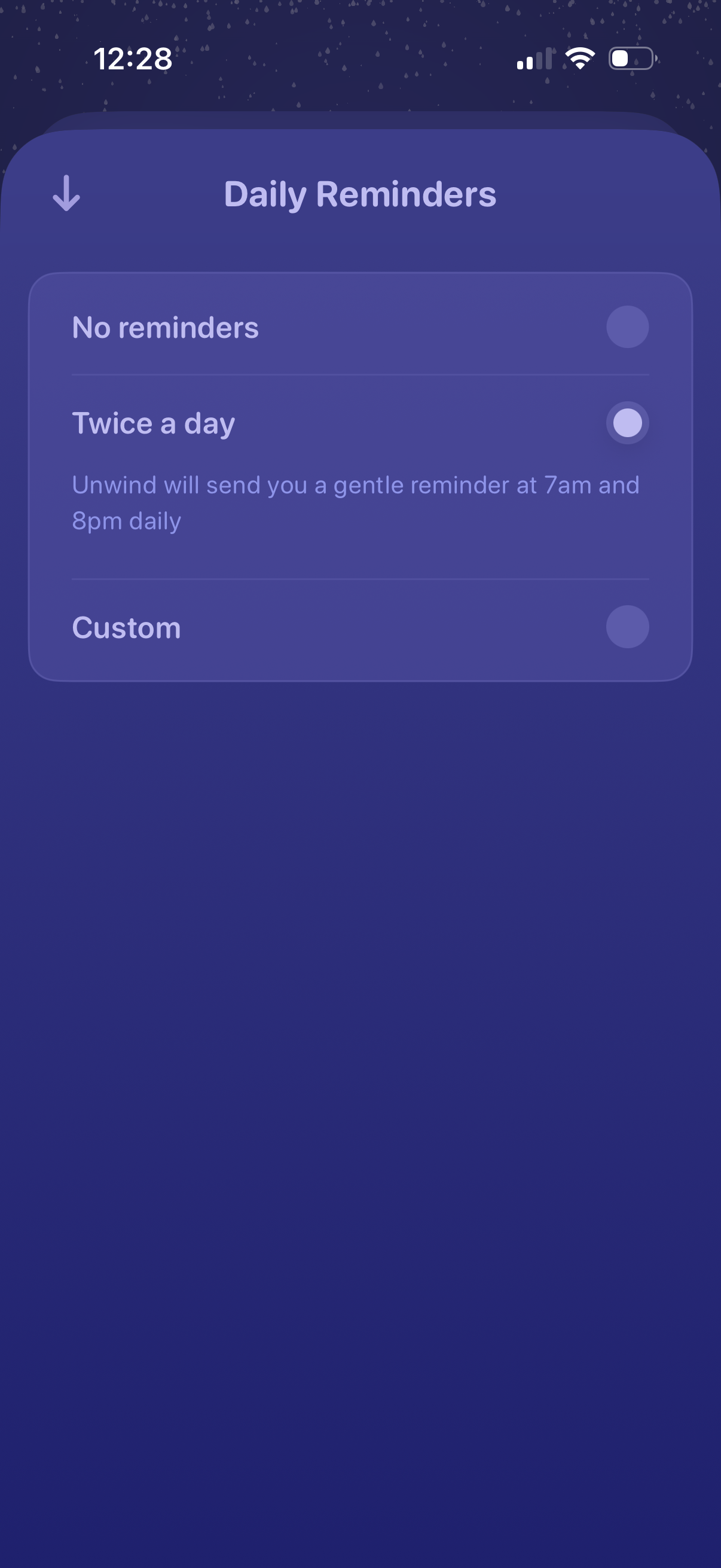
Settings screen for configuring daily notification reminders, letting users choose no reminders, twice-a-day reminders with fixed times, or a custom schedule via radio button selection. Includes a back arrow to return to the previous screen.