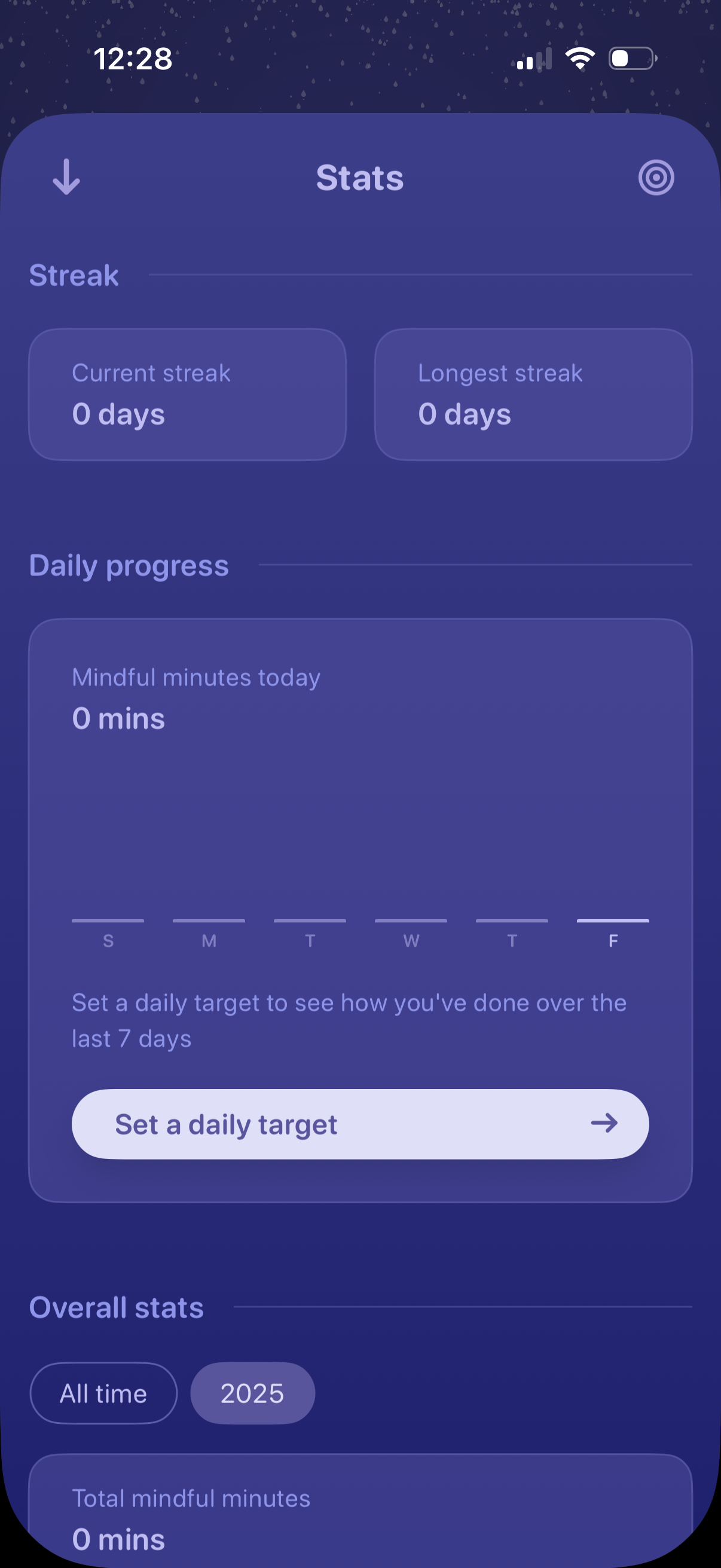
Meditation or mindfulness app stats dashboard showing streak tracking (current and longest streak) and daily progress with a 7‑day mindful minutes chart. Includes a primary call to action to set a daily target and tabs to view overall stats by all-time or by year.
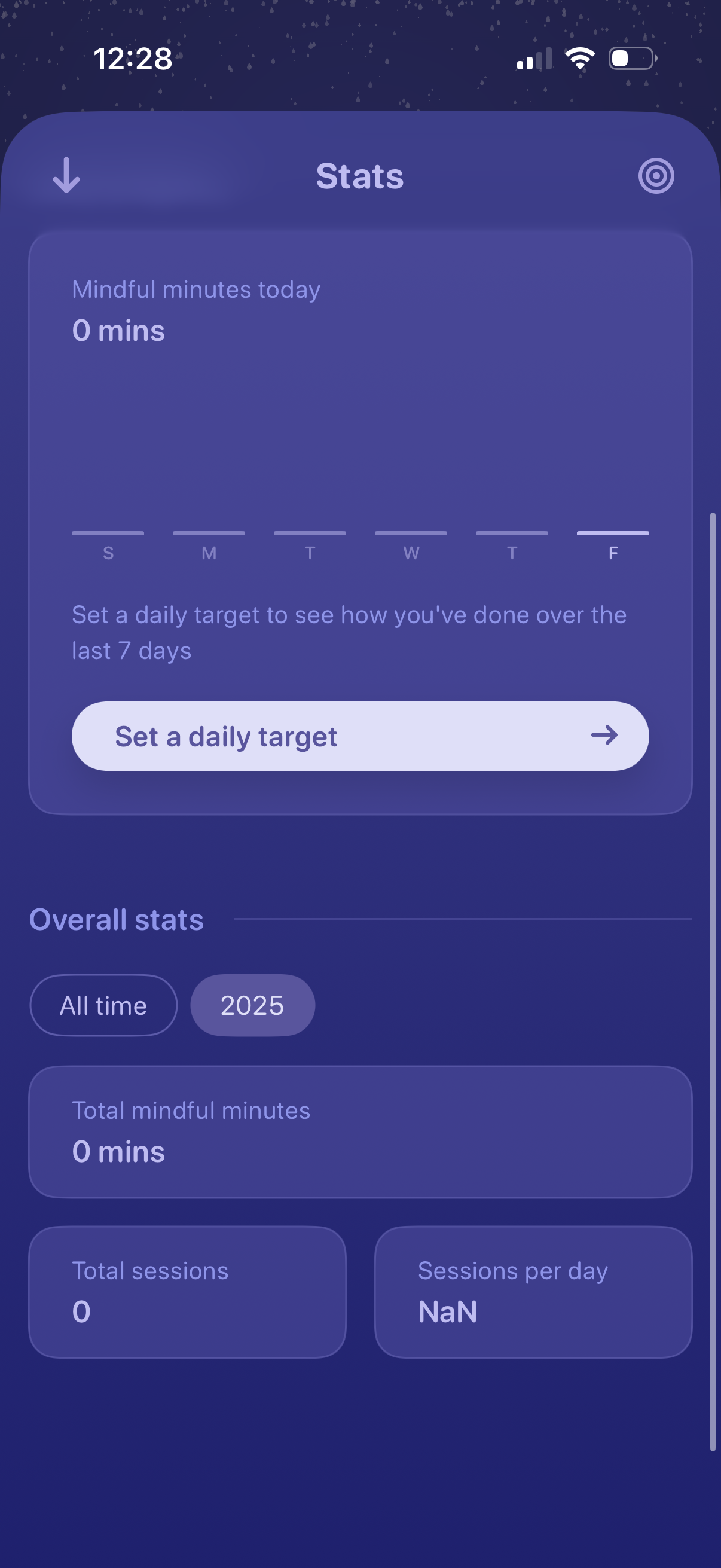
Meditation/mindfulness stats dashboard showing mindful minutes today with a weekly day-of-week tracker and a primary CTA to set a daily target. Includes overall stats filters (all time vs year) and summary cards for total mindful minutes, total sessions, and sessions per day.
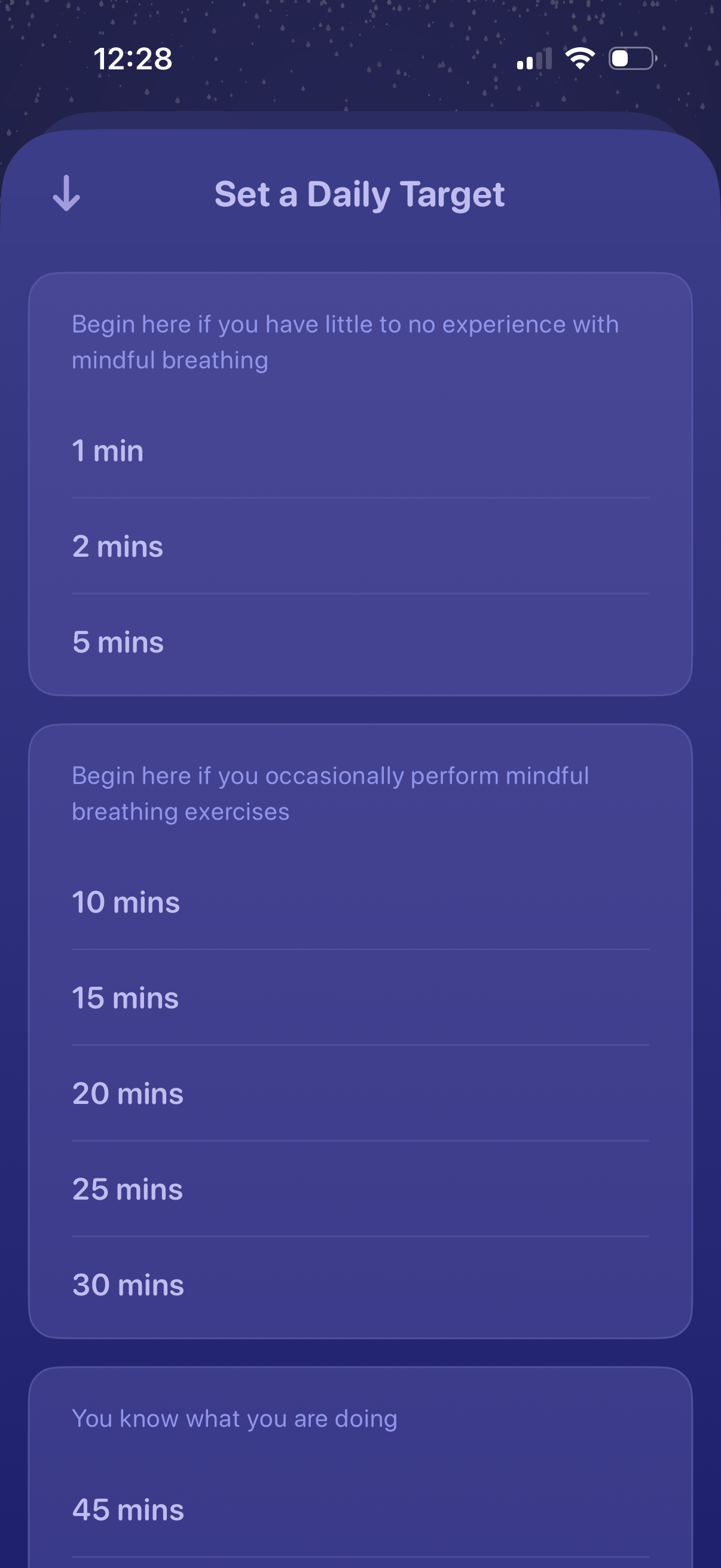
A meditation or breathing app settings screen for setting a daily target, offering selectable session duration options grouped by experience level (beginner, occasional, advanced). Users choose a time goal from quick options like 1–5 minutes up to longer targets such as 10–30 and 45 minutes, with a back navigation control.
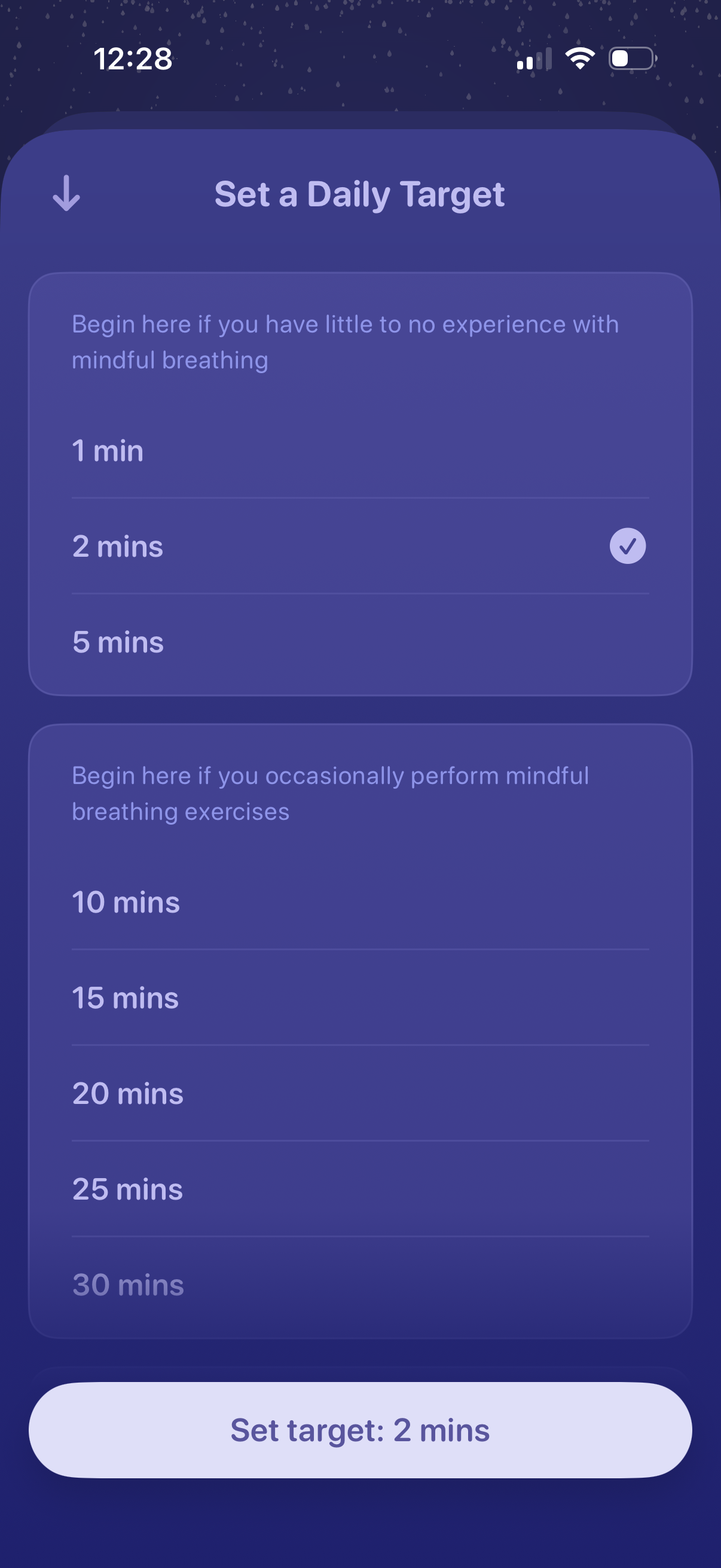
Mindful breathing settings screen for setting a daily target duration, offering selectable time options (1–30 minutes) grouped by beginner and occasional practice guidance with a checkmark showing the current selection. A primary bottom button confirms and saves the chosen target (e.
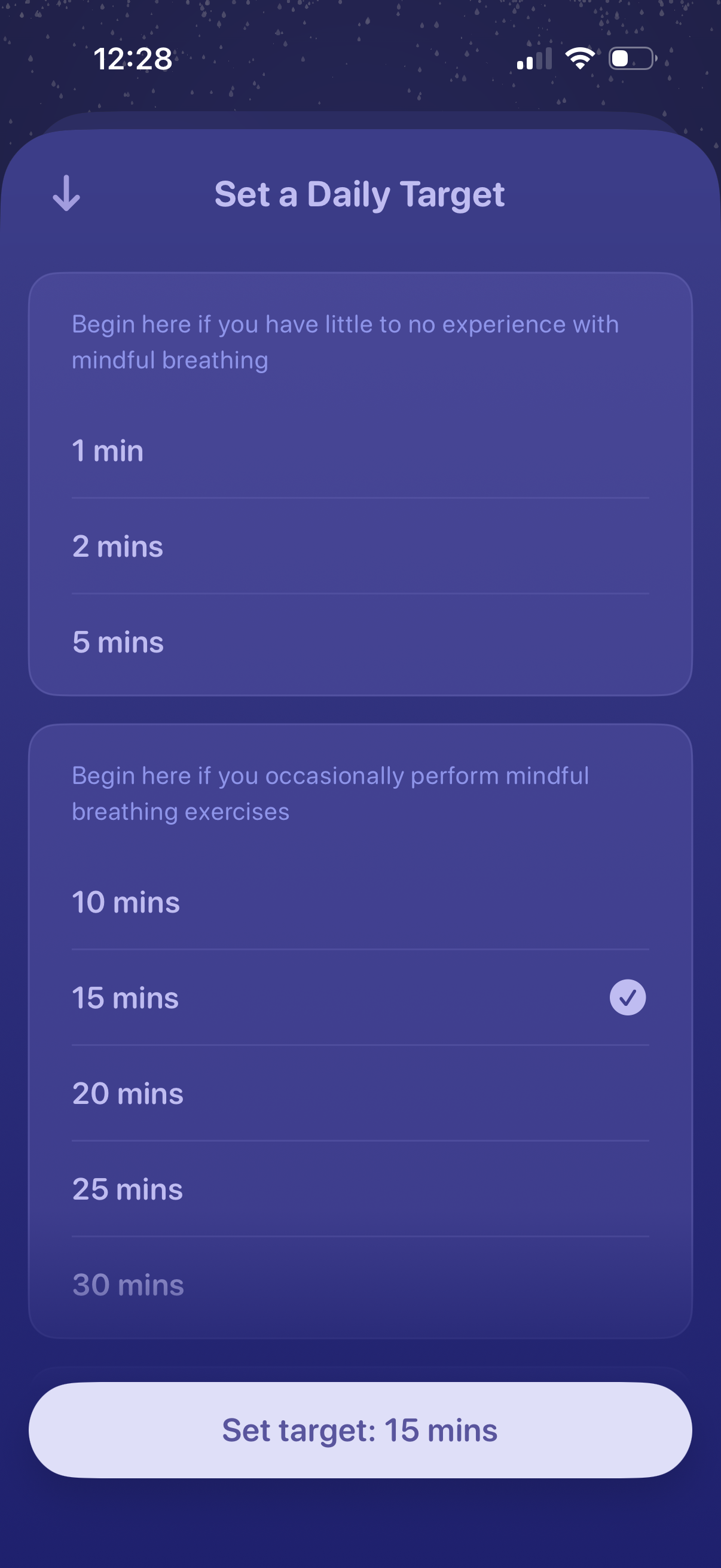
Screen for setting a daily mindful breathing goal by choosing a target duration from preset minute options grouped by experience level, with the selected time marked by a check. A bottom call-to-action button confirms the choice (e.
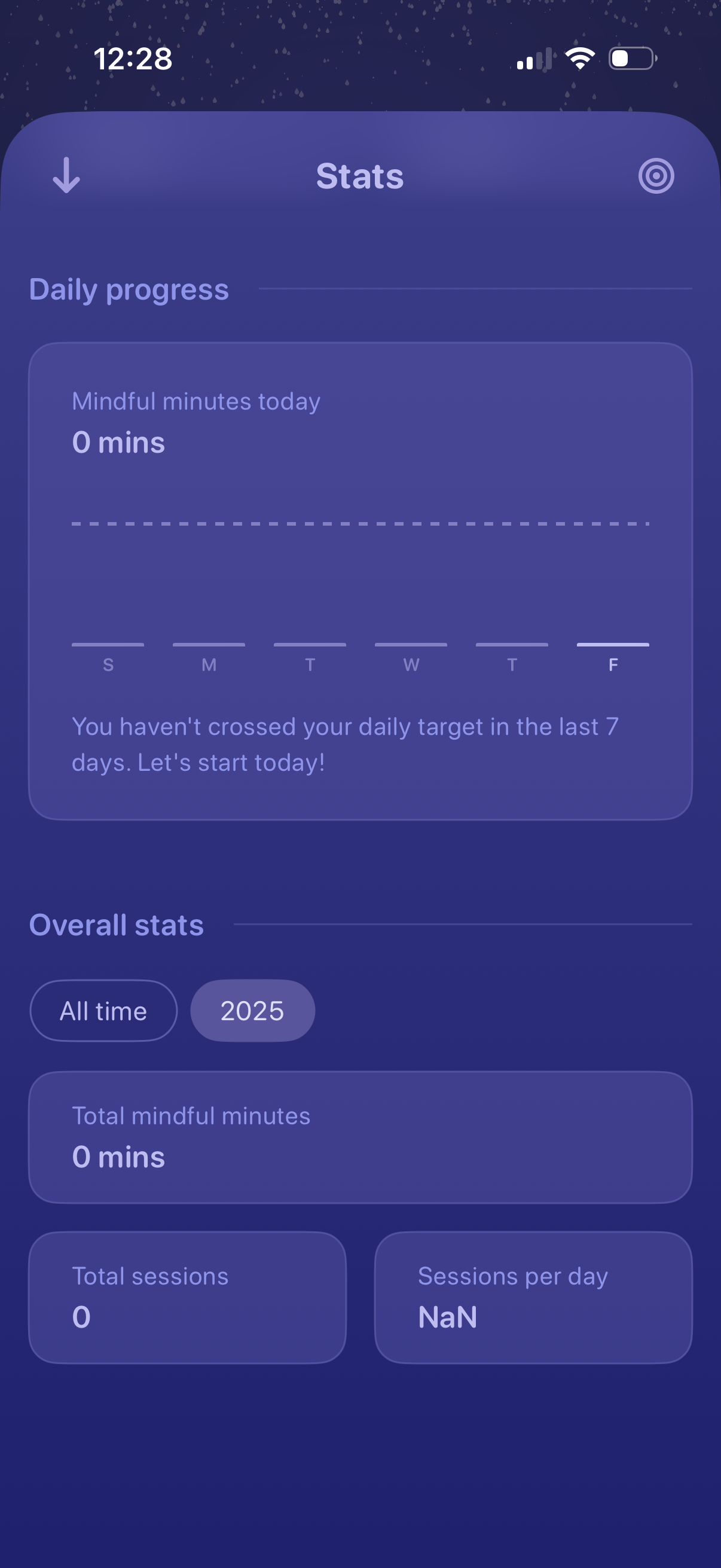
Meditation/mindfulness app stats dashboard showing daily progress with a weekly chart of mindful minutes today and a message about missing the daily target. Includes overall statistics with time-range filters (all time or year) summarizing total mindful minutes, total sessions, and sessions per day.