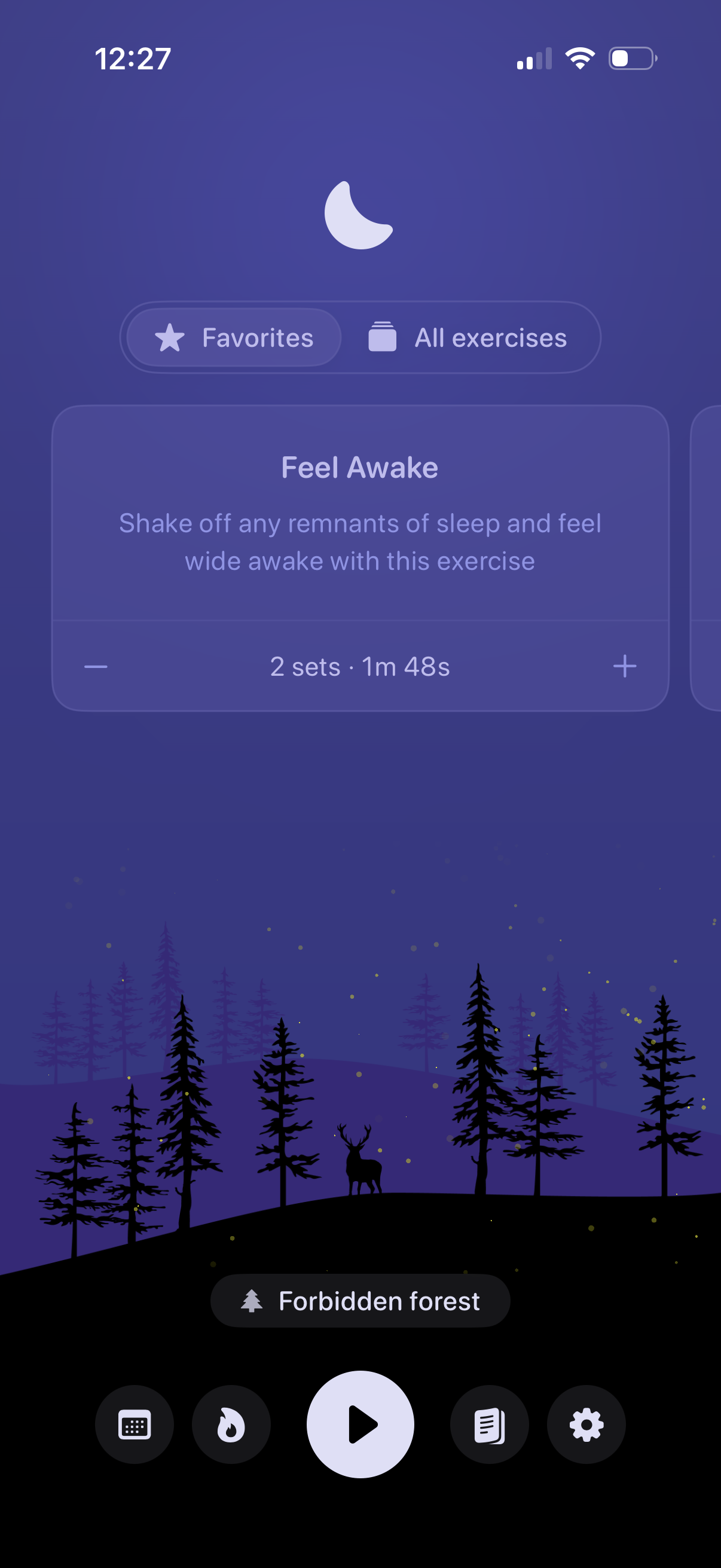
Meditation or sleep-aid session setup screen showing a recommended exercise card with title and description, plus controls to adjust the number of sets and total duration. Users can switch between Favorites and All exercises, select an ambient soundscape, and start the session with a prominent play button and bottom navigation shortcuts.
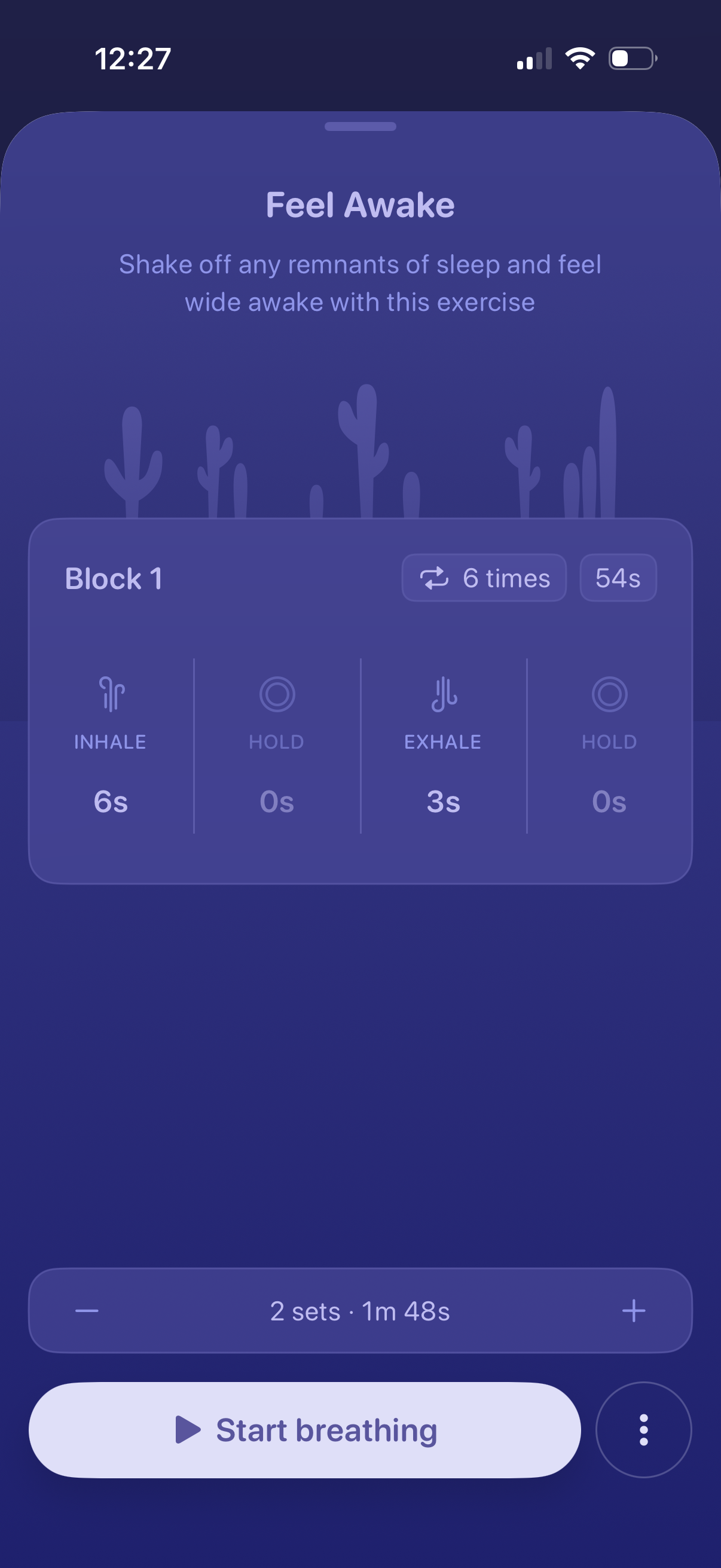
Breathing exercise setup screen for a “Feel Awake” routine, showing the block structure with inhale/hold/exhale timings, total repetitions and duration. Users can adjust the number of sets with plus/minus controls and start the guided breathing session with a primary “Start breathing” button.
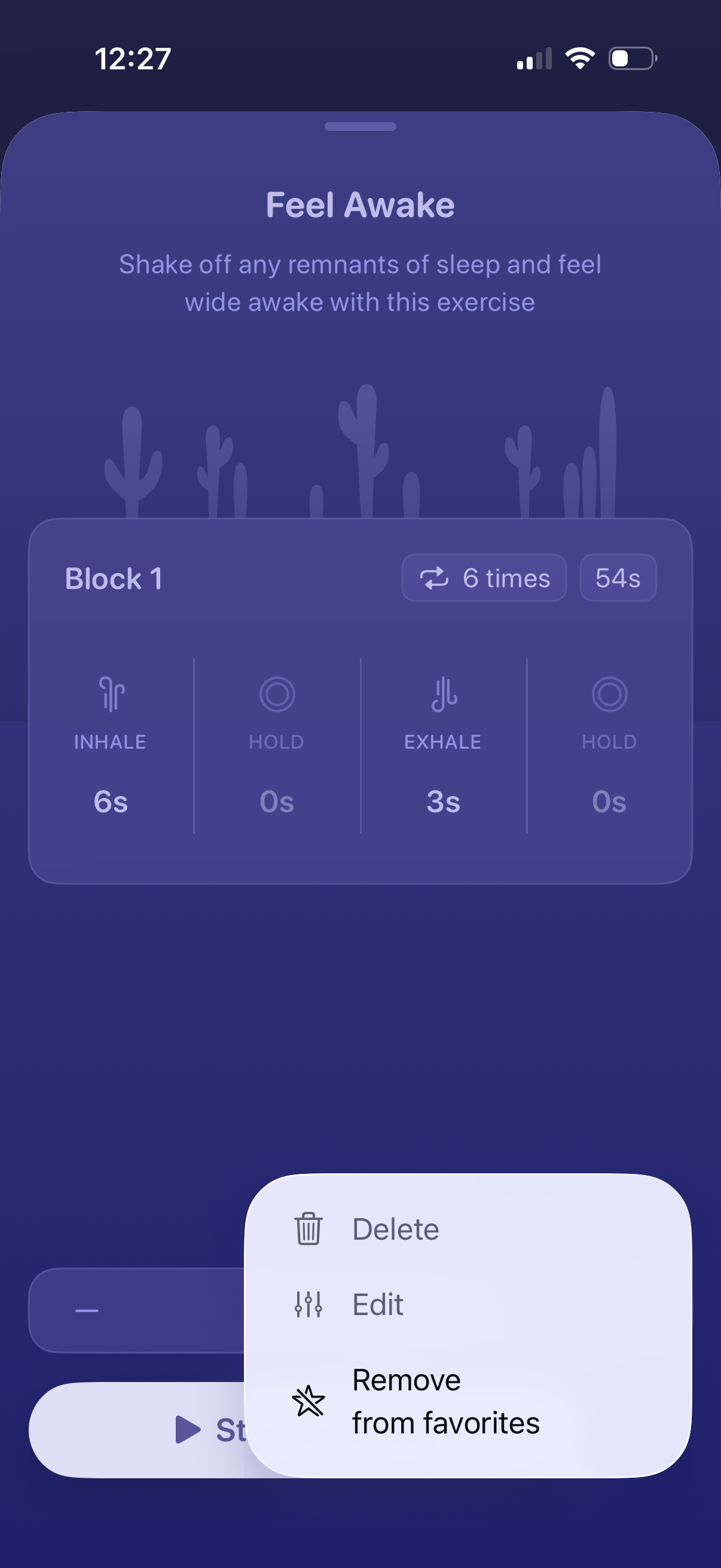
Breathing exercise detail screen for a “Feel Awake” routine showing Block 1 with inhale/hold/exhale timings, number of repetitions, and total duration. A contextual action menu lets users delete, edit, or remove the exercise from favorites.
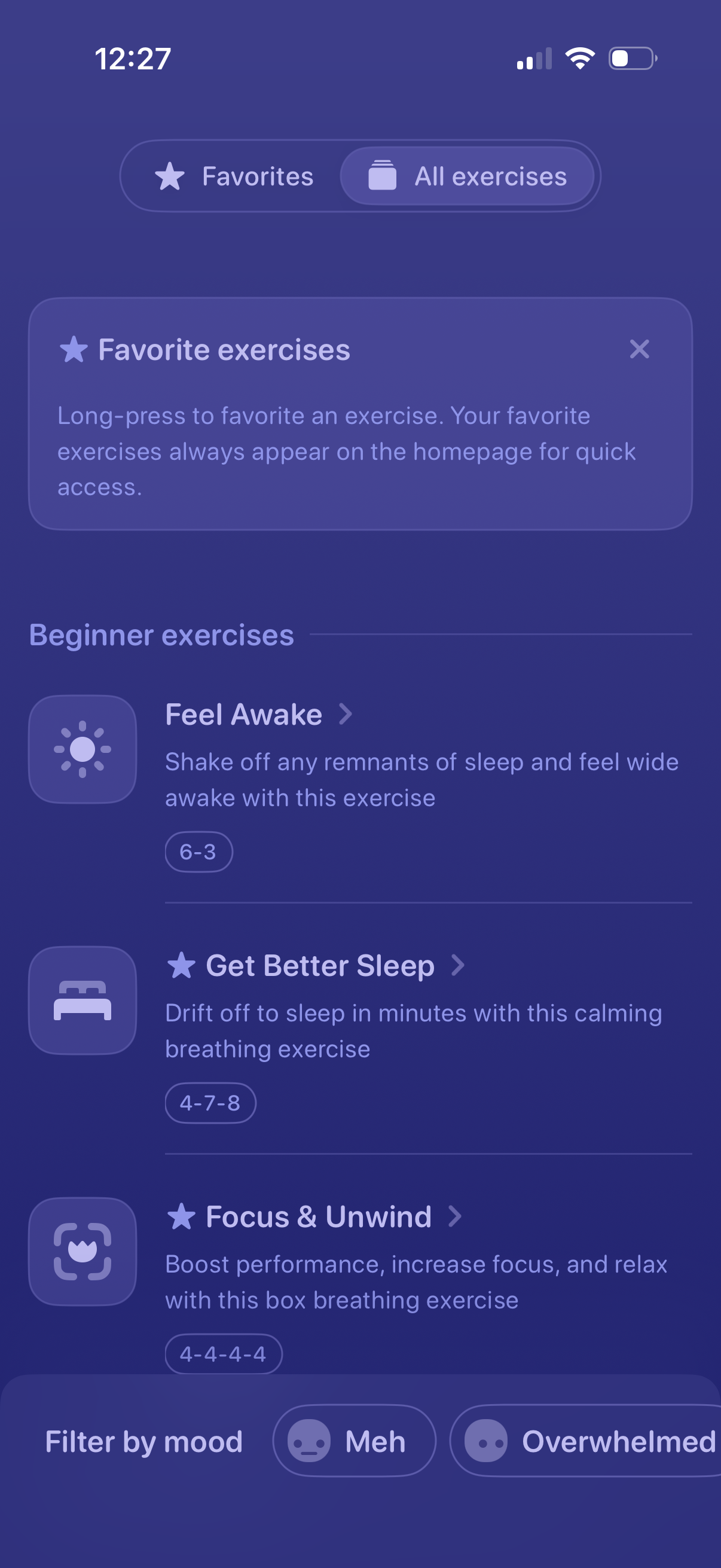
Breathing and mindfulness exercises library screen with tabs to switch between Favorites and All exercises, plus an info card explaining how to long-press to favorite for quick access. Shows a categorized list of beginner exercises with icons, brief descriptions, and breathing patterns, along with mood-based filters at the bottom to refine results.