choose dynamic theme
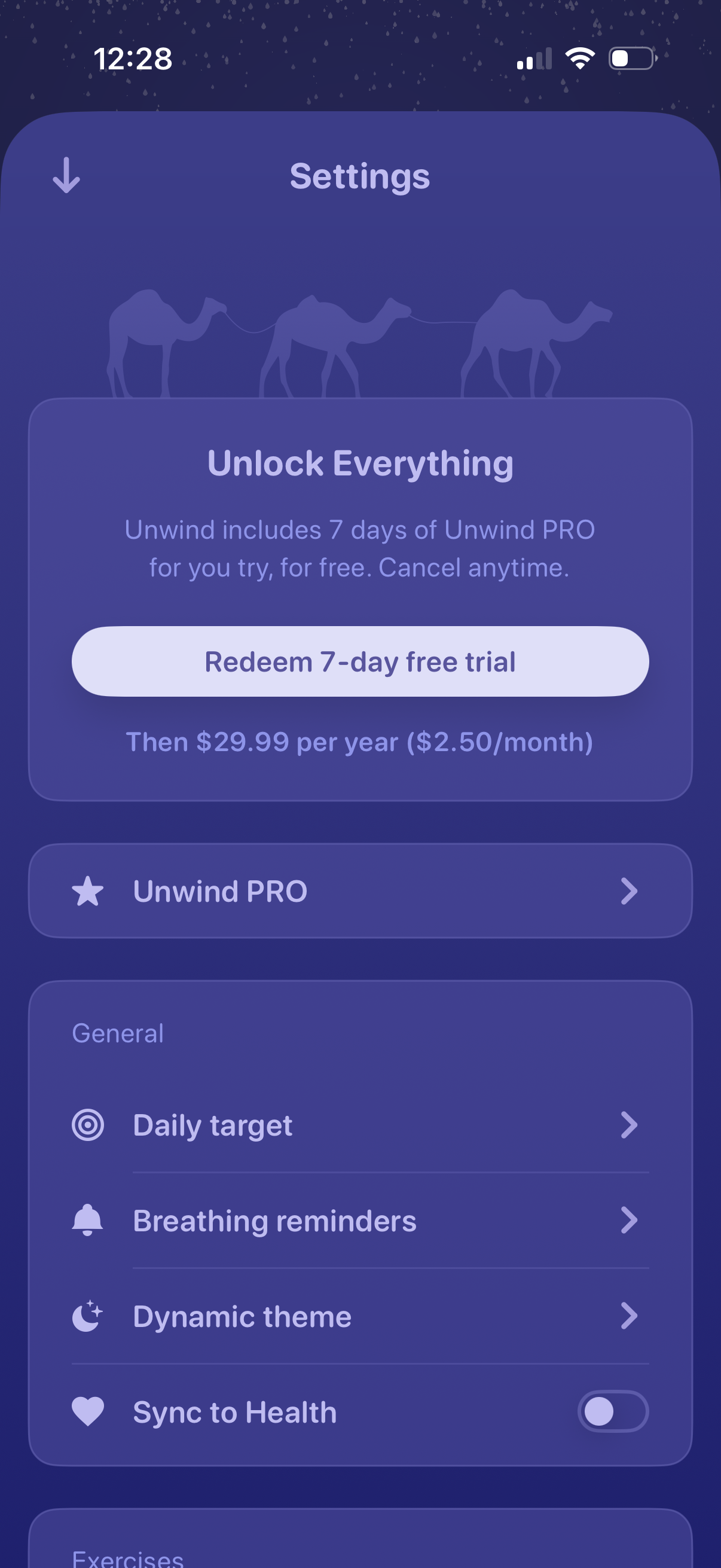
Settings screen featuring a premium upsell to “Unlock Everything” with a primary CTA to redeem a 7‑day free trial and pricing details, plus a link to manage the PRO subscription. Below, general settings options let users configure daily target, breathing reminders, dynamic theme, and toggle syncing data to Apple Health.
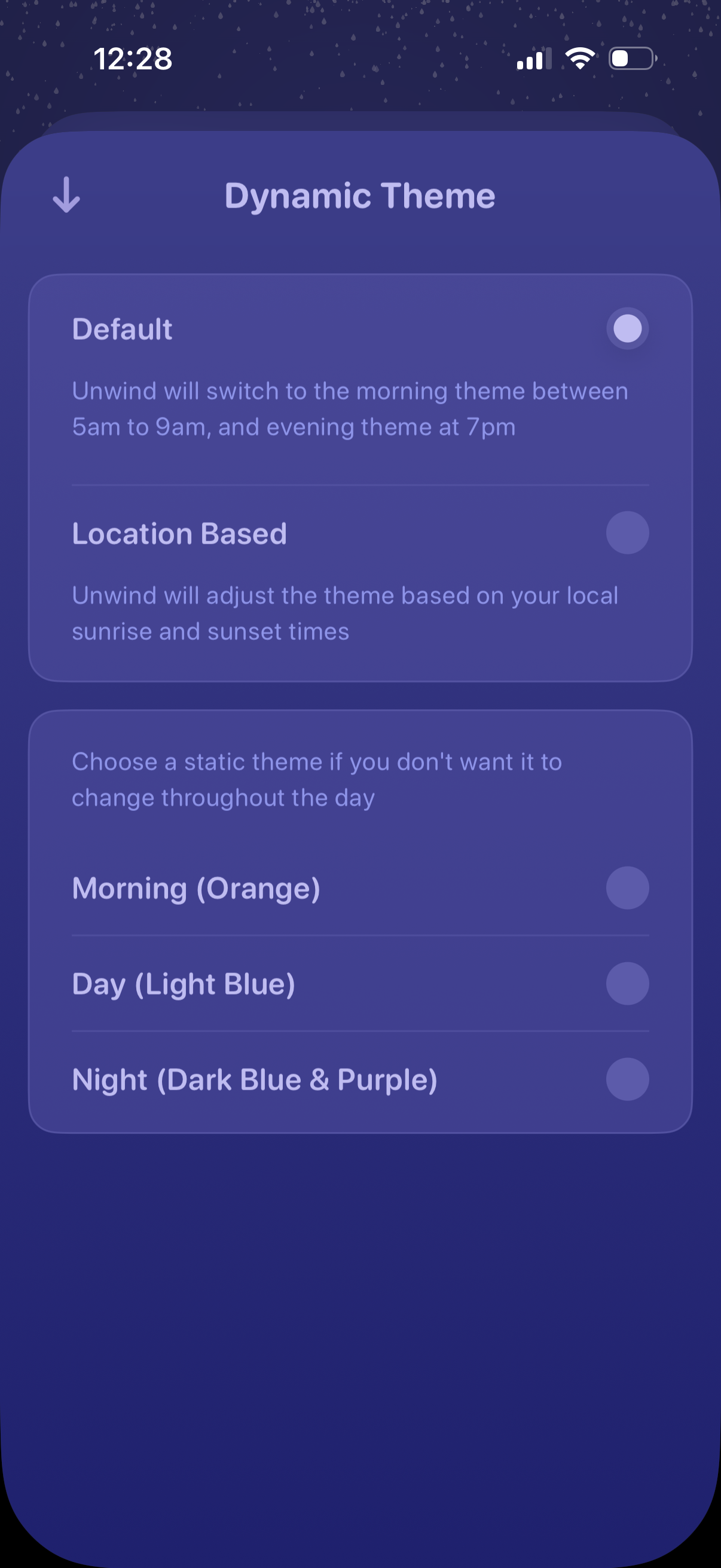
Settings screen for selecting a dynamic app theme, with radio options for a default schedule or location-based sunrise/sunset switching. Also provides static theme choices for Morning, Day, and Night color palettes, with a back navigation control.
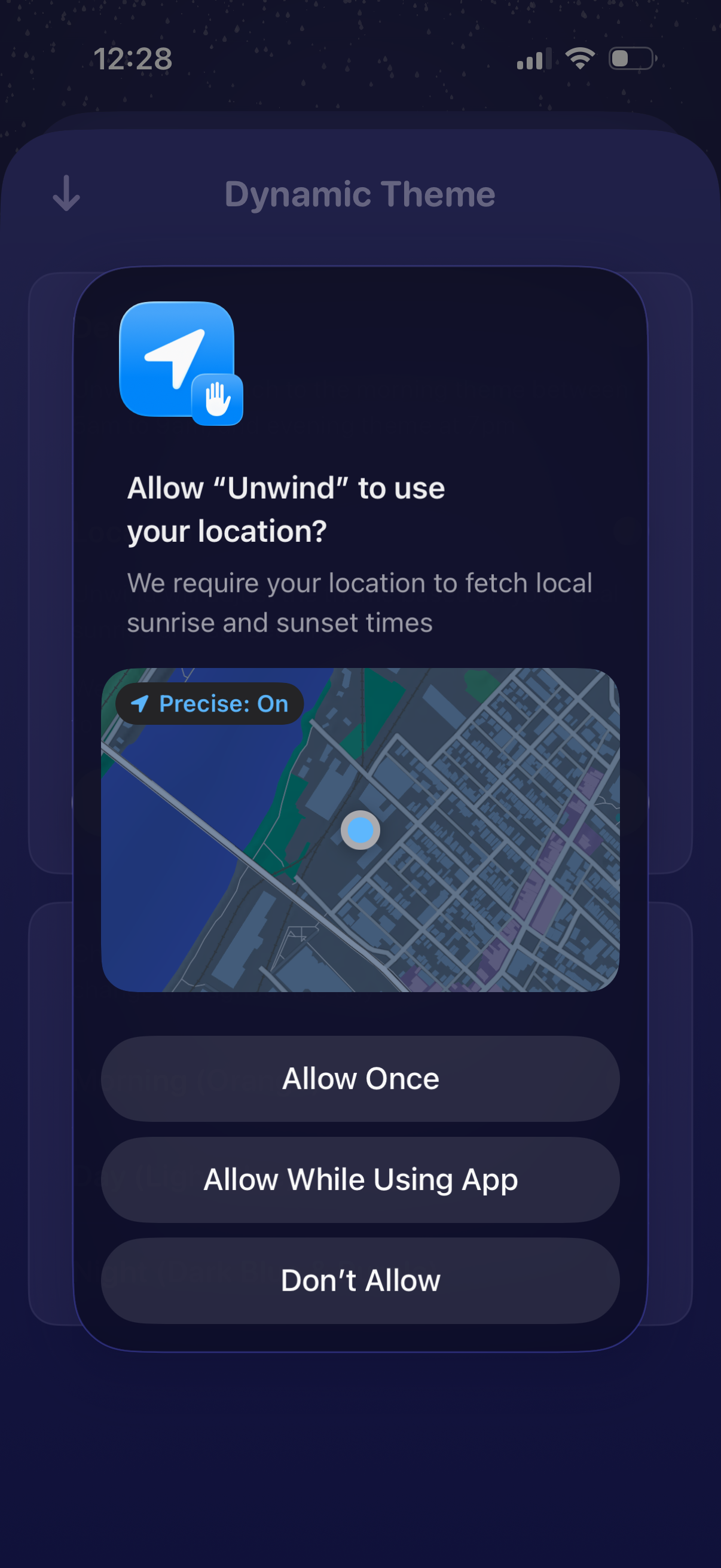
iOS location permission prompt displayed during a “Dynamic Theme” setup, asking to allow the app to use precise location to fetch local sunrise and sunset times. Users can choose Allow Once, Allow While Using App, or Don’t Allow.
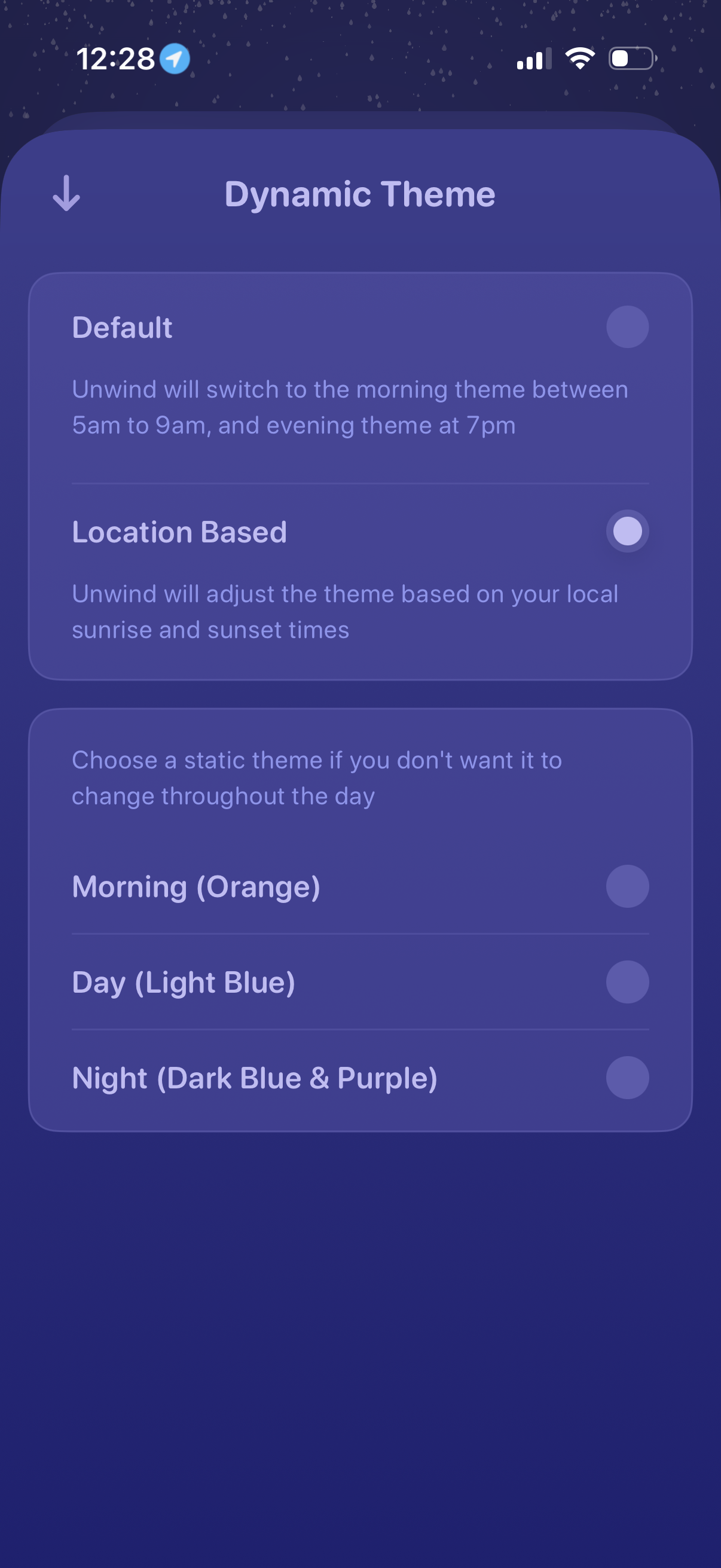
Settings screen for managing a “Dynamic Theme,” letting users choose between a default schedule-based theme change or a location-based option that adjusts by local sunrise/sunset. Also provides radio-button selection of static themes for Morning, Day, and Night if the theme shouldn’t change throughout the day.
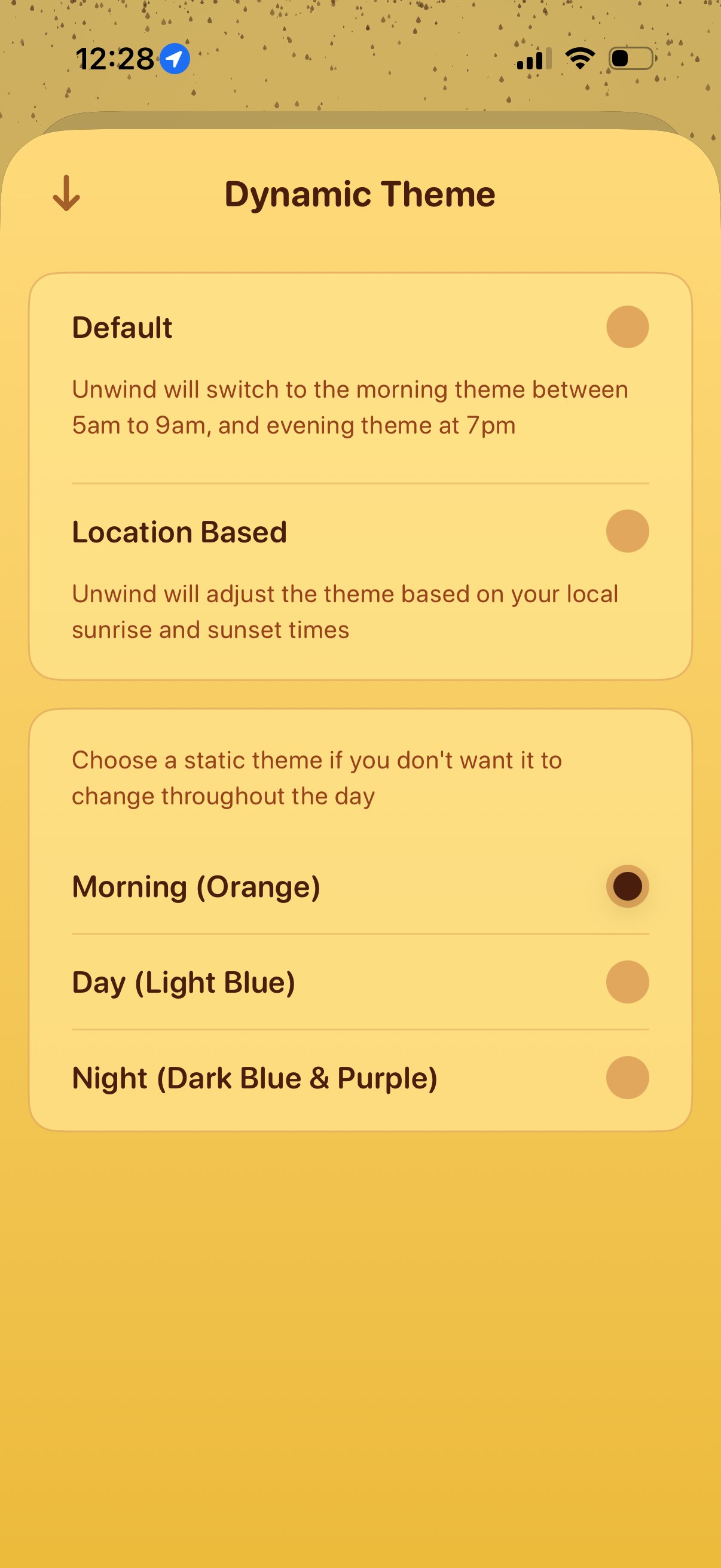
Settings screen for “Dynamic Theme” selection, offering radio-button options to automatically switch themes by fixed times (default) or by location-based sunrise/sunset. Also lets users choose a static theme for Morning, Day, or Night with a back navigation control.
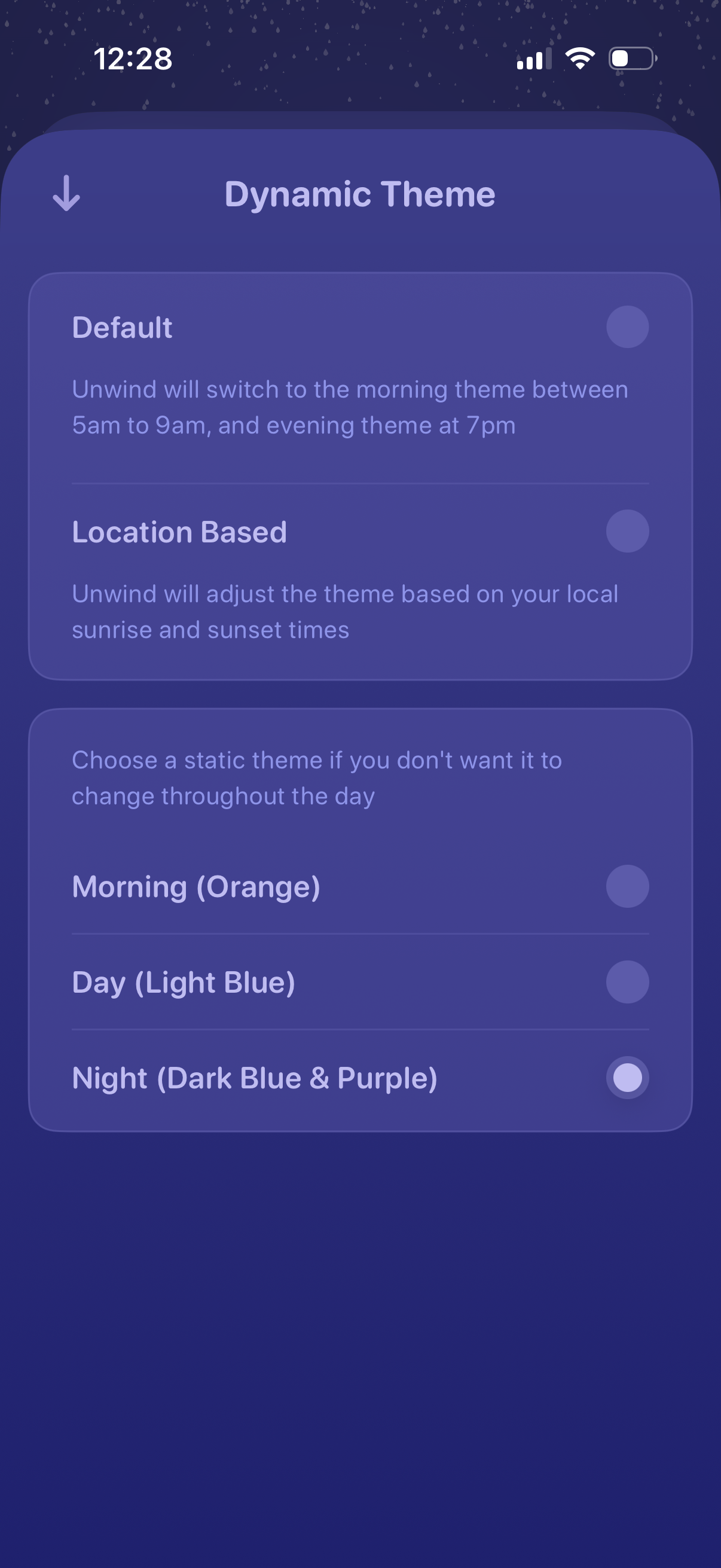
Settings screen for choosing an app’s dynamic theme behavior, offering options to auto-switch by fixed times (default) or based on location sunrise/sunset. Also lets users pick a static theme (morning, day, night) via radio-button selection, with a back navigation control.