Sign up

Preferences and account menu screen for a transit app, showing options for settings and accessibility, themes and icons, and sign in/sign up to save stats and favorites. Also includes help center links like get support and about, plus a separate section for a transit provider (PRT) with a sign-in button and a close icon to dismiss the sheet.

Account sign-up screen prompting users to enter an email address to create a transit account and save favourites, stats, and settings. Includes an informational “What’s a transit account?
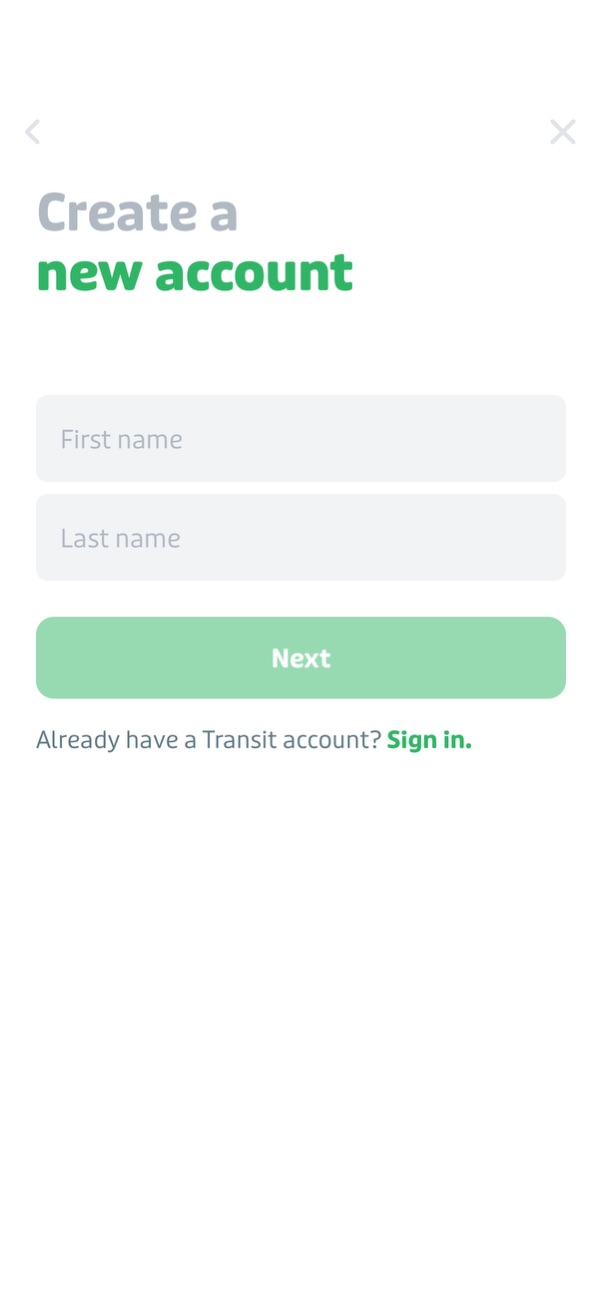
Account sign-up screen prompting the user to create a new account by entering first name and last name, with a primary “Next” button to continue. Includes navigation controls to close/back and a secondary link for existing users to sign in.

Sign-up screen prompting the user to create a password with validation requirements (minimum 12 characters including a letter and a number) and a visibility toggle. Includes optional email marketing opt-in, a required agreement to Terms of Use, and a primary “Sign up” button.
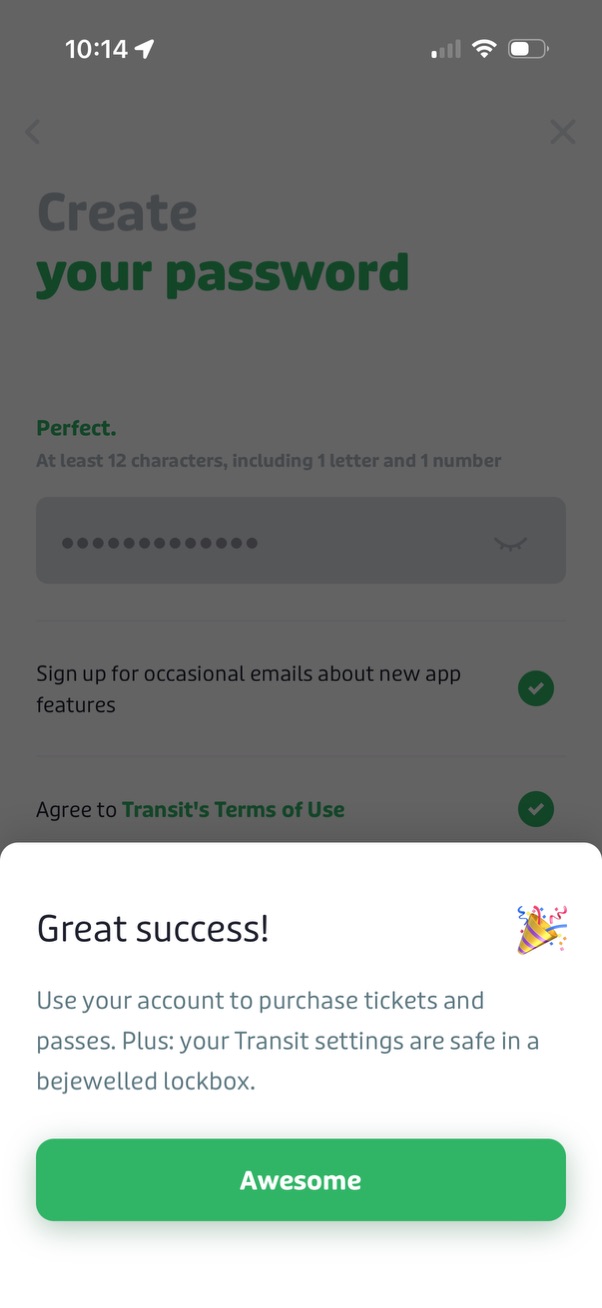
Account creation password setup screen showing password requirements and validation, with opt-in checkbox for marketing emails and agreement to terms of use. A success bottom sheet confirms the account is created and prompts the user to continue via a primary “Awesome” button.