create account
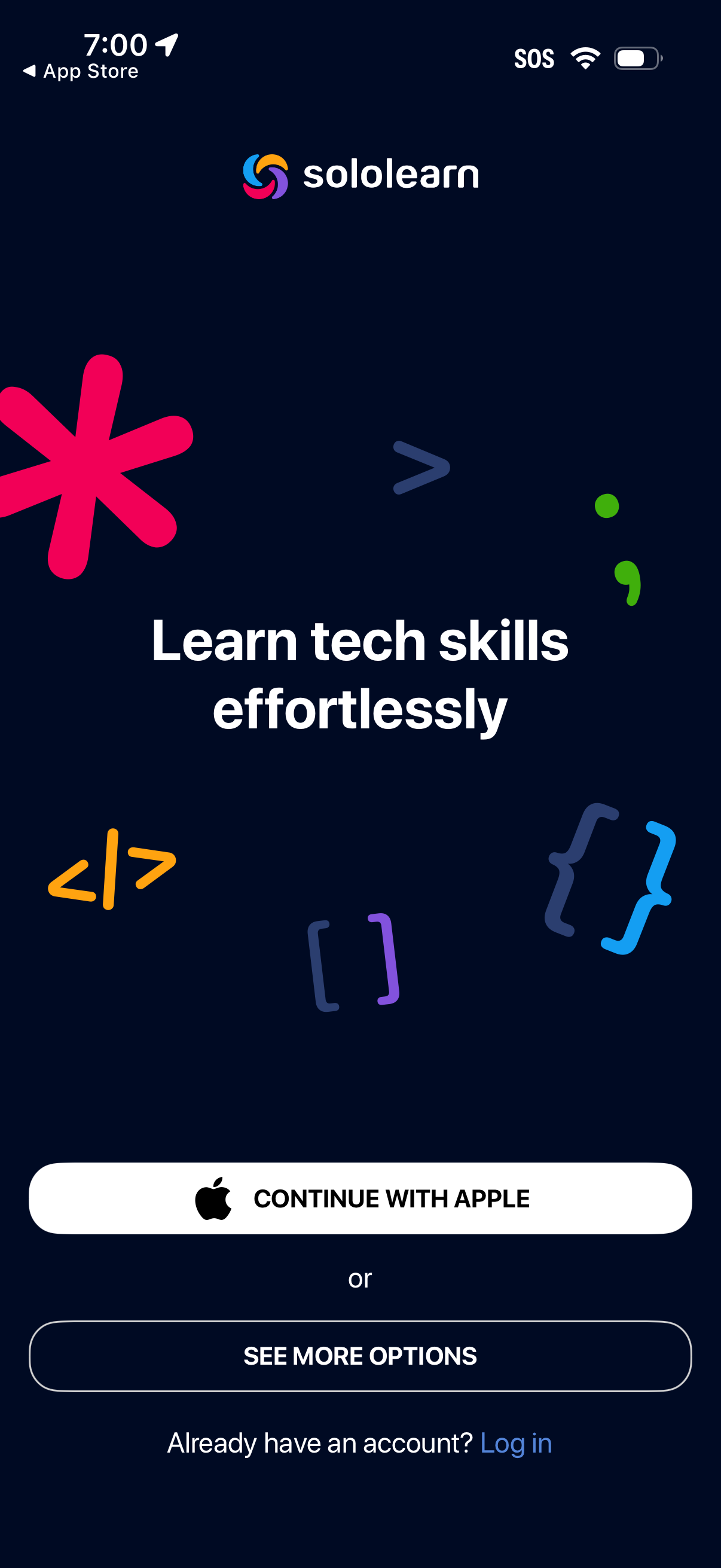
App onboarding/welcome screen for a tech learning platform with a tagline and primary sign-up action to continue with Apple, plus secondary options to see more sign-in methods and a link to log in for existing users.
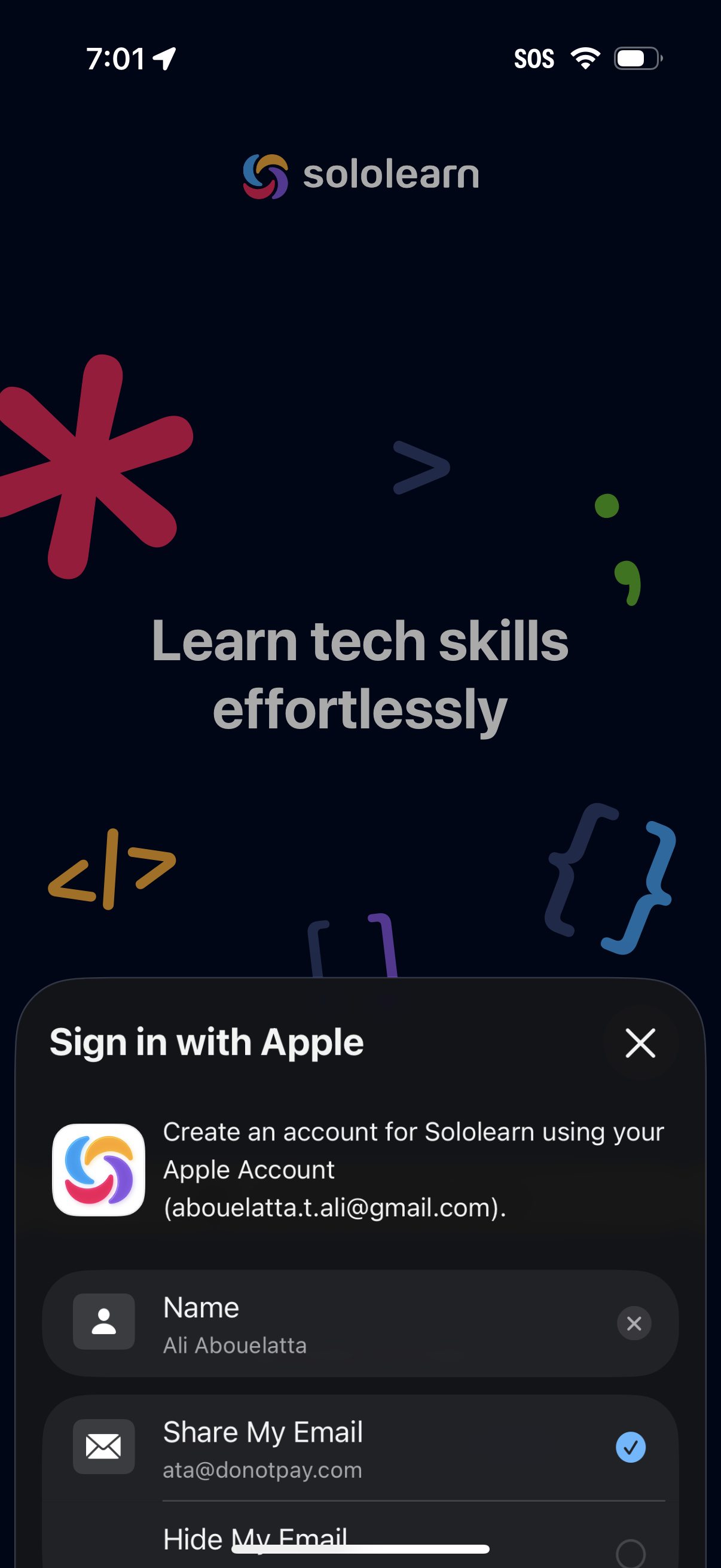
Onboarding welcome screen for a coding/tech learning app with a tagline (“Learn tech skills effortlessly”) over a branded background. An iOS “Sign in with Apple” modal is open to create an account, showing name and email sharing options and a close button.
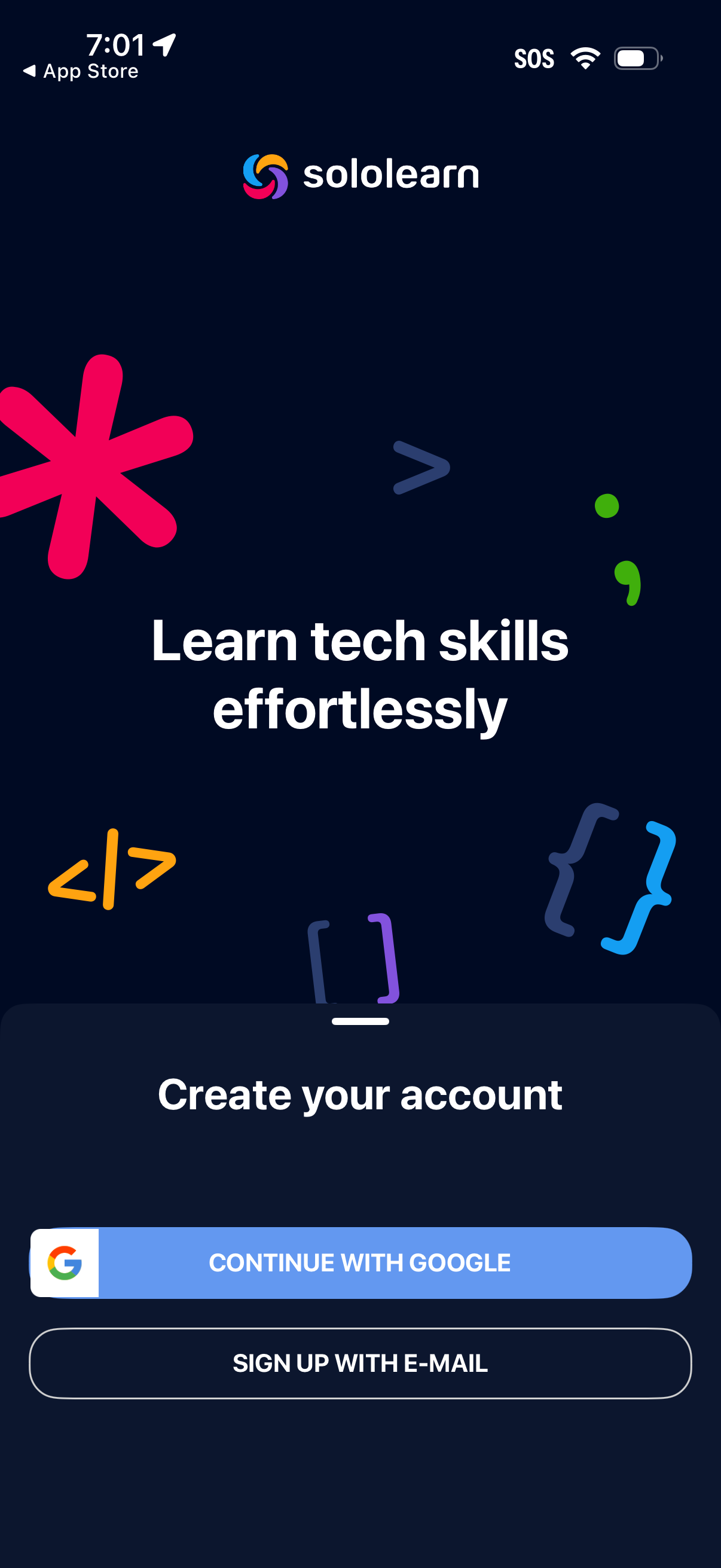
Onboarding sign-up screen for a tech learning app with a tagline and “Create your account” prompt, offering primary registration options to continue with Google or sign up with email. The layout emphasizes a large hero message and clear call-to-action buttons for account creation.
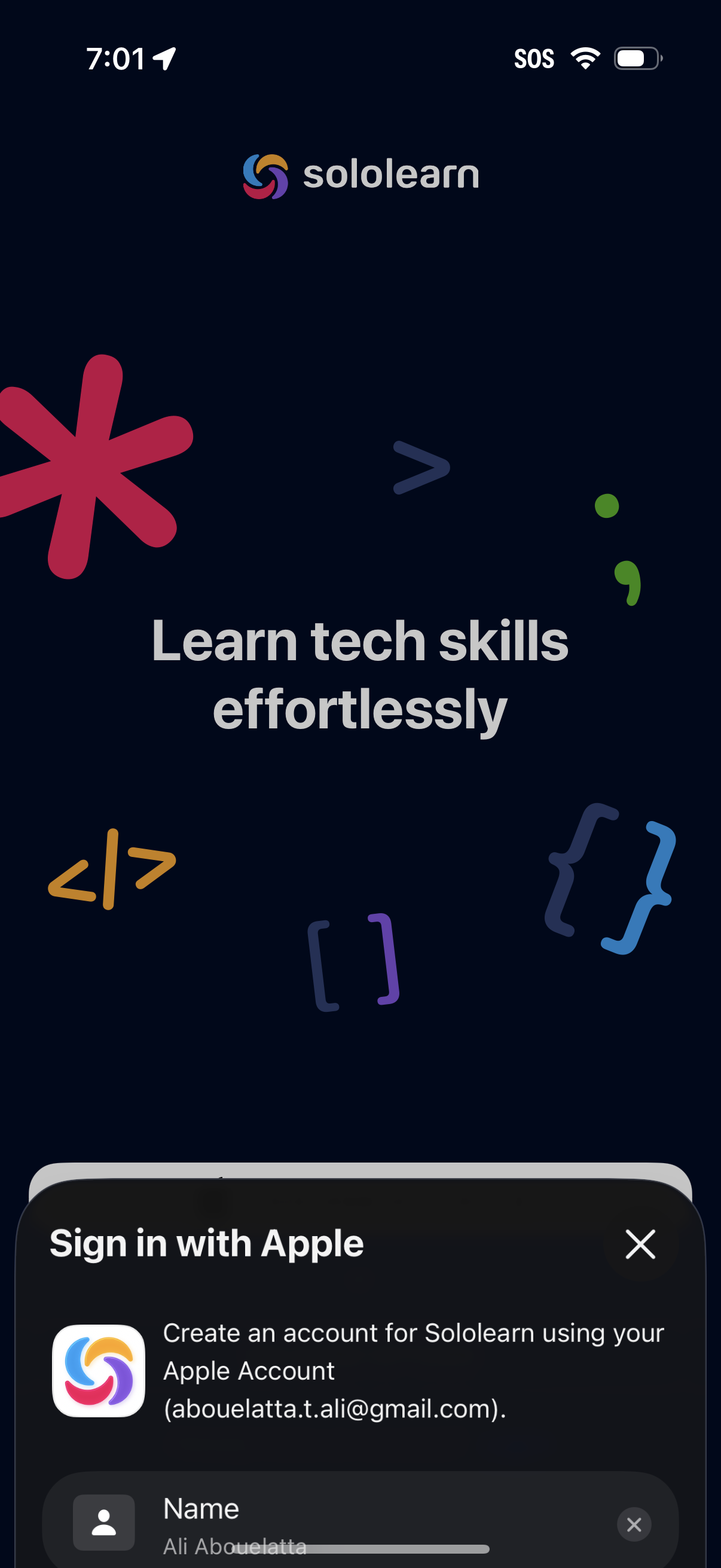
Onboarding welcome screen for a coding/tech learning app with a tagline (“Learn tech skills effortlessly”) over a branded background. An Apple Sign In modal slides up from the bottom to create an account using an Apple ID, with a name field and a close (X) action.
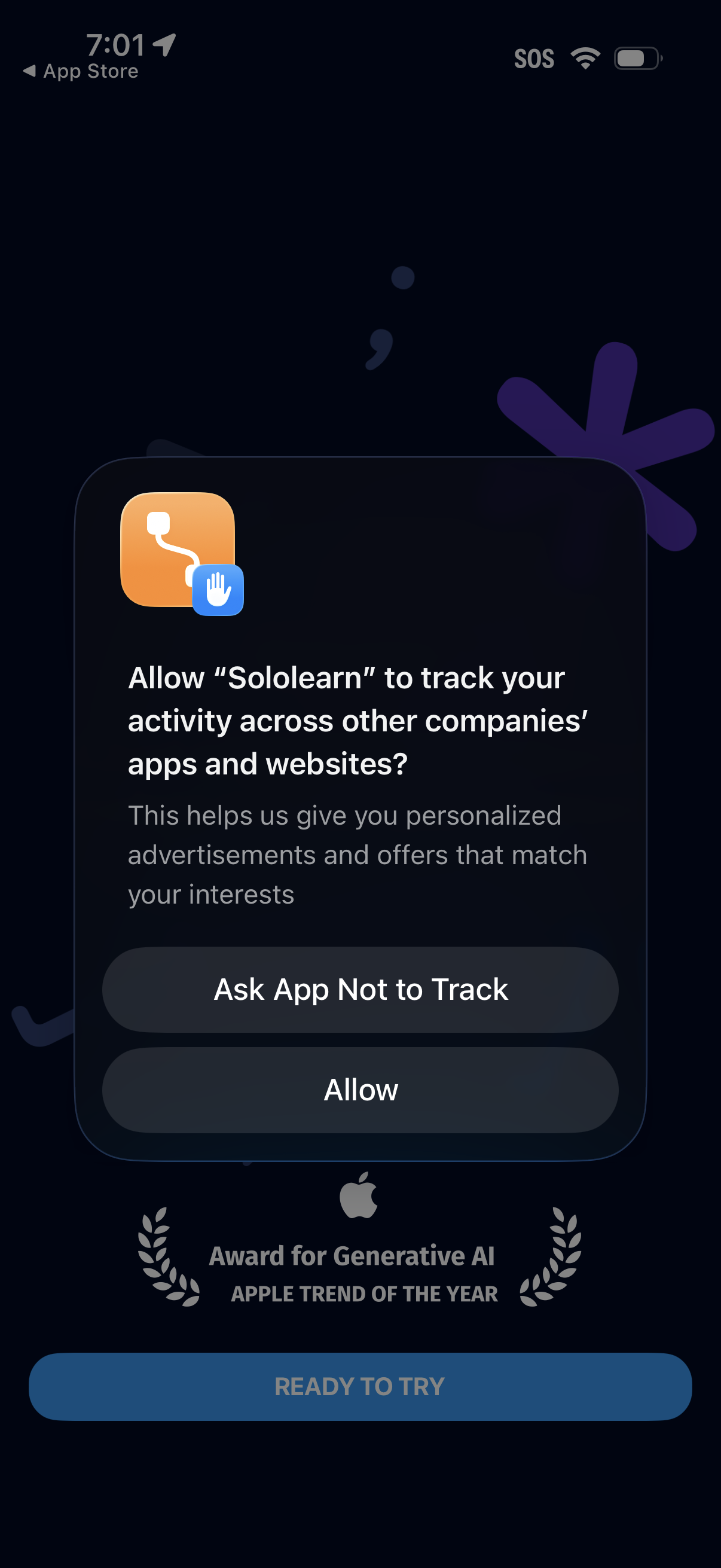
iOS App Tracking Transparency permission popup asking whether to allow the app to track activity across other companies’ apps and websites for personalized ads. Provides two actions: “Ask App Not to Track” or “Allow,” shown on top of an onboarding/landing screen.
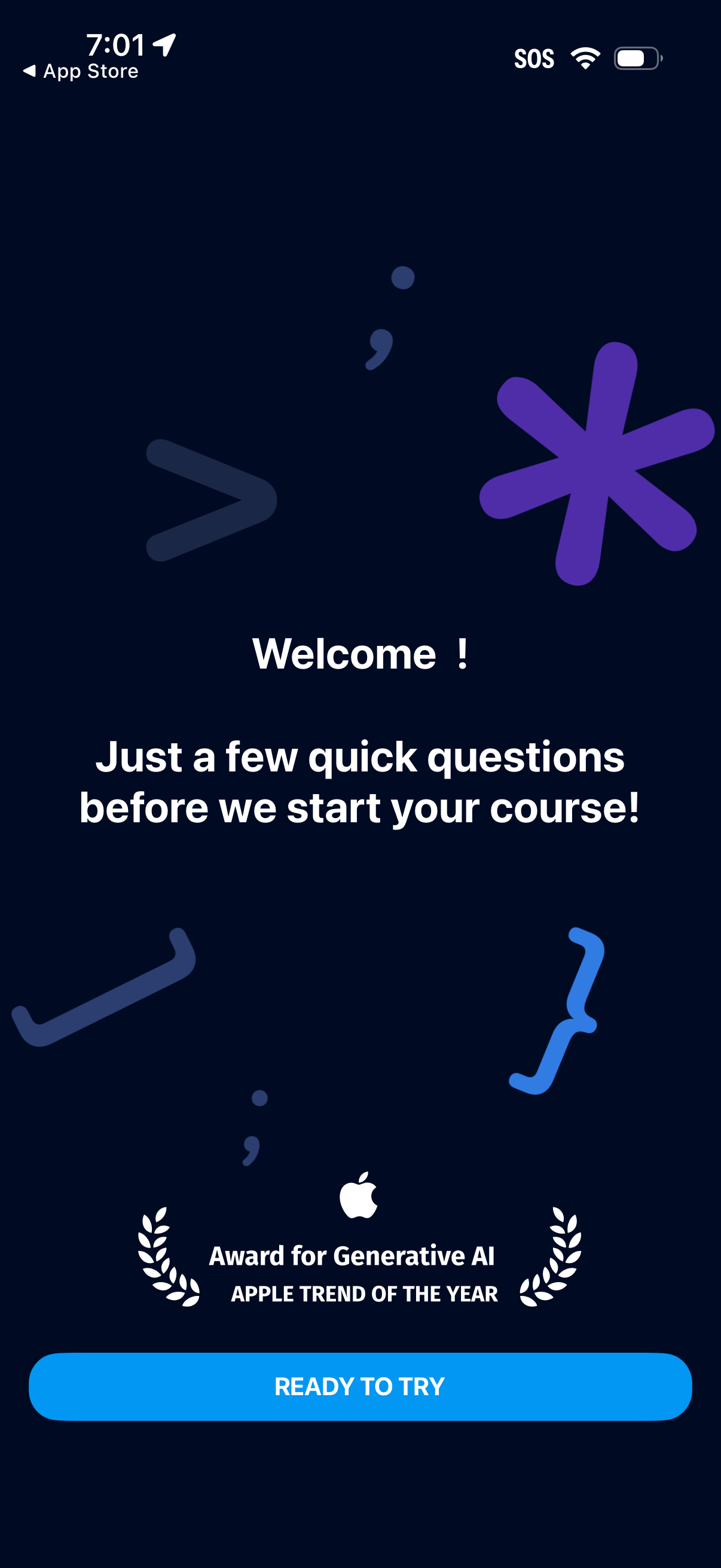
Welcome onboarding intro screen for a learning/course app that tells users they’ll answer a few quick questions before starting their course. Includes a prominent primary CTA button “Ready to try” to begin the setup questionnaire.