set streak goal
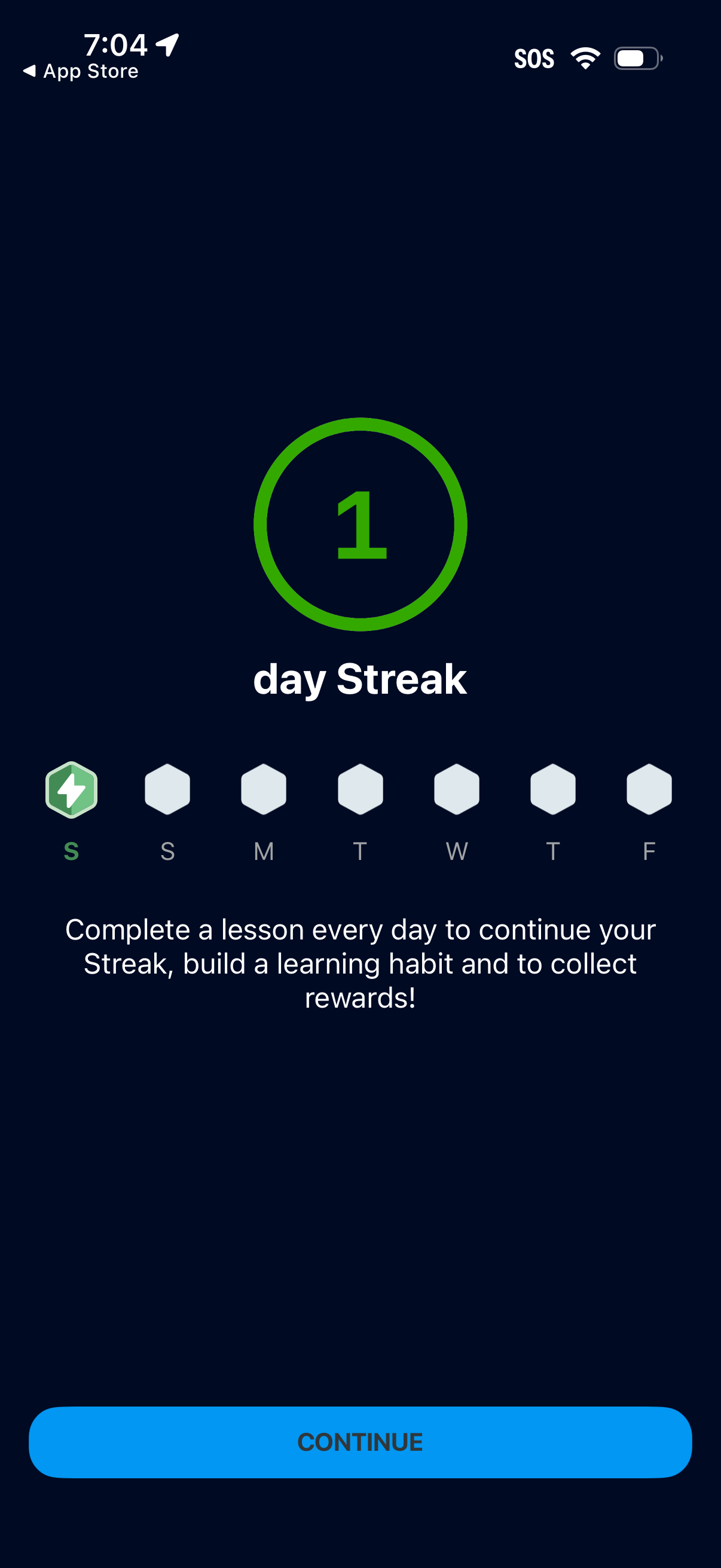
Streak tracking screen showing a 1-day learning streak with a weekly day-of-week progress indicator and a message encouraging users to complete a lesson daily to maintain the streak and earn rewards. Includes a prominent Continue button to proceed.
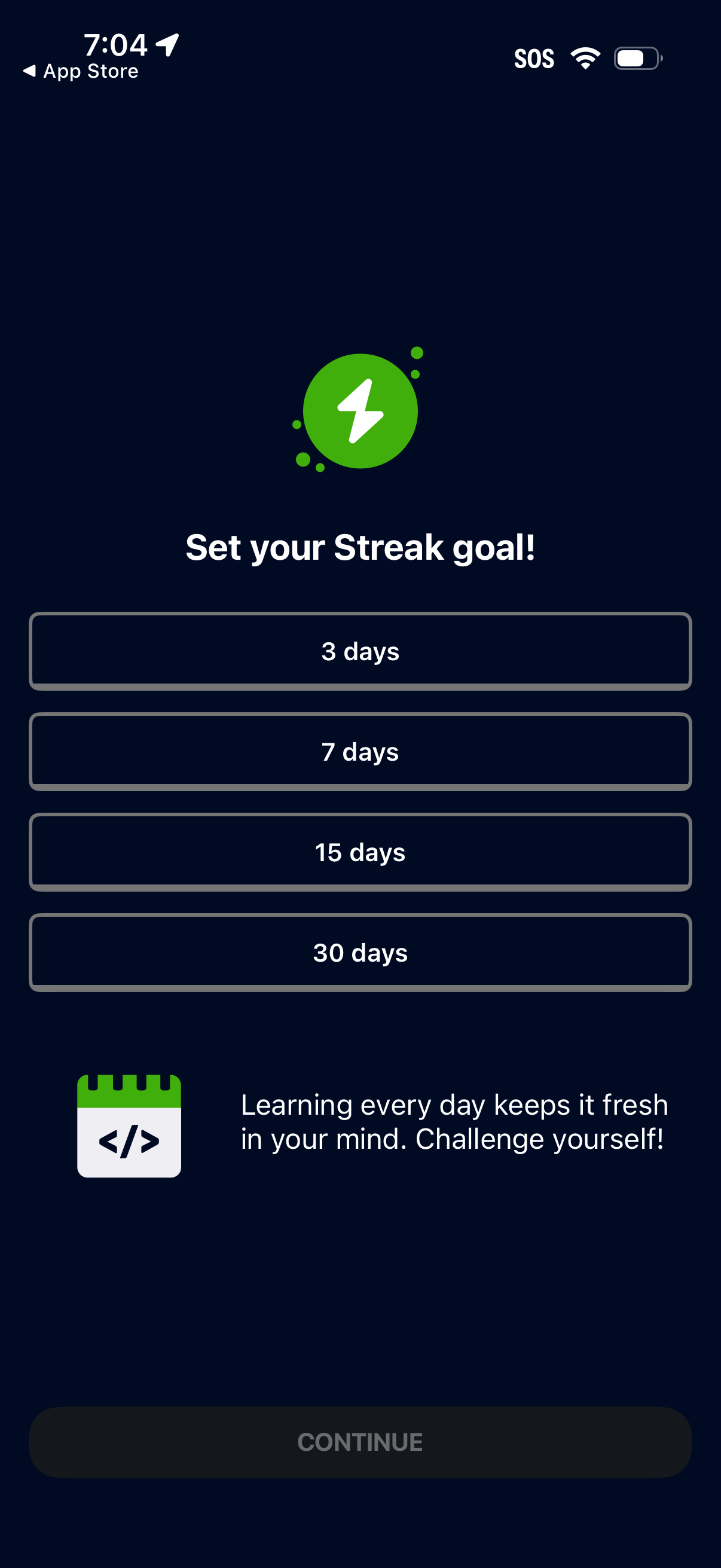
Goal-setting screen prompting the user to set a learning streak target by choosing a preset duration (3, 7, 15, or 30 days) from selectable options. Includes motivational copy and a primary Continue button to confirm the streak goal and proceed.
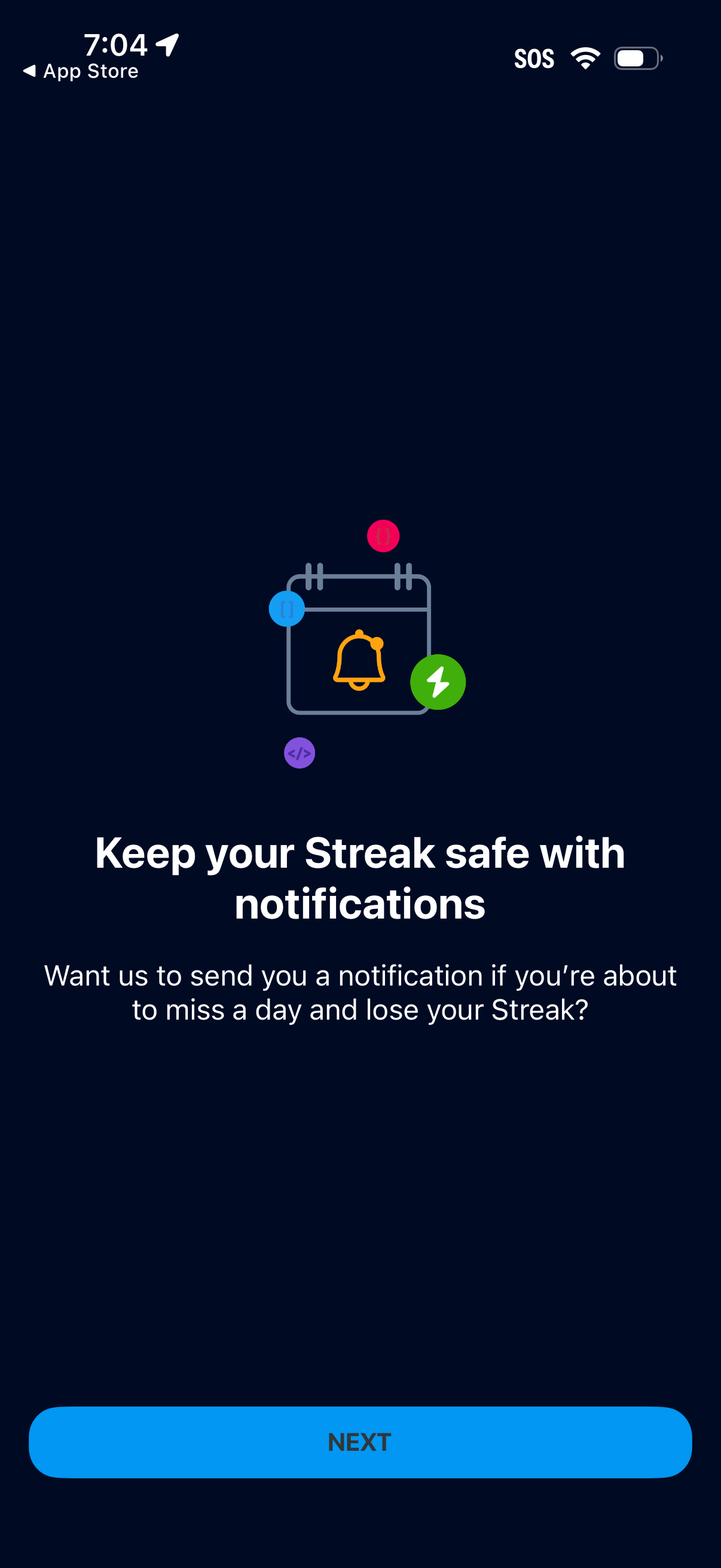
Onboarding permission prompt encouraging users to enable push notifications to protect their daily streak by alerting them before they miss a day. Includes an explanation of the reminder benefit and a primary “Next” button to proceed.
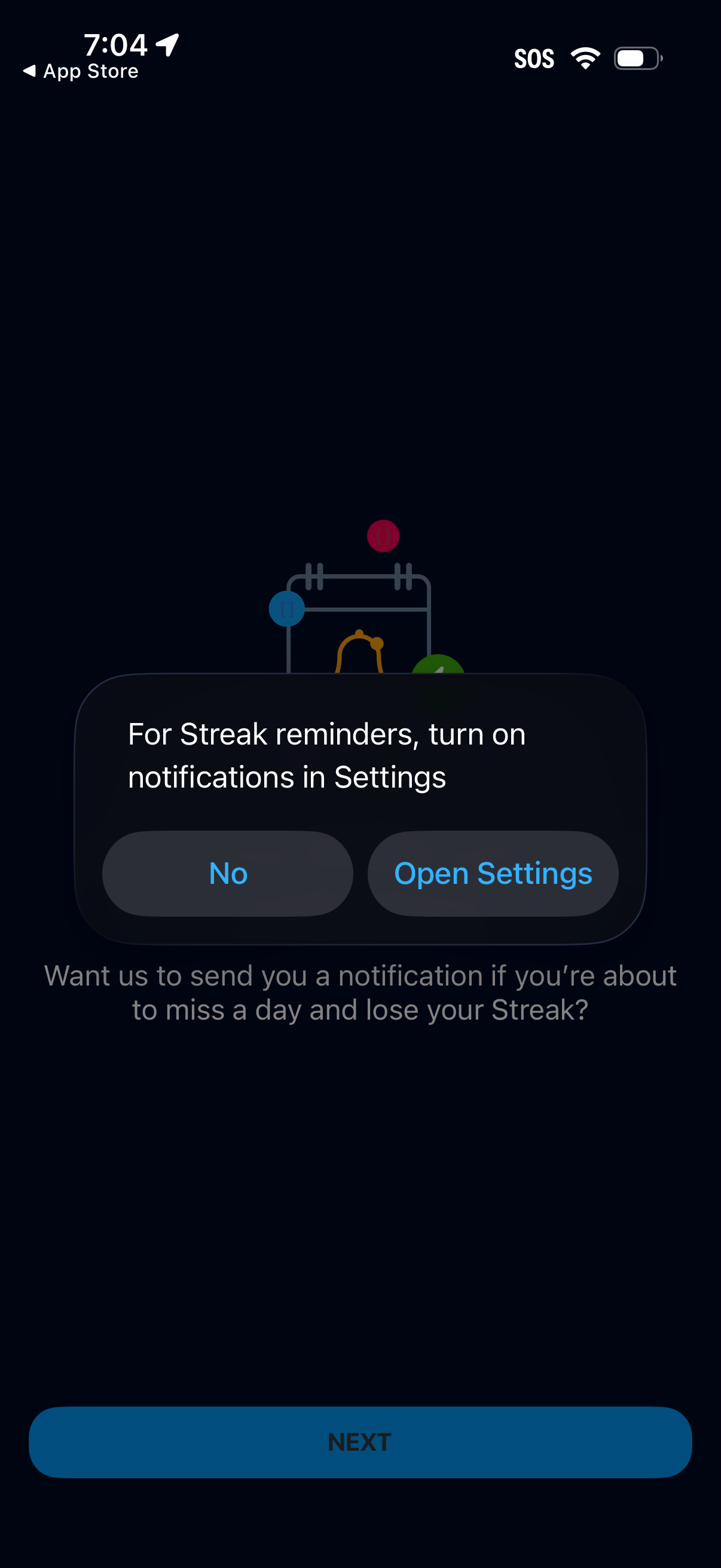
Modal permission prompt encouraging users to enable push notifications for streak reminders, warning about missing a day and losing the streak. Provides actions to decline or open the device Settings to turn on notifications, with a primary Next button in the background.