Welcome/onboarding landing screen for a bedtime story app, showing the app logo and tagline with primary CTA to Get Started for new users and a secondary Sign In option for returning users. Includes a speaker icon for toggling sound/audio on the intro screen.
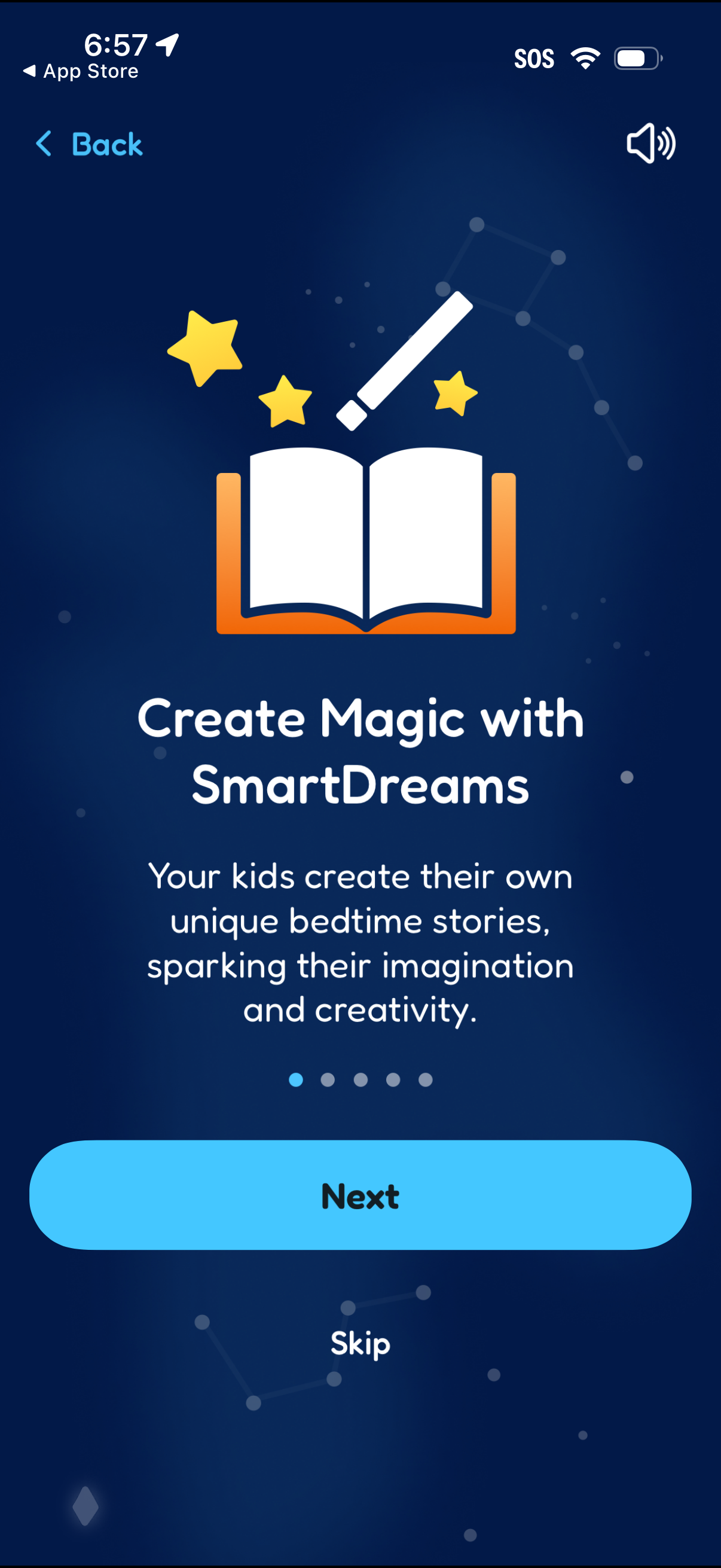
Onboarding carousel screen introducing a kids bedtime story creation feature, with an illustration, title and descriptive text. Includes pagination dots plus primary “Next” and secondary “Skip” actions and a back button.
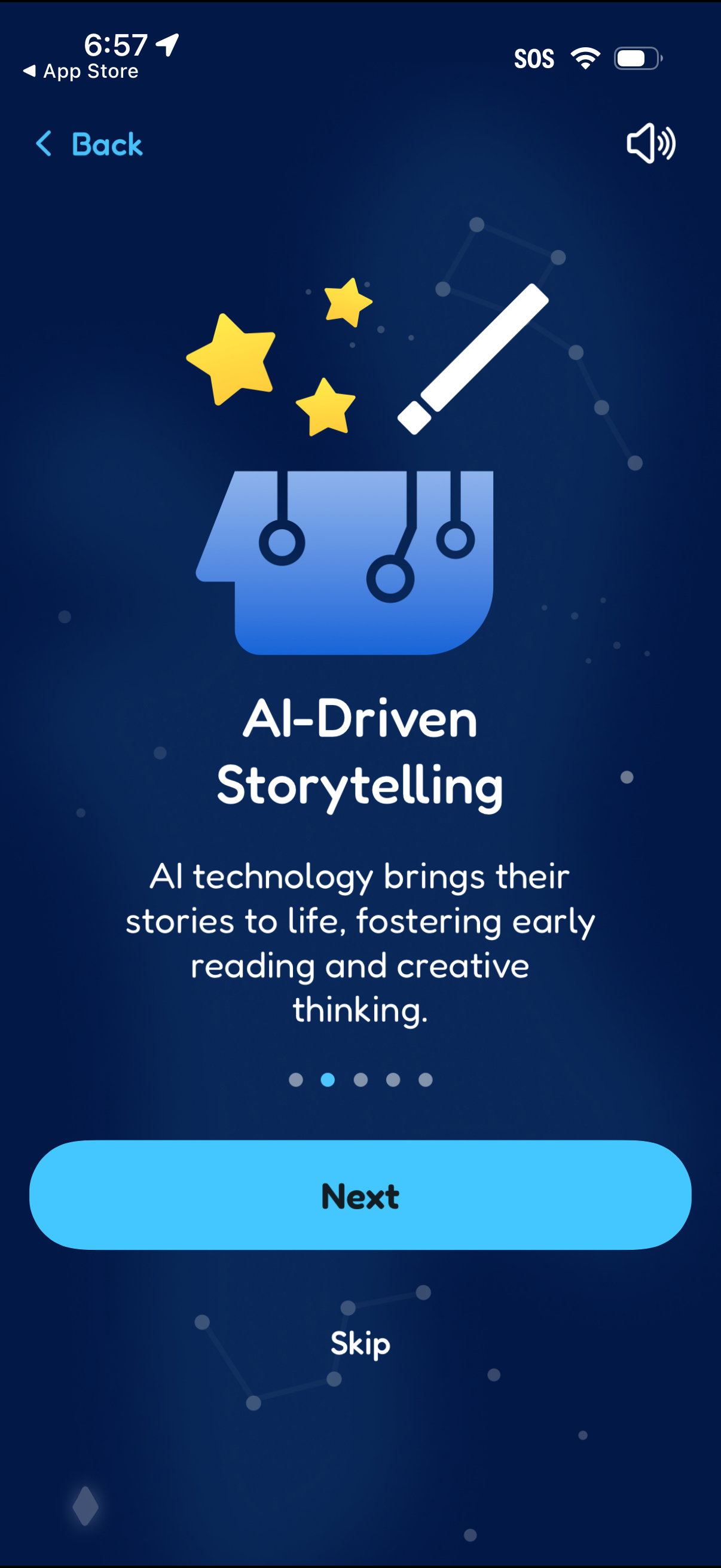
Onboarding feature highlight screen introducing “AI-Driven Storytelling” with an illustration and brief explanatory text about bringing stories to life and encouraging early reading and creative thinking. Includes pagination dots and primary actions to proceed with “Next” or bypass via “Skip,” plus a back button.
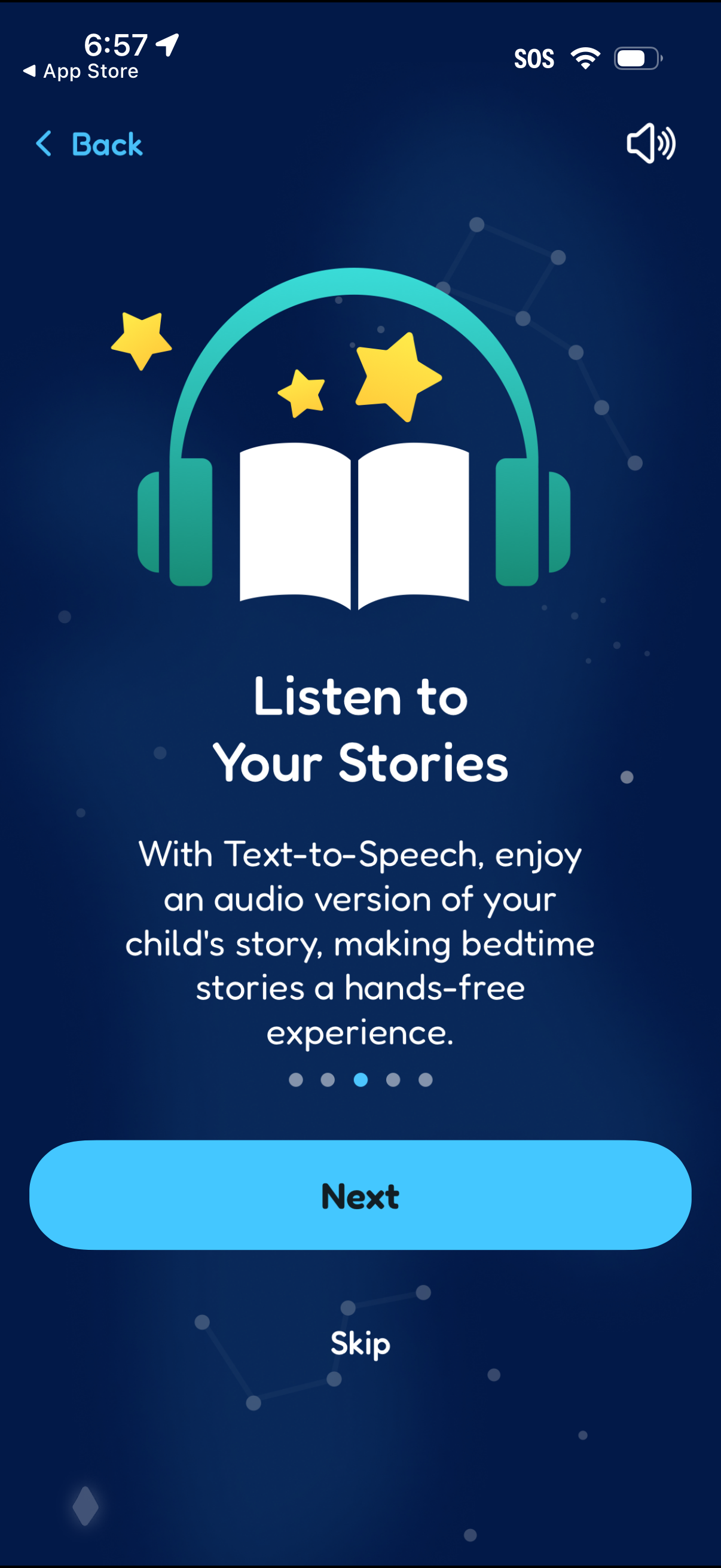
Onboarding feature highlight screen for a kids storytelling app promoting text-to-speech so users can listen to an audio version of stories hands-free. Includes a progress indicator, speaker icon, and primary actions to go to the next step or skip the walkthrough.
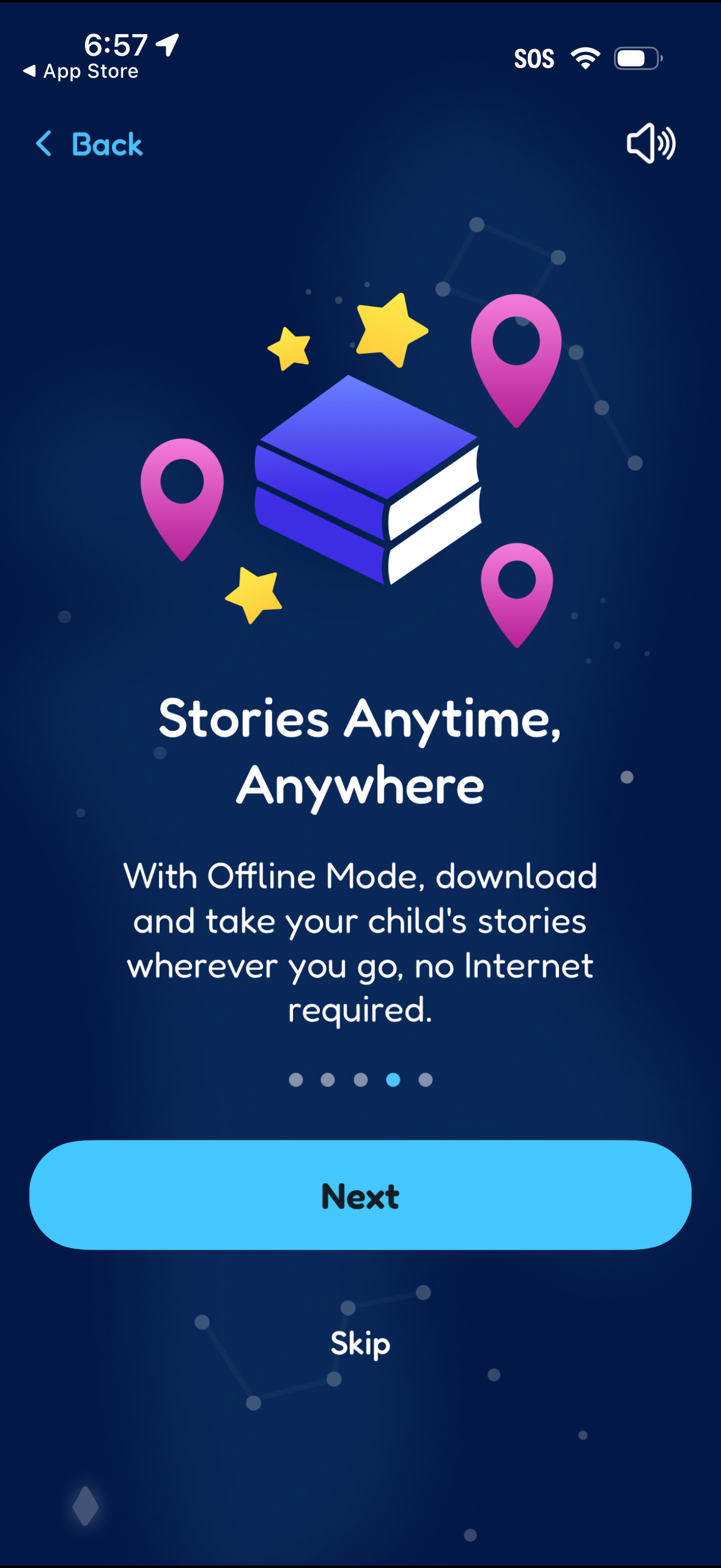
Onboarding feature highlight screen promoting offline mode for a kids storytelling/reading app, explaining users can download stories to access anywhere without internet. Includes back navigation, a progress indicator, and primary actions to continue with “Next” or “Skip.
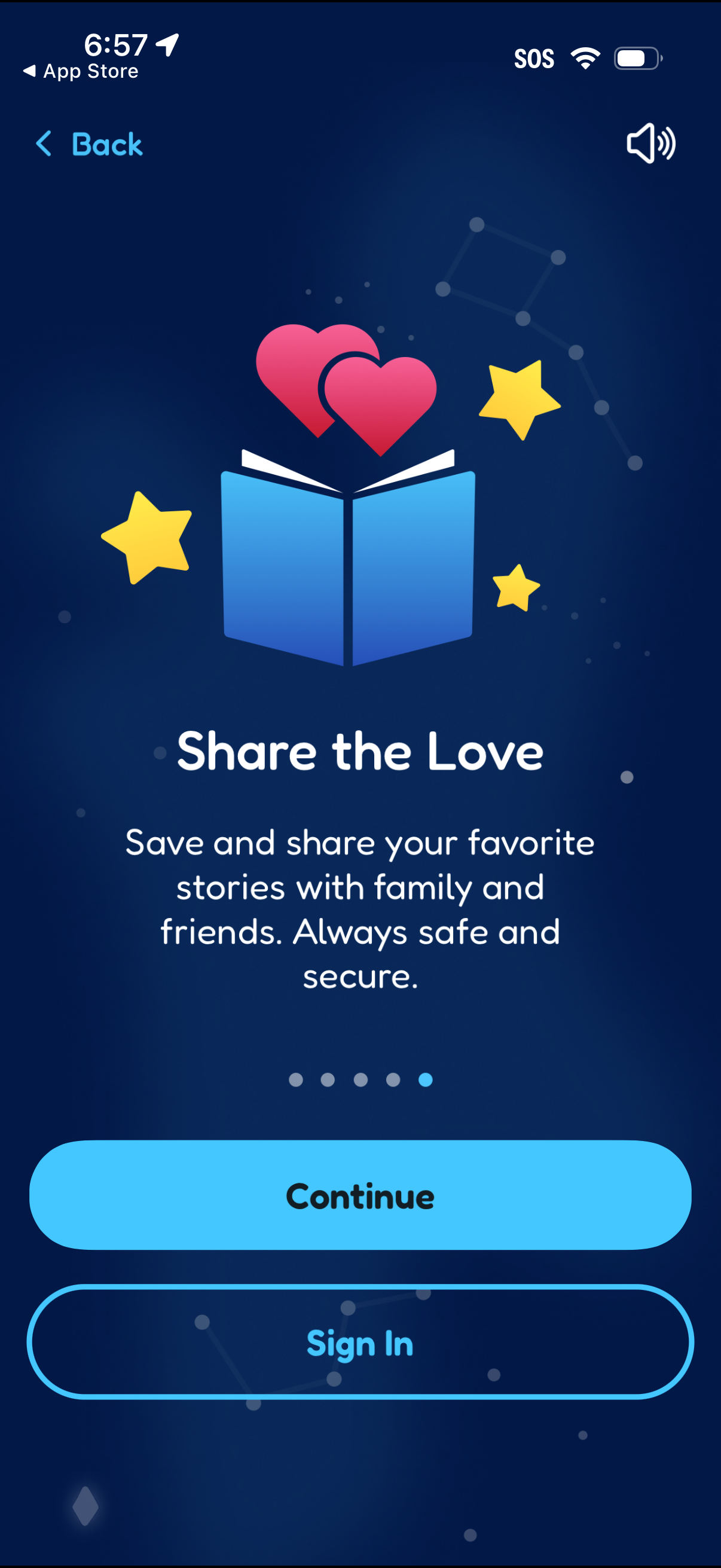
Onboarding feature highlight screen promoting saving and sharing favorite stories with family and friends, emphasizing safety and security. Includes pagination dots, a primary Continue CTA, secondary Sign In button, back navigation, and a sound toggle.