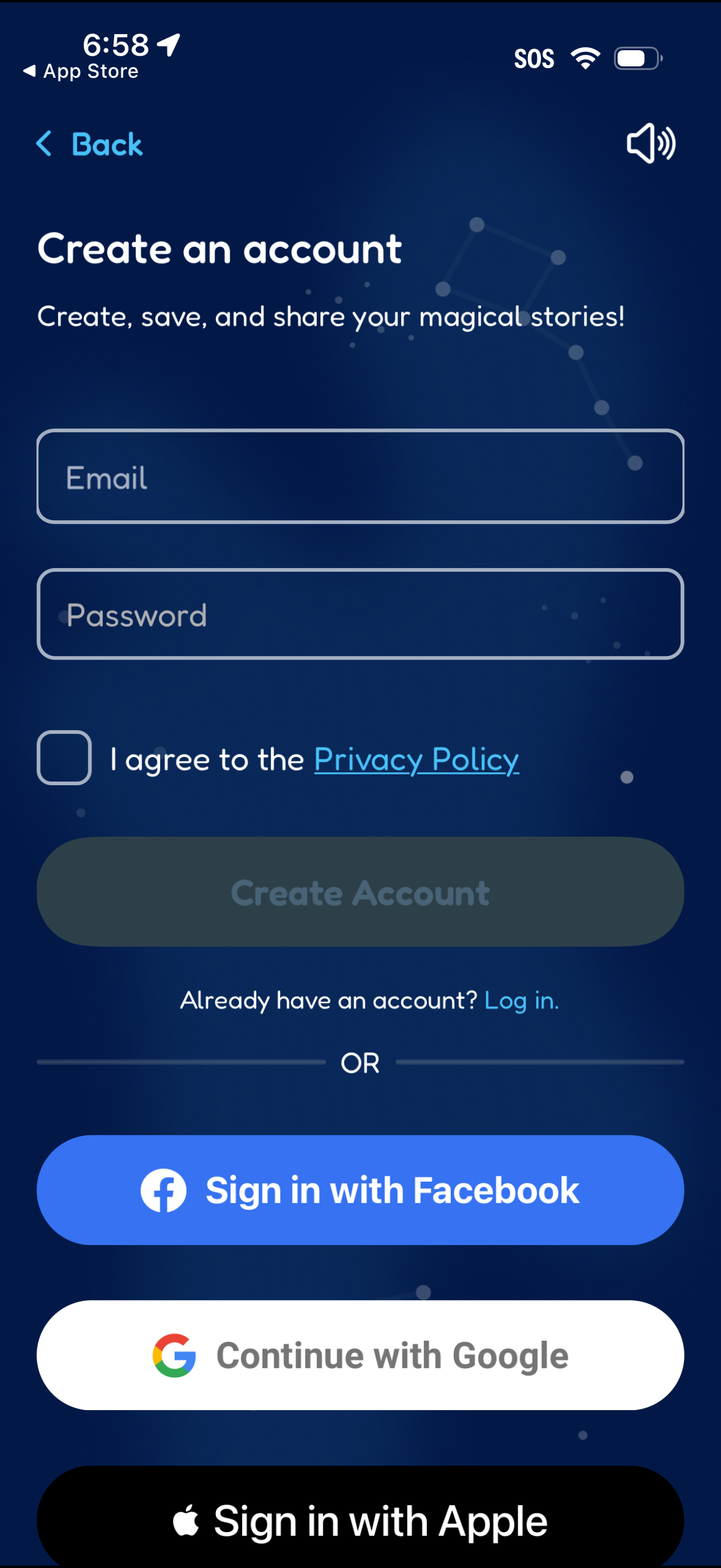
Account creation screen with email and password fields, a required checkbox to agree to the privacy policy, and a primary “Create Account” button plus a link to log in for existing users. Offers alternative sign-up options via Facebook, Google, and Apple.
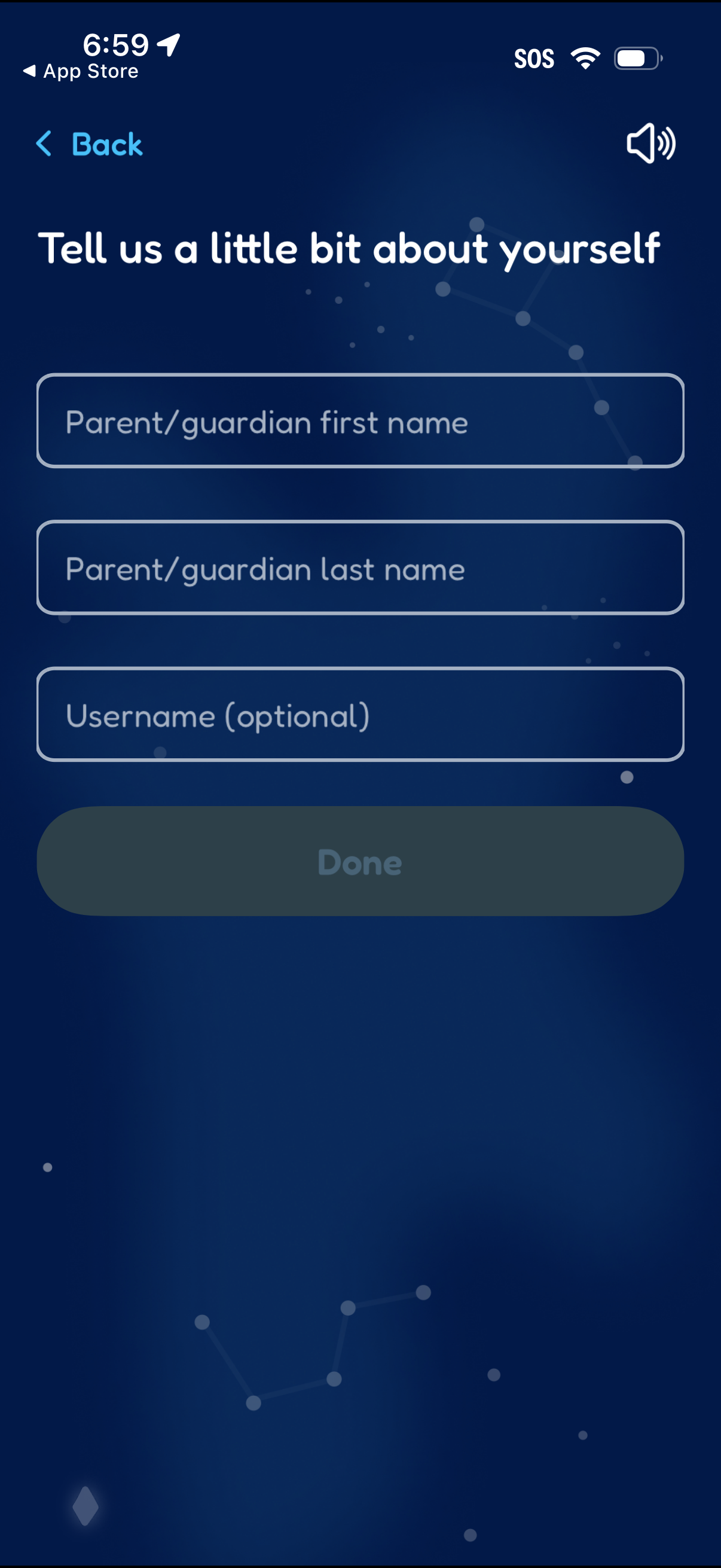
Onboarding profile setup form asking the user to enter a parent/guardian first name, last name, and an optional username. Includes a Back navigation control and a disabled Done button that becomes active after completing required fields.
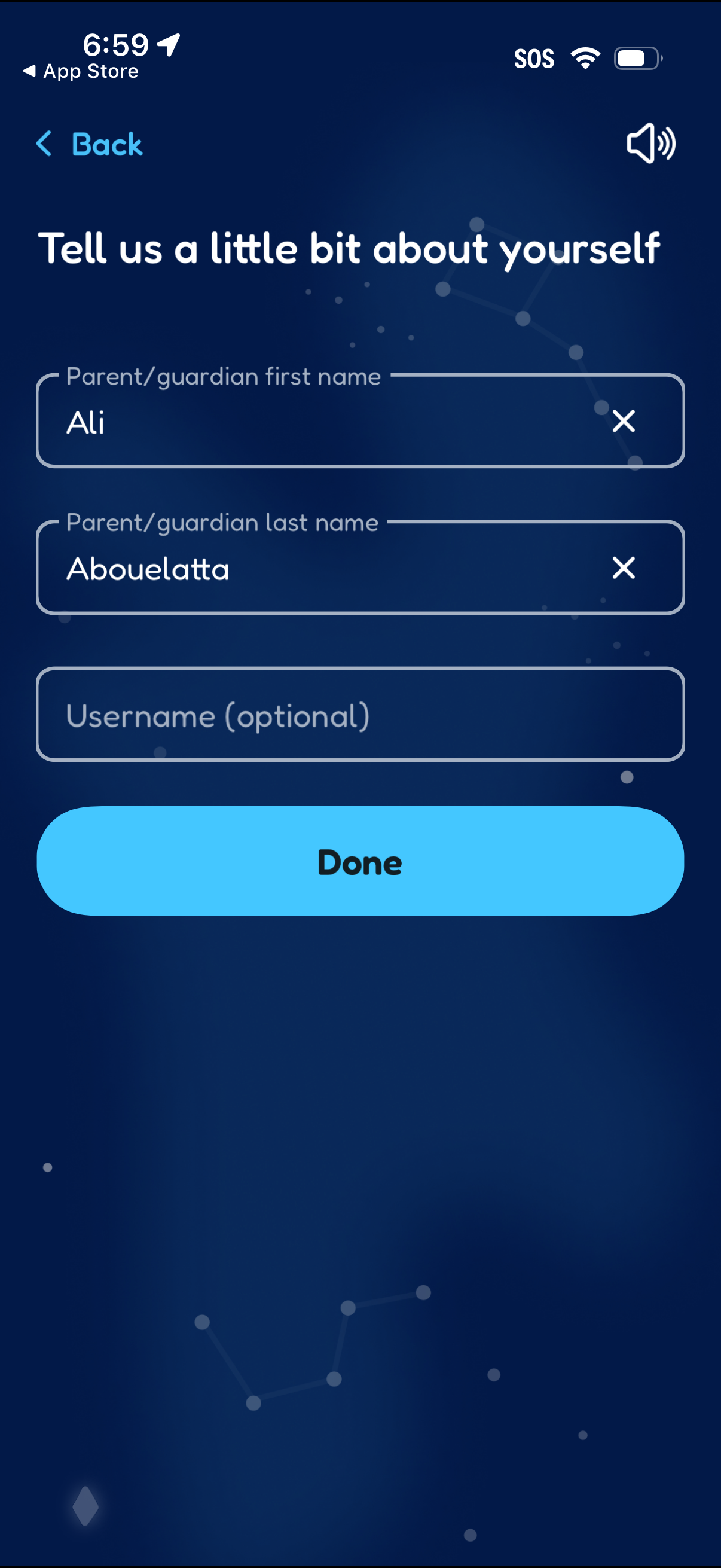
Onboarding profile form asking the user to provide parent/guardian first and last name and an optional username, with clear text fields that include a clear (X) control. Users can navigate back or tap a large Done button to submit the information.
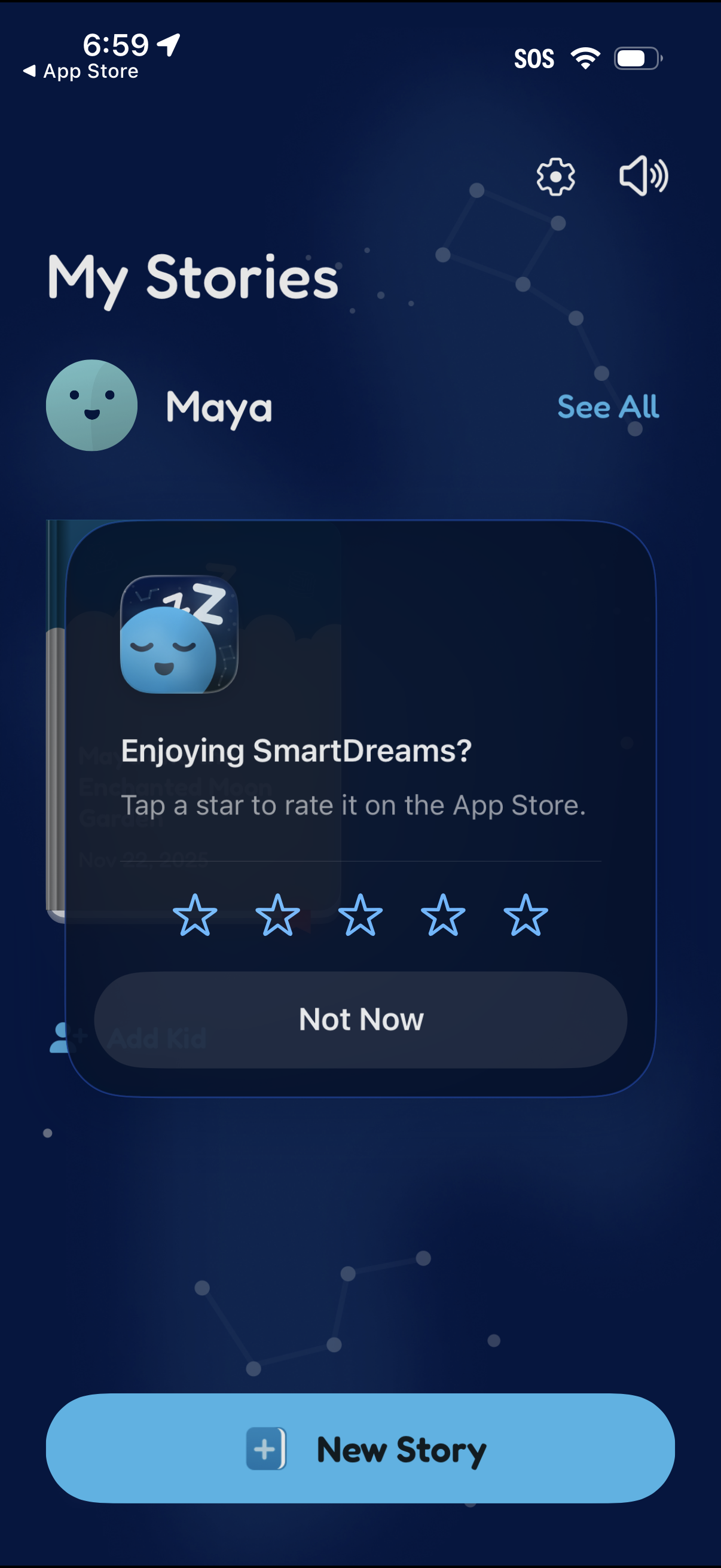
A “My Stories” dashboard in a bedtime story app showing a child profile with options to view all stories, open settings, and control sound, plus a primary CTA to create a New Story. An in-app review modal overlays the screen prompting the user to rate the app with 1–5 stars or dismiss with “Not Now.
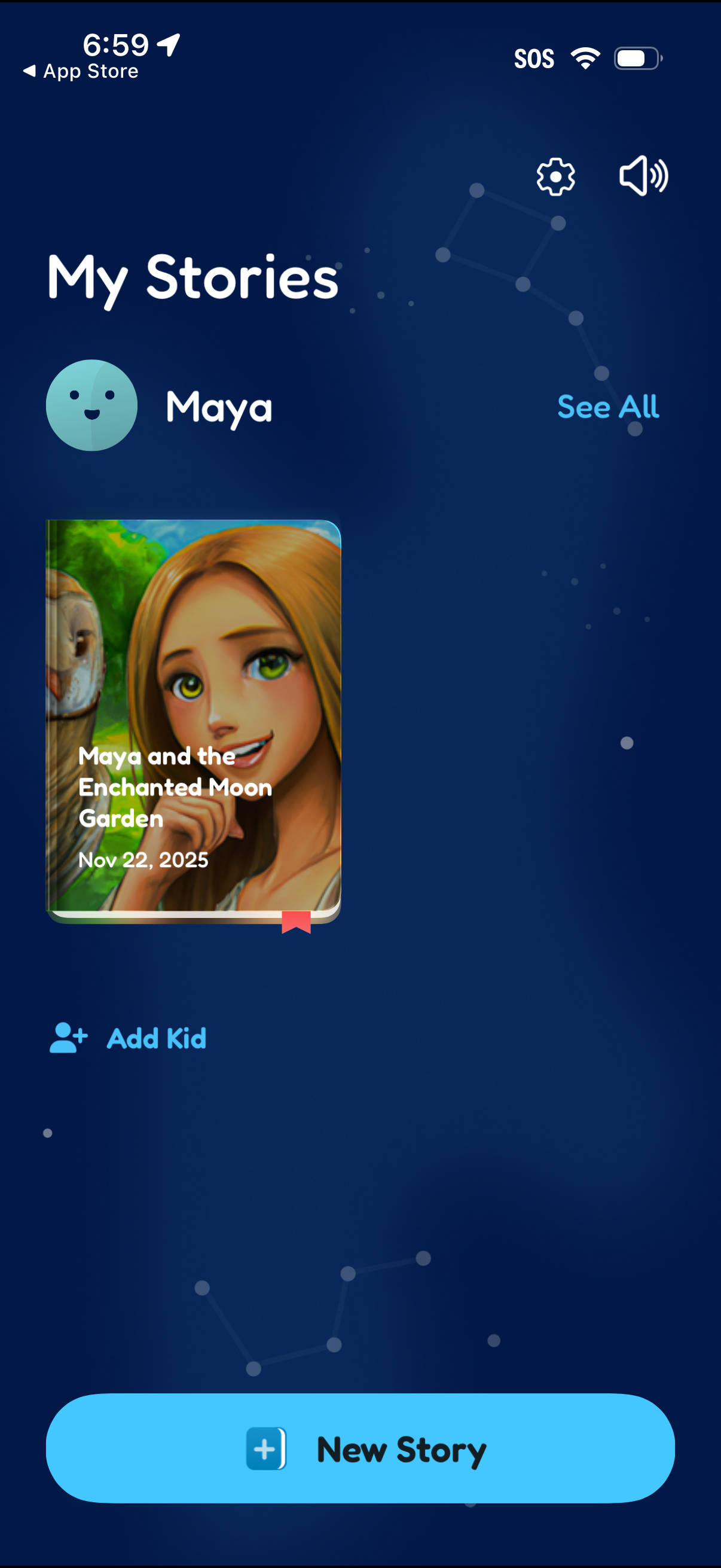
Kids storytelling library screen showing “My Stories” for a selected child profile, with a story cover card and date plus a “See all” link to view the full list. Primary actions include creating a “New Story,” adding another kid profile, and accessing settings and sound controls.