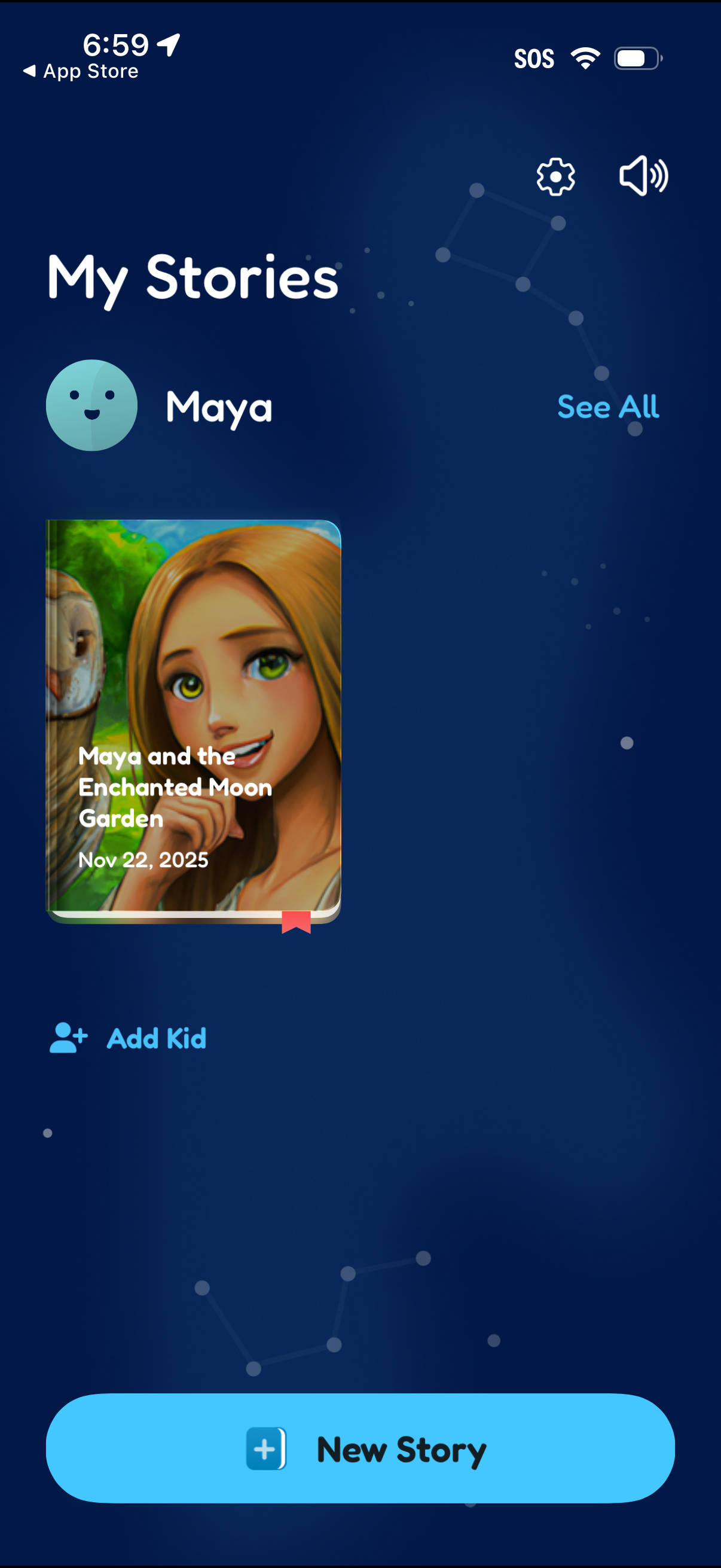
Kids storytelling library screen showing “My Stories” for a selected child profile, with a story cover card and date plus a “See all” link to view the full list. Primary actions include creating a “New Story,” adding another kid profile, and accessing settings and sound controls.
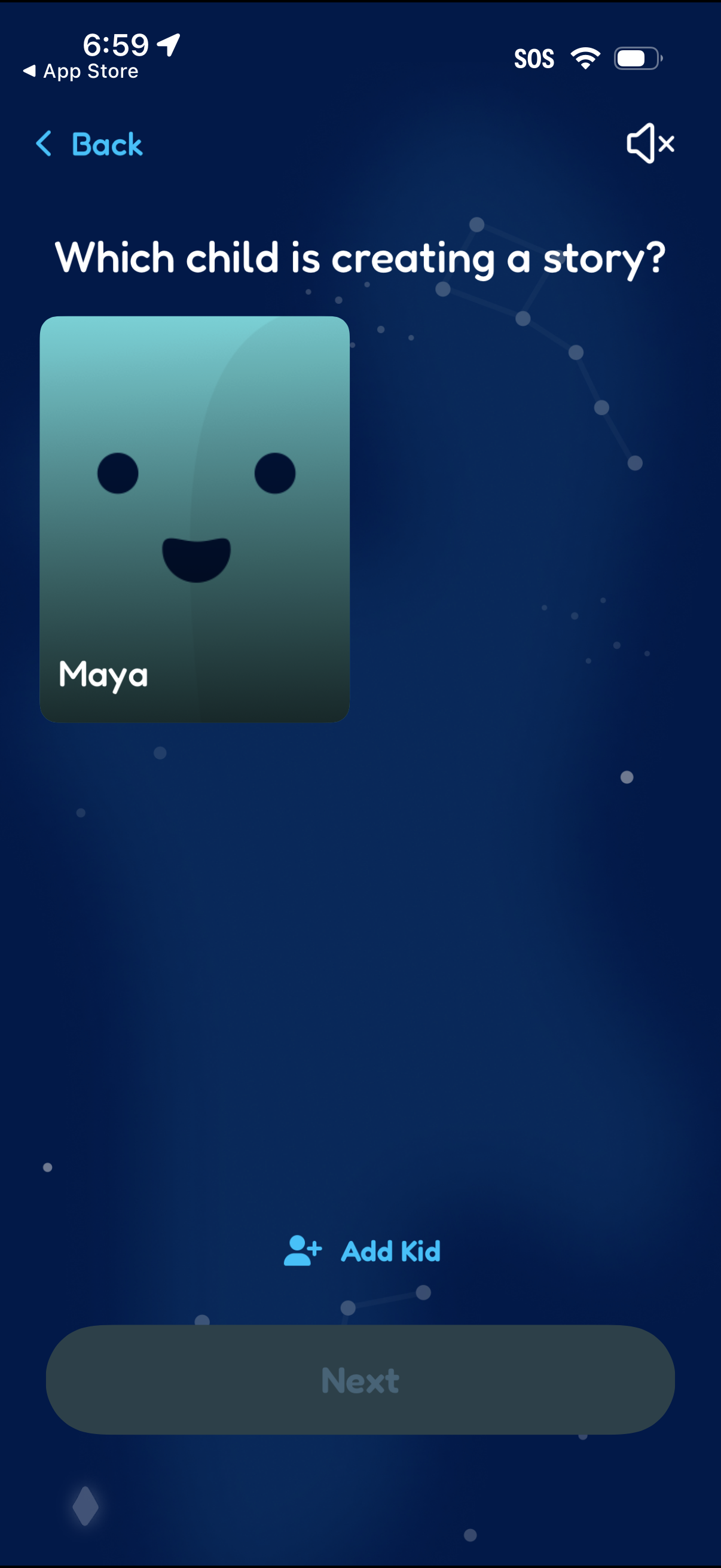
Child profile selection screen asking “Which child is creating a story? ” with a large kid card to choose a profile before continuing.
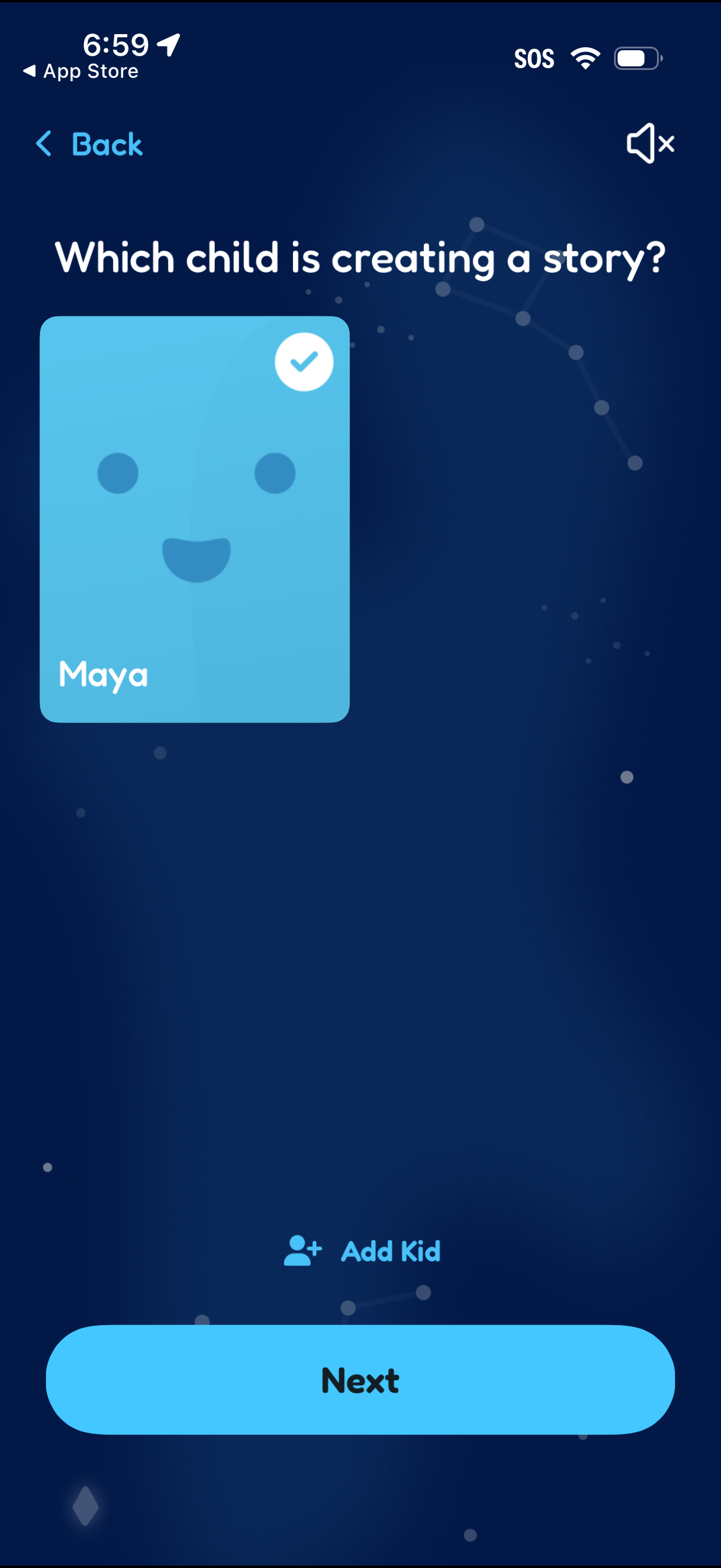
Child profile selection screen asking which kid is creating a story, showing selectable kid cards with a checkmark for the chosen profile. Includes an option to add a new kid profile and a primary Next button to continue, with back navigation and a sound toggle.
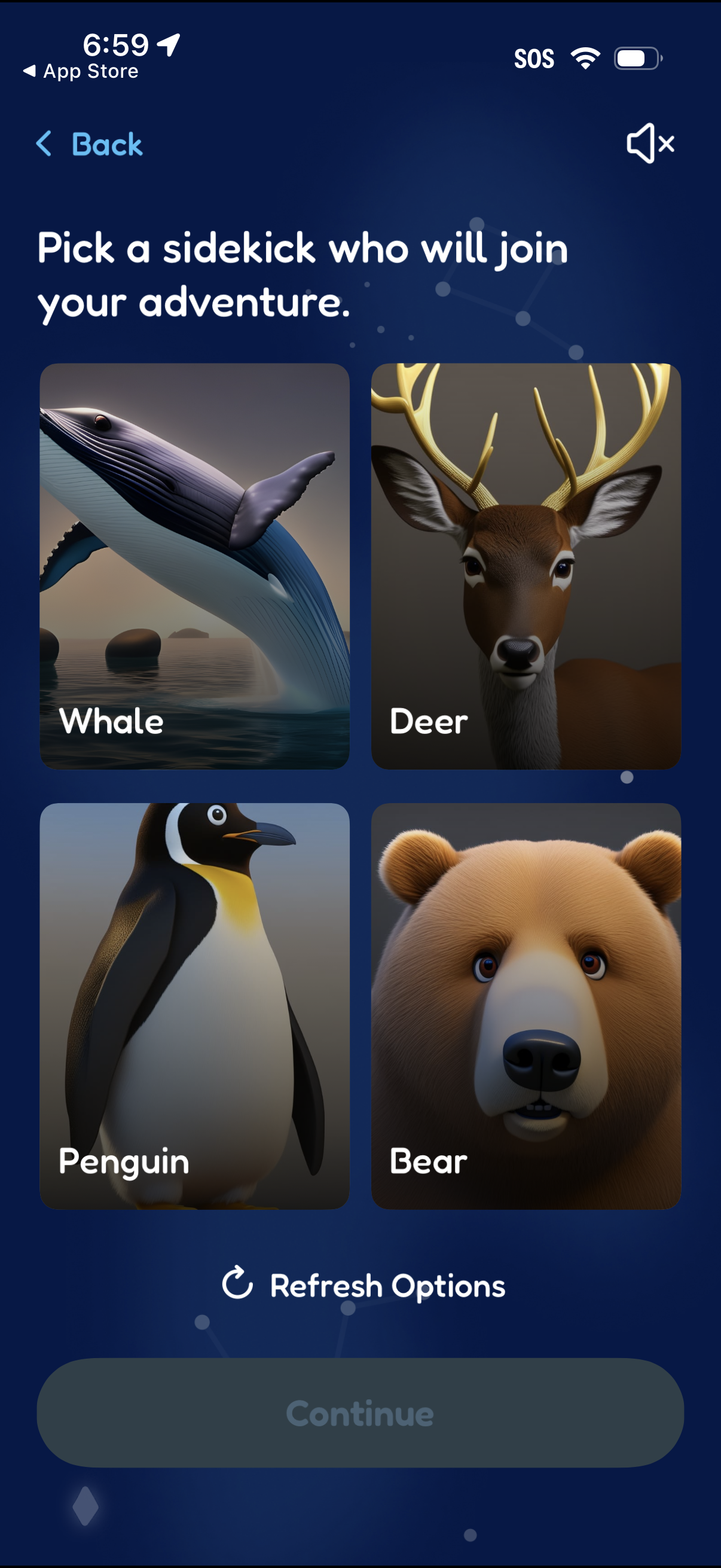
Character selection screen prompting the user to pick an animal sidekick for an adventure, showing a grid of selectable cards (Whale, Deer, Penguin, Bear) with images and names. Includes a “Refresh Options” action to shuffle choices and a disabled “Continue” button until a selection is made, plus back and sound controls.
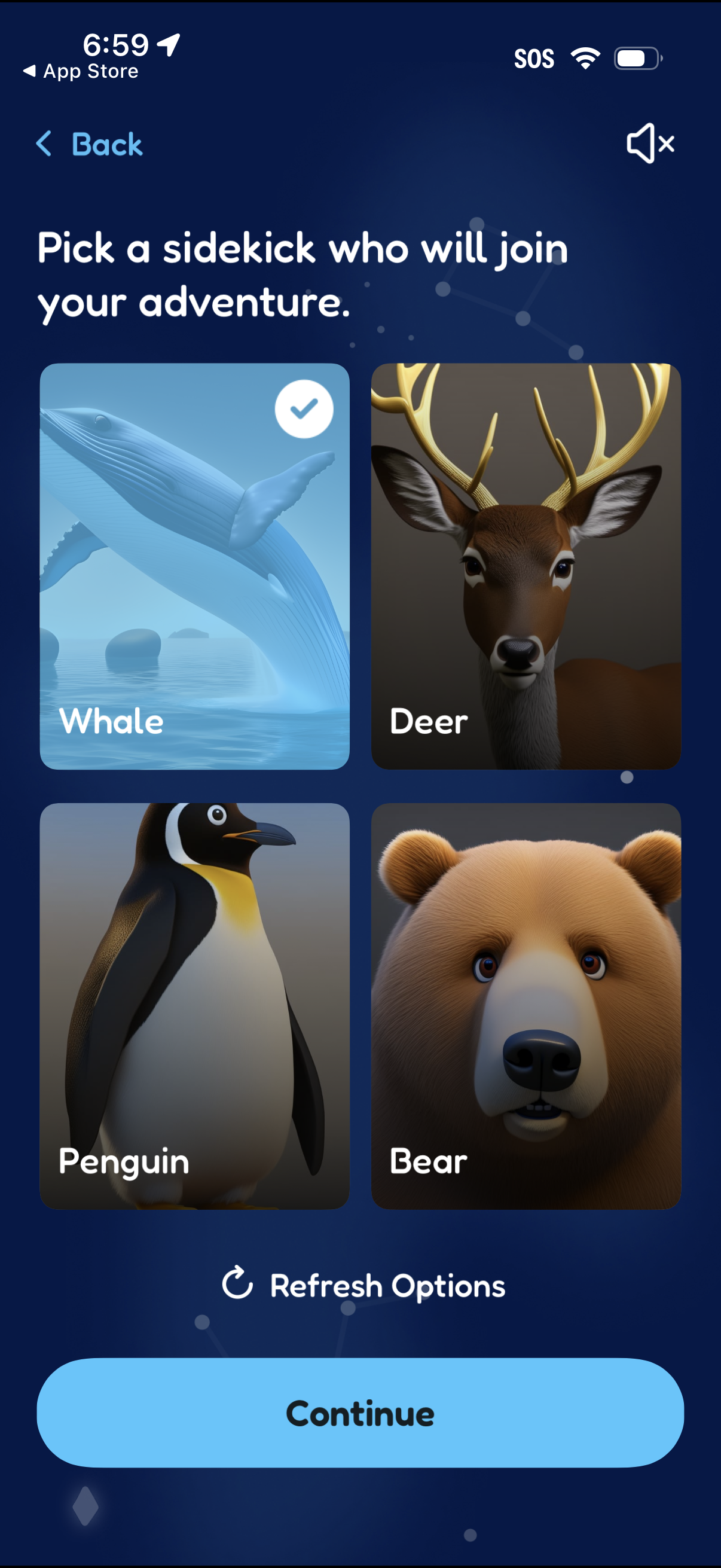
Character selection onboarding screen where the user picks an animal “sidekick” from a grid of card options (e. g.
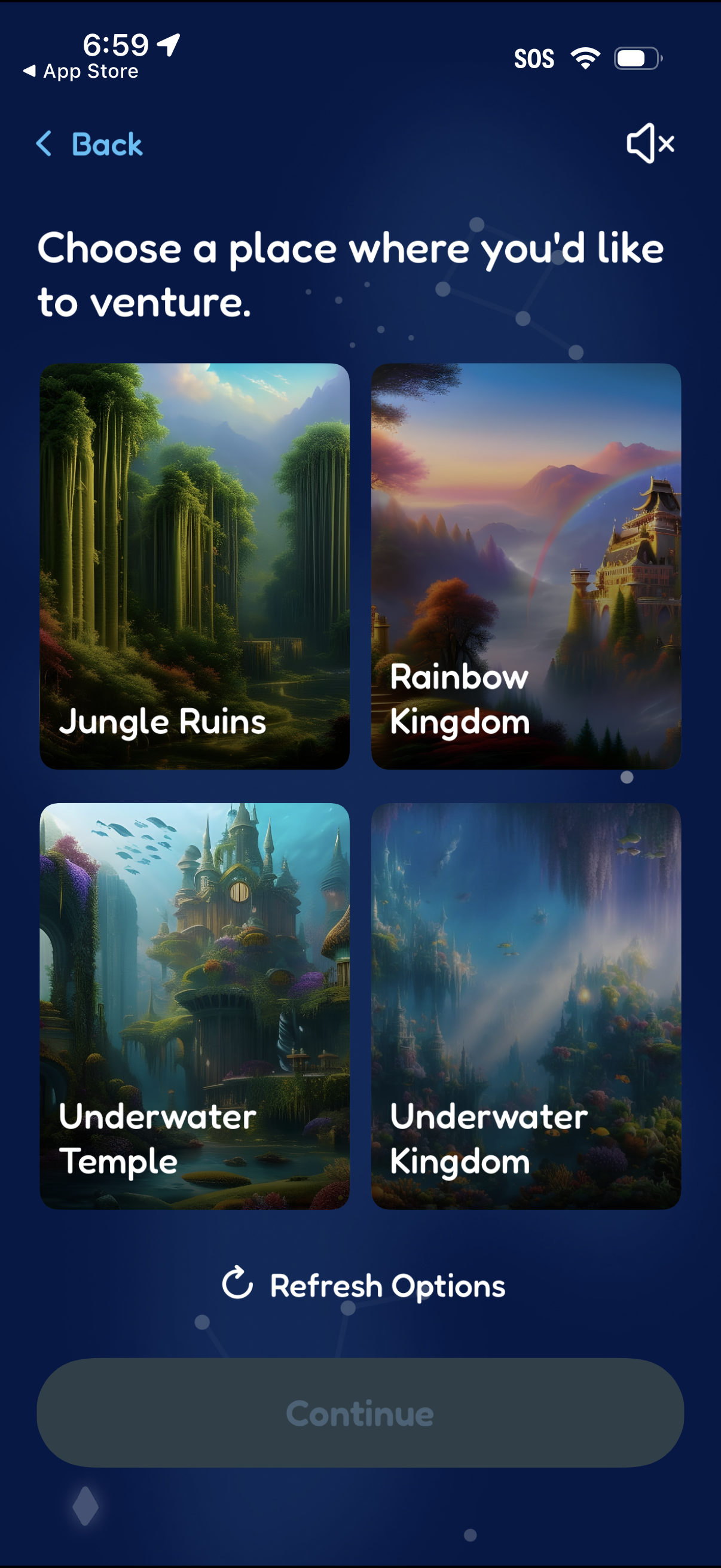
Adventure onboarding selection screen prompting the user to choose a destination to explore, presented as a grid of illustrated location cards (e. g.
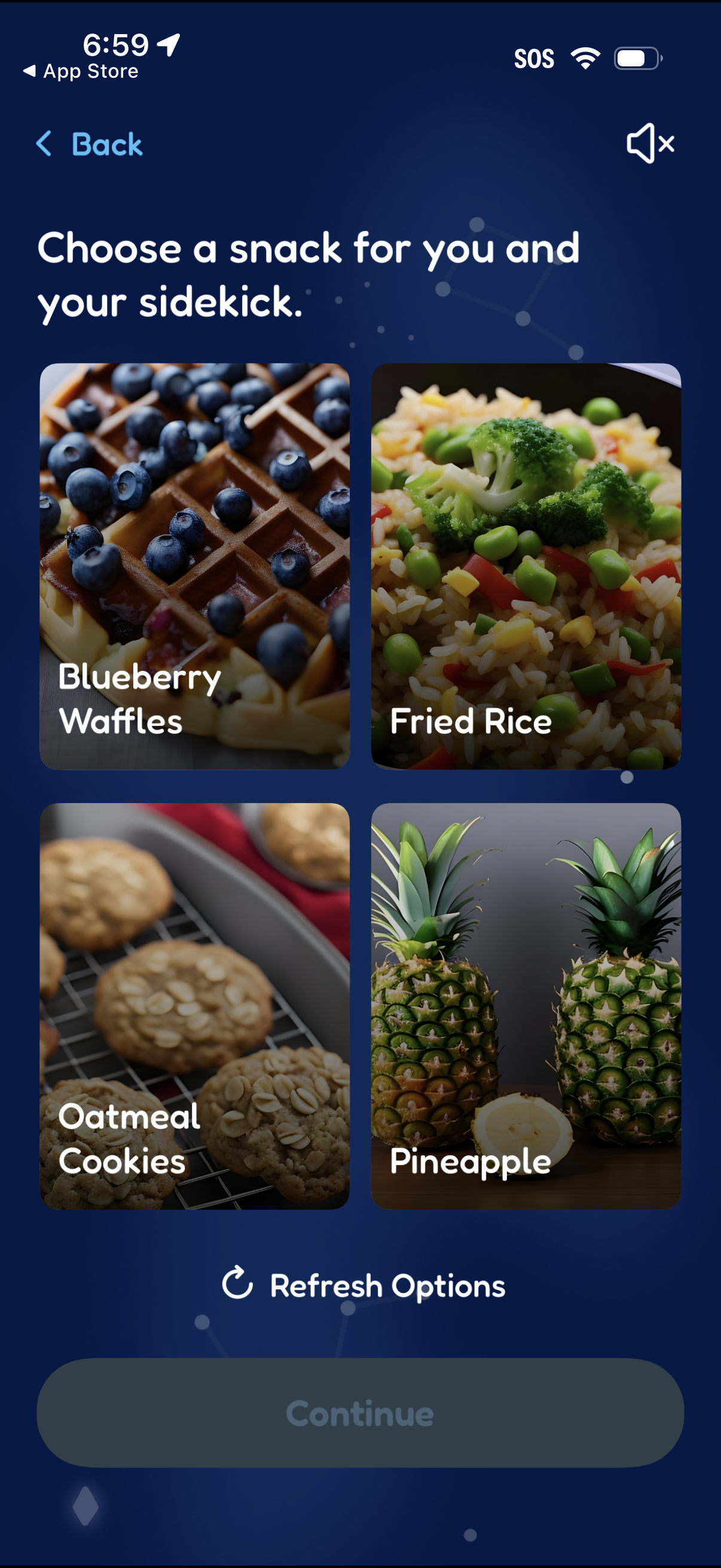
Snack selection screen for a companion/pet, showing a grid of photo cards for food choices (e. g.
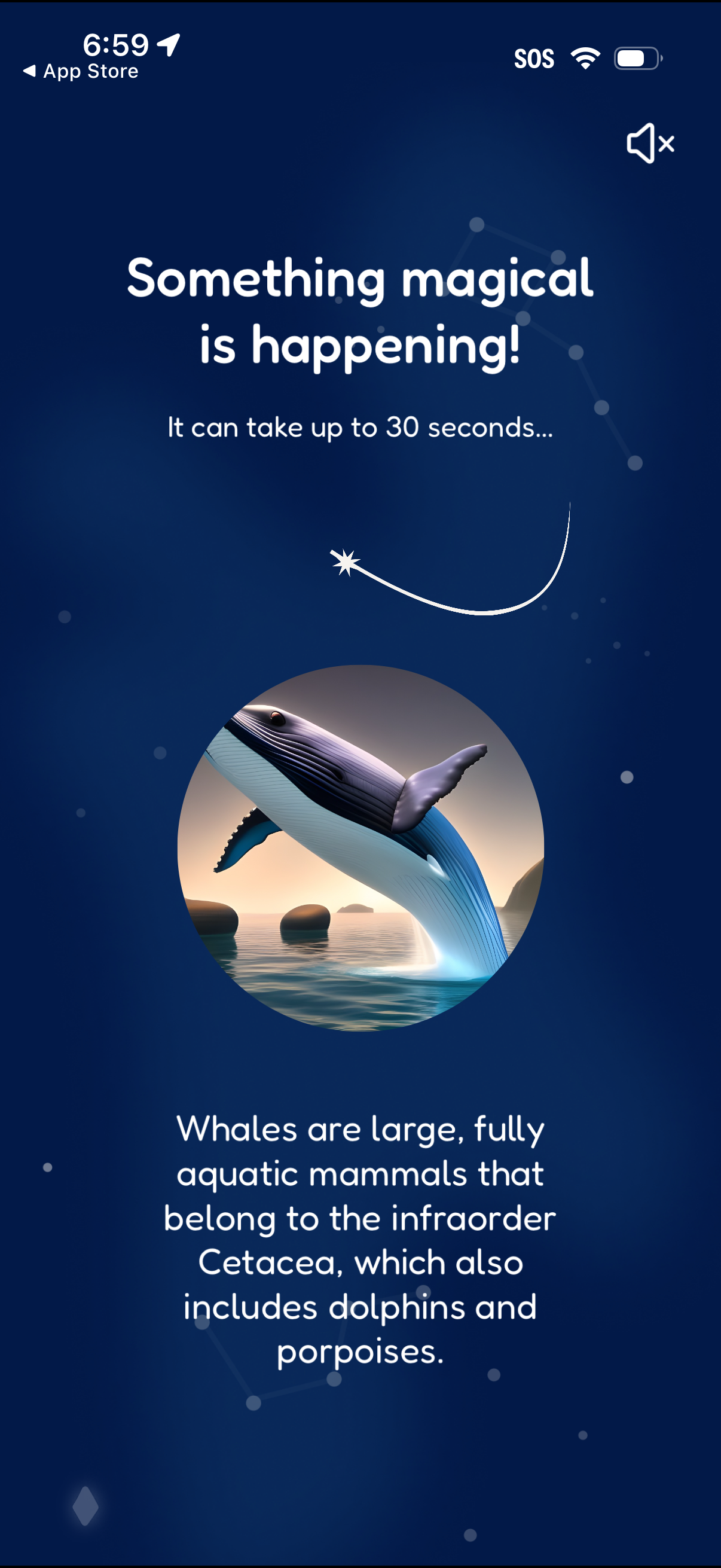
Animated loading or processing screen with a playful “Something magical is happening” message, an estimated wait time (“up to 30 seconds”), and a mute audio toggle. Includes an illustrated image and educational fun fact text shown as filler content while the app completes setup or generates results.
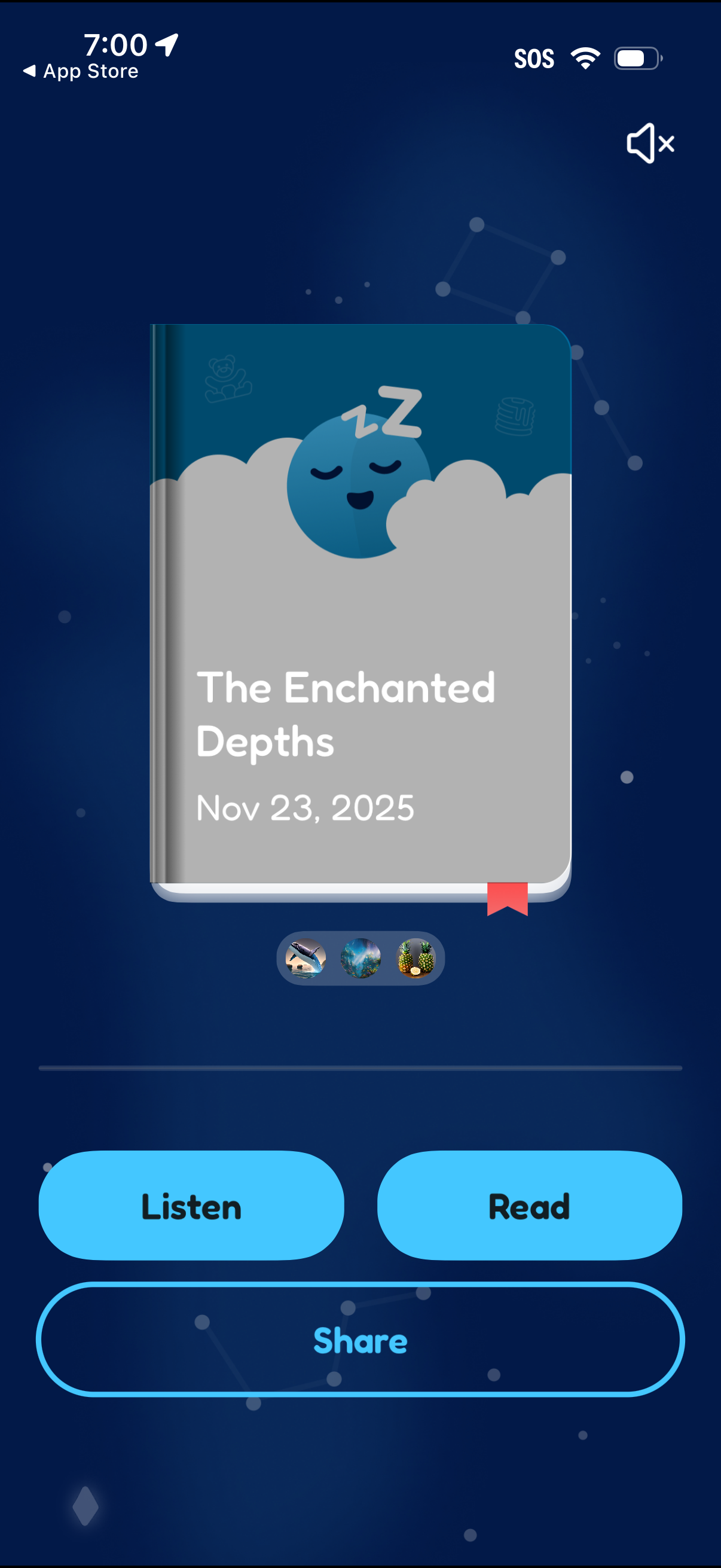
Storybook detail screen showing a book cover with title and date, plus options to switch between different story thumbnails. Primary actions let the user start listening to the audio version, read the story, or share it, with a mute toggle for sound.