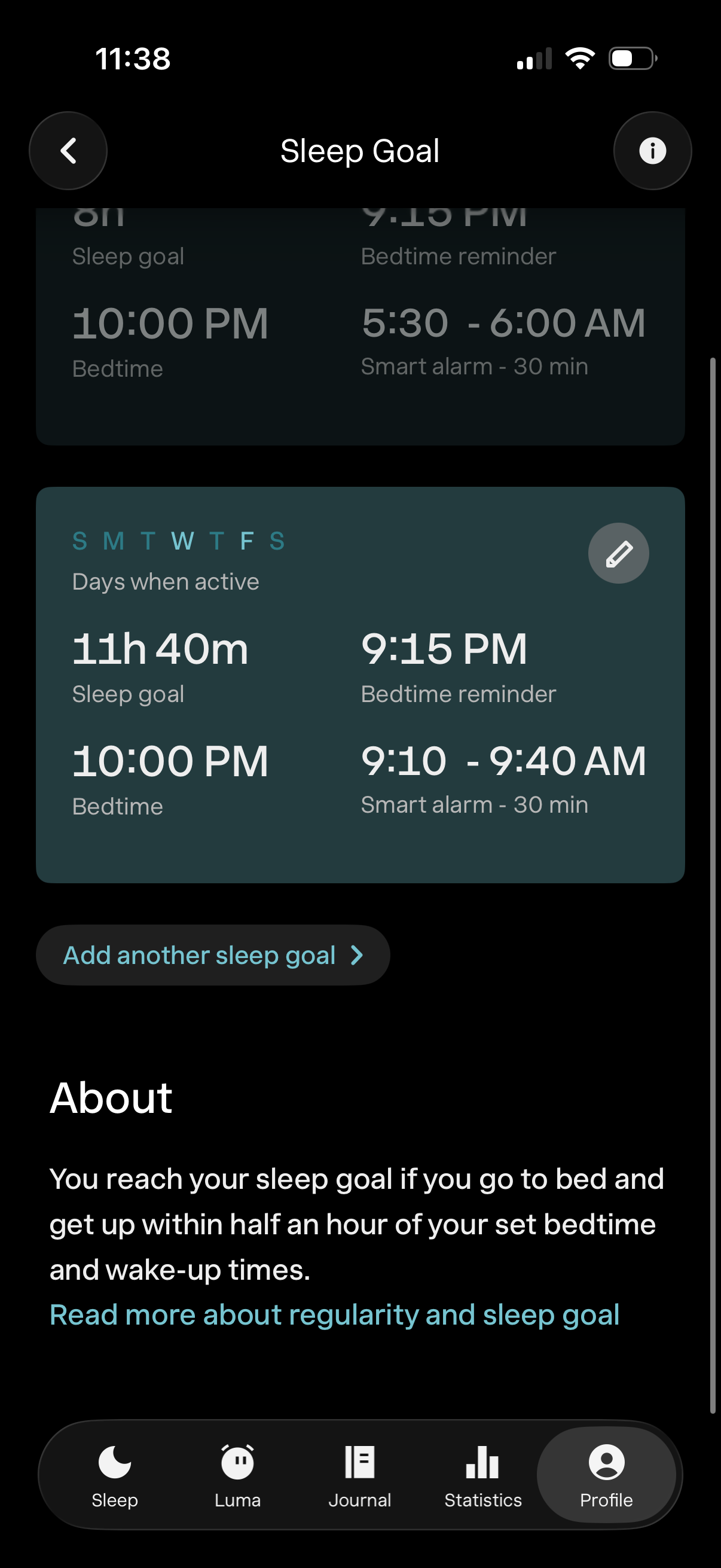
Sleep goal settings screen showing a weekly schedule card with days active, target sleep duration, bedtime, bedtime reminder time, and a smart alarm wake-up window, with an edit button to modify the goal. Includes an “Add another sleep goal” action and an About section explaining how the sleep goal is reached.
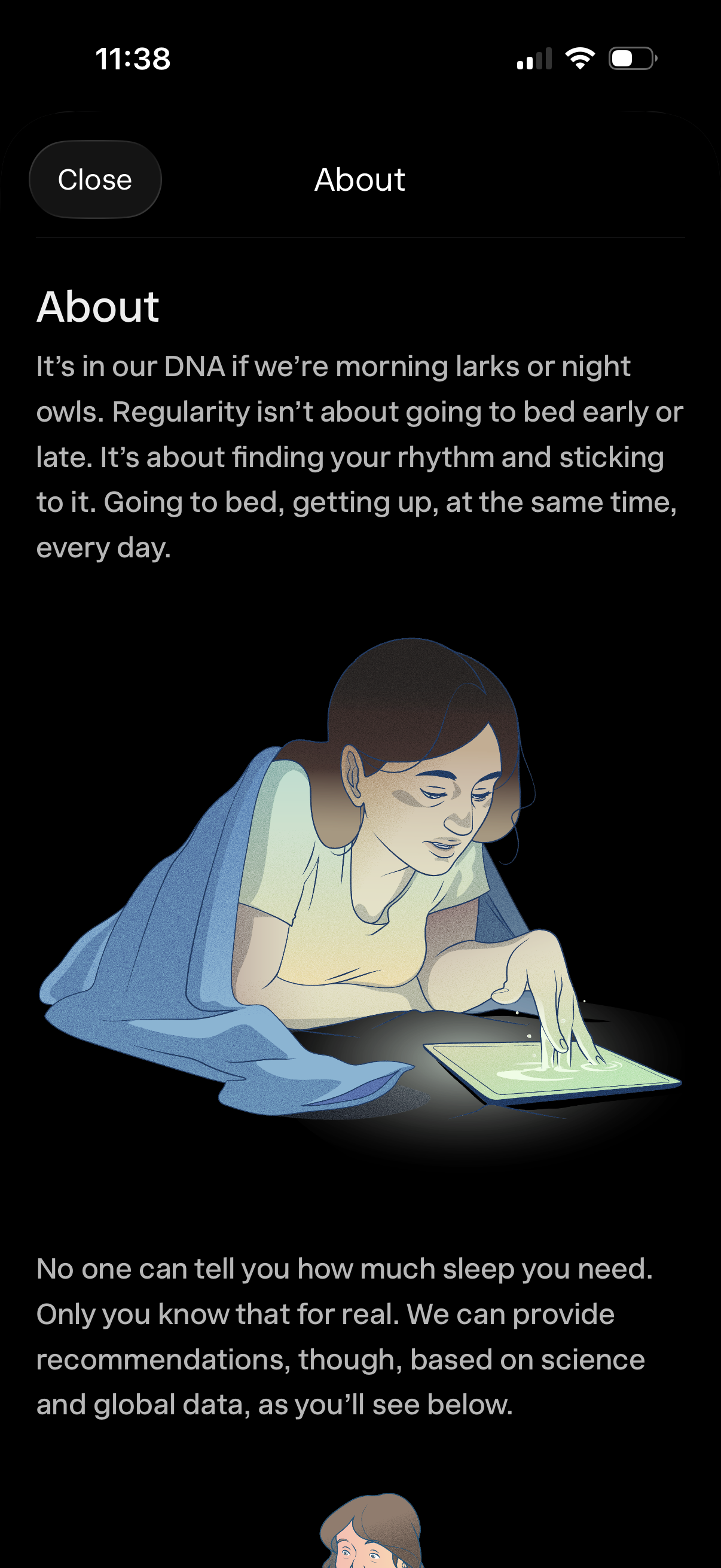
Informational “About” modal screen in a sleep or wellness app explaining sleep regularity and how recommendations are based on science and global data. Features a Close button, large text content, and an illustrative graphic to support onboarding/education.
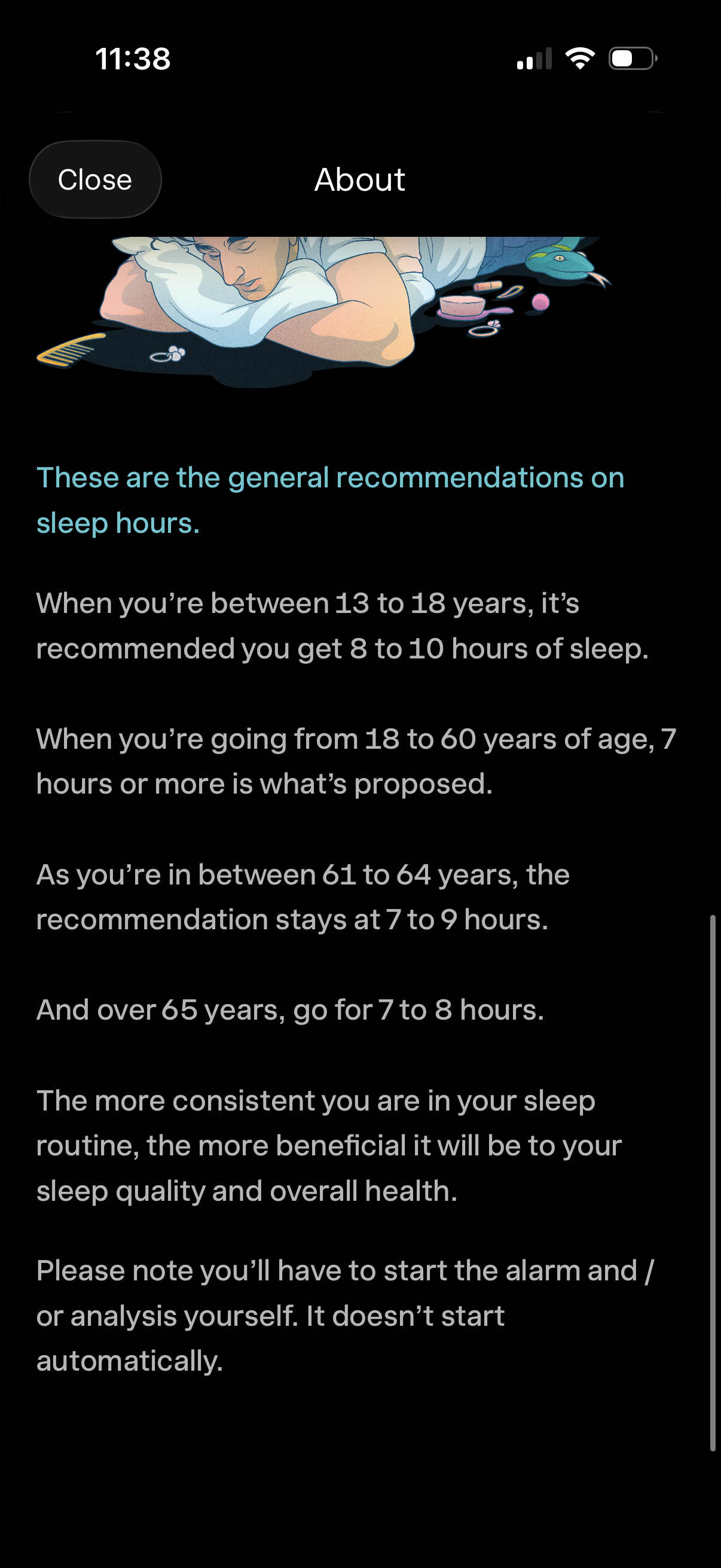
An “About” information screen in a sleep tracking app presenting general recommended sleep hours by age group and tips on maintaining a consistent sleep routine. Includes a close button and scrollable educational text noting the user must manually start the alarm/analysis.