view premium details

Sleep tracking app screen to set a smart wake-up alarm by selecting a wake time (e. g.

Inspirational full-screen onboarding or splash screen with a dreamy starry sky background and motivational tagline text, presented as a modal overlay. A close (X) button in the top-right lets users dismiss and exit the introduction.
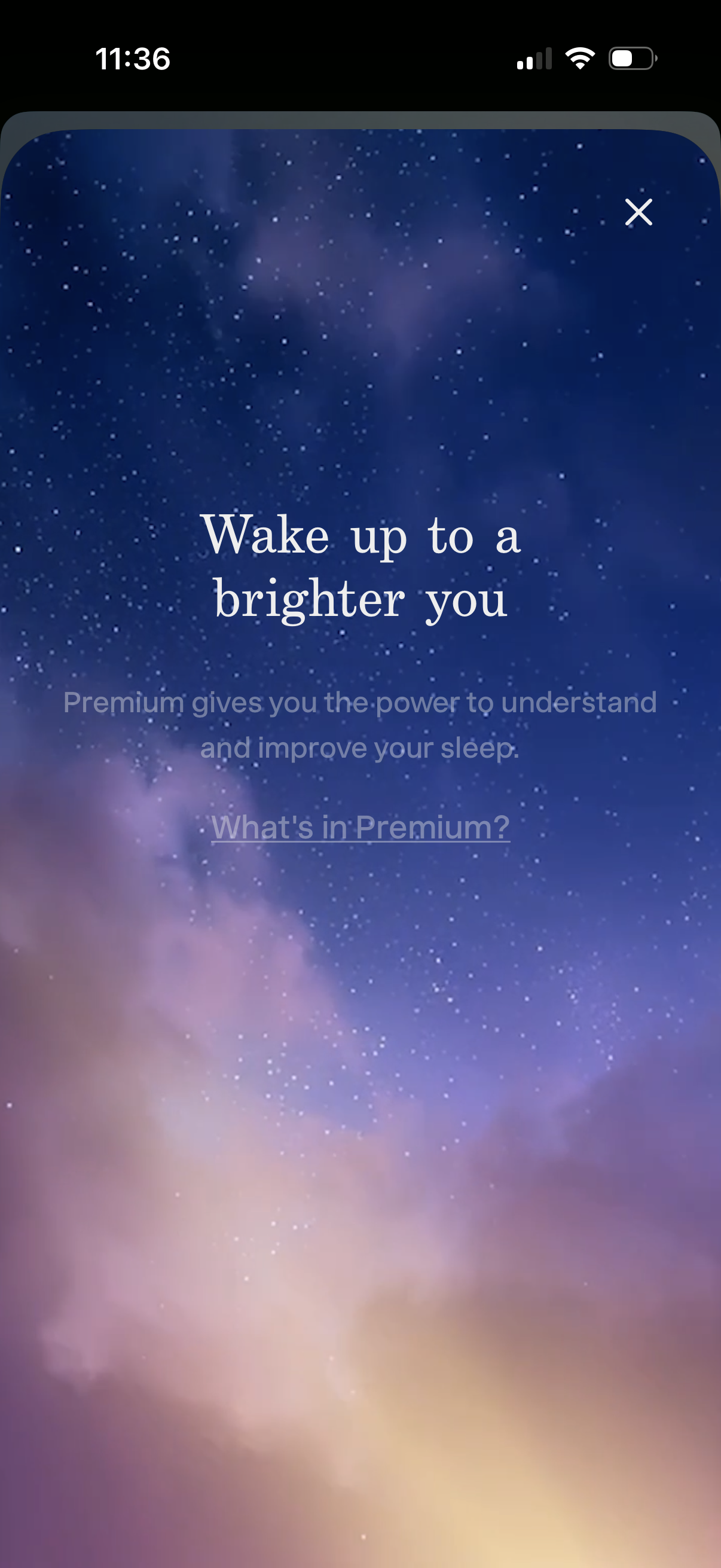
Premium upsell modal for a sleep tracking app with a “Wake up to a brighter you” headline, explaining that Premium helps users understand and improve sleep. Includes a close (X) button and a “What’s in Premium?

Subscription paywall modal for a sleep tracking app promoting Premium benefits, with a link to see what’s included and an option to close. Shows annual pricing and a primary “Try for free” CTA plus secondary actions to cancel anytime or restore an existing purchase.
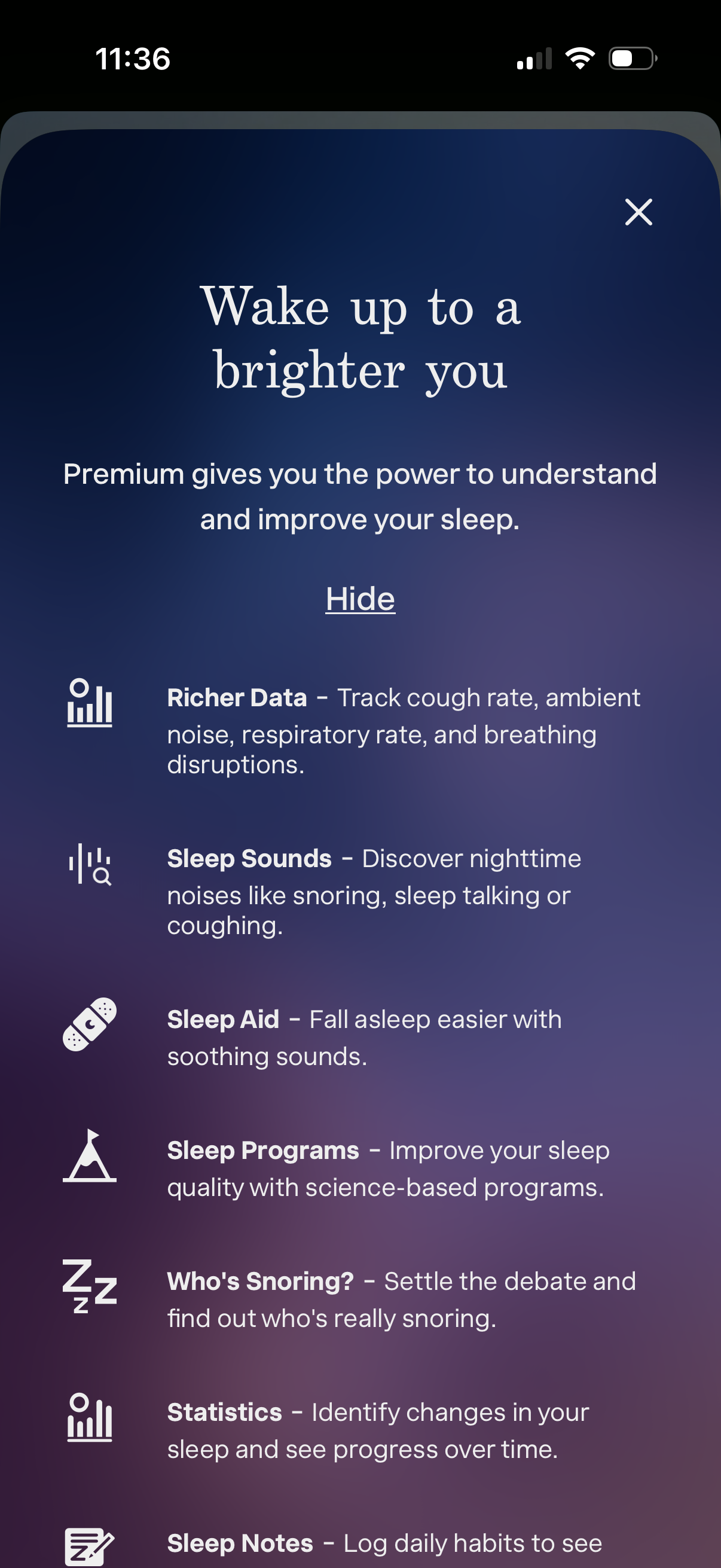
Premium subscription upsell modal for a sleep tracking app, explaining benefits like richer sleep data (cough/respiratory rate, ambient noise), sleep sounds and aids, sleep programs, “who’s snoring” detection, statistics, and sleep notes. Includes a close (X) and a “Hide” option to dismiss the feature list.

Subscription paywall screen for a sleep tracking app highlighting premium features like sleep notes, cough radar, weekly summaries, partner link, additional alarm sounds, wake-up mood, and smart home integrations. Shows yearly price with monthly equivalent and primary CTA to “Try for free,” plus close, cancel anytime, and “Already paid?