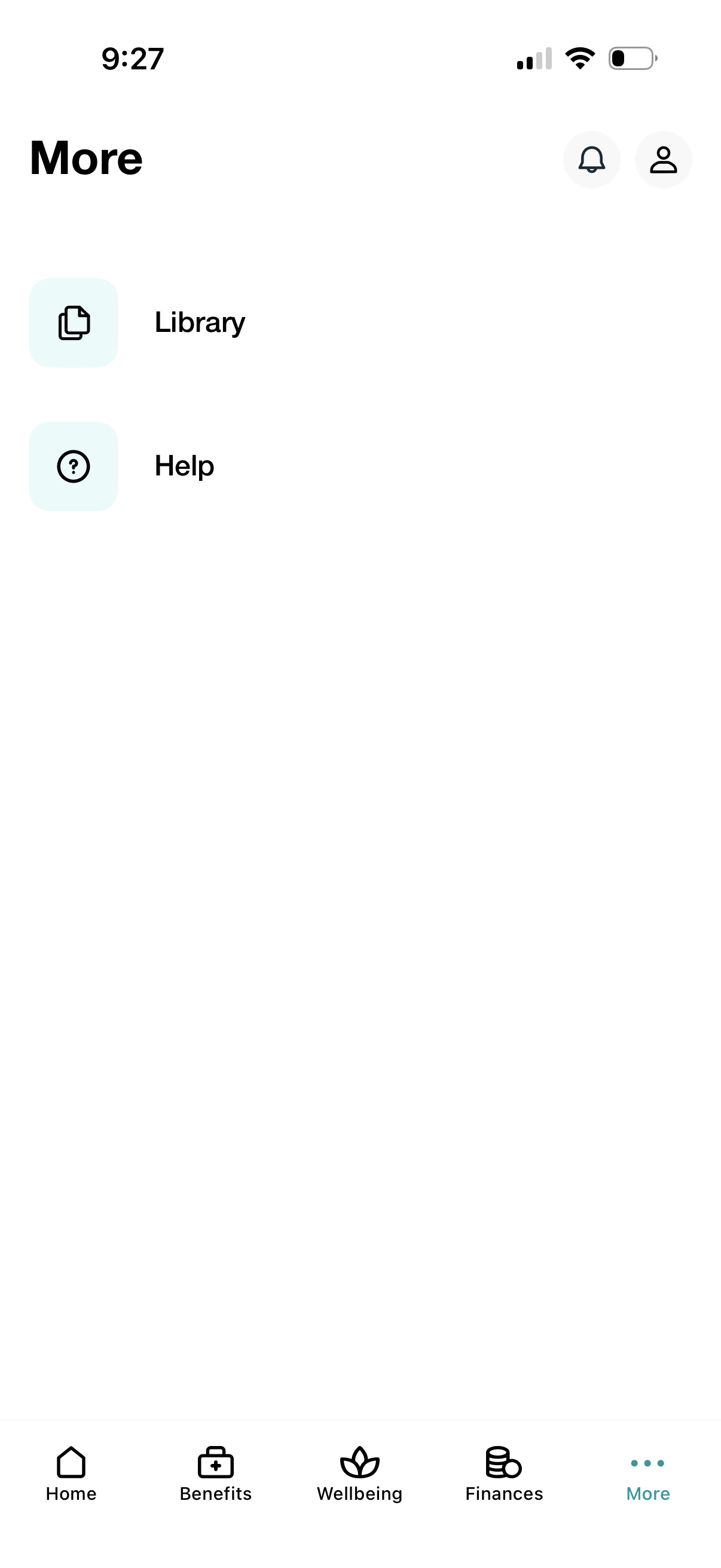
More tab screen showing additional navigation options with large list items for Library and Help, plus quick-access icons for notifications and user profile. A bottom tab bar provides primary navigation across Home, Benefits, Wellbeing, Finances, and More.
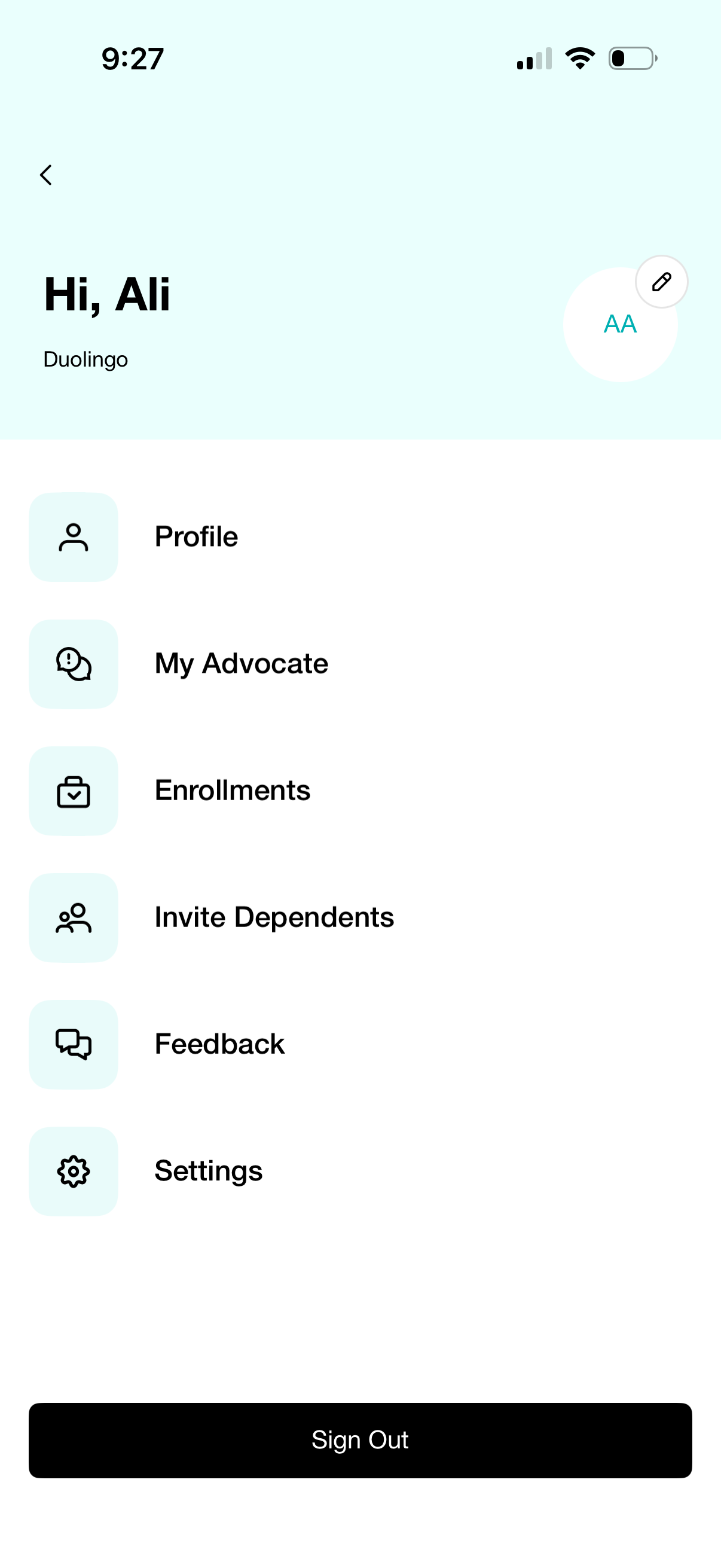
Account menu screen showing the user profile header with avatar and edit button, and a list of account-related navigation options such as Profile, My Advocate, Enrollments, Invite Dependents, Feedback, and Settings. A prominent Sign Out button at the bottom allows logging out.
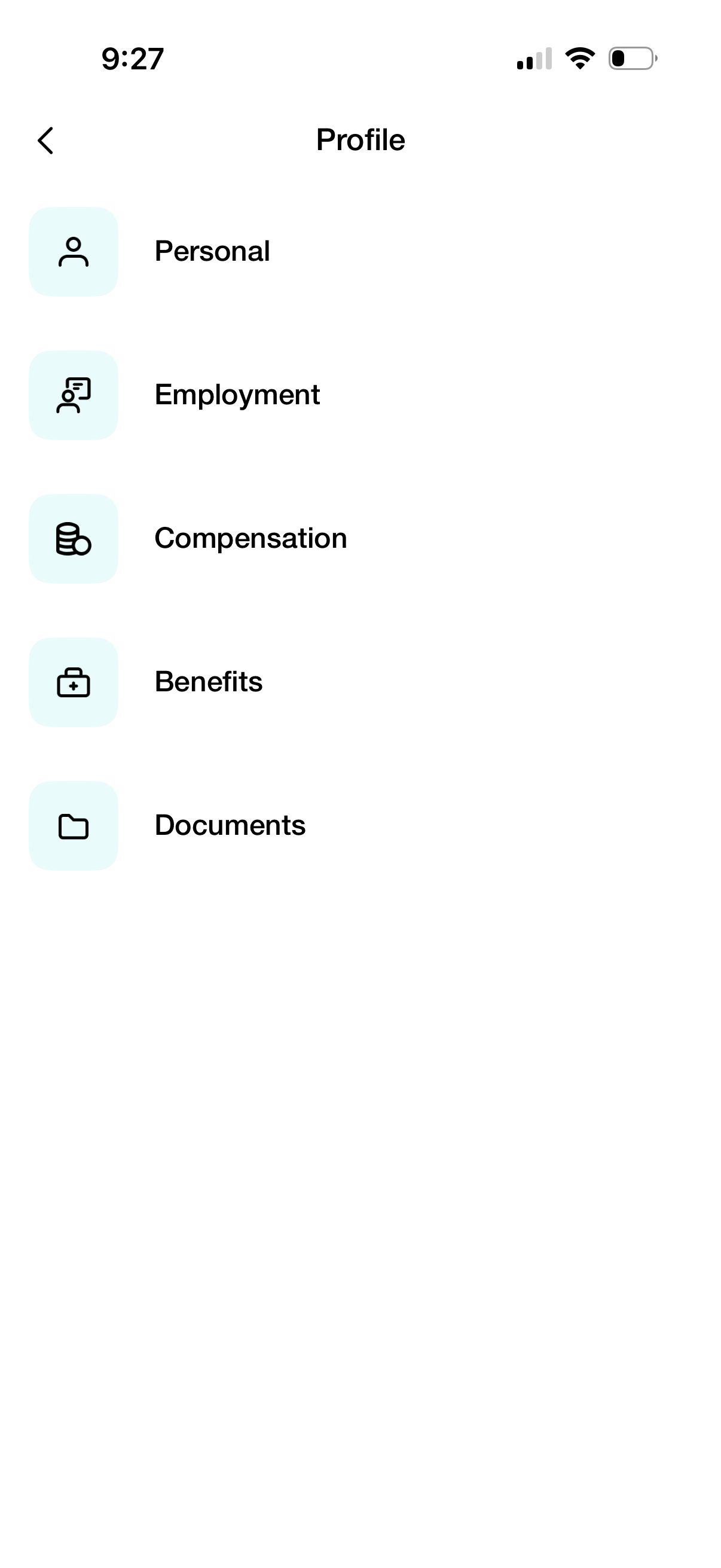
Profile hub screen for an employee/HR app that lets users navigate to sections for Personal details, Employment information, Compensation, Benefits, and Documents. Each section is presented as a tappable list item with an icon and a back button in the header.
A minimal “Personal” screen showing an empty state/loading view with only back navigation and a refresh action in the top bar. Indicates a personal section where content would load or be refreshed but no items are currently displayed.
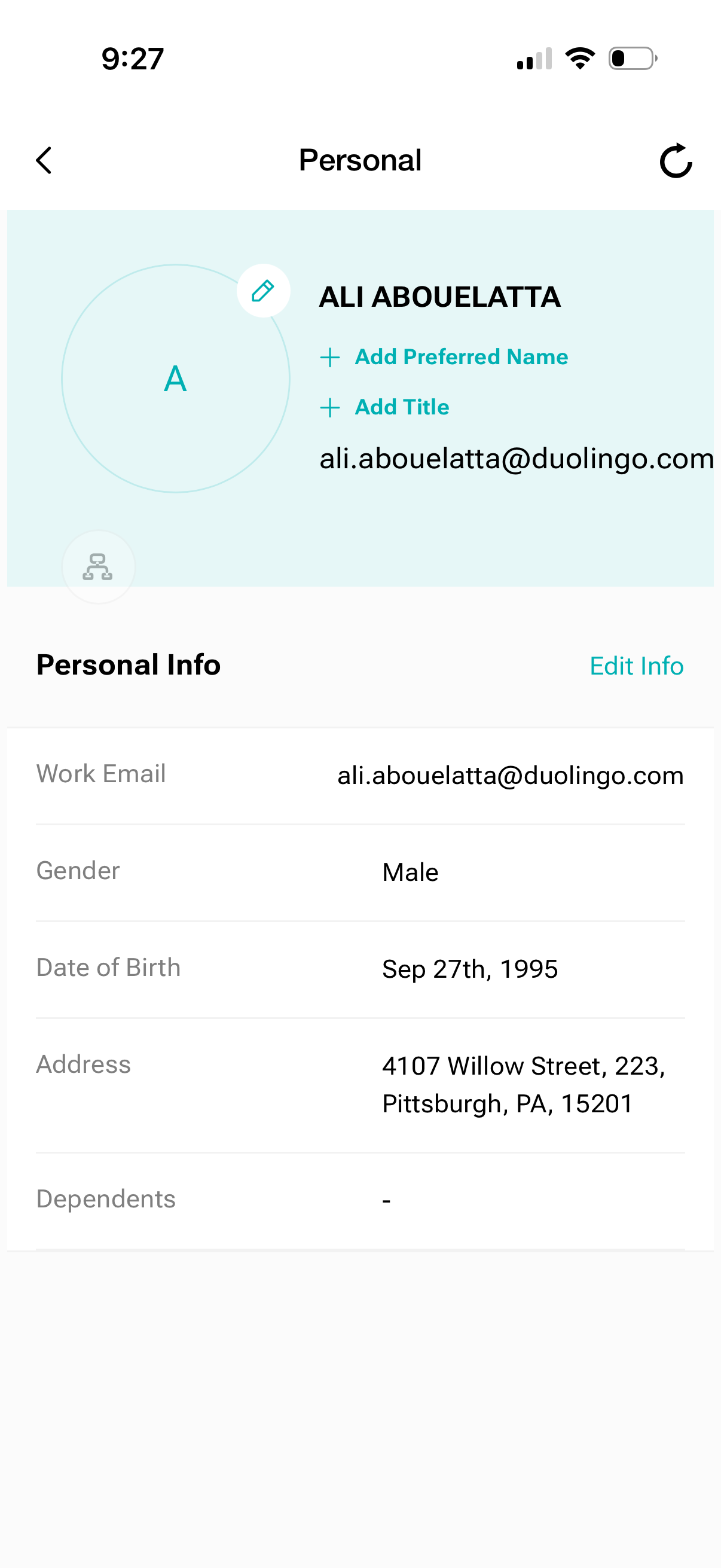
Personal profile details screen showing a user header with avatar and options to add a preferred name and title, plus an Edit Info action. Displays personal information fields such as work email, gender, date of birth, address, and dependents with navigation back and refresh controls.
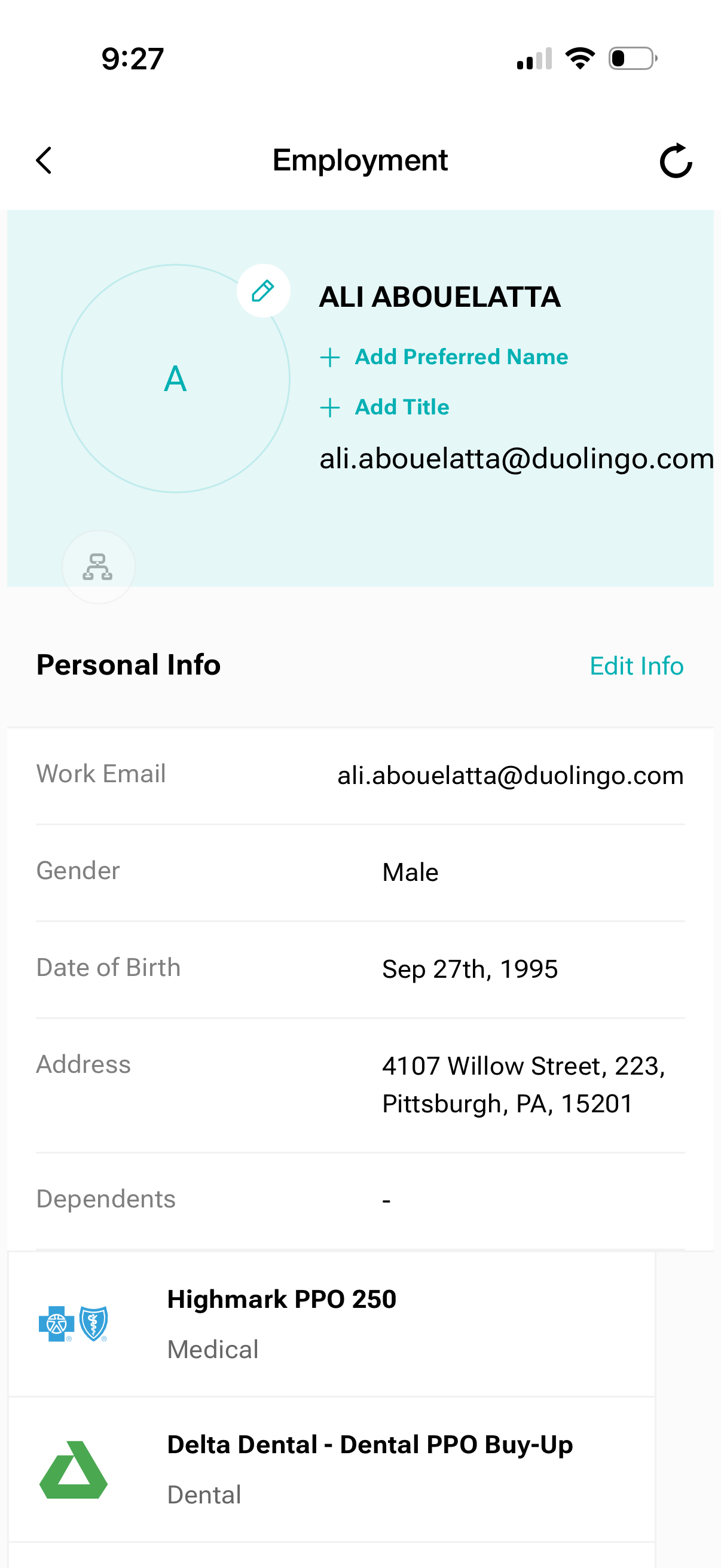
Employee employment profile screen showing a user’s personal information (work email, gender, date of birth, address, dependents) with an Edit Info action. Includes a profile header with options to add preferred name and job title, plus a list of enrolled benefits plans such as medical and dental.