Gold Card Delivery
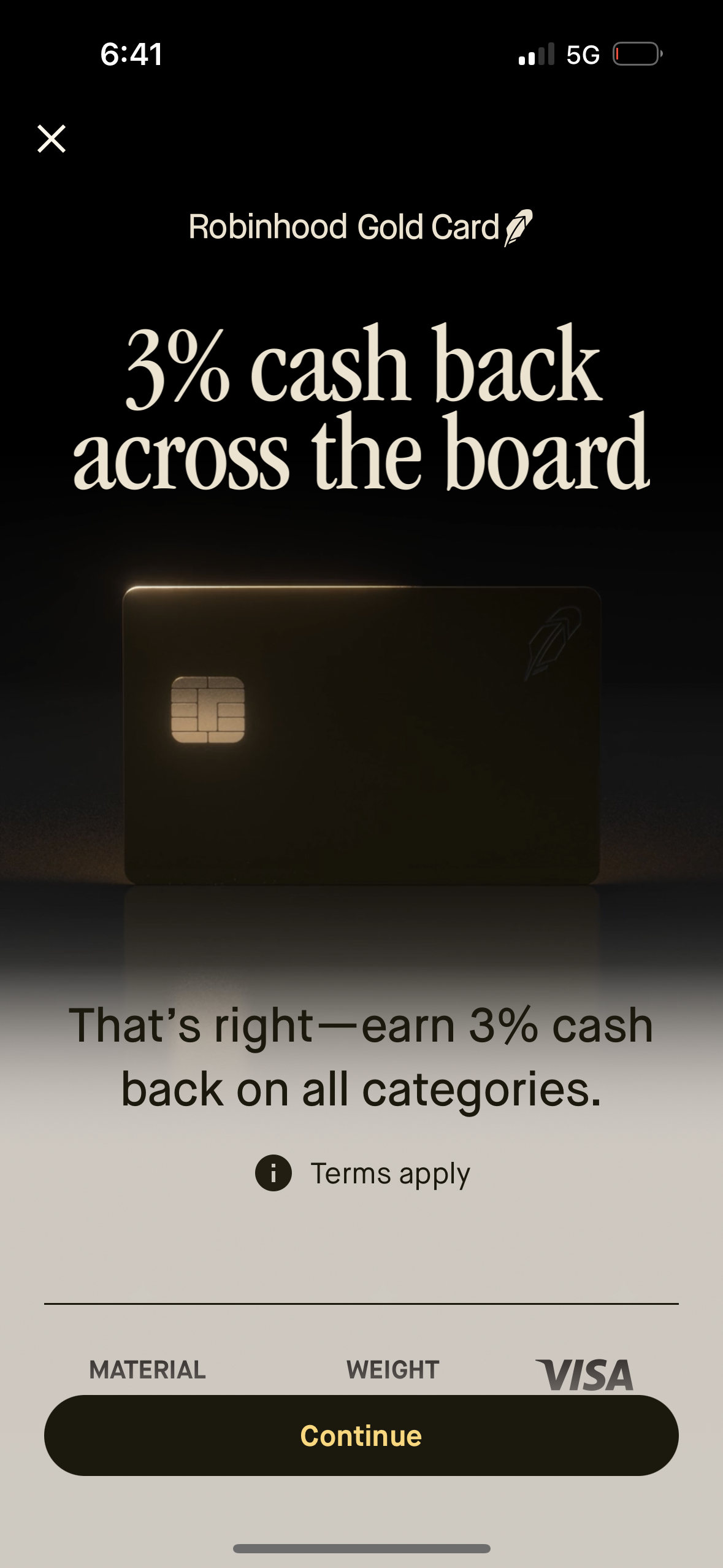
Credit card signup promo screen highlighting the Robinhood Gold Card benefit of 3% cash back across all categories, with a terms apply info link and a primary Continue button to proceed with the application. Includes a close icon to exit and a card visual preview.
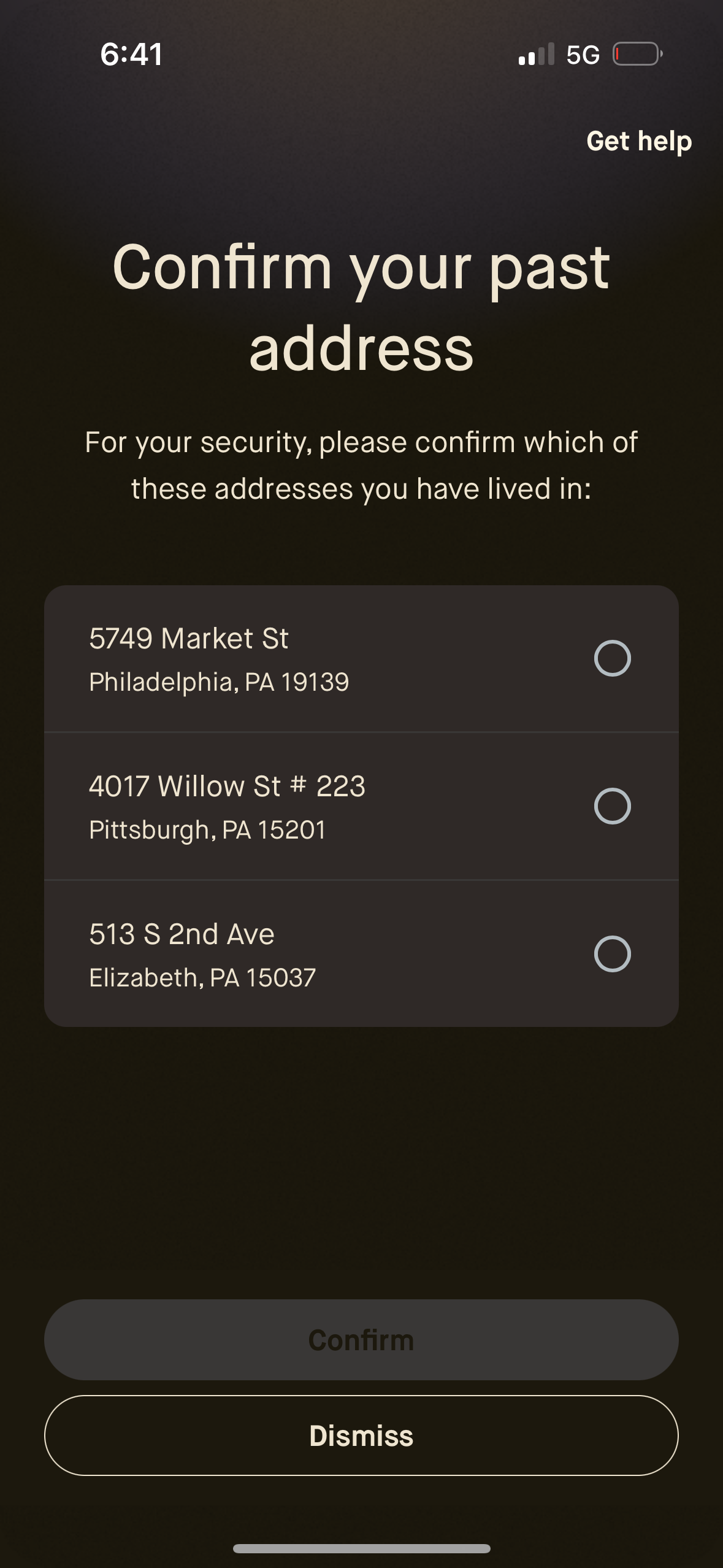
Security verification screen prompting the user to confirm a previous home address by selecting one option from a list of past addresses with radio buttons. Includes “Get help” support link and primary actions to Confirm the selection or Dismiss/cancel.
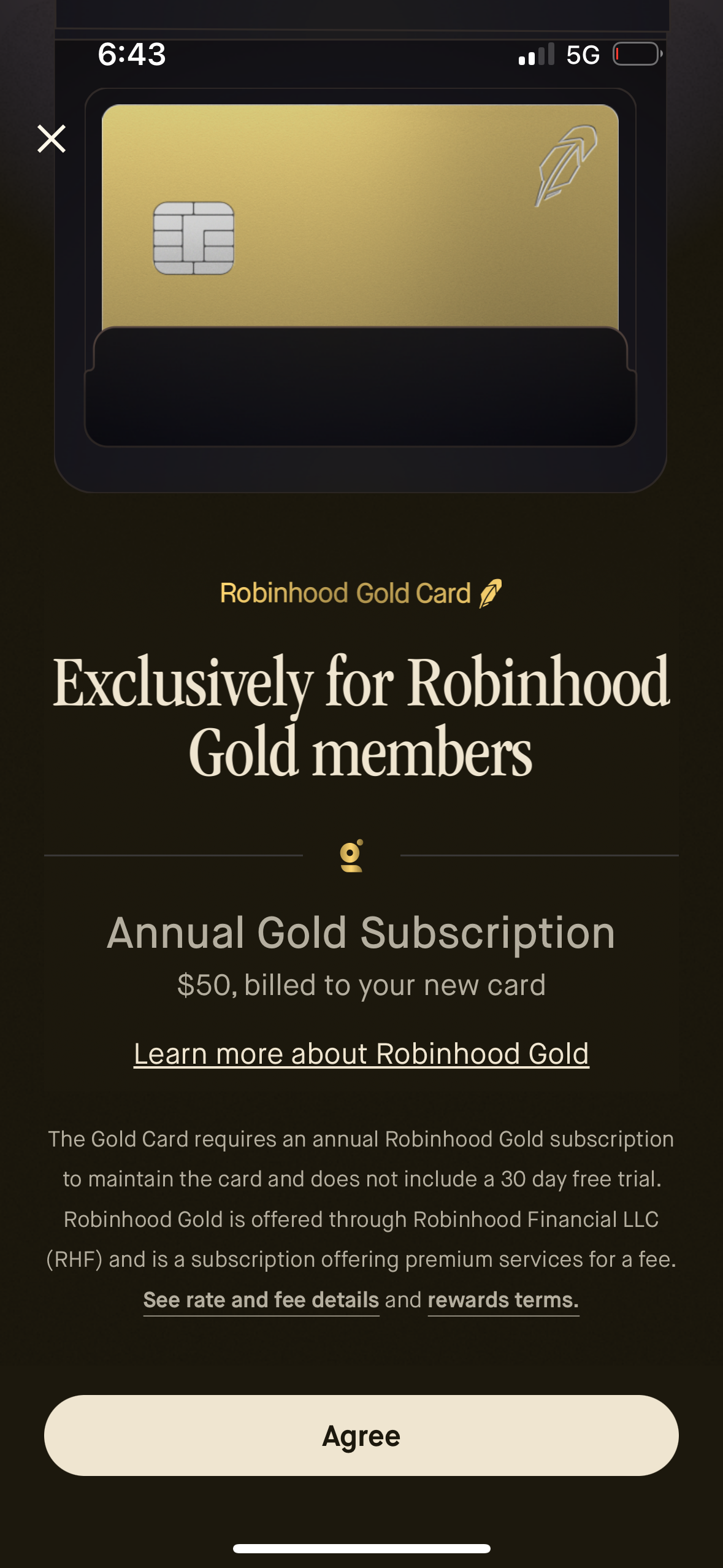
Membership paywall and terms screen for a premium credit card, explaining that the card is exclusive to Gold members and requires an annual subscription fee billed to the new card. Provides links to learn more and view rate/fee and rewards details, with a primary “Agree” button to accept and proceed and a close icon to dismiss.
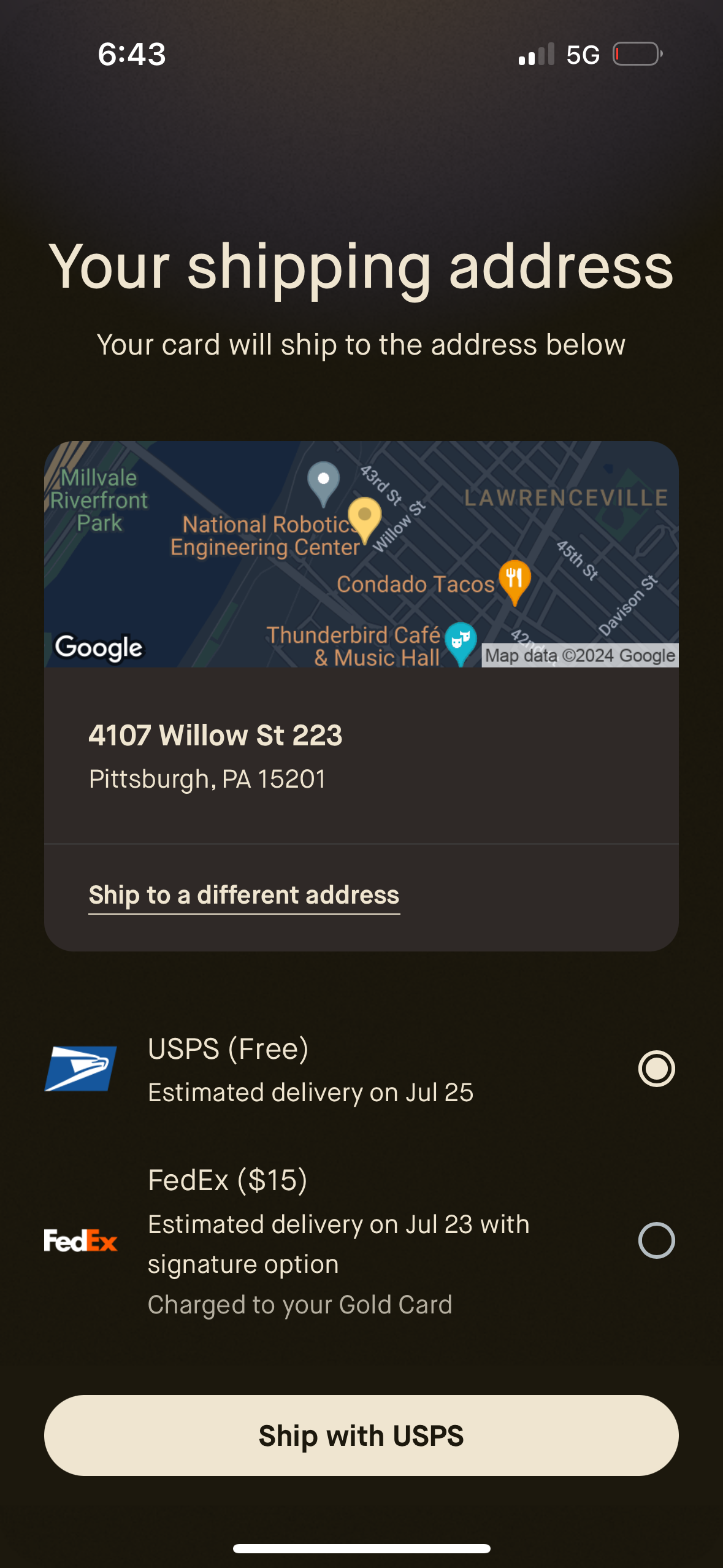
Shipping address confirmation screen showing a map preview and the selected delivery address with an option to ship to a different address. Users choose a shipping method via radio buttons (e.
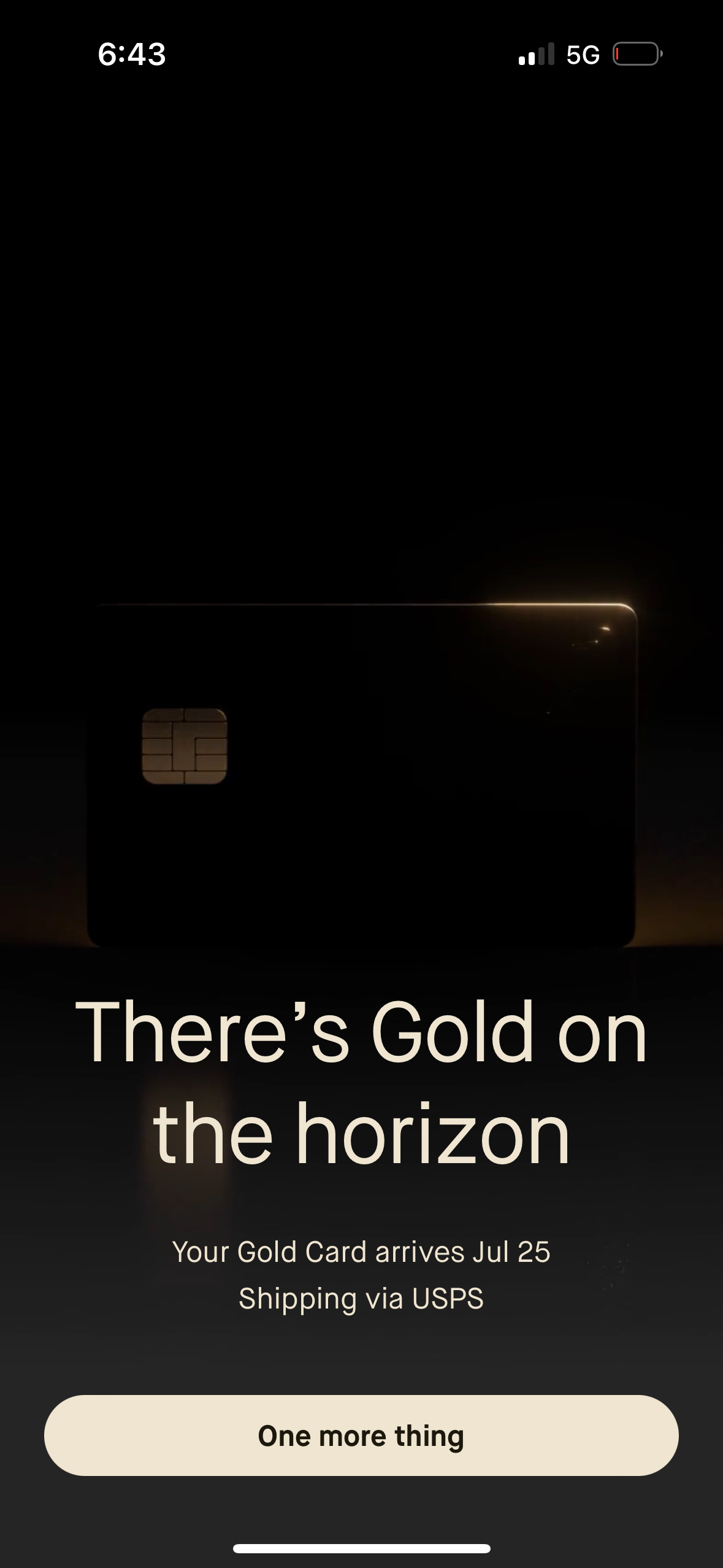
Confirmation screen for a premium credit/debit card order showing an estimated delivery date and shipping carrier details. Includes a single primary CTA button to continue to the next step in setup.
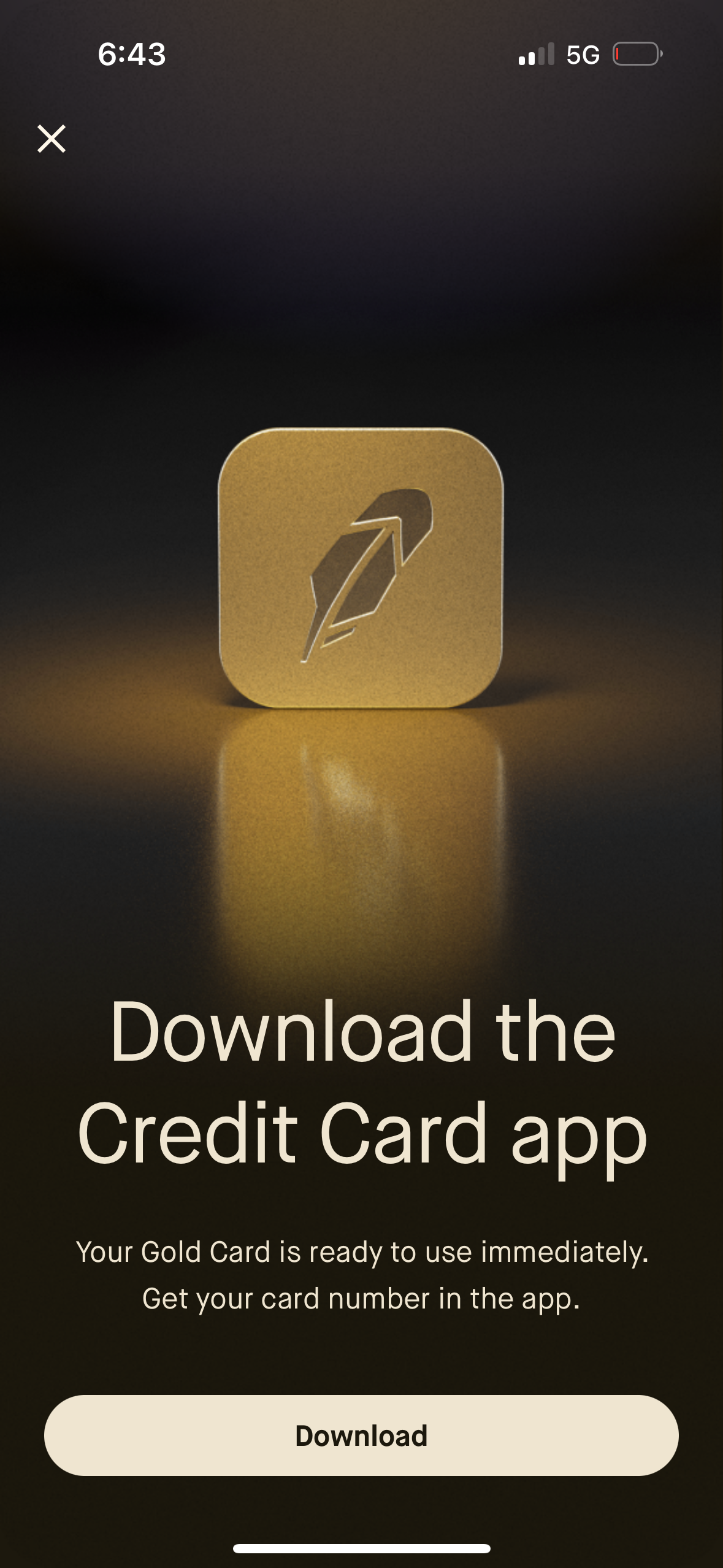
Prompt screen encouraging users to download the credit card companion app to access their digital card number and start using a new card immediately. Includes a primary “Download” call-to-action button and a close (X) icon to dismiss the modal.