Autopay changes
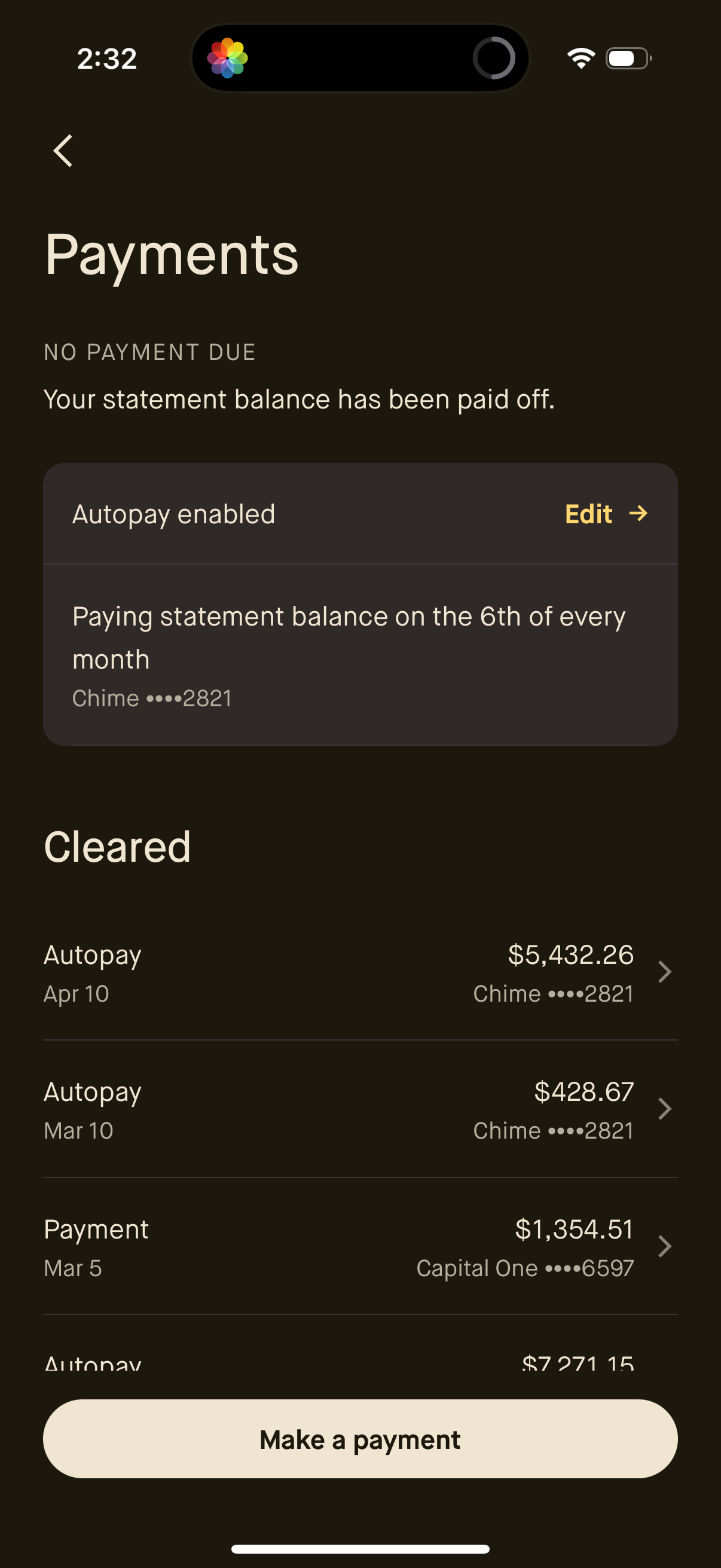
Credit card payments screen showing no payment due with the statement balance paid off, plus an autopay summary with schedule and linked bank account and an option to edit autopay settings. Below is a cleared payments history list with dates and amounts, and a primary CTA button to make a payment.
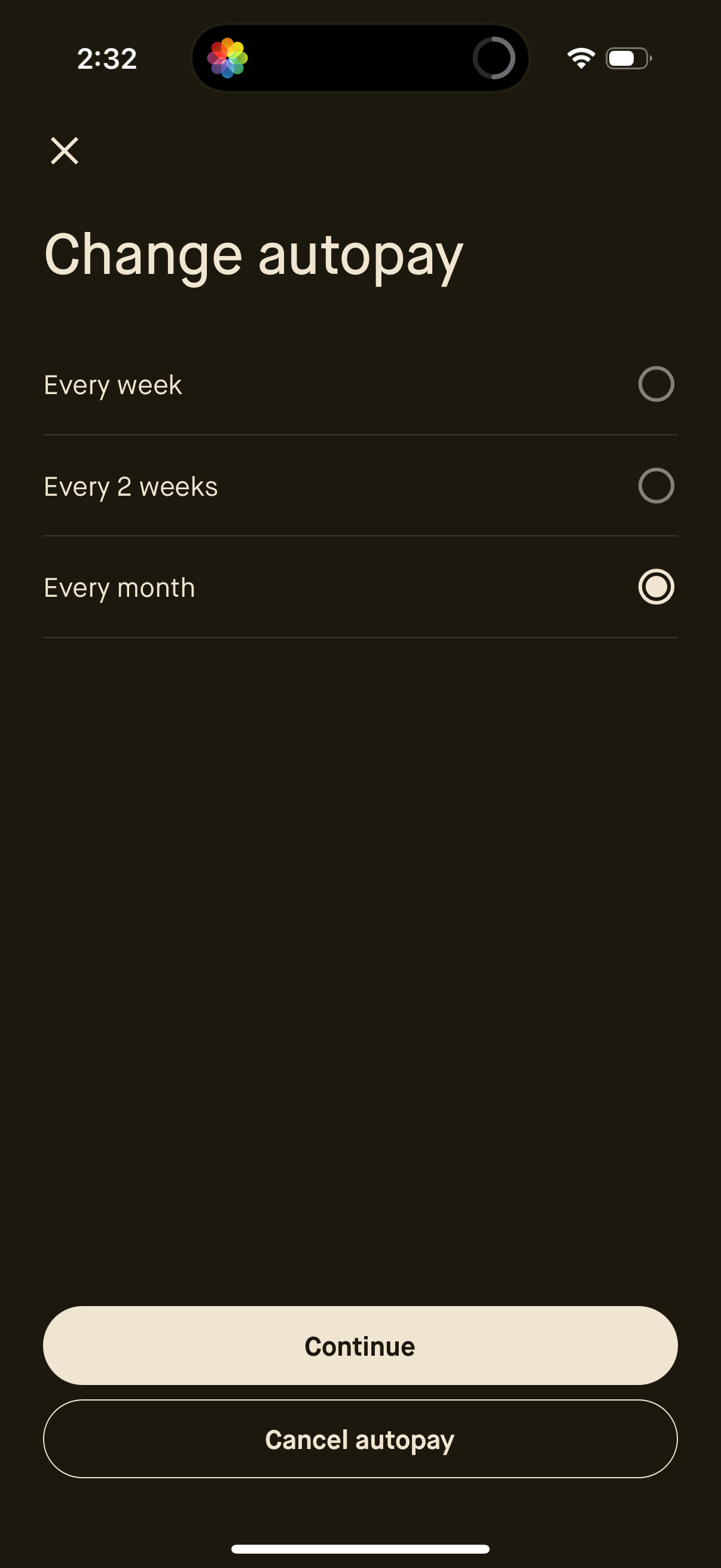
Autopay settings screen that lets users change the payment frequency by selecting a radio option (every week, every 2 weeks, or every month). Includes primary actions to continue with the new schedule or cancel autopay, with a close icon to exit.
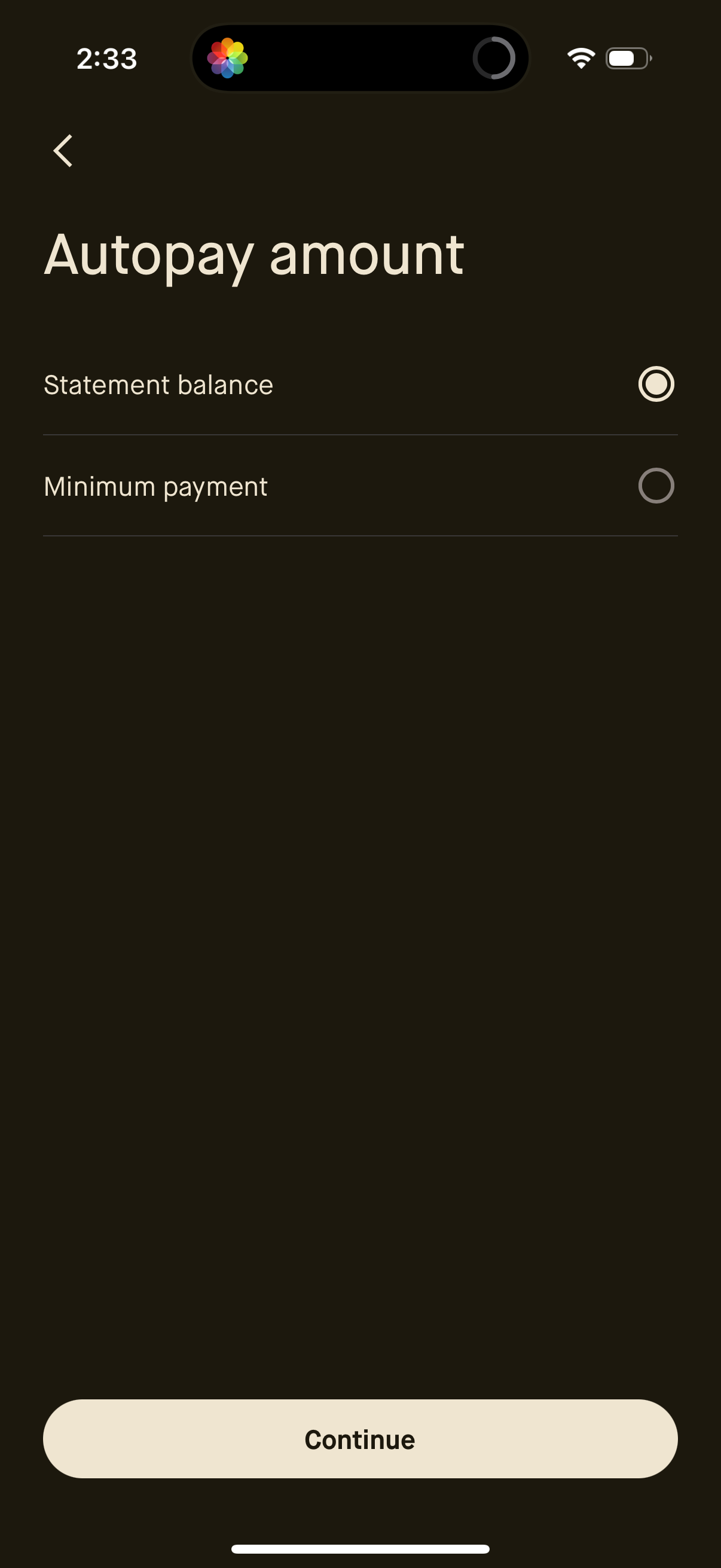
Autopay settings screen for a credit card or loan where the user selects the automatic payment amount using radio options for paying the full statement balance or the minimum payment. Includes a back button and a primary Continue CTA to confirm the selection.
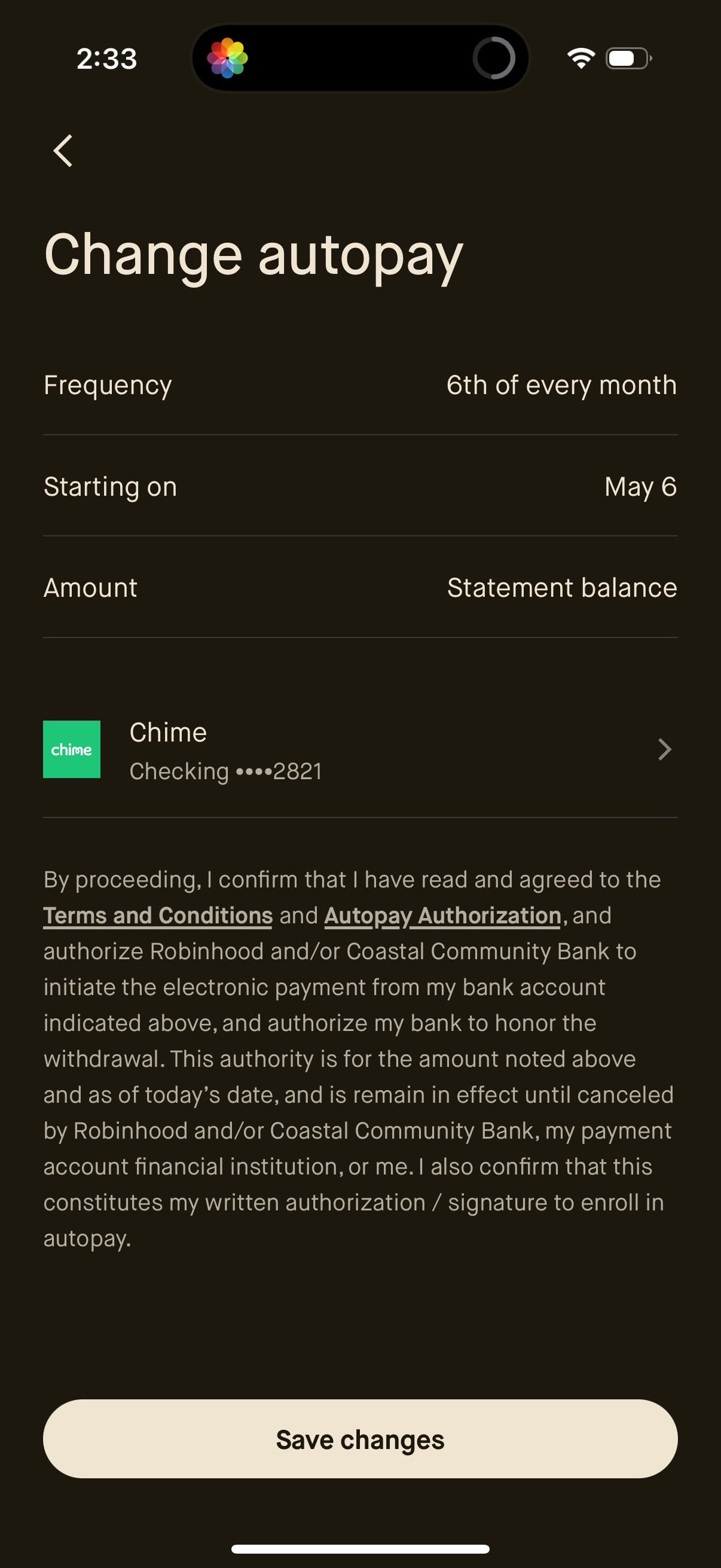
Autopay settings edit screen for a billing or credit account where users can change payment frequency, start date, and payment amount (e. g.