take identity selfie
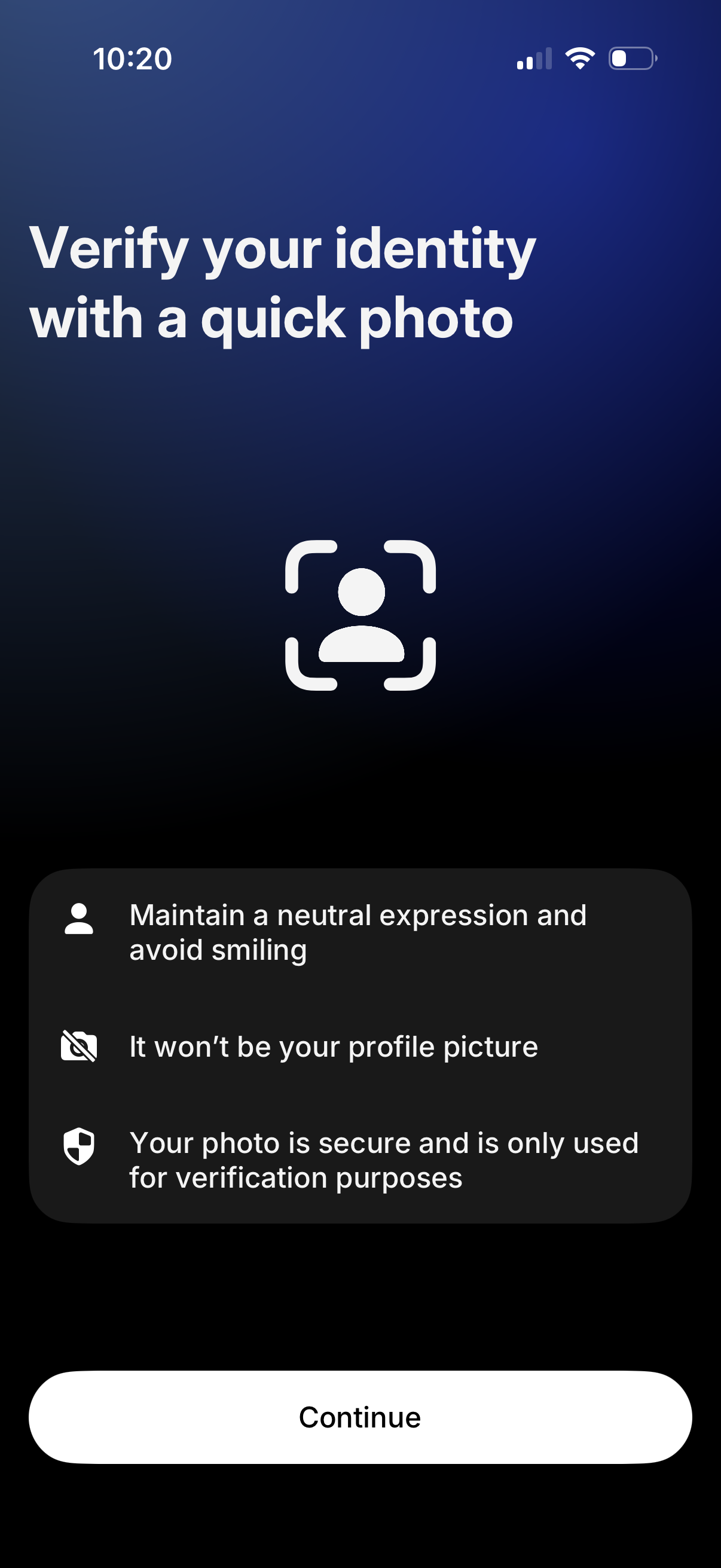
Identity verification onboarding screen prompting the user to take a quick selfie photo for account verification, with guidance on neutral expression and privacy/security reassurance that the photo isn’t used as a profile picture. Primary action is a Continue button to proceed to the camera capture step.
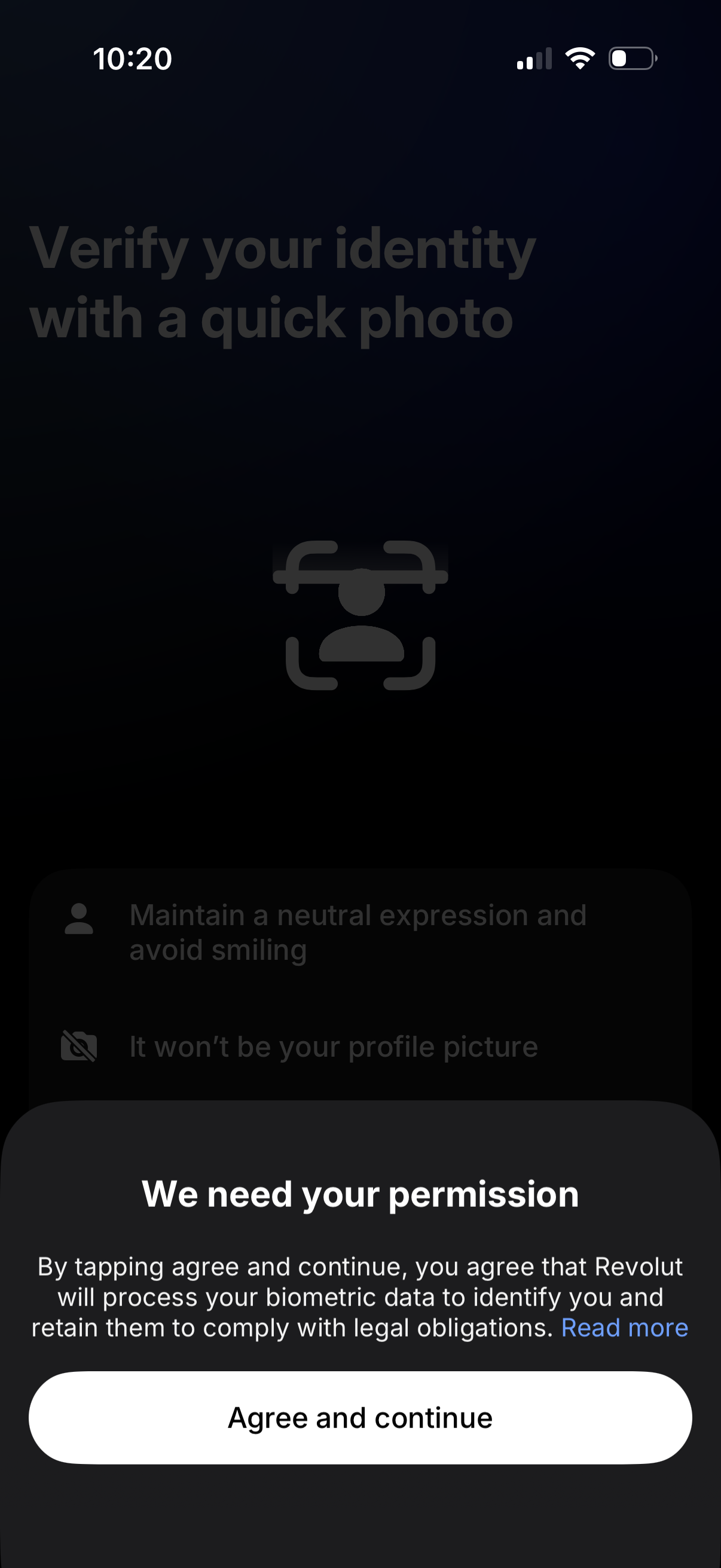
Identity verification onboarding screen prompting the user to verify their identity with a quick selfie photo and providing tips like keeping a neutral expression and that the photo won’t be used as a profile picture. A permission modal requests consent for biometric data processing with a “Read more” link and a primary “Agree and continue” call to action.
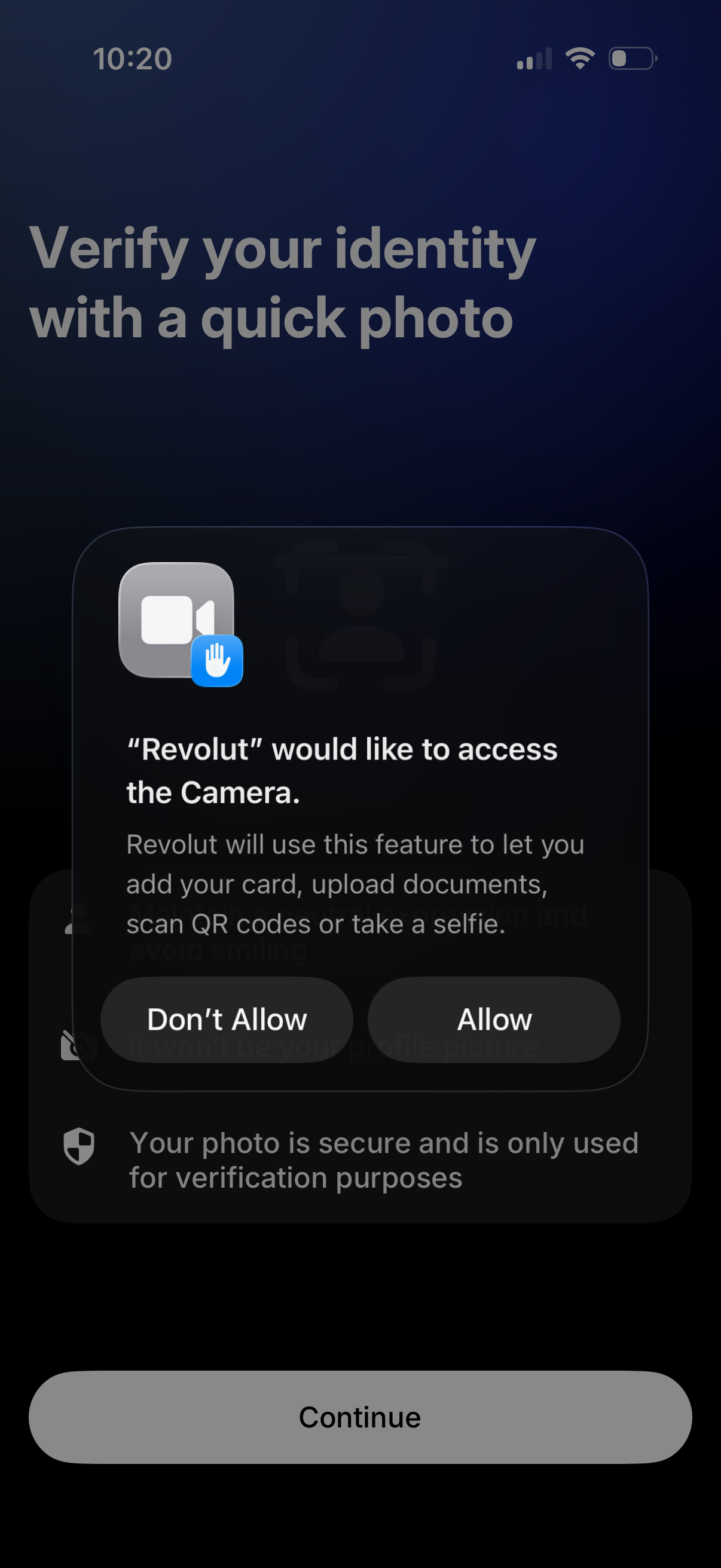
Identity verification onboarding screen prompting the user to verify their identity with a quick photo, with a primary “Continue” button. An iOS system permission modal asks for camera access with Allow/Don’t Allow options, explaining the camera is needed to upload documents, scan QR codes, or take a selfie.
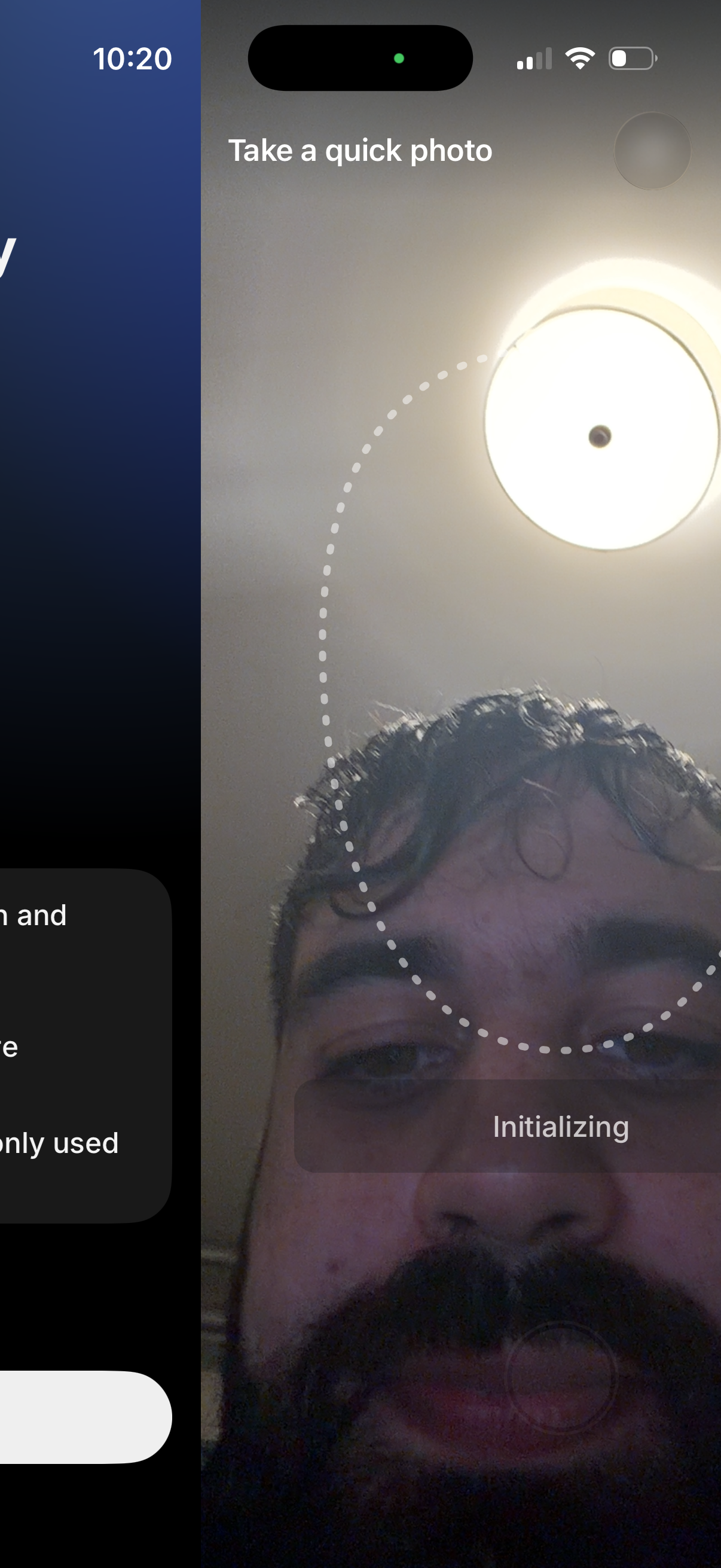
A selfie camera capture screen prompting the user to “Take a quick photo,” with a dotted oval guide to position the face and an “Initializing” status overlay indicating the photo/verification setup is loading. Used for identity verification or onboarding selfie capture before continuing.
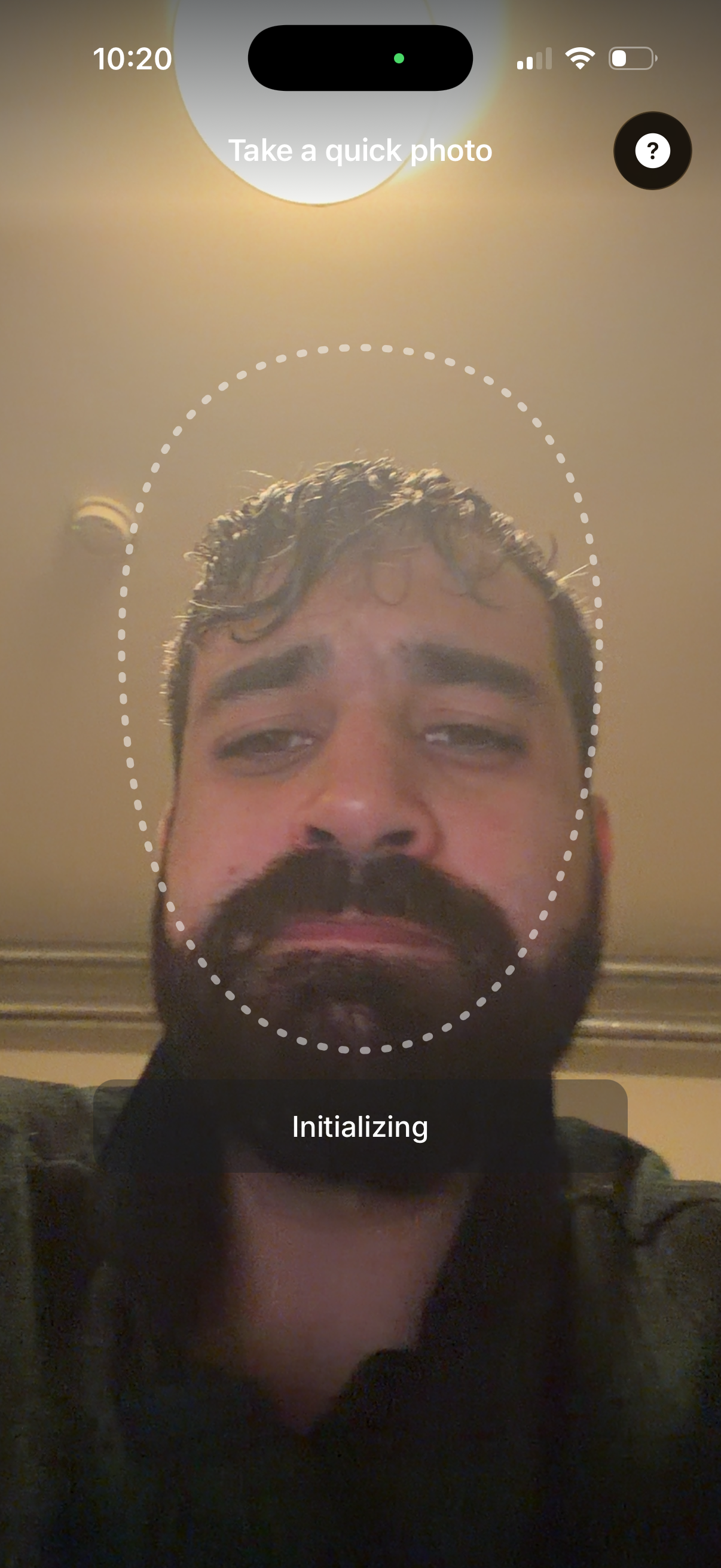
Front-facing camera capture screen prompting the user to “Take a quick photo” for face setup/verification, with a dotted oval guide for aligning the face and a help/info button. A status overlay shows “Initializing,” indicating the selfie capture or face scan is being prepared.
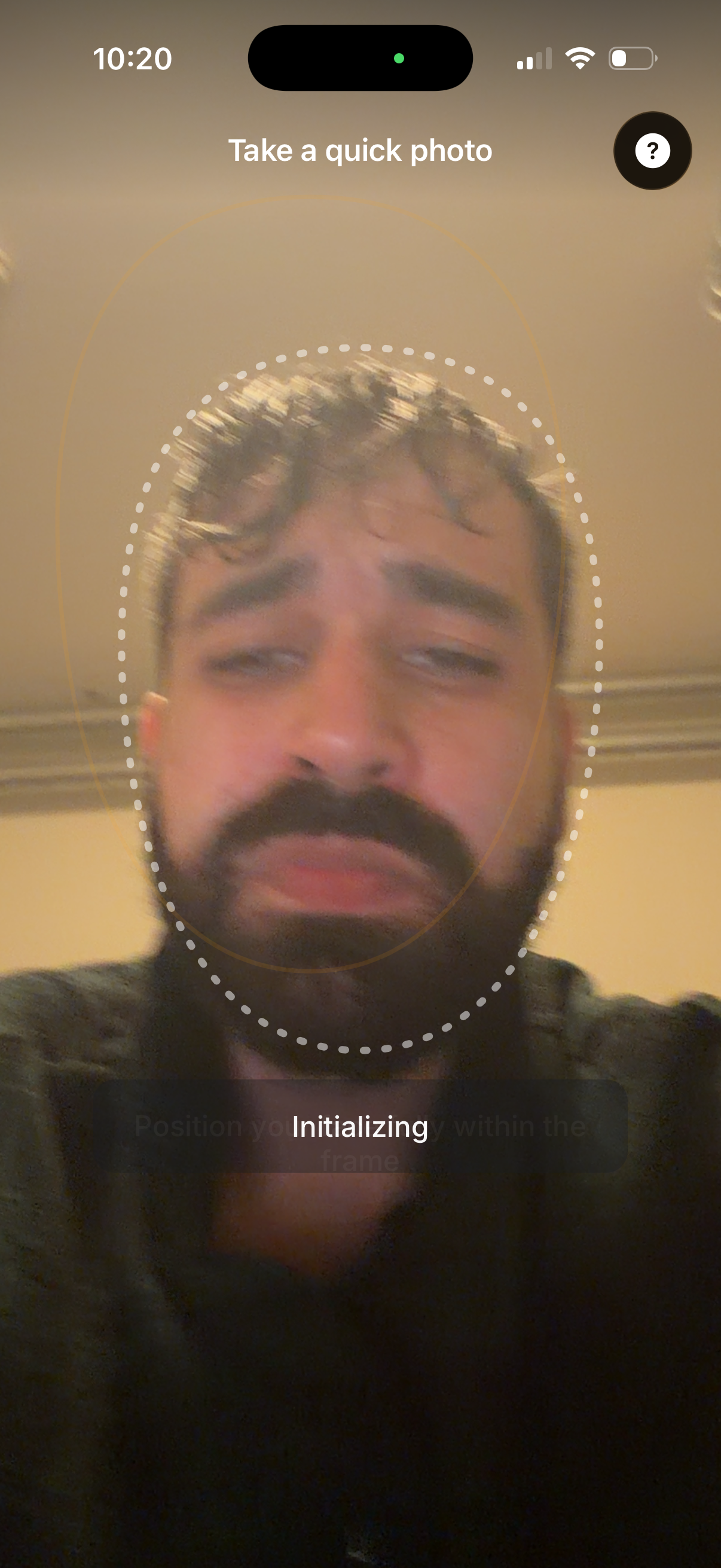
Face verification selfie capture screen prompting the user to take a quick photo, with an oval face guide overlay to help align their head in frame. Includes a help icon and an initializing/loading status indicating the camera is processing the capture for identity confirmation.
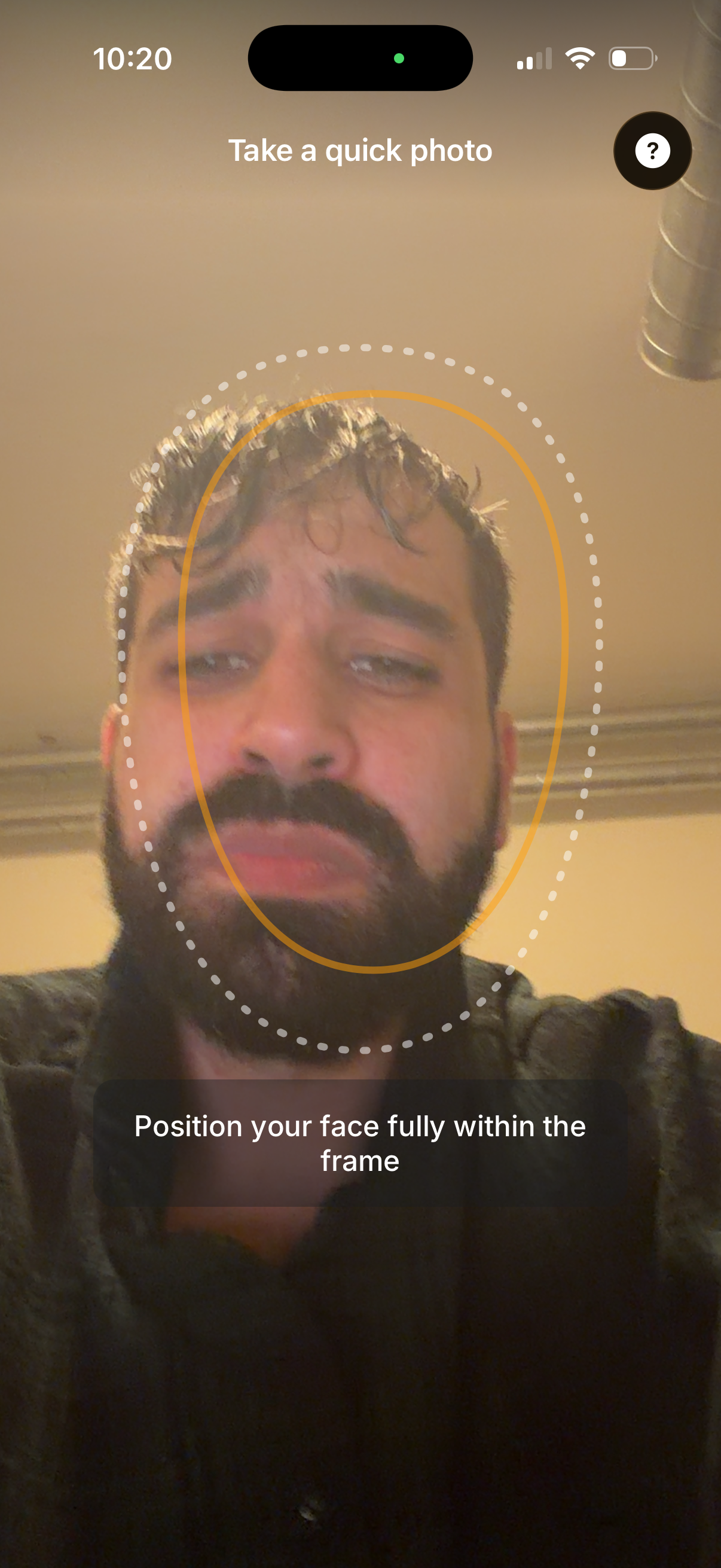
Front-facing camera capture screen for identity verification or onboarding selfie, showing an oval face guide overlay and live preview. Includes instructions to position the face fully within the frame and a help/info button for guidance.
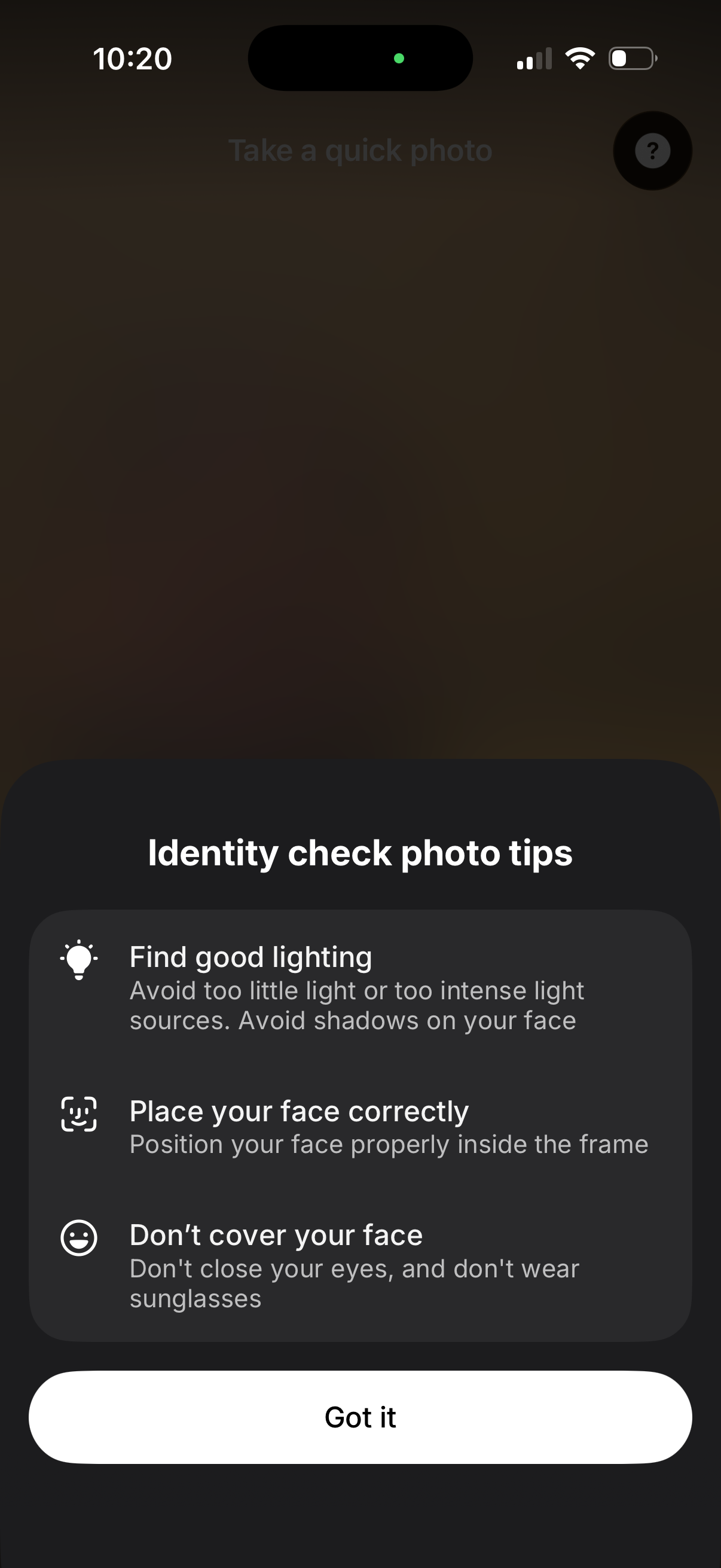
Modal bottom sheet showing identity verification selfie photo tips before taking a quick photo, including guidance on good lighting, proper face positioning in frame, and not covering the face (eyes open, no sunglasses). Includes a help icon and a primary “Got it” button to dismiss and proceed.