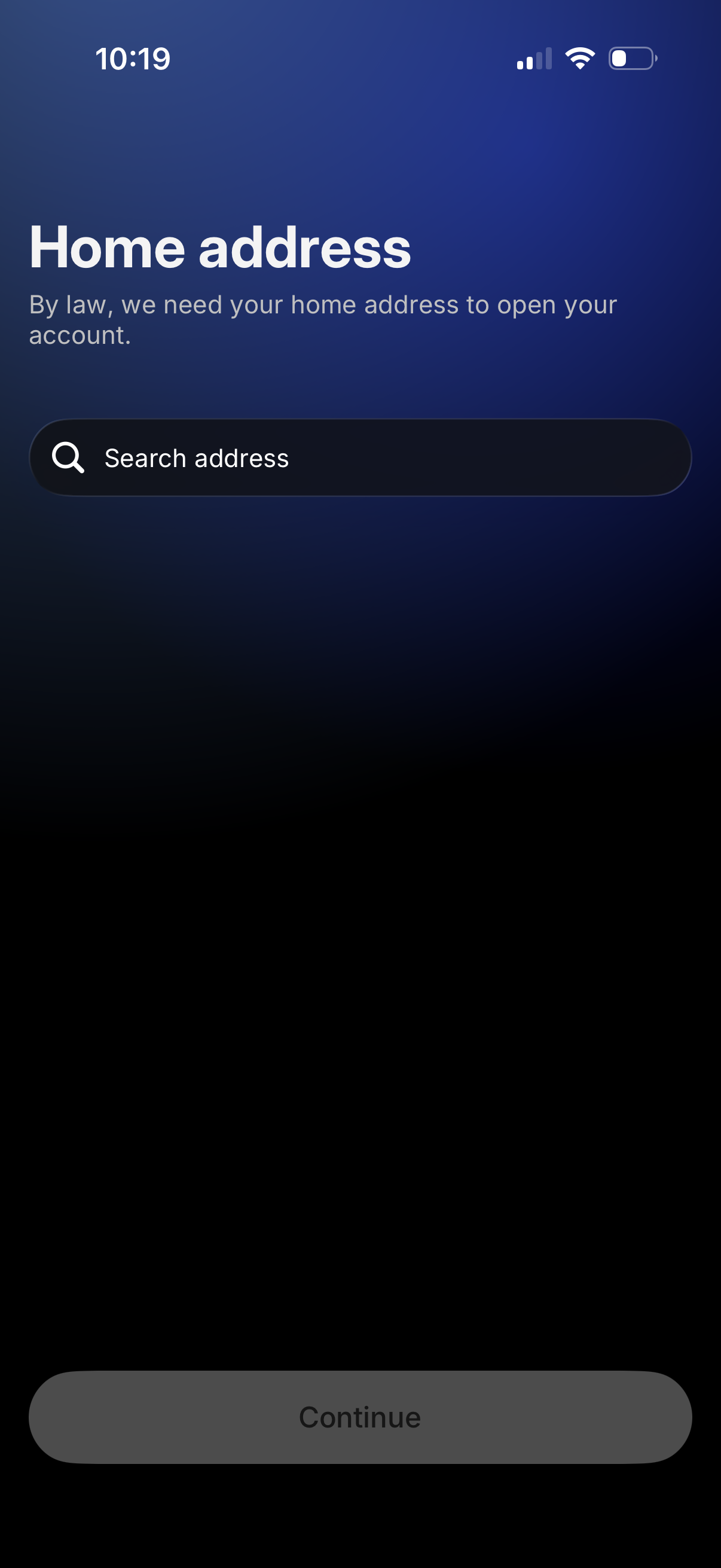
Account onboarding screen asking for the user’s home address for legal/KYC requirements, featuring an address search input field. A disabled Continue button indicates the user must select or enter an address before proceeding.
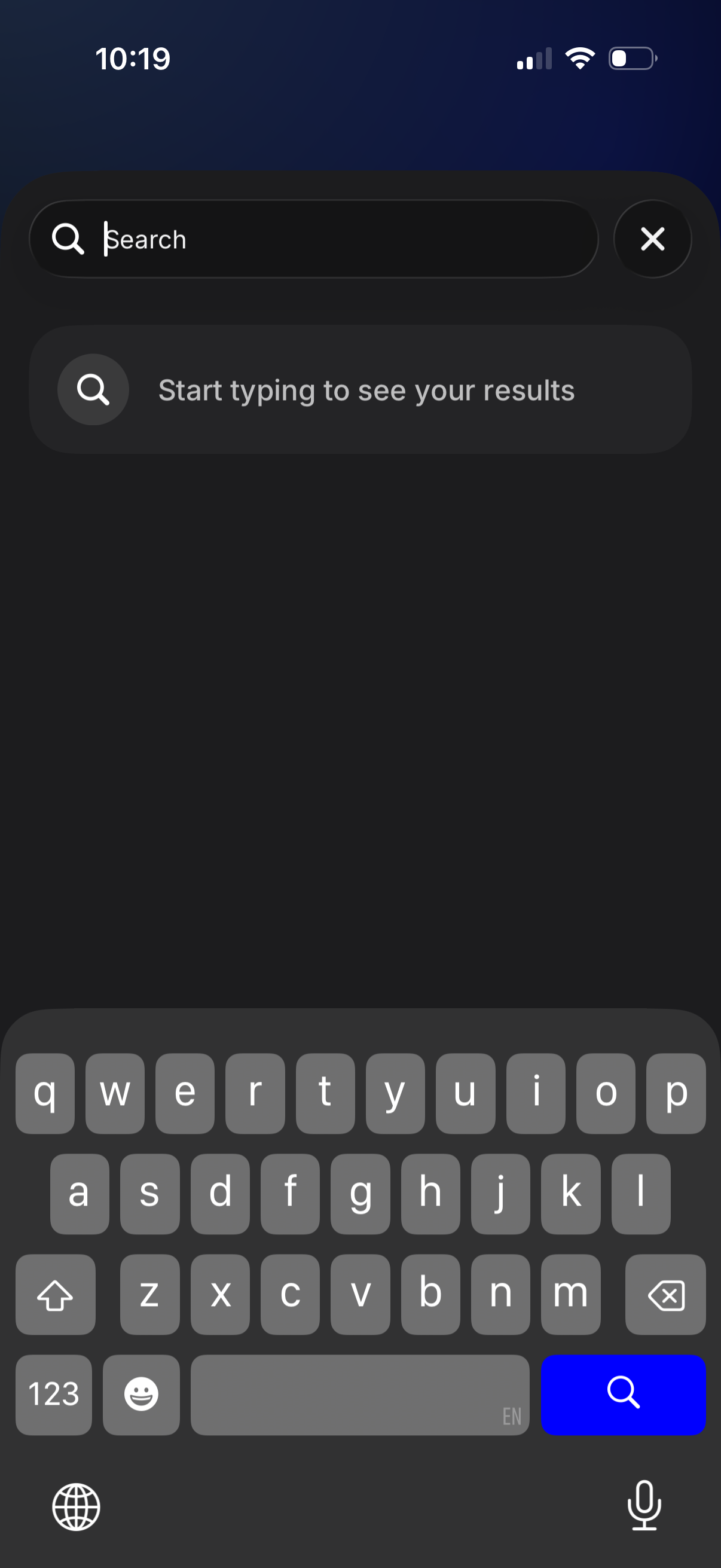
Dark-themed in-app search screen with a prominent search bar, clear/cancel button, and an empty state prompt encouraging users to start typing to see results, with the keyboard open for immediate text input.
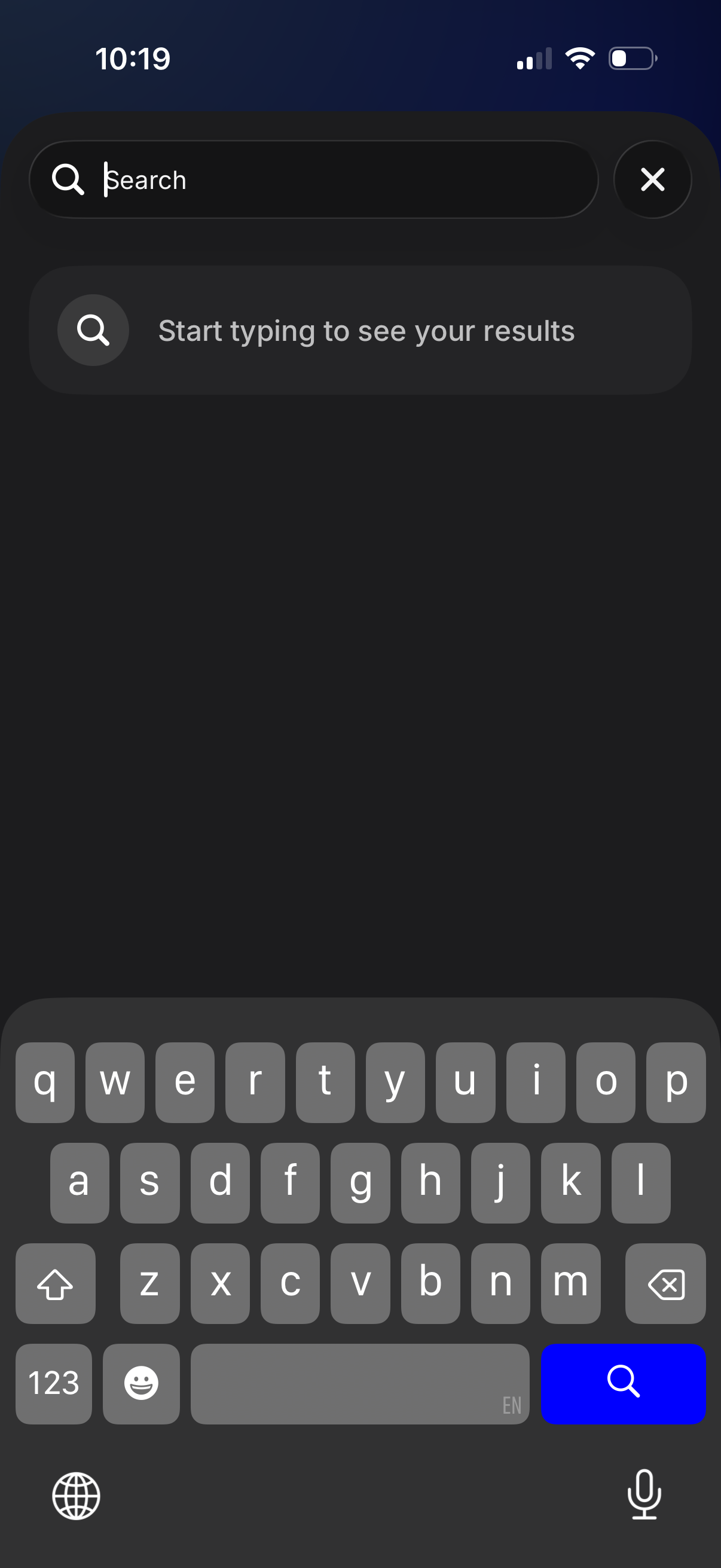
Mobile app search screen in dark mode with a prominent search bar, clear/cancel button, and an empty state prompting the user to start typing to see results. The on-screen keyboard is open for immediate text input and searching.
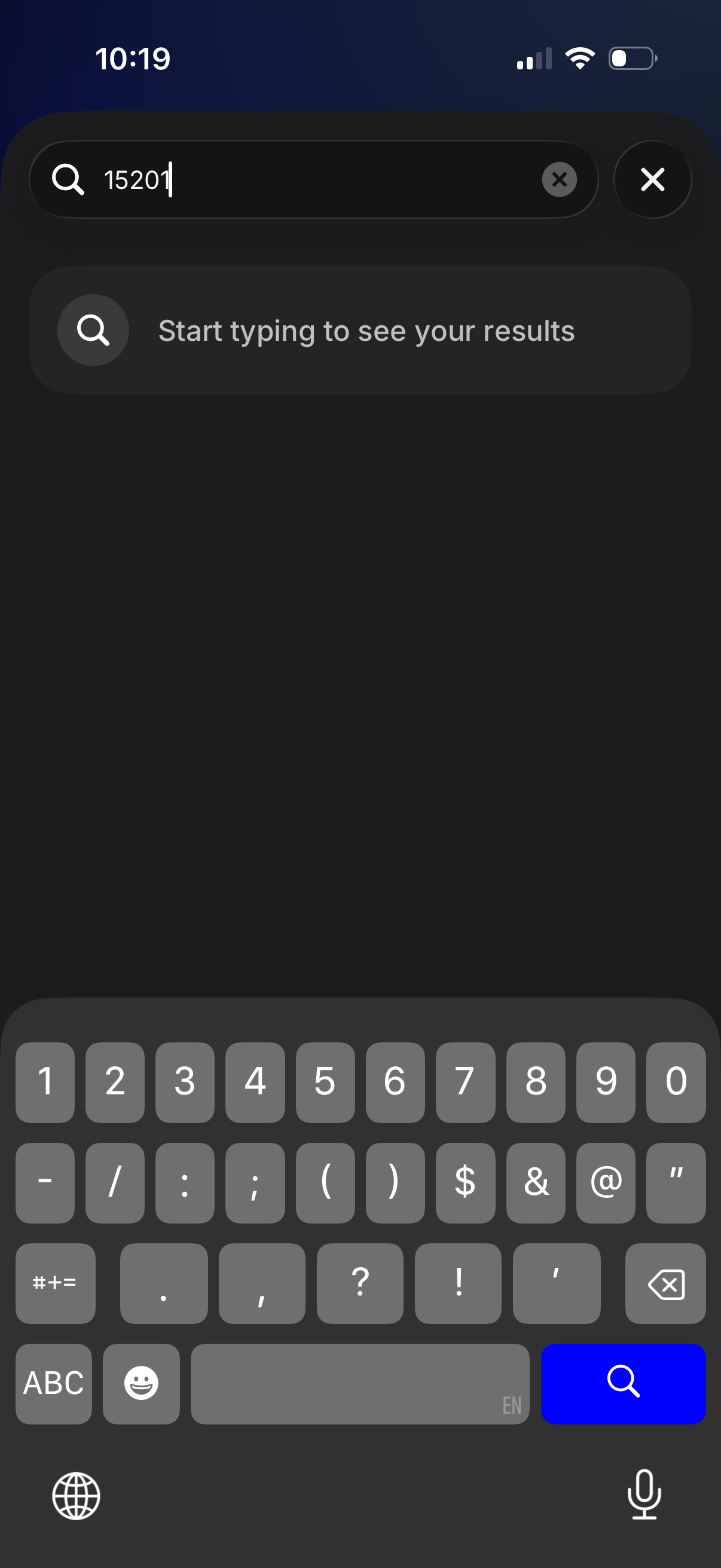
Search screen in dark mode with a top search bar for entering a numeric query, including clear text and close/dismiss controls. Displays an empty state prompting the user to start typing to see results while the keyboard is open for immediate search input.
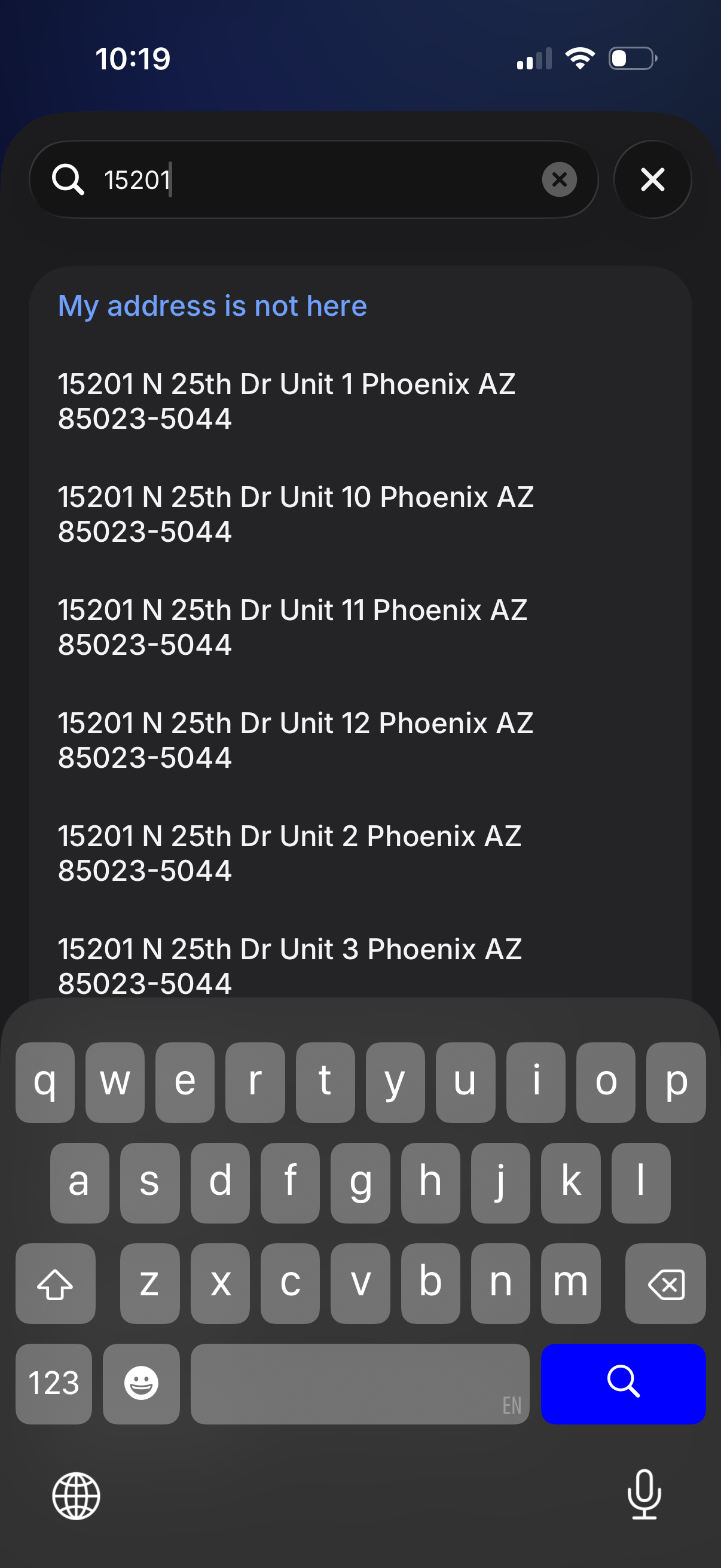
Address search and autocomplete screen where the user types a street number into a search bar to see suggested address matches in a list. Includes an option for “My address is not here” plus clear/cancel controls to modify or exit the address entry flow.
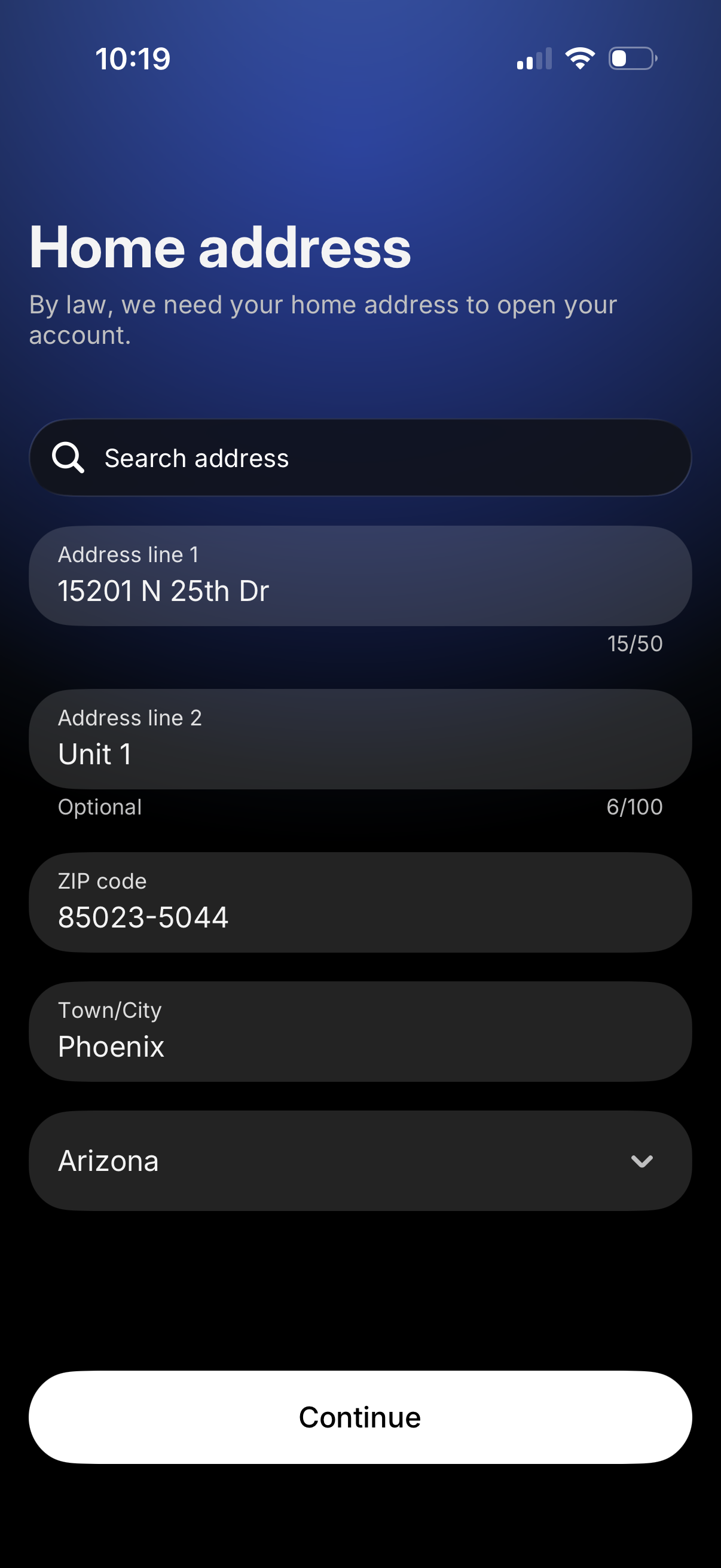
Account onboarding form screen to collect a user’s home address for legal/KYC requirements, with an address search field and inputs for address lines, ZIP code, city, and state dropdown. A primary Continue button submits the address details to proceed.
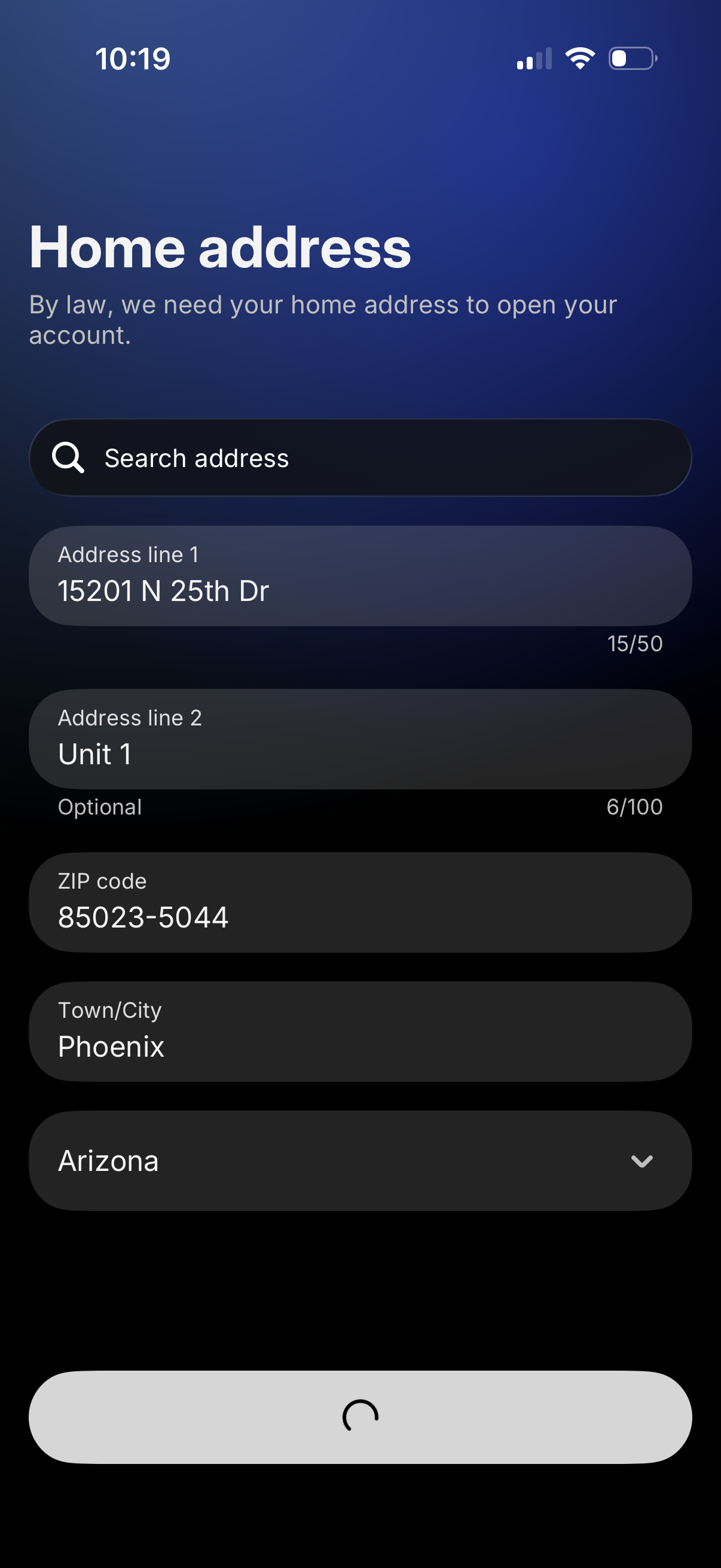
Account onboarding form asking for a required home address, with an address search field and inputs for address line 1, optional address line 2 (unit), ZIP code, city, and a state dropdown, including character counters for some fields. This screen is used for compliance/KYC when opening an account.