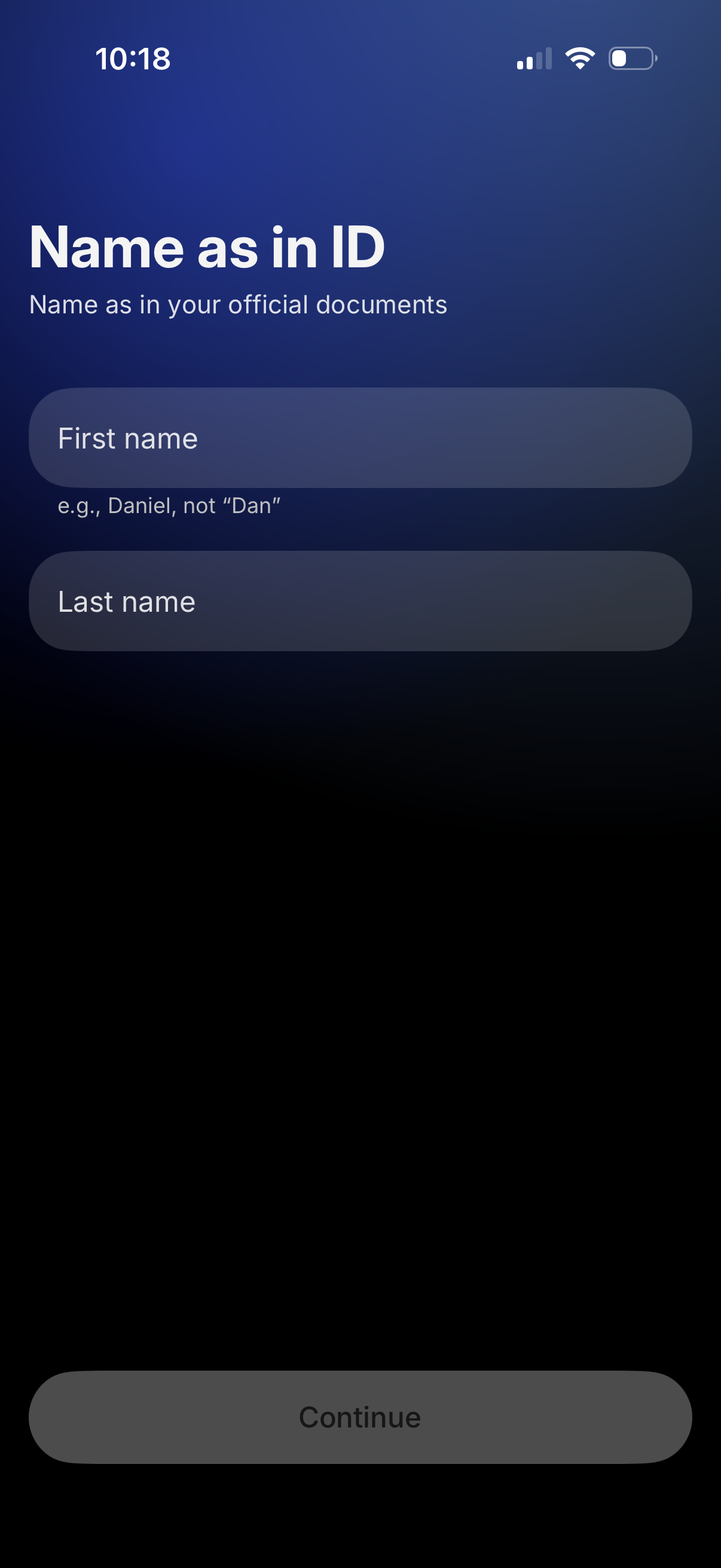
User onboarding/identity verification form asking for the legal name as shown on official documents, with first name and last name input fields and example guidance. A disabled Continue button at the bottom indicates progression to the next step after entering required details.
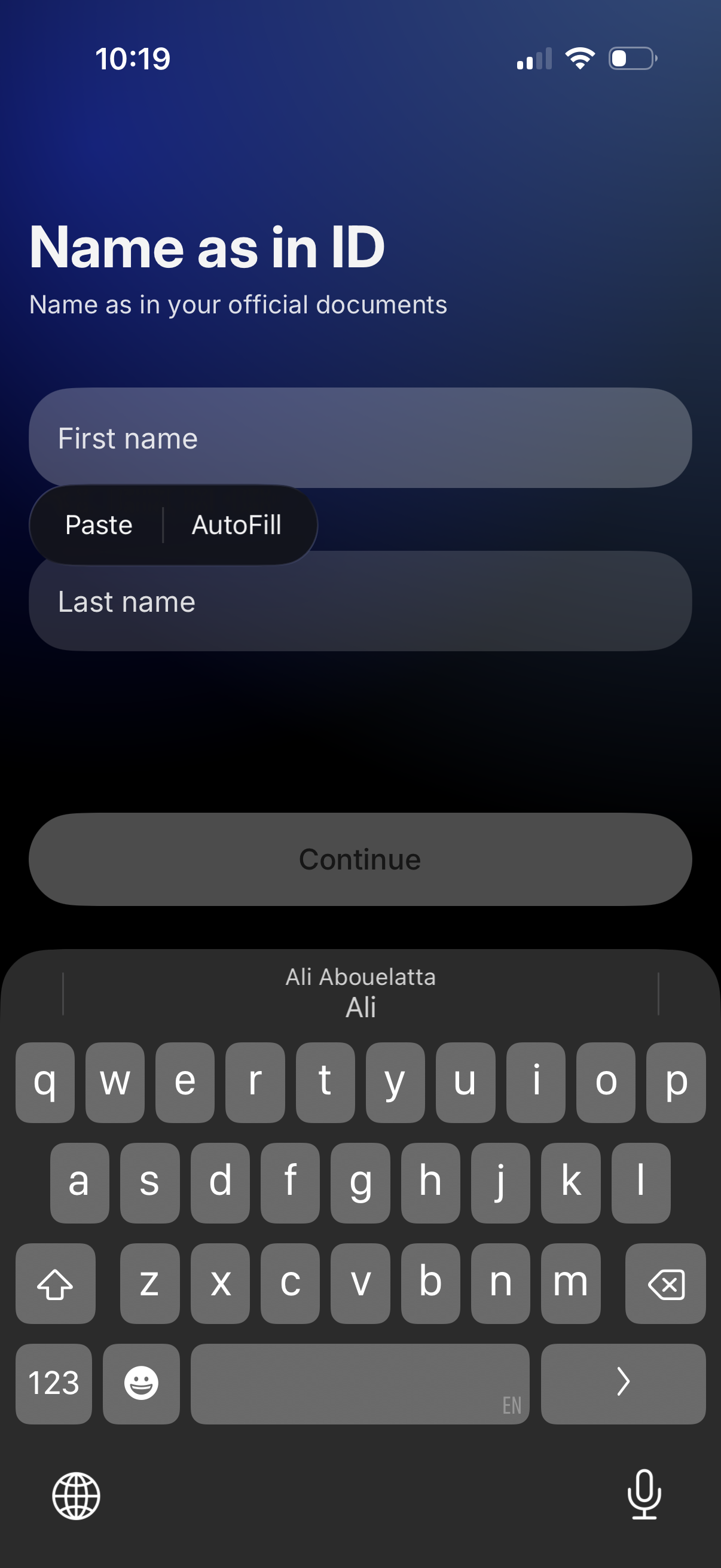
Identity verification onboarding form asking the user to enter their legal name as shown on official documents, with separate first name and last name fields supporting paste/autofill. A disabled Continue button indicates progression is locked until required name details are completed.
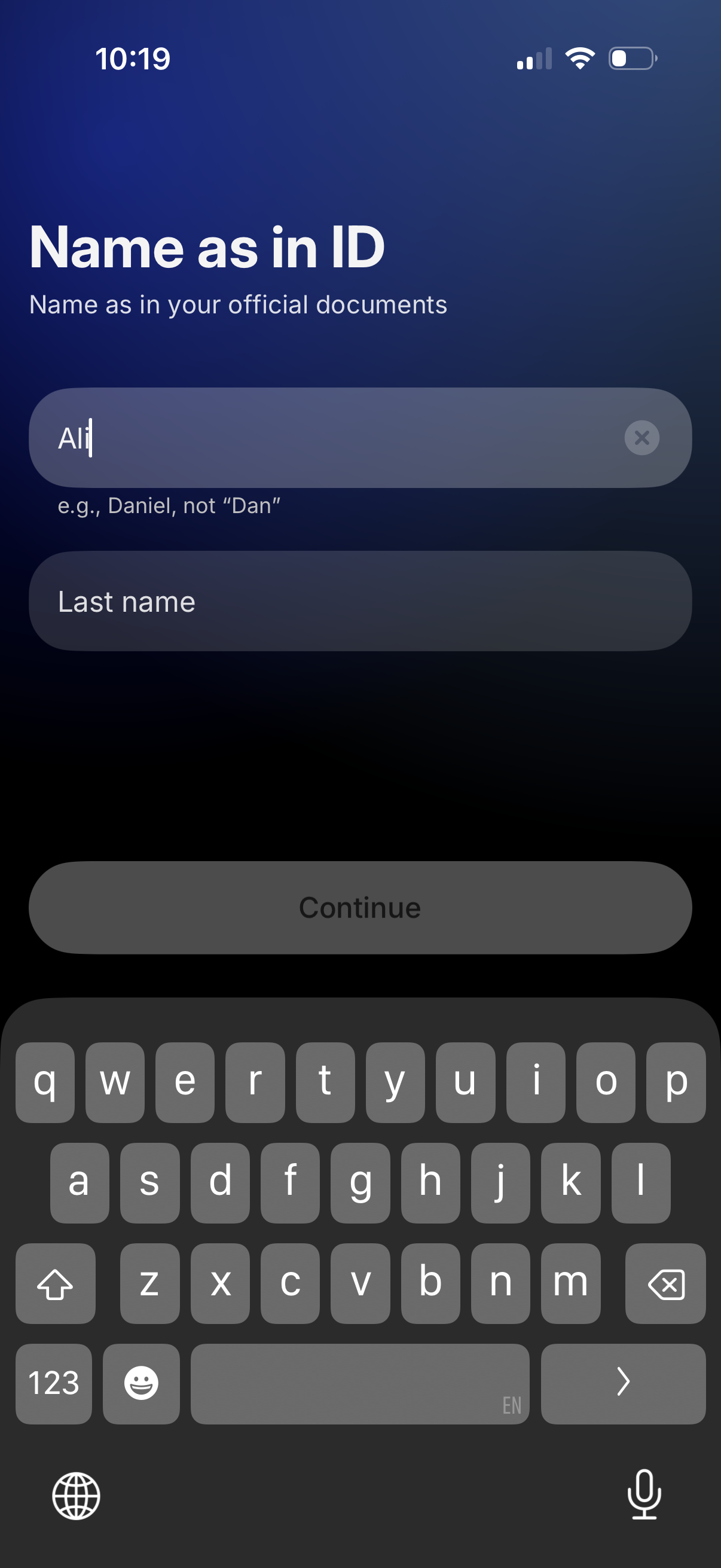
User onboarding/identity verification form asking for the user’s legal name as shown on official ID, with first name and last name text fields, helper example text, a clear-field icon, and a disabled Continue button until details are entered.
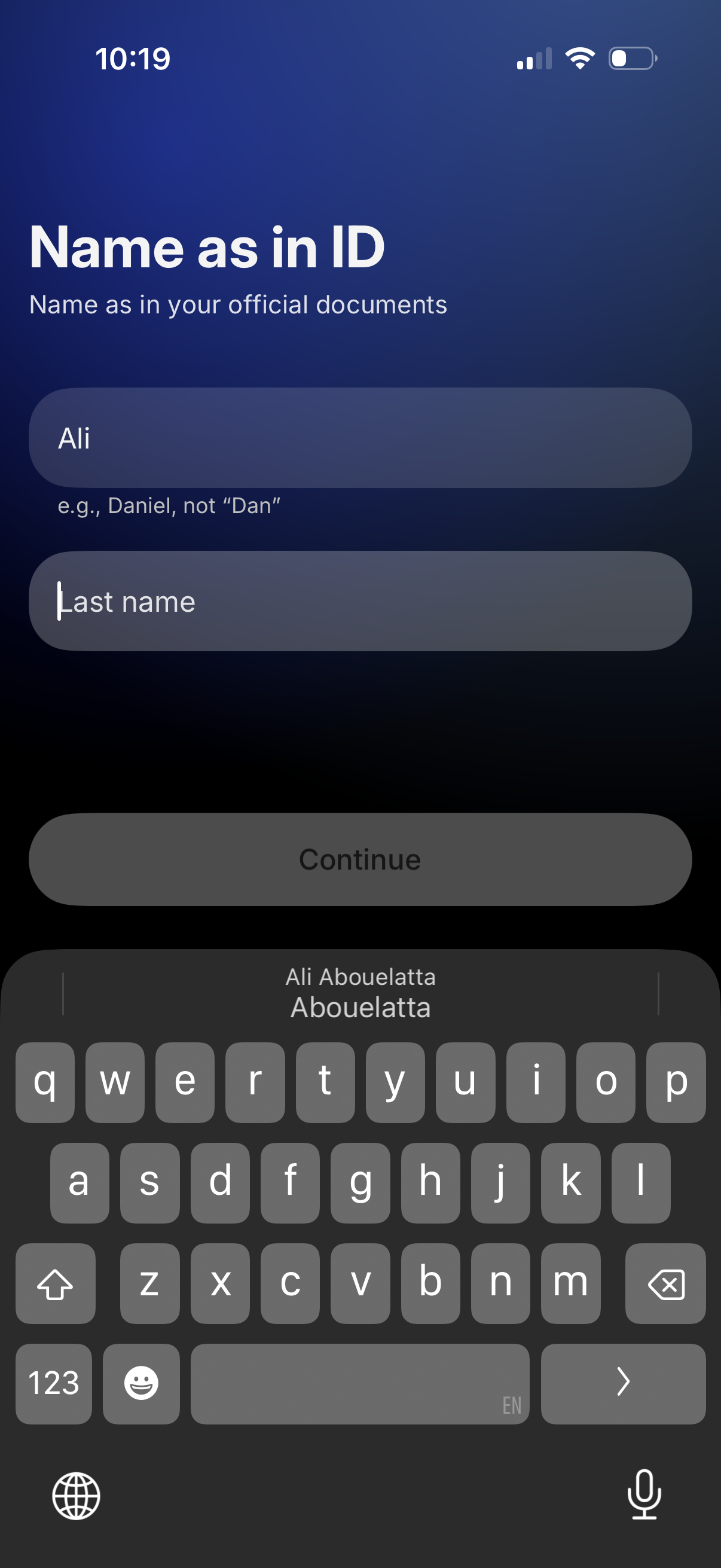
Identity verification onboarding form asking the user to enter their legal name as shown on official documents, with first name and last name input fields and helper text about using the full name. A disabled “Continue” button becomes available after completing the required fields.
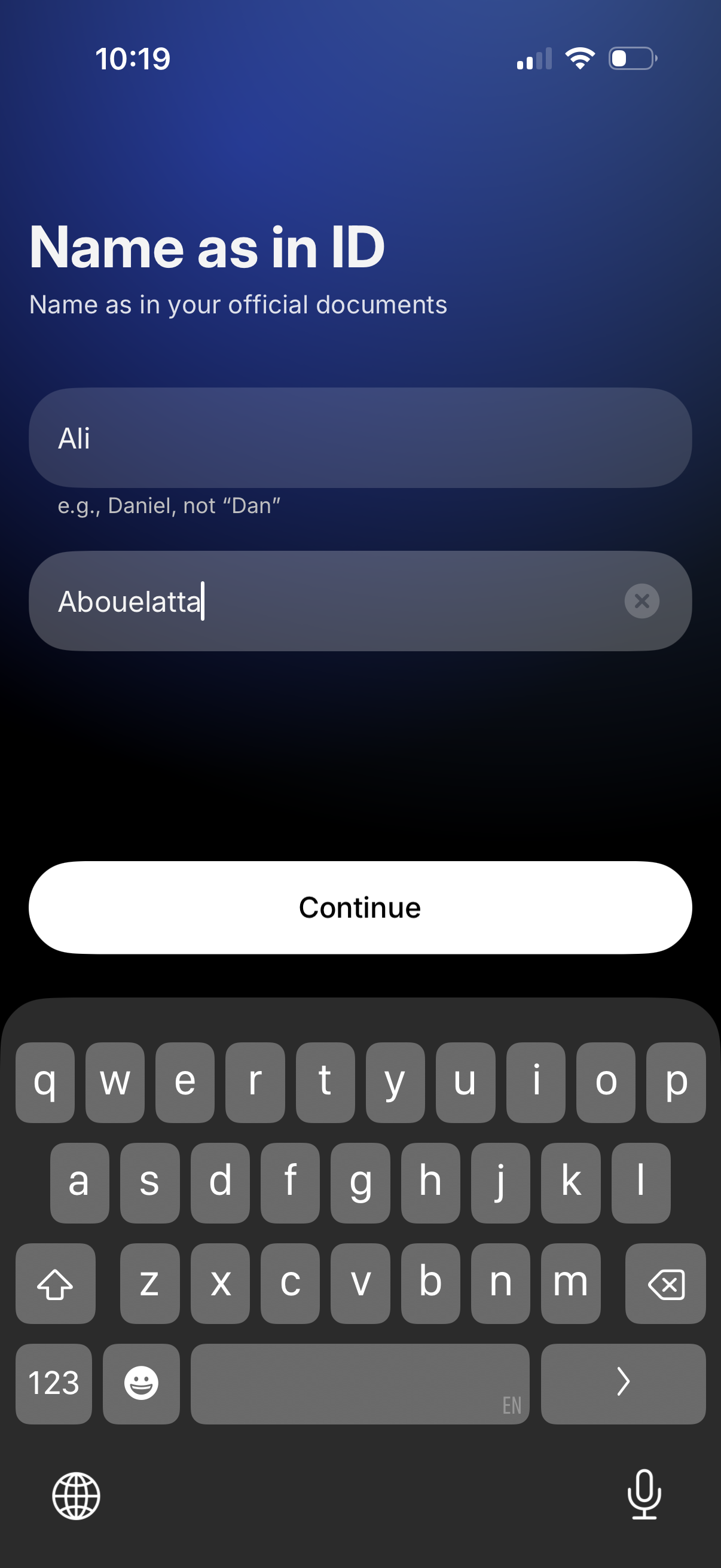
Identity verification onboarding form asking the user to enter their legal name as shown on official documents, with separate first and last name text fields (including a clear input control) and a primary “Continue” button to proceed.
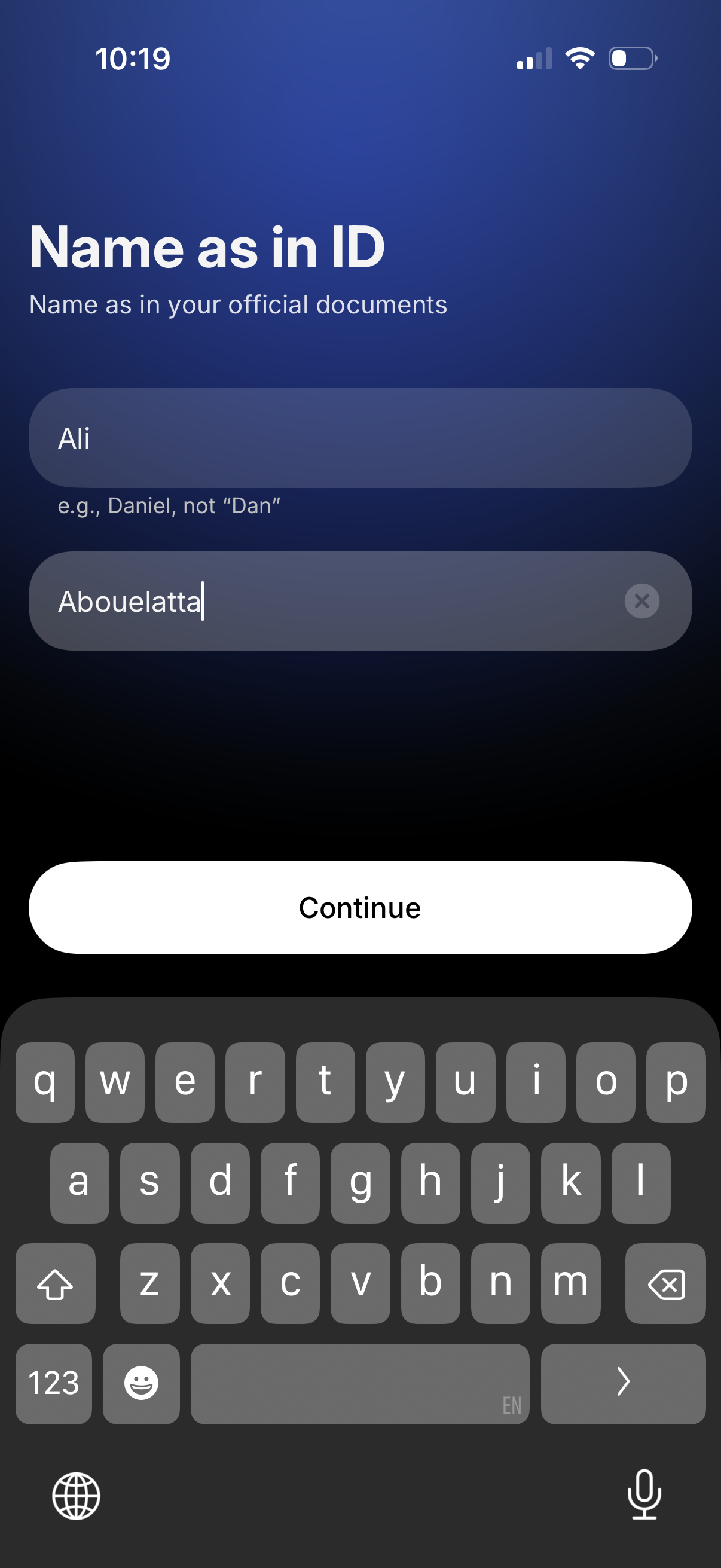
Onboarding/KYC form screen prompting the user to enter their legal name as shown on official ID, with separate first and last name text fields and example guidance. Includes a primary Continue button to proceed to the next step.