enter date of birth
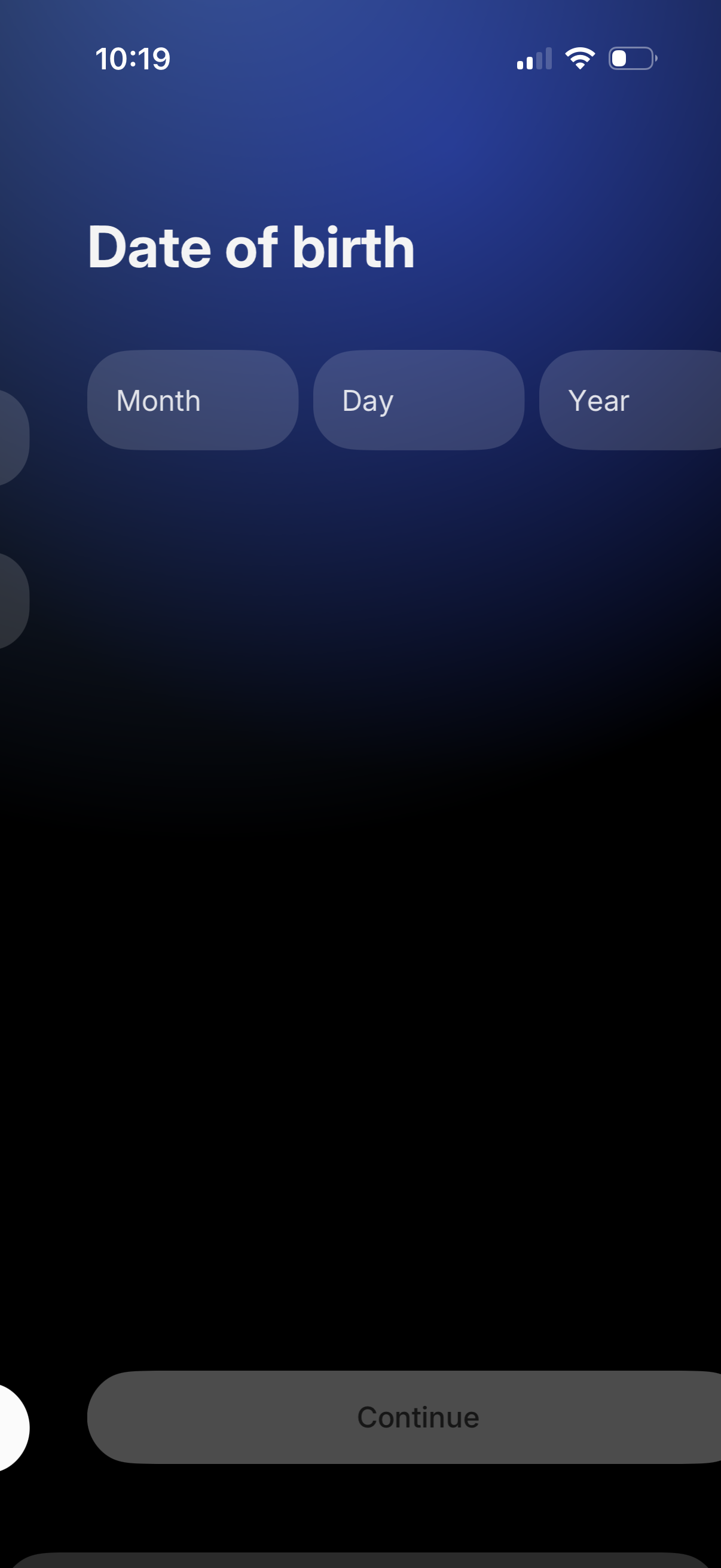
Onboarding form screen prompting the user to enter their date of birth with separate fields for month, day, and year. Includes a primary “Continue” button to proceed after input.
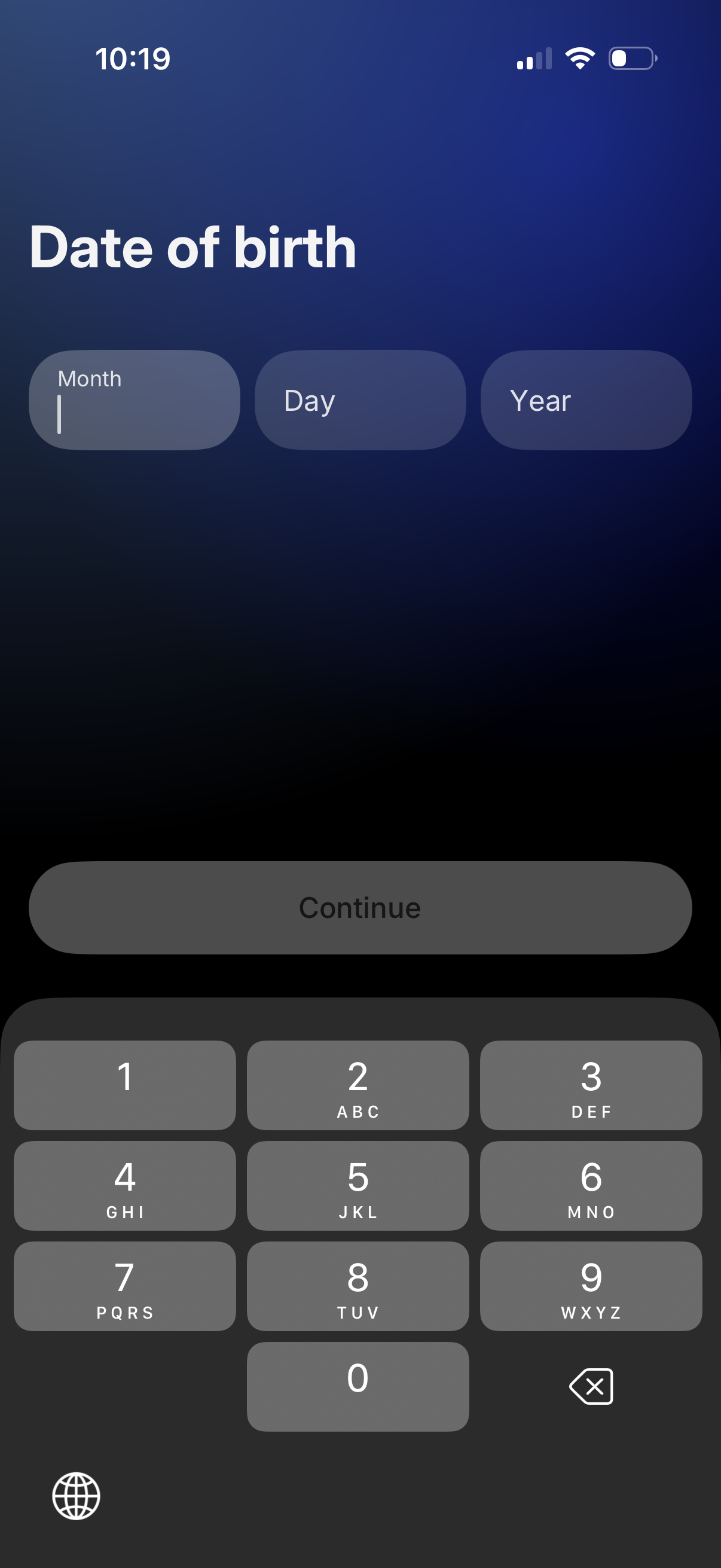
Signup or profile form screen prompting the user to enter their date of birth using separate Month, Day, and Year input fields with a numeric keypad. A disabled “Continue” button indicates progression is unlocked after valid DOB entry.
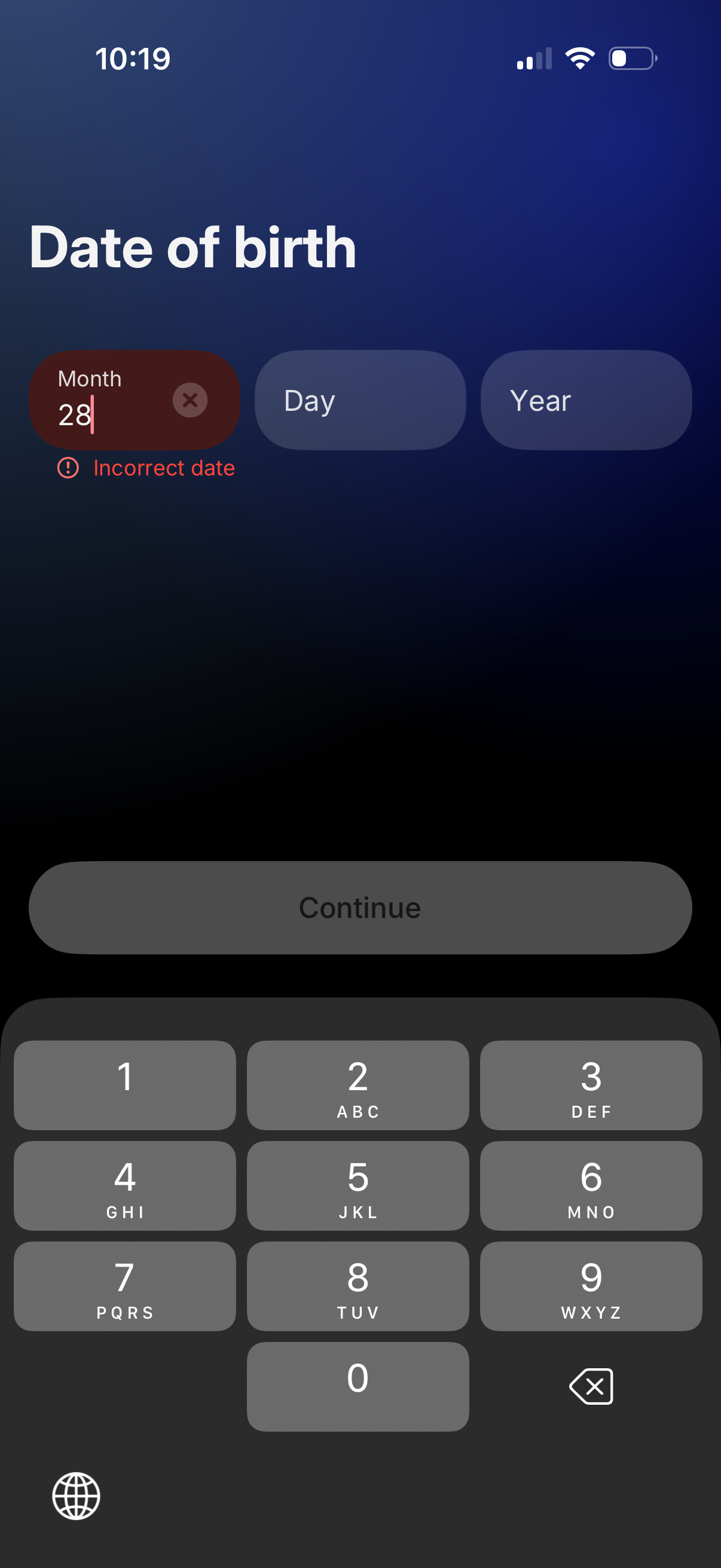
Sign-up or onboarding form screen prompting the user to enter their date of birth using separate Month, Day, and Year fields with a numeric keypad and a Continue button. Includes inline validation with an “Incorrect date” error message and a clear/reset control on the active field.
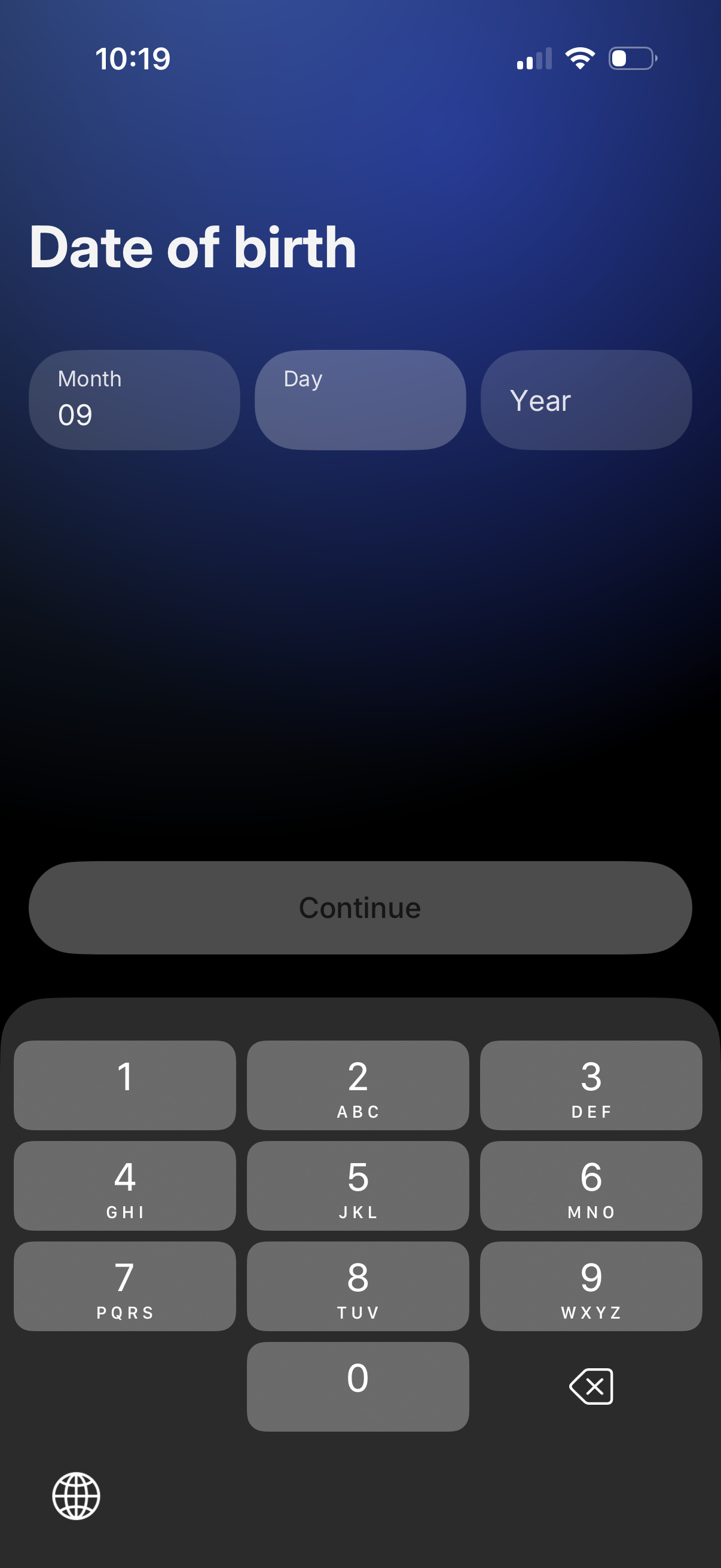
Onboarding form screen prompting the user to enter their date of birth using separate Month, Day, and Year input fields with a numeric keypad. Includes a primary Continue button to proceed after entering the birthday.
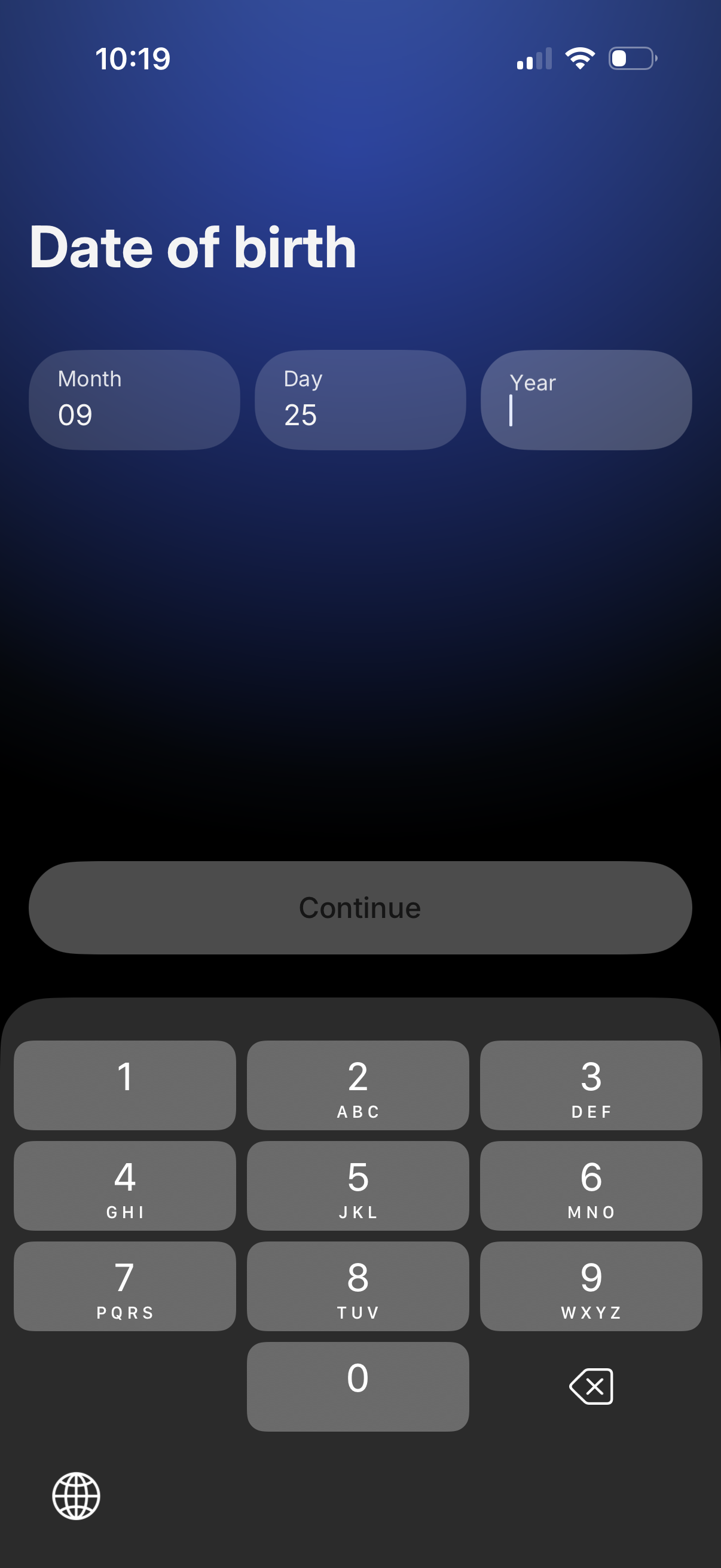
Onboarding profile form screen asking the user to enter their date of birth with separate Month, Day, and Year fields, using a numeric keypad for input. A large primary Continue button is shown to proceed after entering the birthday.
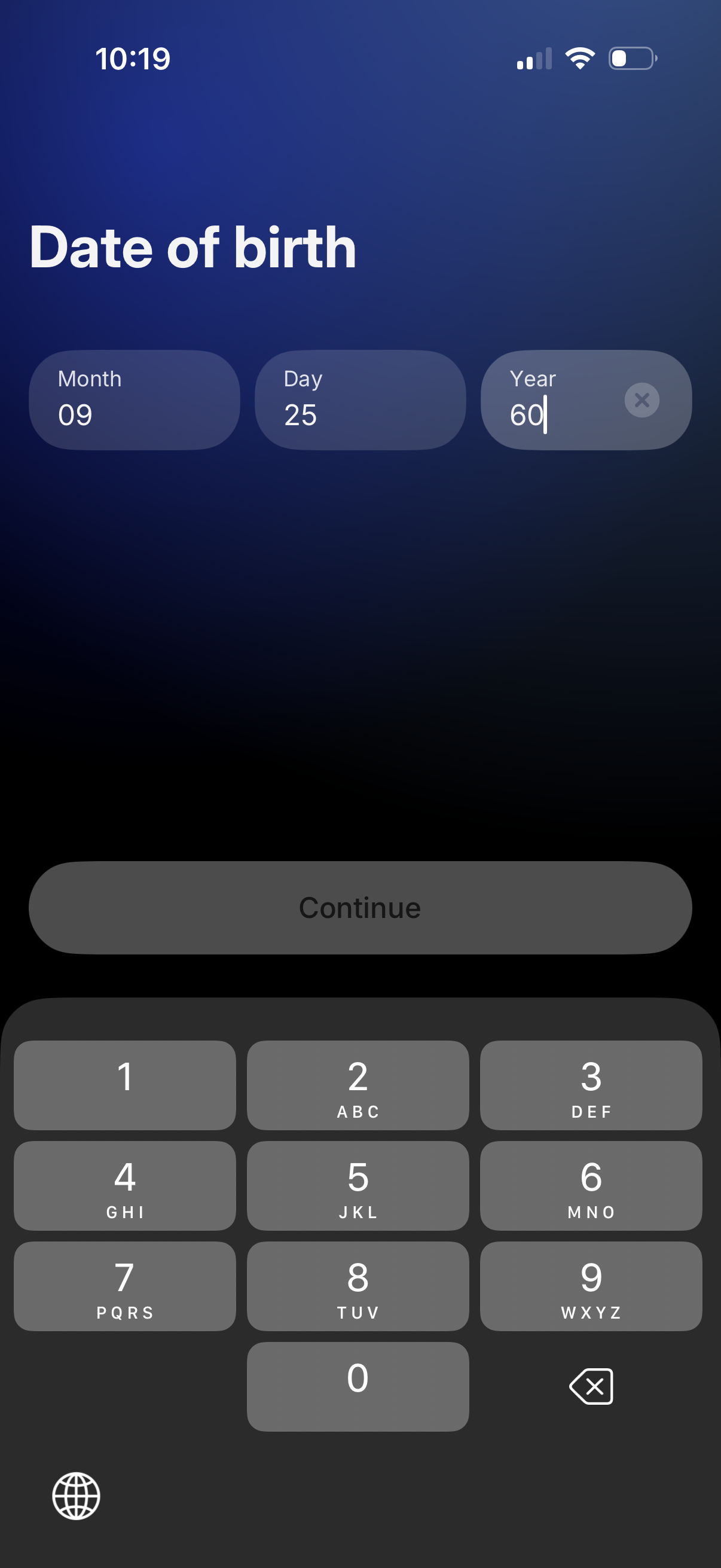
Onboarding form screen prompting the user to enter their date of birth using three separate fields for month, day, and year, with a numeric keypad for input and a Continue button to proceed. Includes a clear/remove icon on the year field for quick editing.
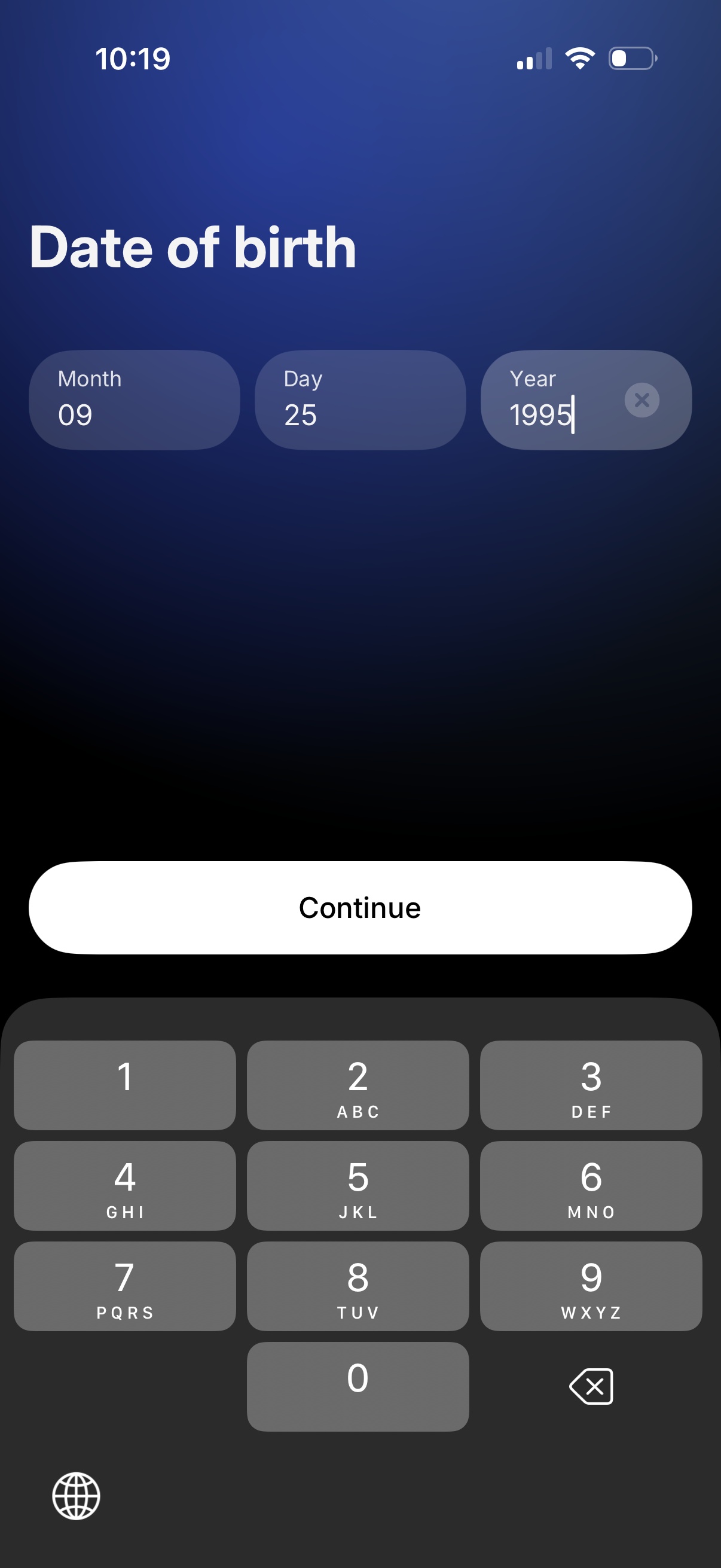
Onboarding form screen prompting the user to enter their date of birth with separate Month, Day, and Year numeric input fields and a clear button. A large “Continue” call-to-action is shown above the number keypad to proceed after entering the birthdate.
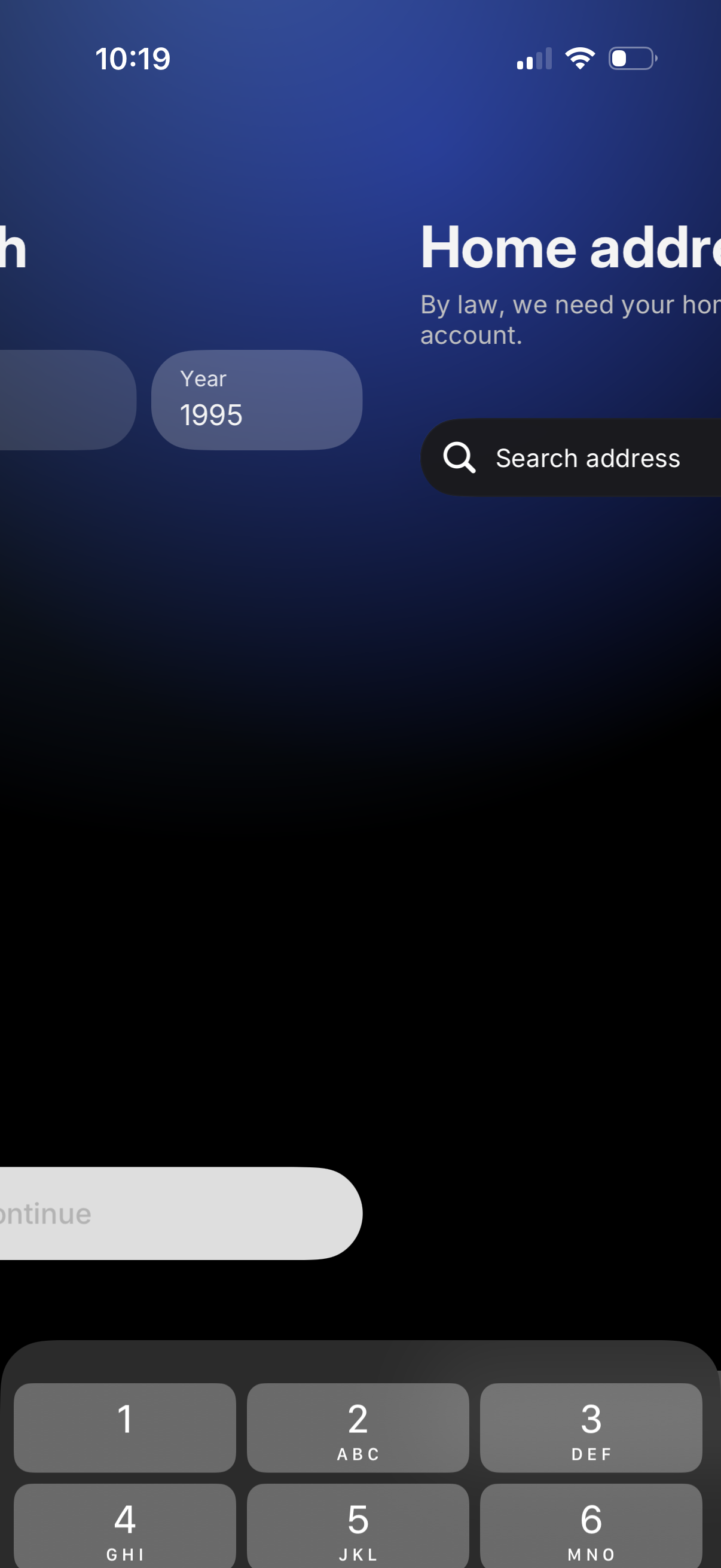
User onboarding or verification screen asking for a home address, explaining it’s required by law, with a search bar to find an address and a disabled/secondary “Continue” button while the numeric keyboard is open.