manage account settings
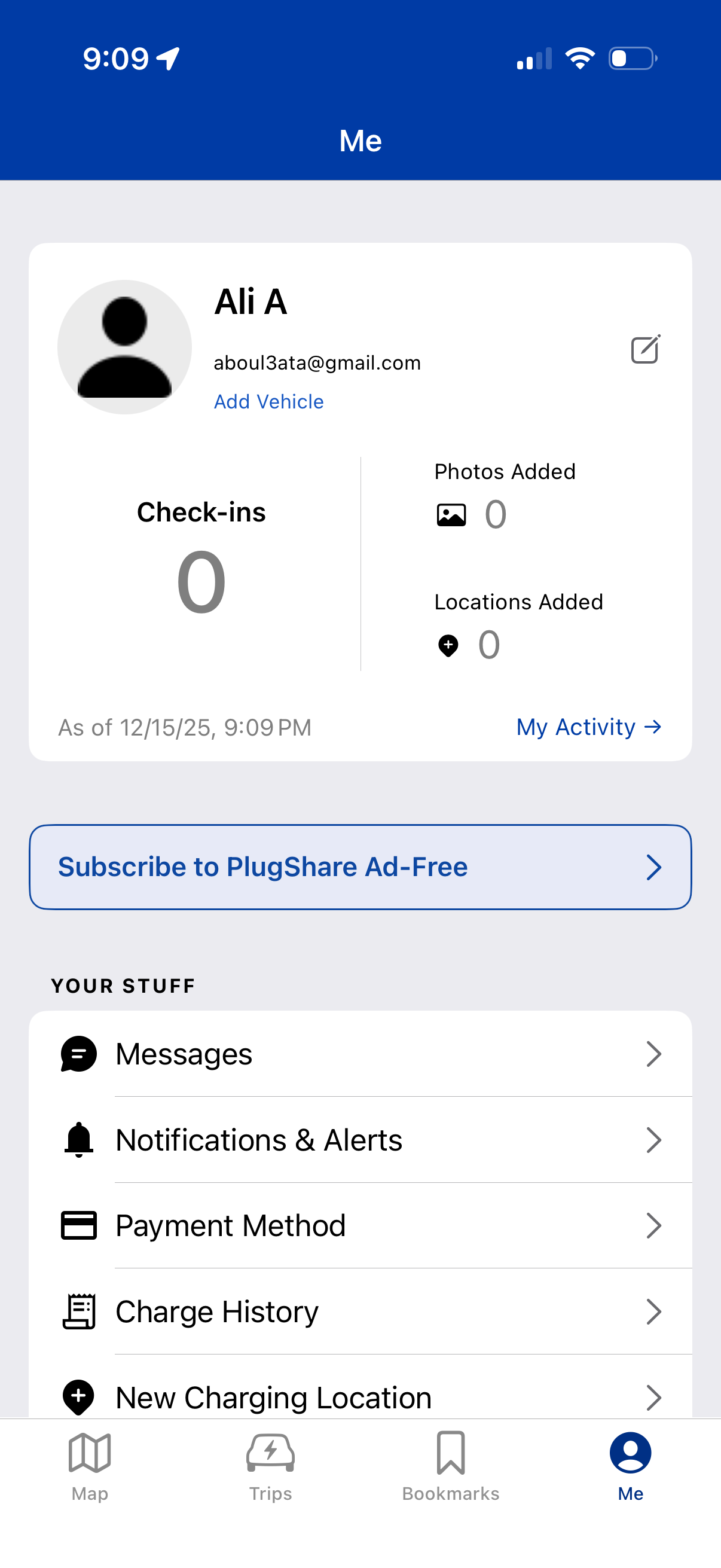
User profile/account dashboard for an EV charging app showing a profile card with edit option, add vehicle link, and activity stats (check-ins, photos added, locations added) with a shortcut to “My Activity. ” Includes a subscription upsell for an ad-free plan and a settings list for messages, notifications & alerts, payment method, charge history, and adding a new charging location, with bottom tab navigation.
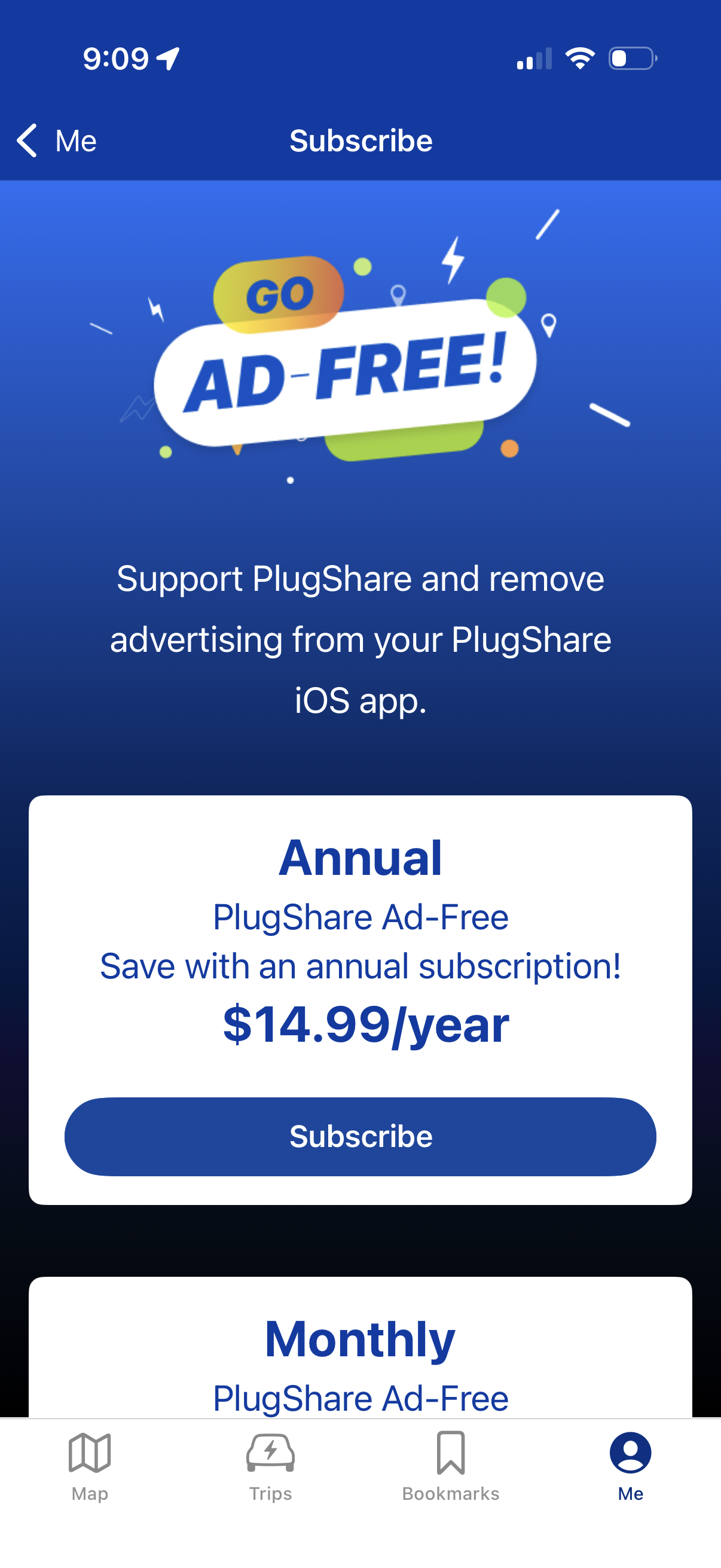
Subscription purchase screen promoting an ad-free upgrade, explaining the benefit of removing ads and supporting the app. Shows plan options with pricing (annual and monthly) and a prominent Subscribe CTA, with back navigation from the profile/me area.
A mobile app Messages screen showing a loading state with a centered spinner and “Loading Messages” overlay while the inbox or conversations list fetches. Includes a back navigation and bottom tab bar for Map, Trips, Bookmarks, and Me profile.
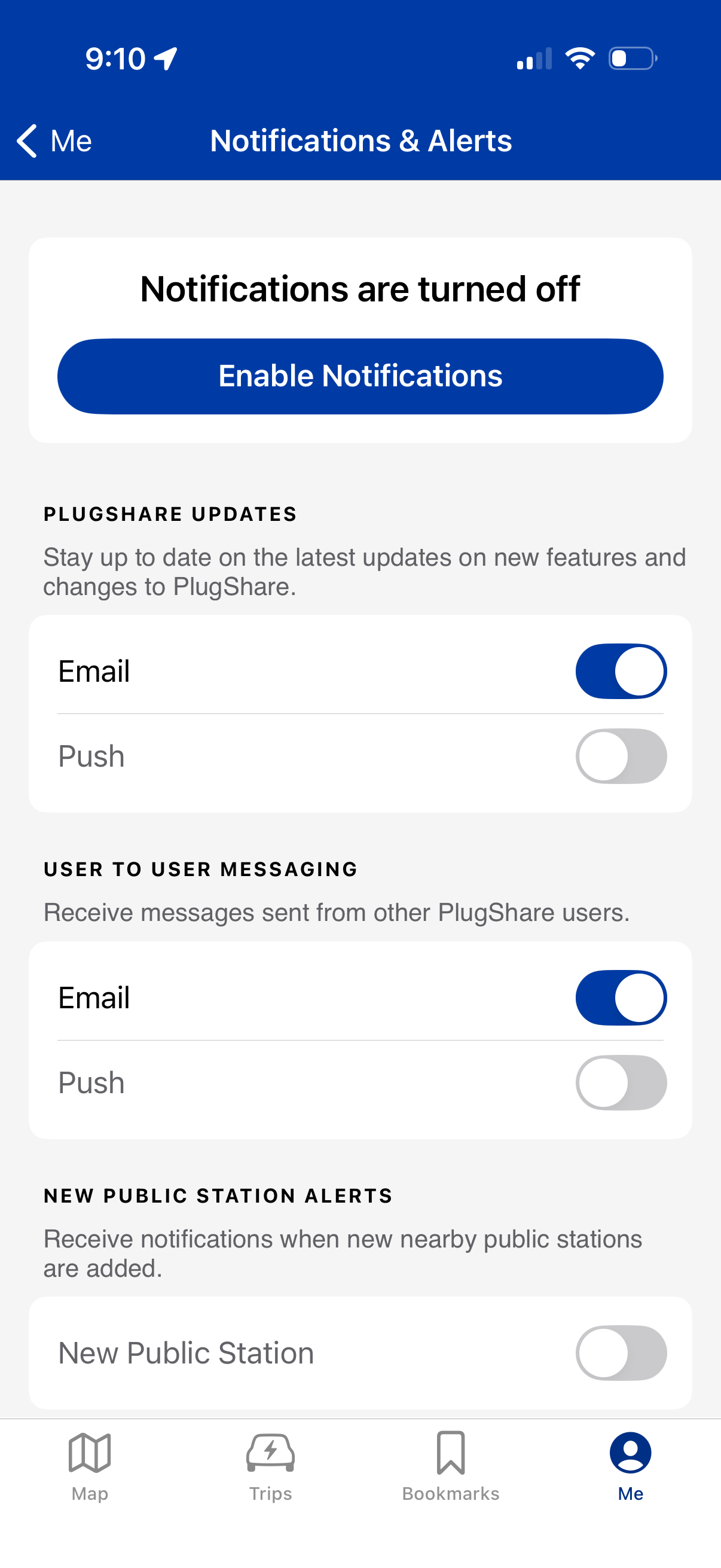
Notifications & Alerts settings screen showing notifications are currently turned off with a primary “Enable Notifications” button. Users can manage preference toggles for specific categories (app updates, user-to-user messaging, new public station alerts) and choose delivery channels like email vs push notifications.
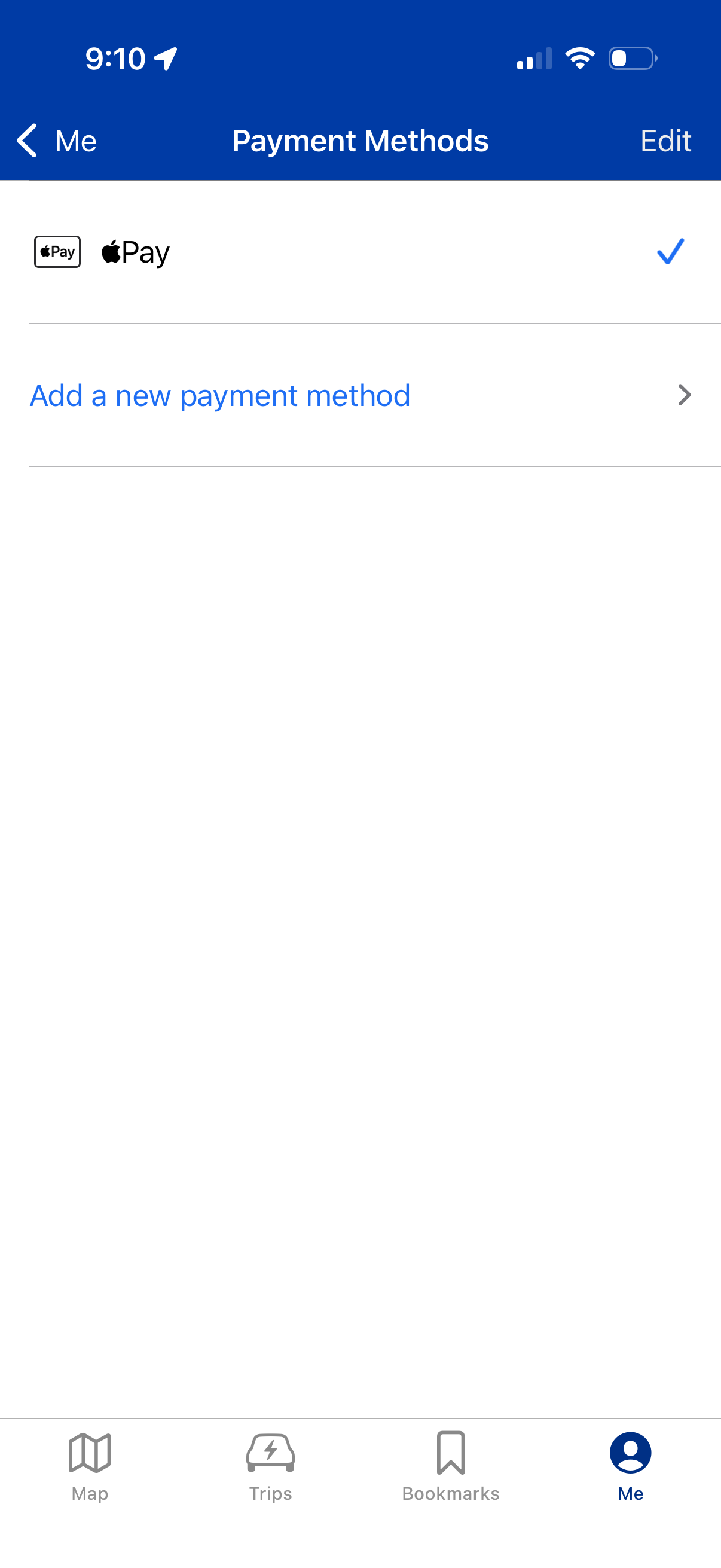
Payment methods settings screen showing the current default payment option (Apple Pay) with a checkmark and an option to add a new payment method. Includes an Edit action for managing payment options and navigation back to the profile/account section.
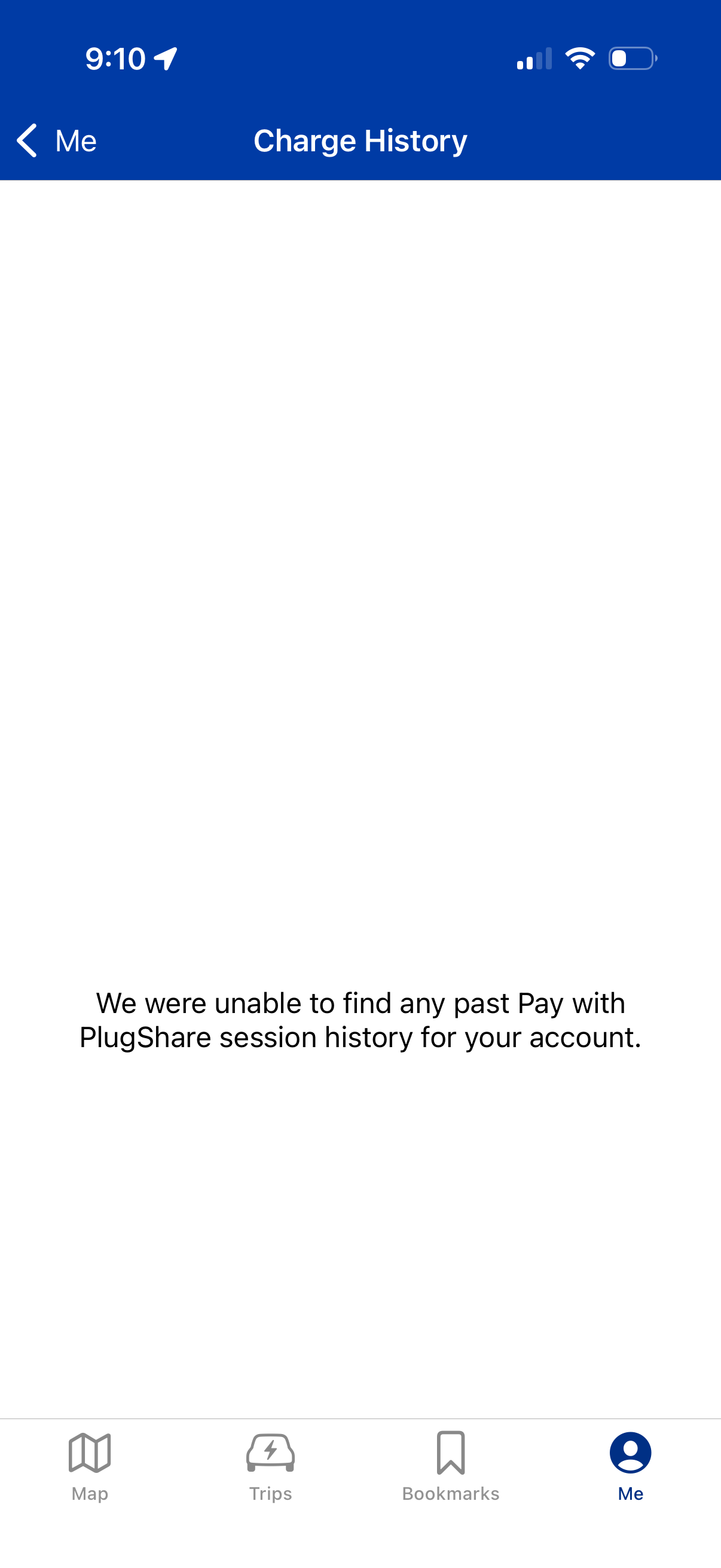
Charge History screen in an EV charging/payment app showing an empty state message indicating no past Pay with PlugShare charging sessions for the account. Includes back navigation to the profile (“Me”) section and a bottom tab bar for Map, Trips, Bookmarks, and Me.