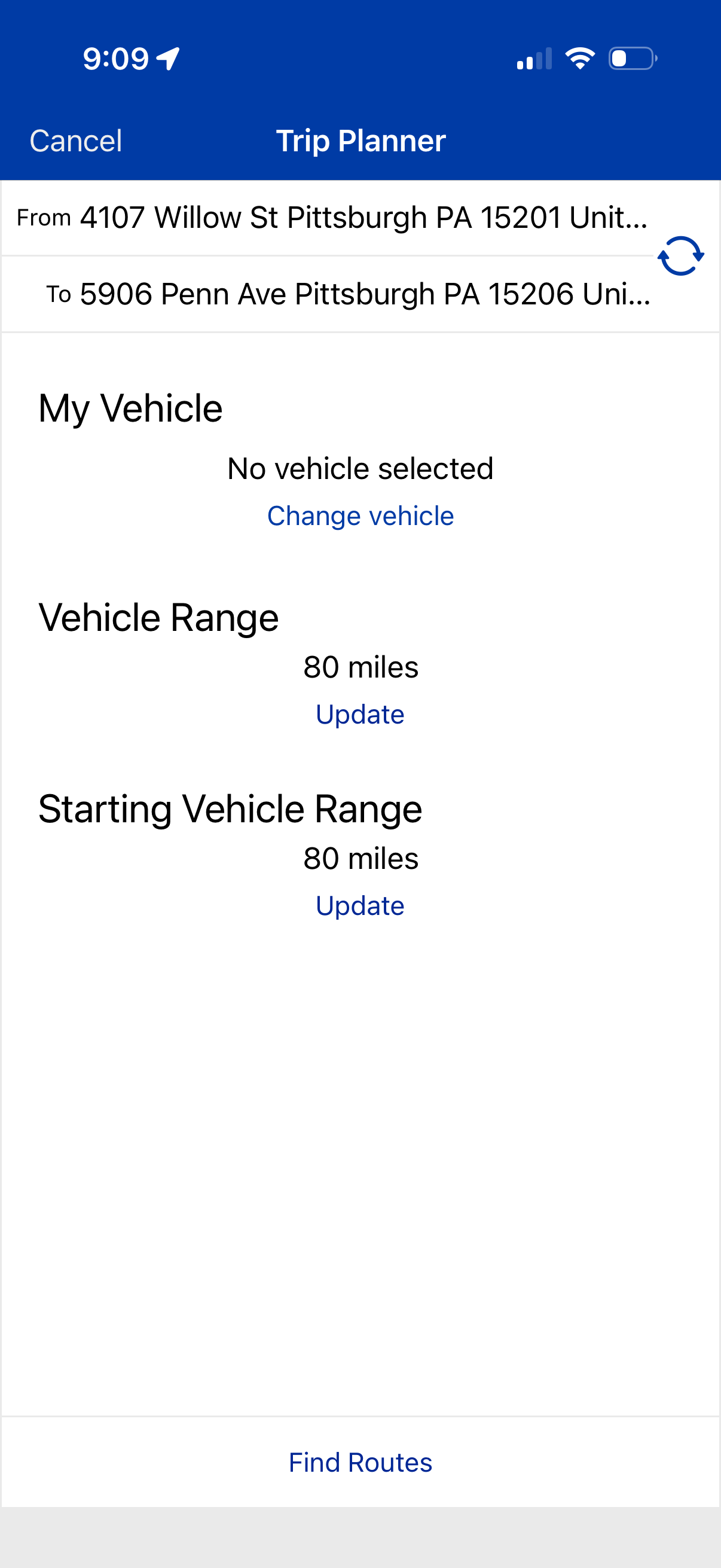
Trip planner screen for entering a start and destination address with a swap origin/destination action, plus settings for selecting a vehicle and updating current and starting vehicle range in miles. Primary action is to find routes based on the chosen vehicle and range parameters, with an option to cancel.
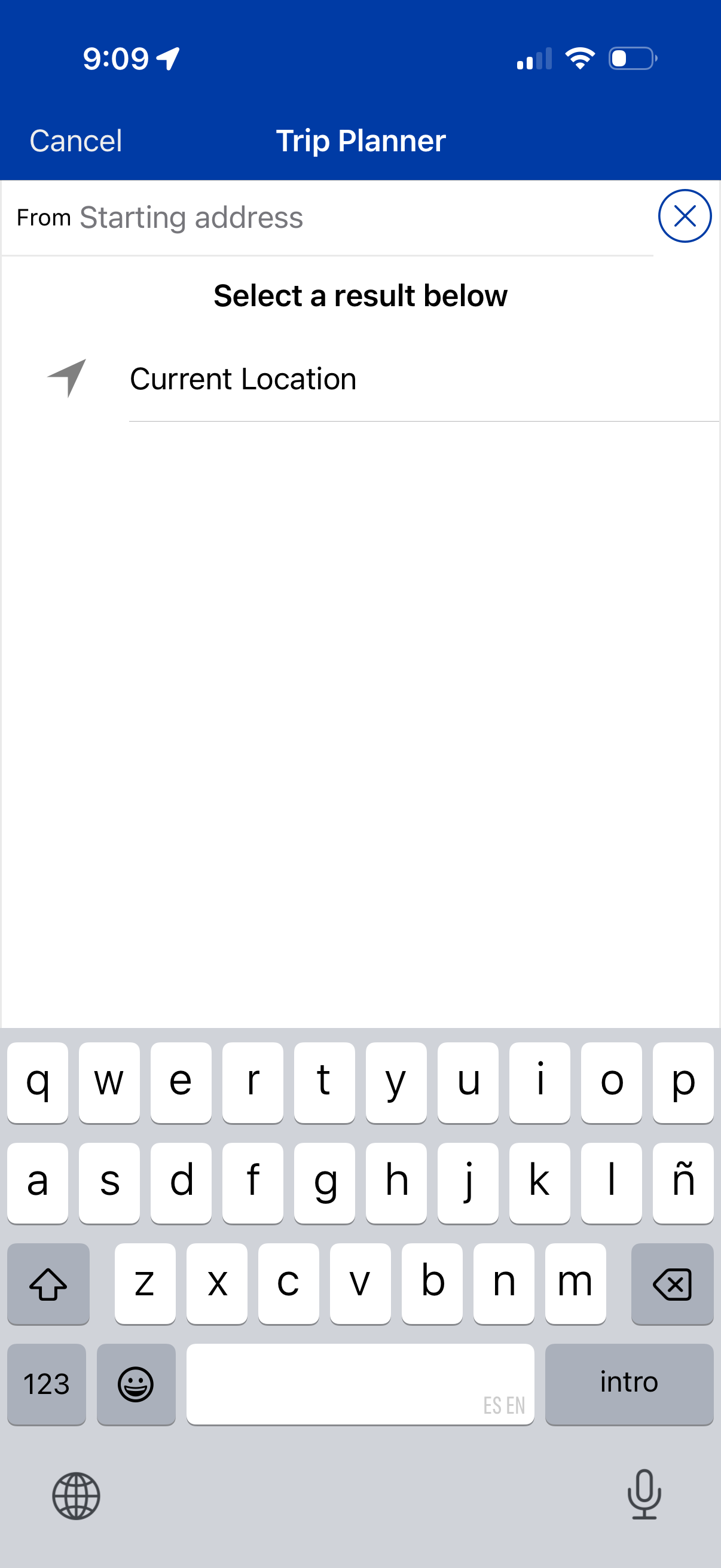
Trip planner address search screen for setting the starting location, with a “From” input field and a list of selectable results including “Current Location. ” Includes cancel/clear controls to dismiss or reset the search while typing.
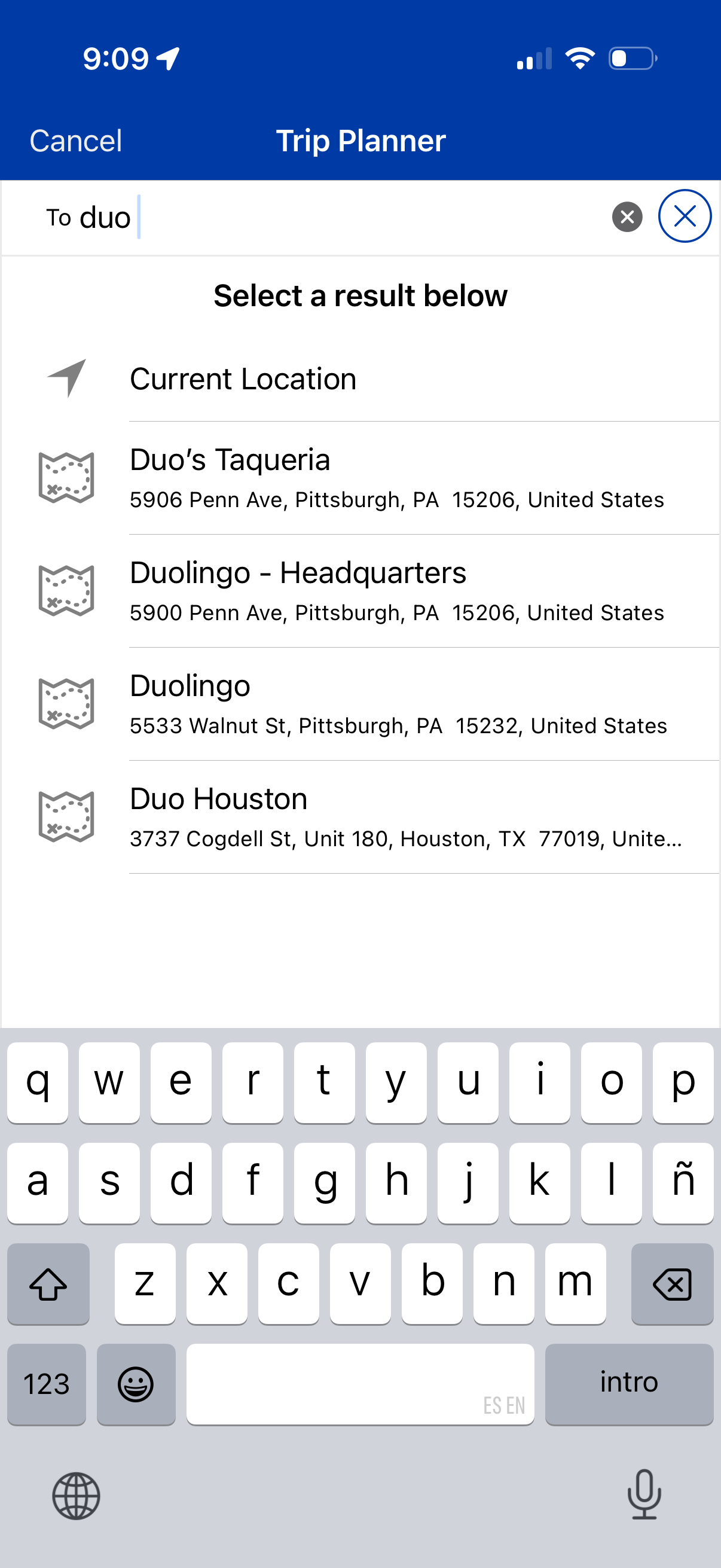
Trip planner destination search screen with a text input field, clear/cancel controls, and an autocomplete list of location results including an option for Current Location. Users select a suggested place from the results to set the trip destination.
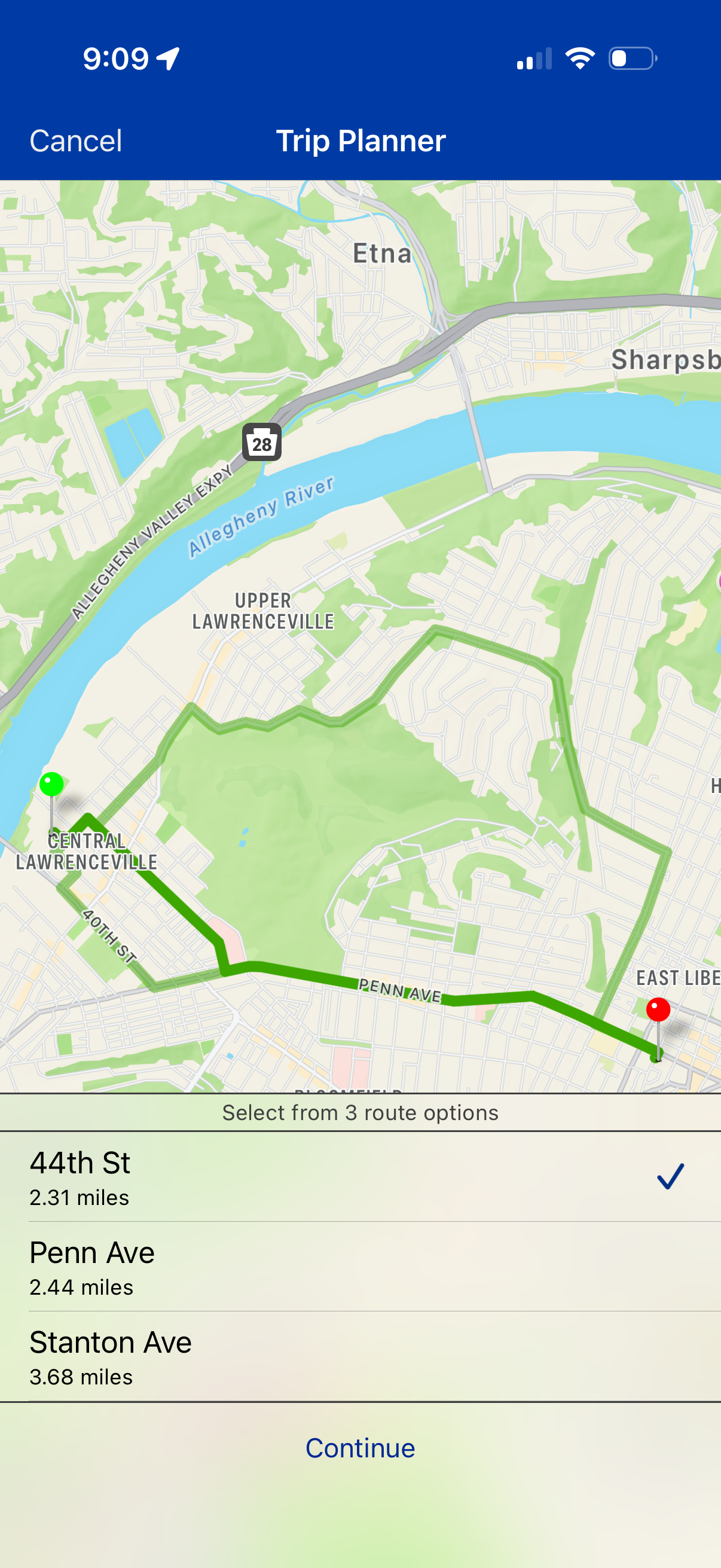
Trip planner map screen showing a highlighted route between start and destination pins with multiple route alternatives. A bottom sheet lets users select from three route options with distance details, then tap Continue or Cancel to proceed or exit.
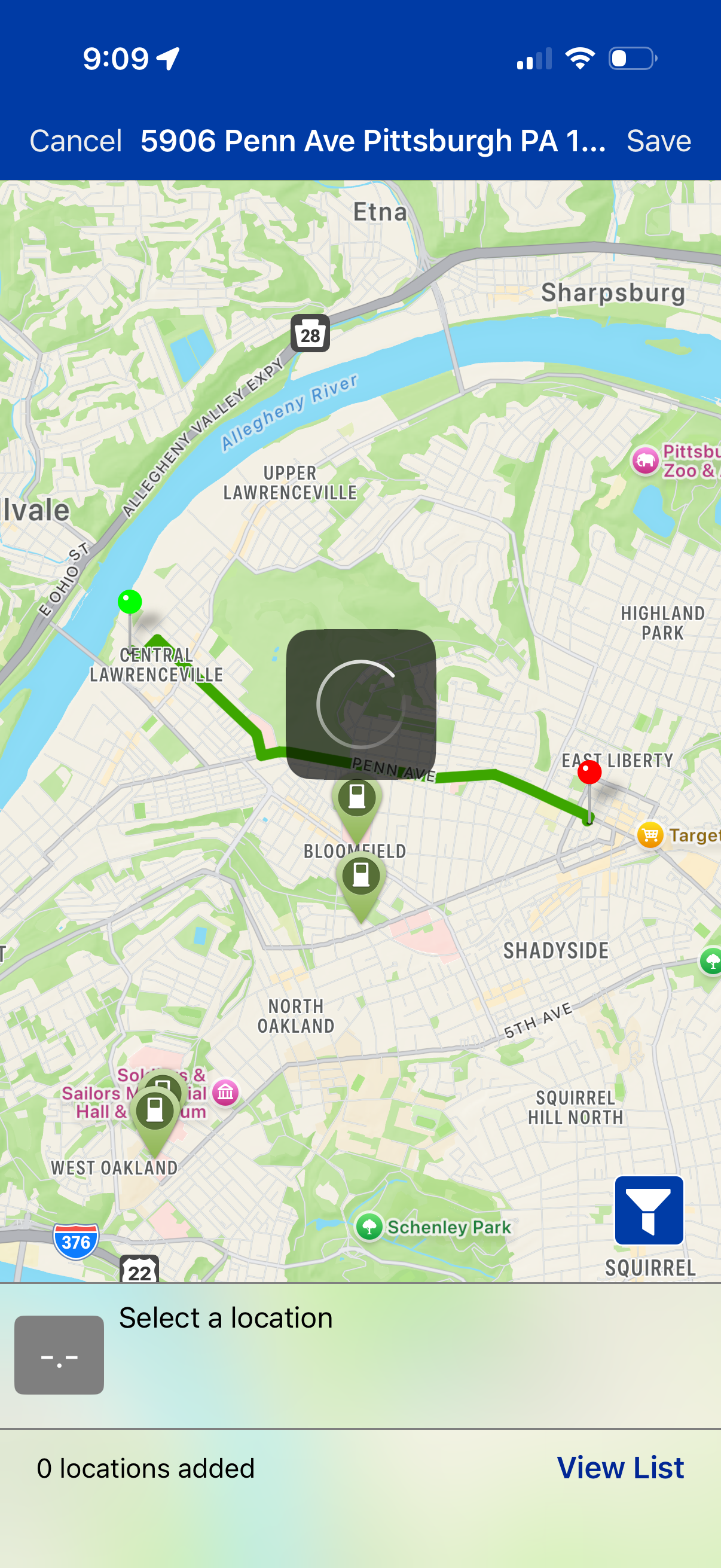
Map-based location selection screen showing a route with start and end pins and saved place markers, allowing users to pick a specific address/location. Top bar includes Cancel and Save actions, with options to view a list of added locations and use a filter button.
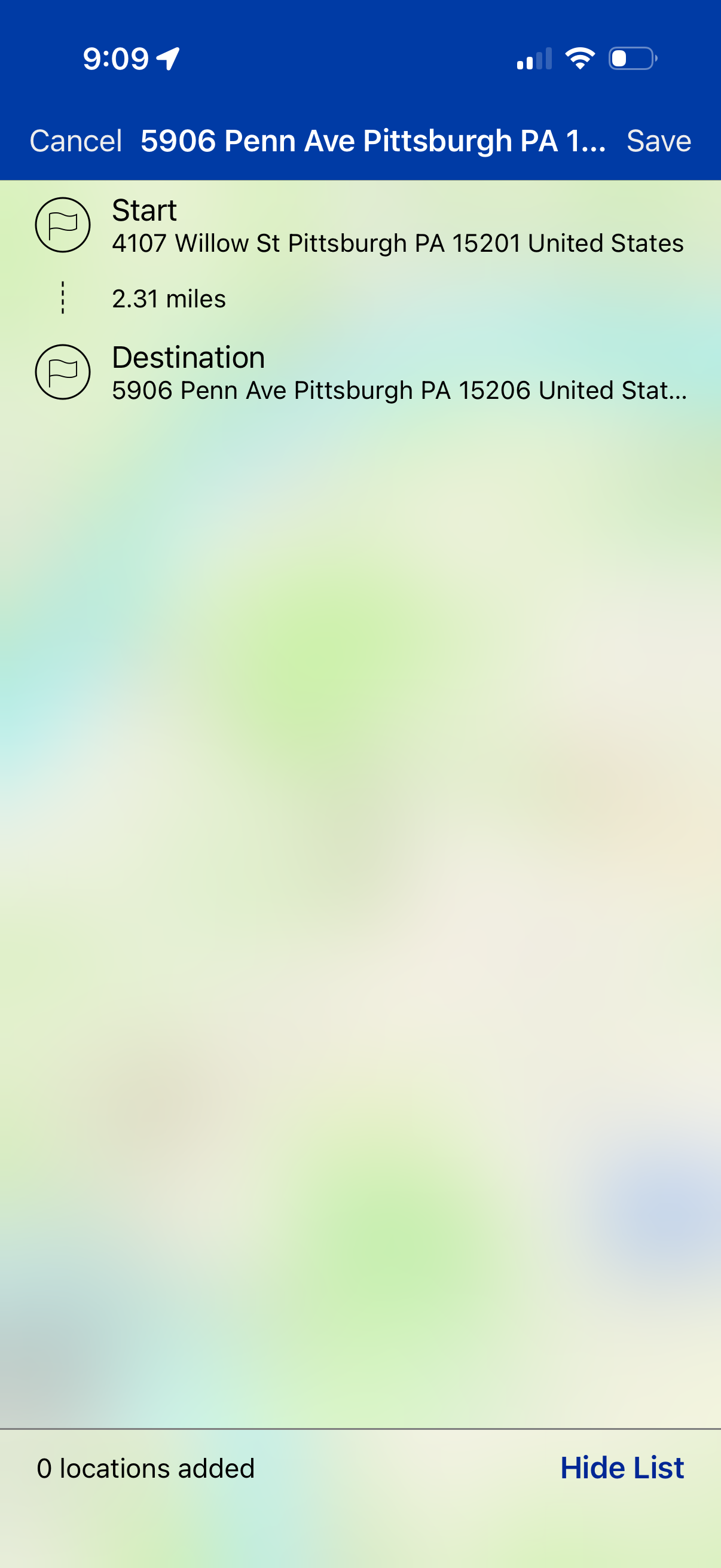
Route planning screen in a maps/navigation app showing a start address and destination address with the trip distance, plus an option to reorder or add stops. Top actions allow cancelling or saving the route, and a bottom bar indicates how many locations have been added with a “Hide list” toggle.
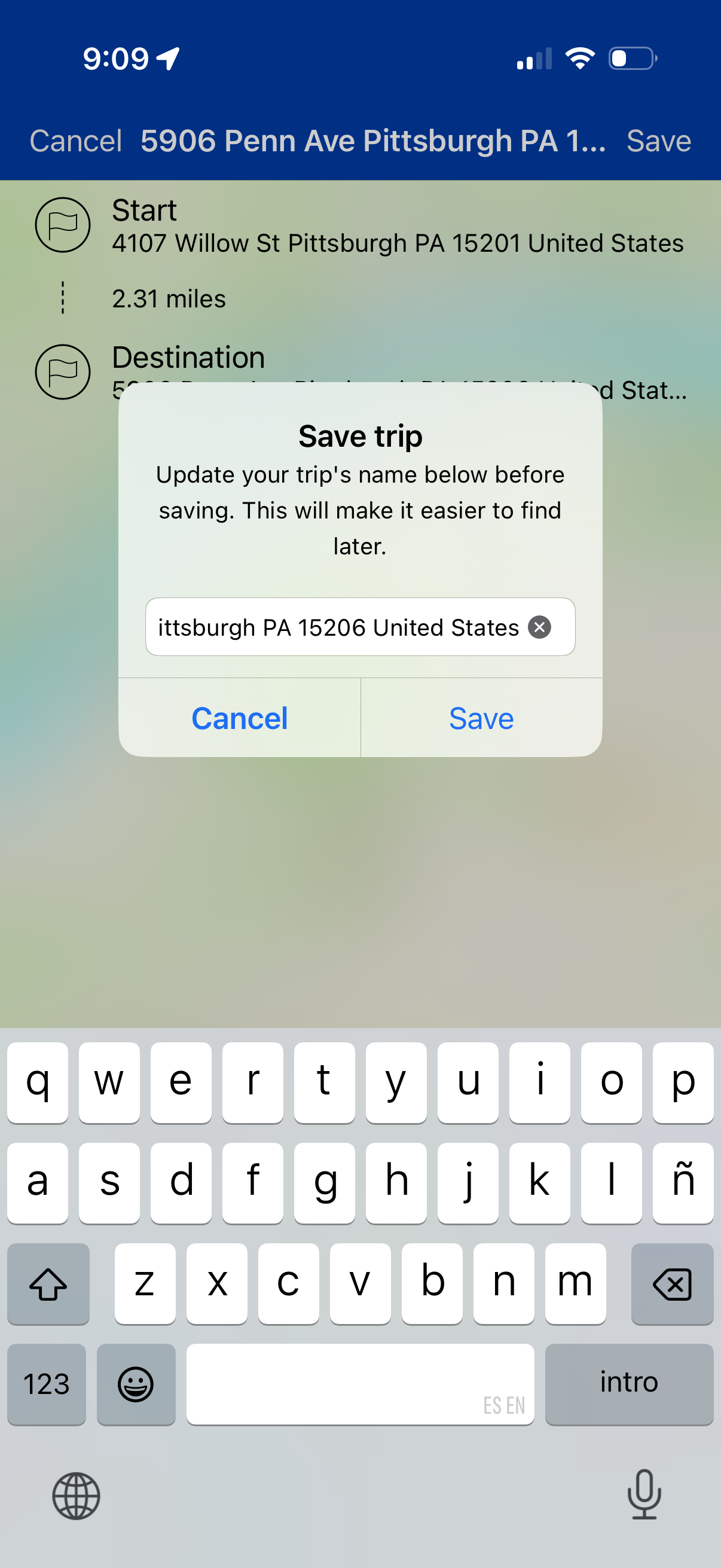
Navigation trip details screen showing start and destination addresses with distance, prompting a “Save trip” modal to rename the trip in a text field before saving. Primary actions are Cancel or Save the trip.
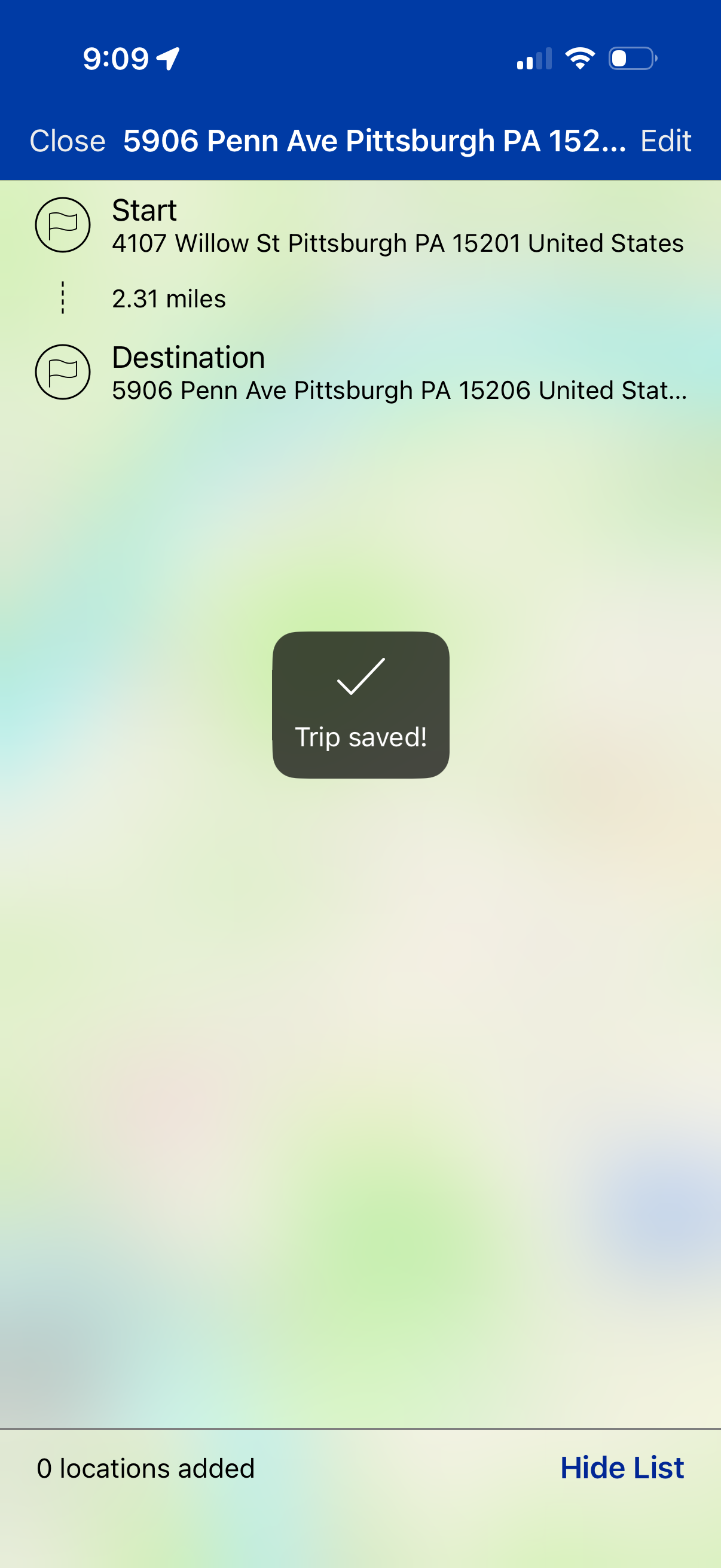
Route planning screen in a maps/navigation app showing a trip with start and destination addresses, distance, and options to close or edit the trip. A confirmation toast indicates “Trip saved!
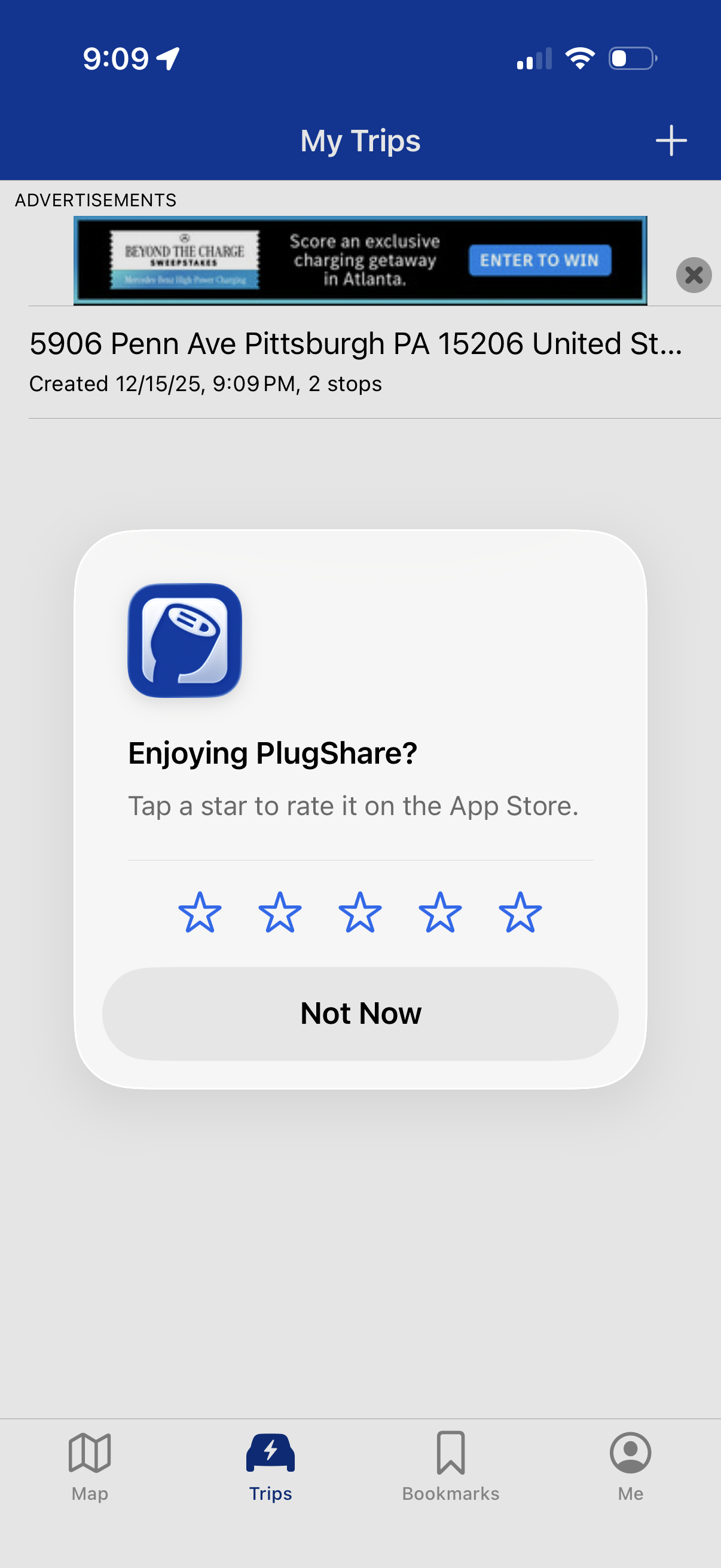
Trips list screen in an EV charging app showing saved trip itineraries with origin address, creation time, and number of stops, plus a top-right action to add a new trip and a bottom tab bar for Map, Trips, Bookmarks, and Profile. An in-app rating prompt modal overlays the page, asking users to rate the app with star selection or dismiss with “Not Now.
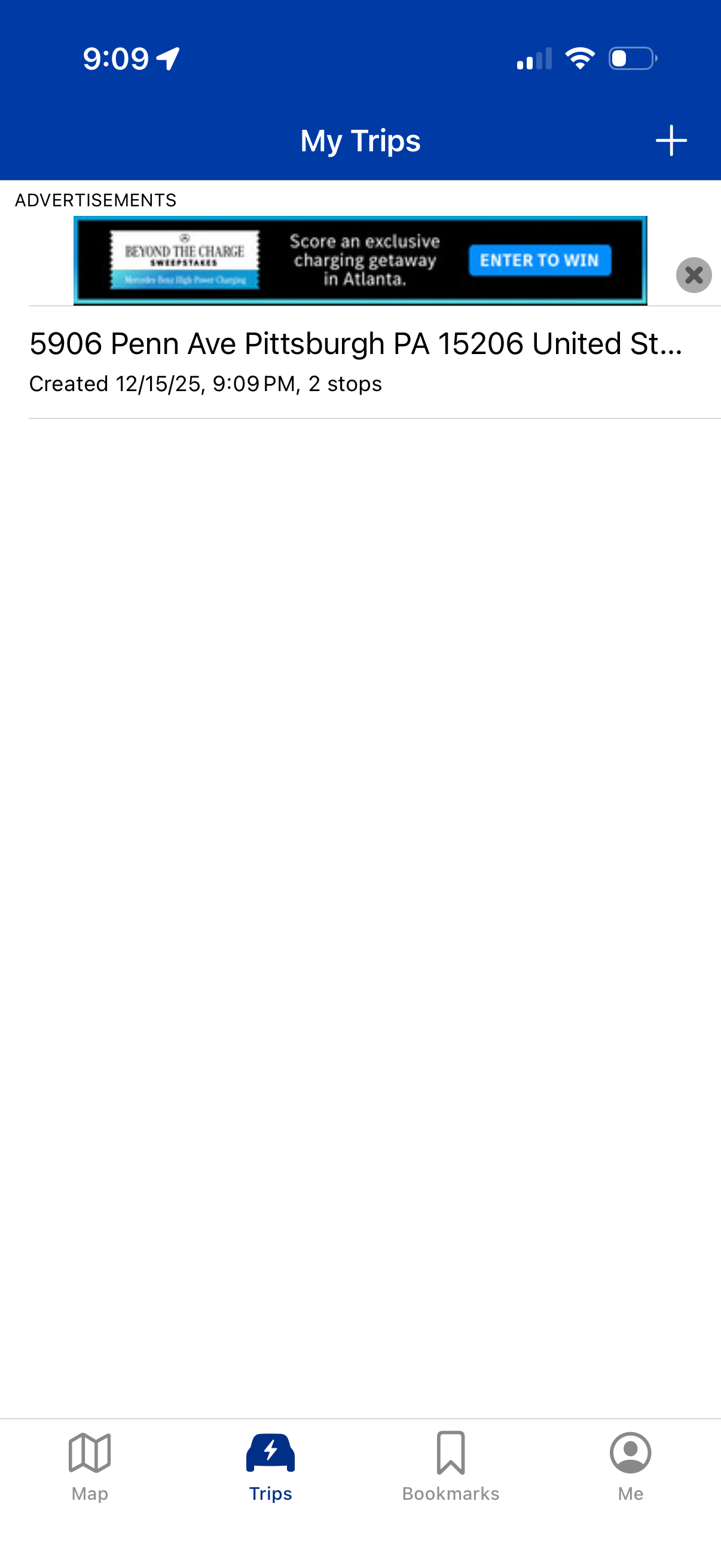
Trips list screen showing saved planned routes with destination title and metadata like creation date/time and number of stops, plus a top-right add button to create a new trip. Bottom tab navigation provides access to Map, Trips, Bookmarks, and Profile.