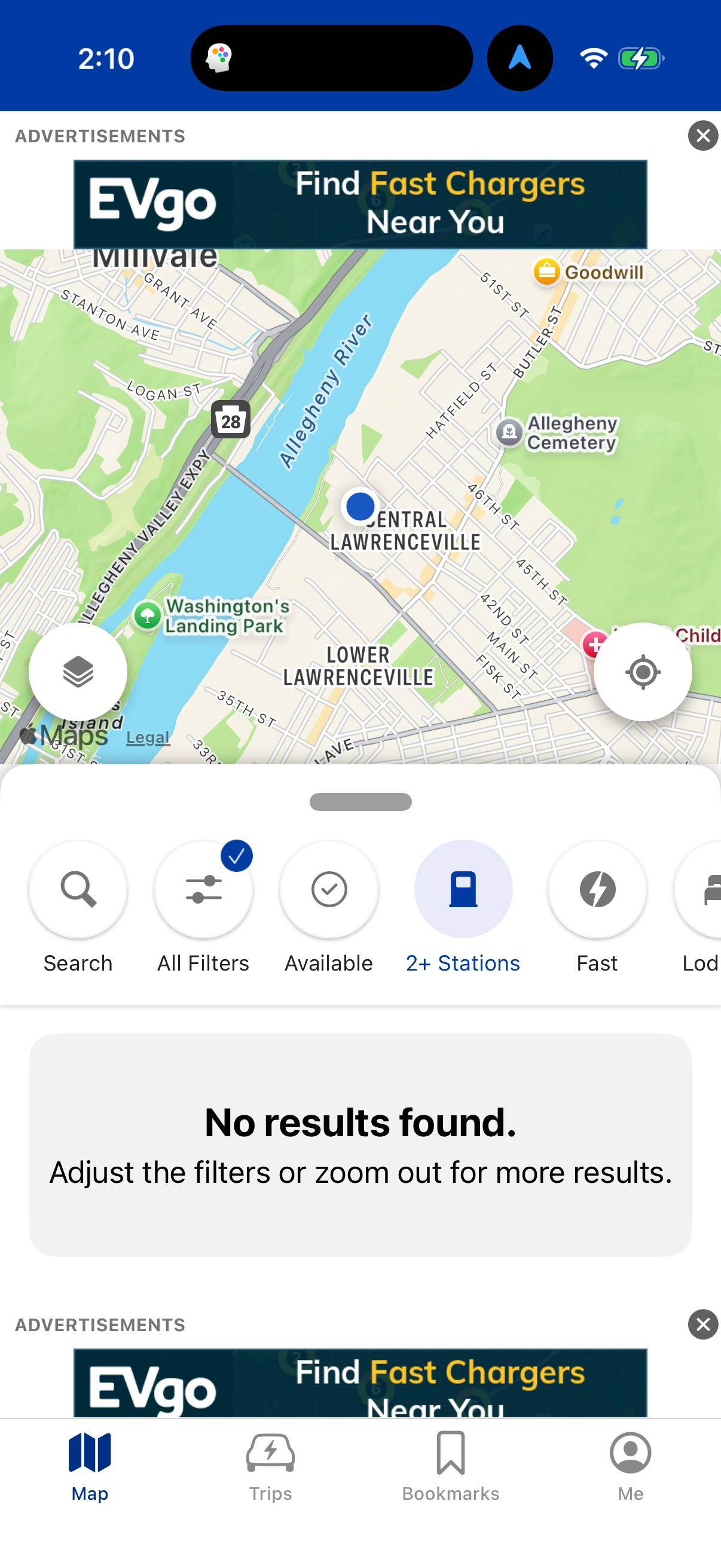
search for stations by
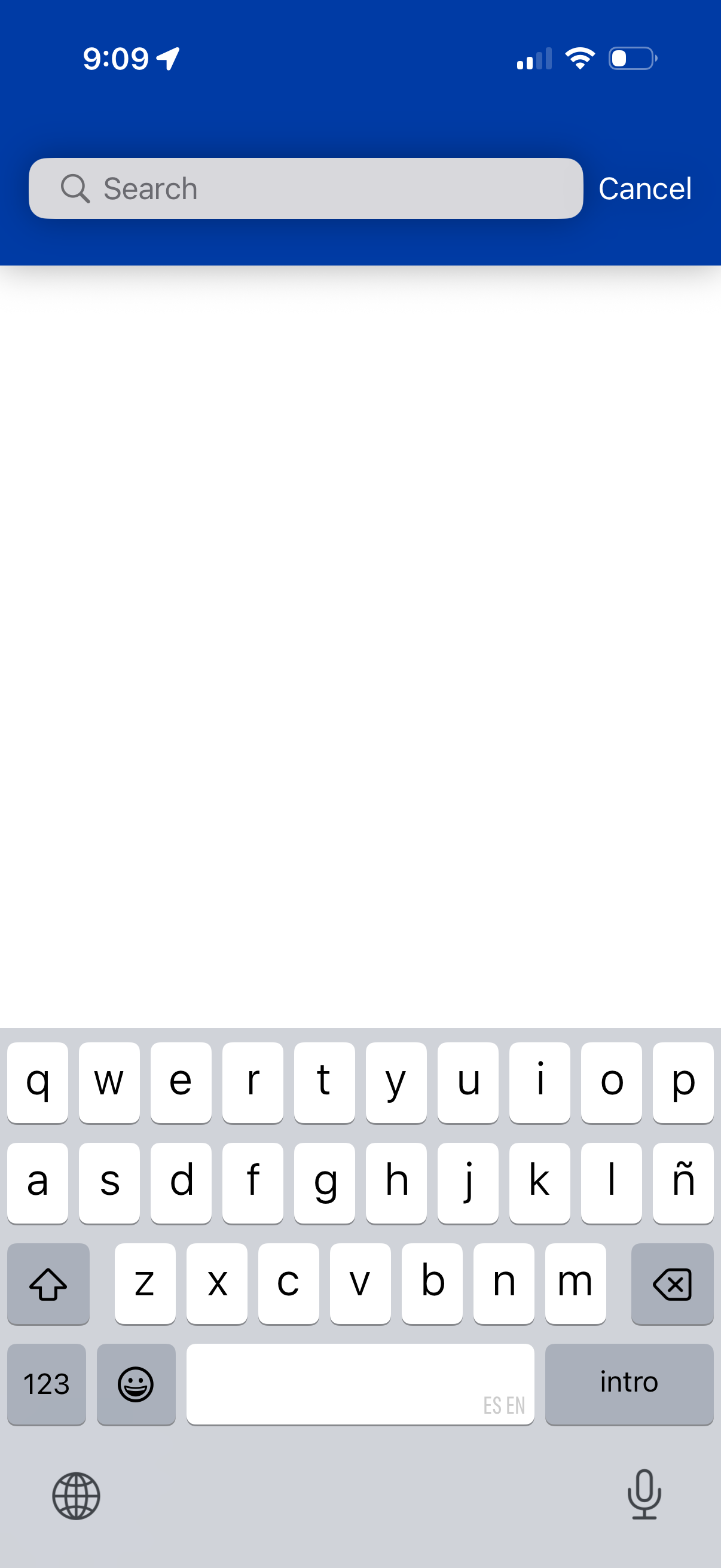
Mobile search screen with a top search bar and a Cancel action to exit search mode. The rest of the page is an empty results area while the keyboard is open for entering a query.
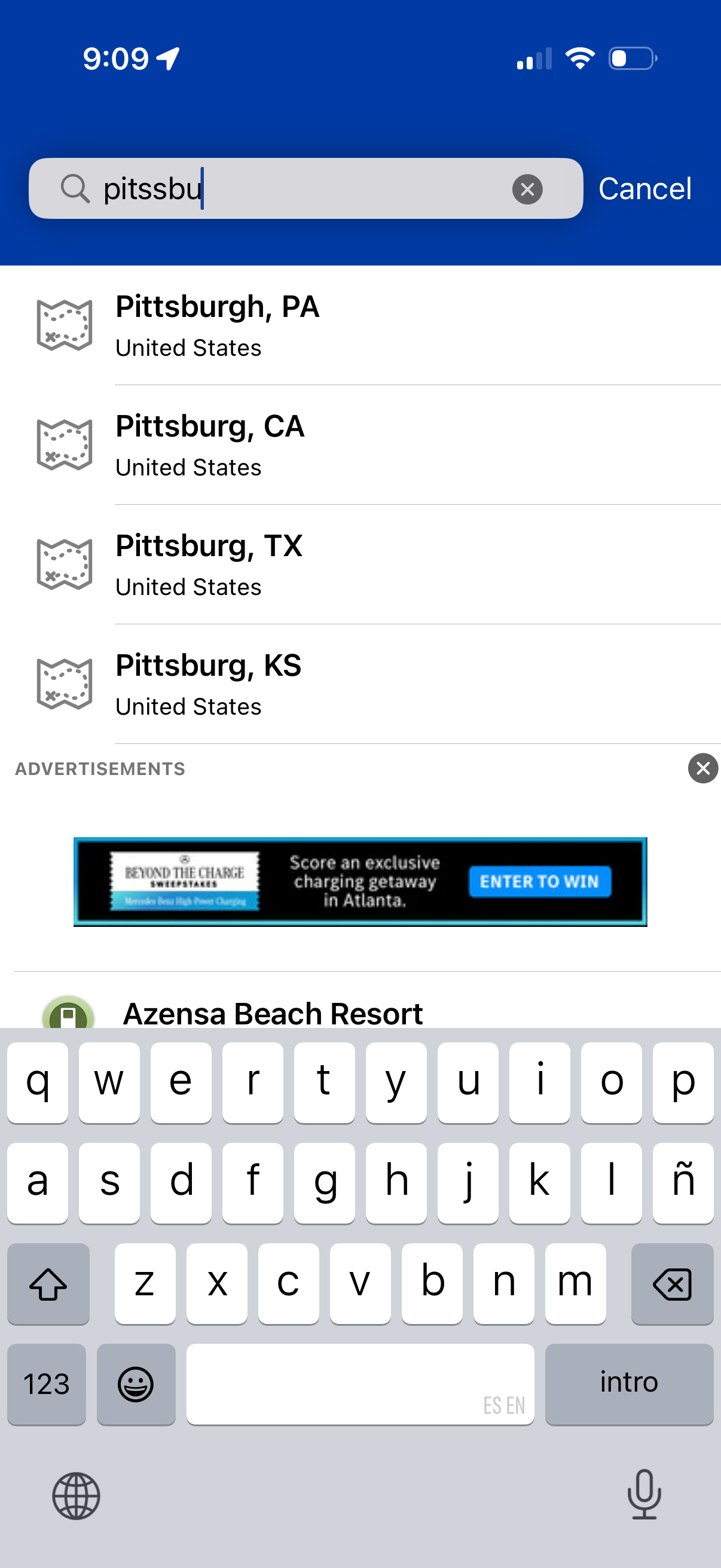
Location search screen with a search bar and cancel button, showing autocomplete results for matching cities (city, state, country) as the user types. Users can tap a suggested place to select it, with an inline ad banner displayed below the results list.
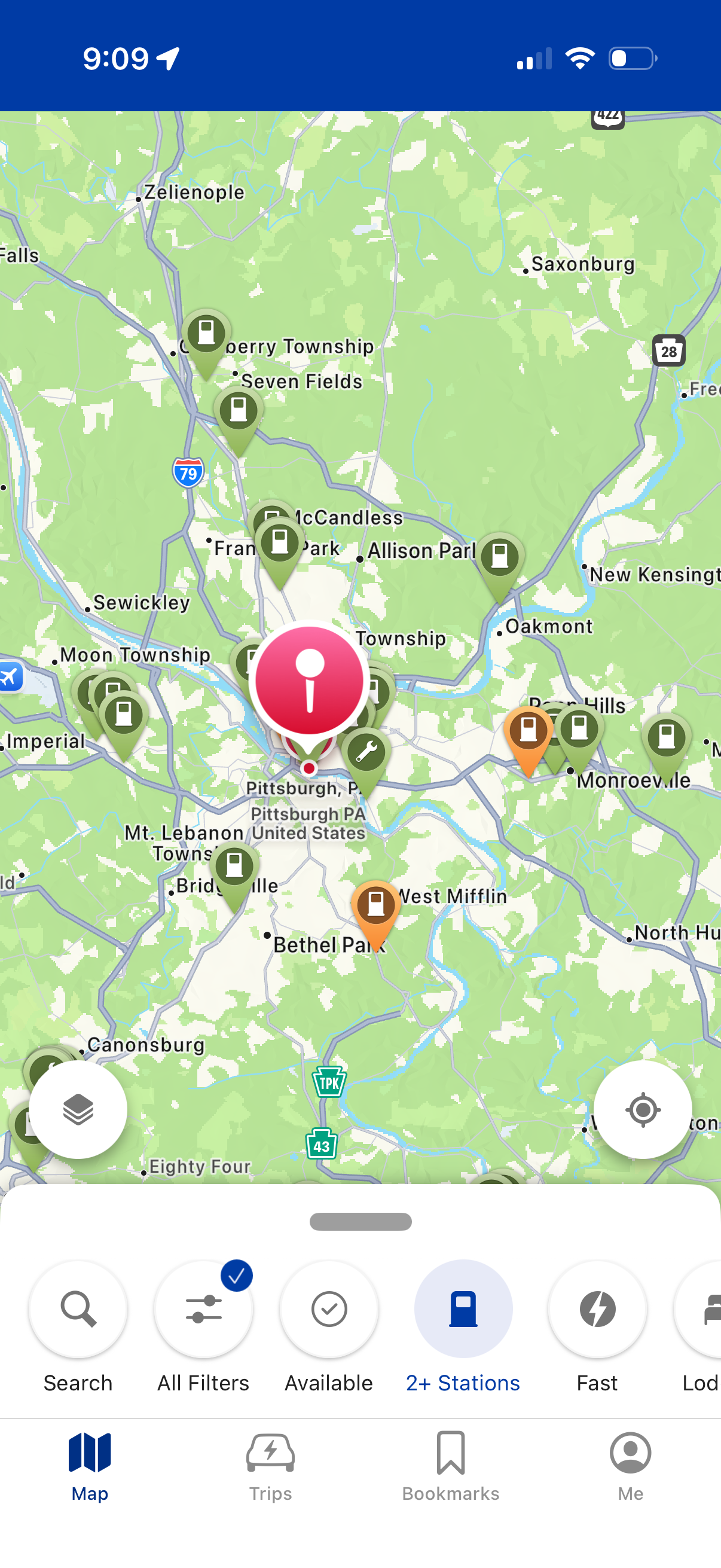
EV charging station map view showing nearby charger pins and a selected station marker, with controls for layer/map options, current location, and search. A bottom filter bar lets users refine by availability, number of stations, charging speed, and other filters, with bottom navigation for Map, Trips, Bookmarks, and Profile.
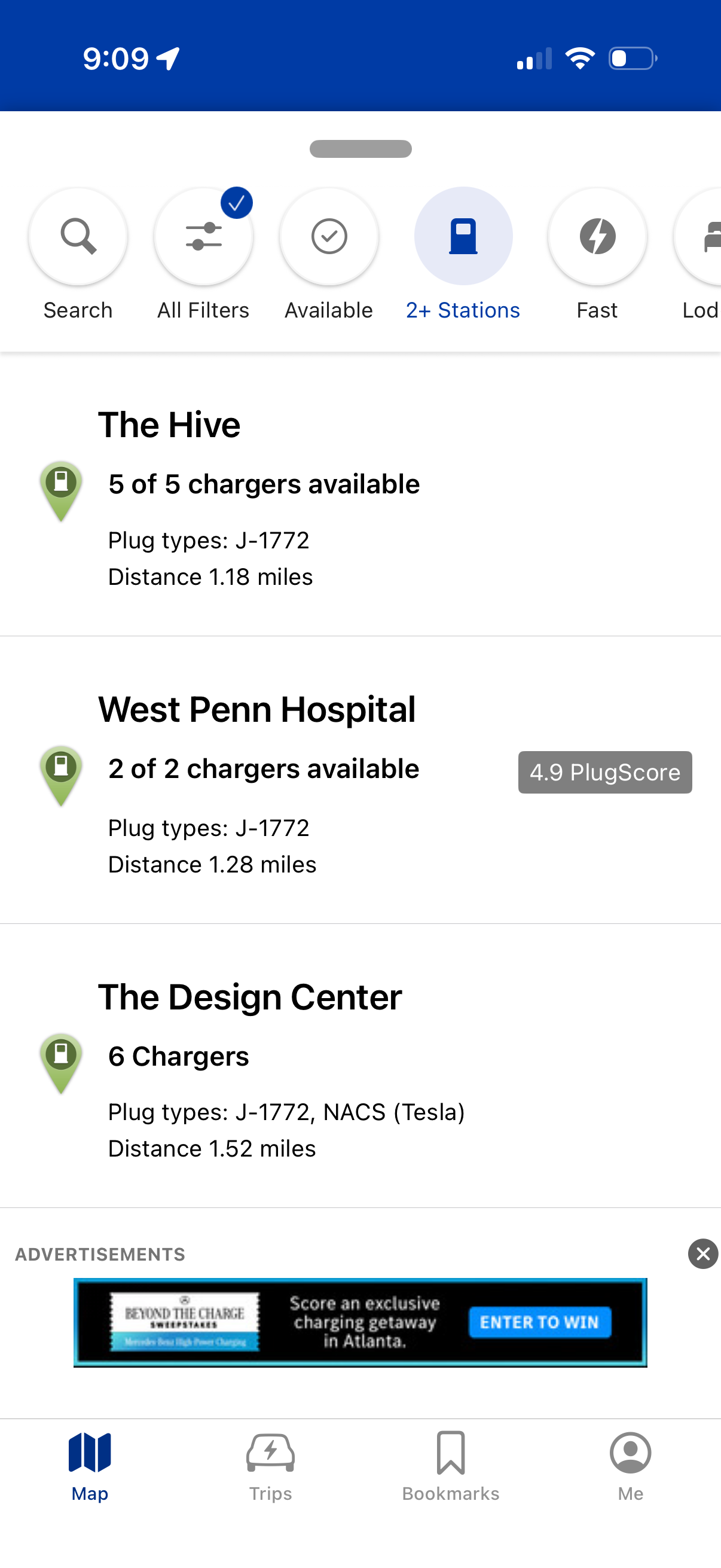
EV charging station list results screen showing nearby locations with available charger counts, plug types (e. g.