start from a photo
1
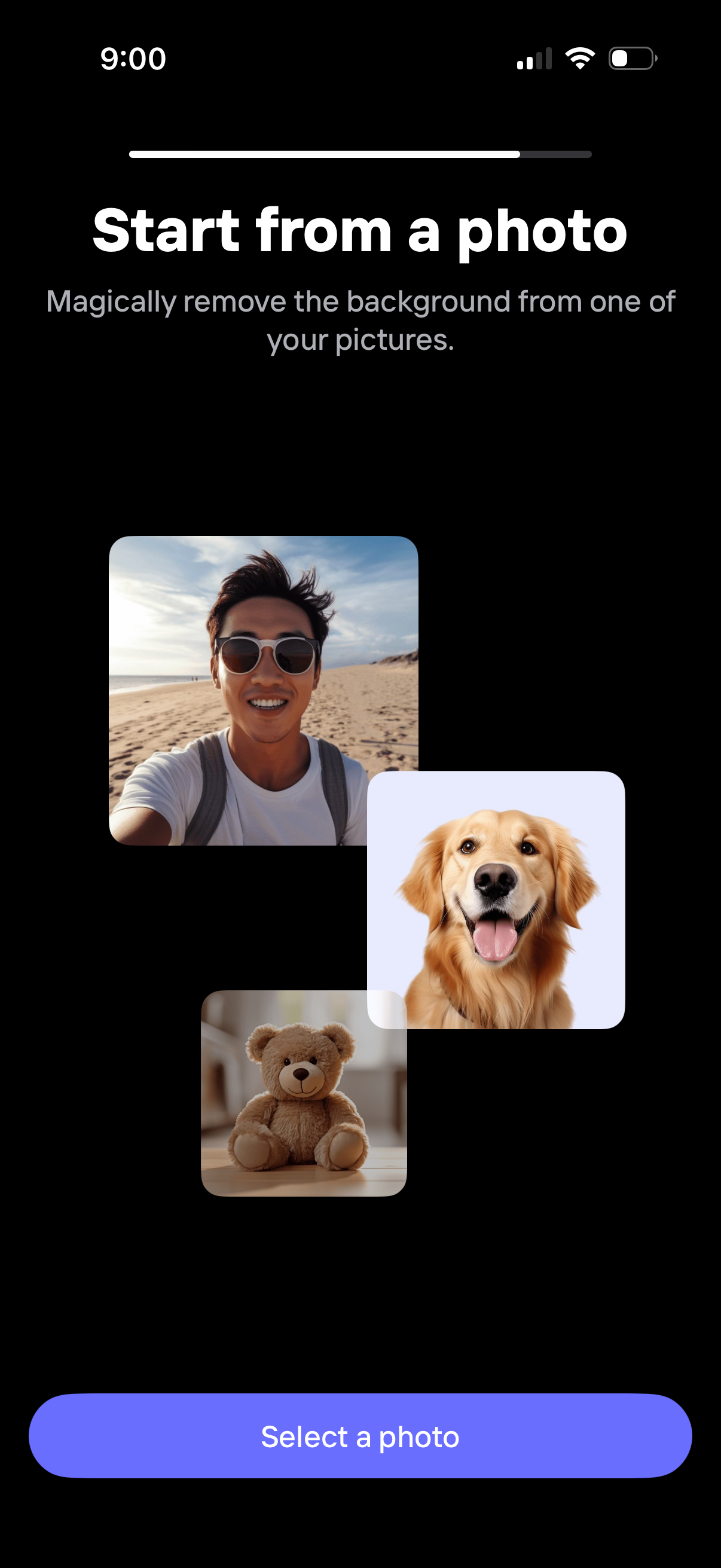
Onboarding step prompting users to start from a photo to automatically remove the background from an image. The screen explains the feature with example thumbnails and a primary “Select a photo” button to open the photo picker.
2
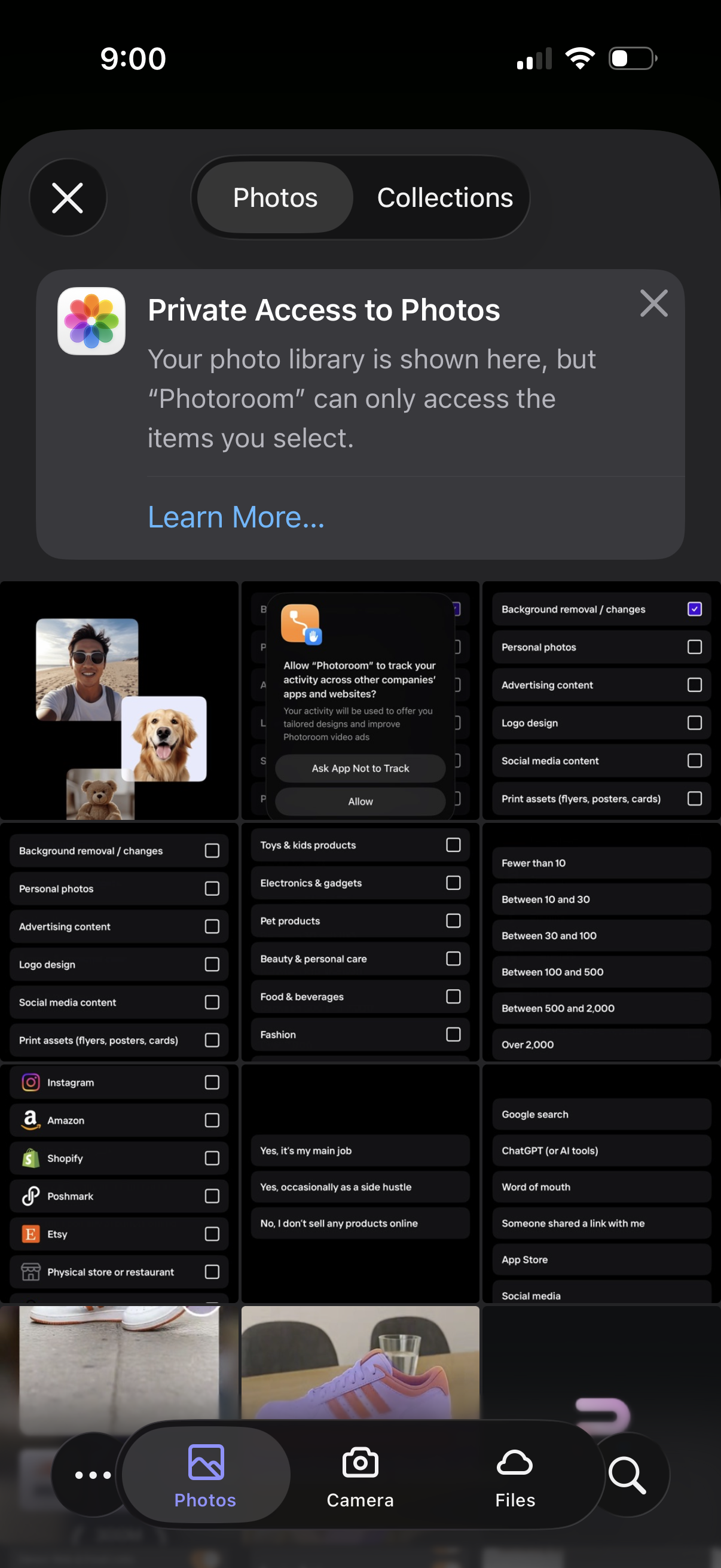
iOS photo picker modal with tabs for Photos and Collections, showing a privacy notice about limited access and allowing the user to select specific images to share with an app. The screen includes a grid of photo thumbnails with a close button and bottom navigation to choose photos from the library, take a new photo with the camera, or browse files.