edit and save design
1
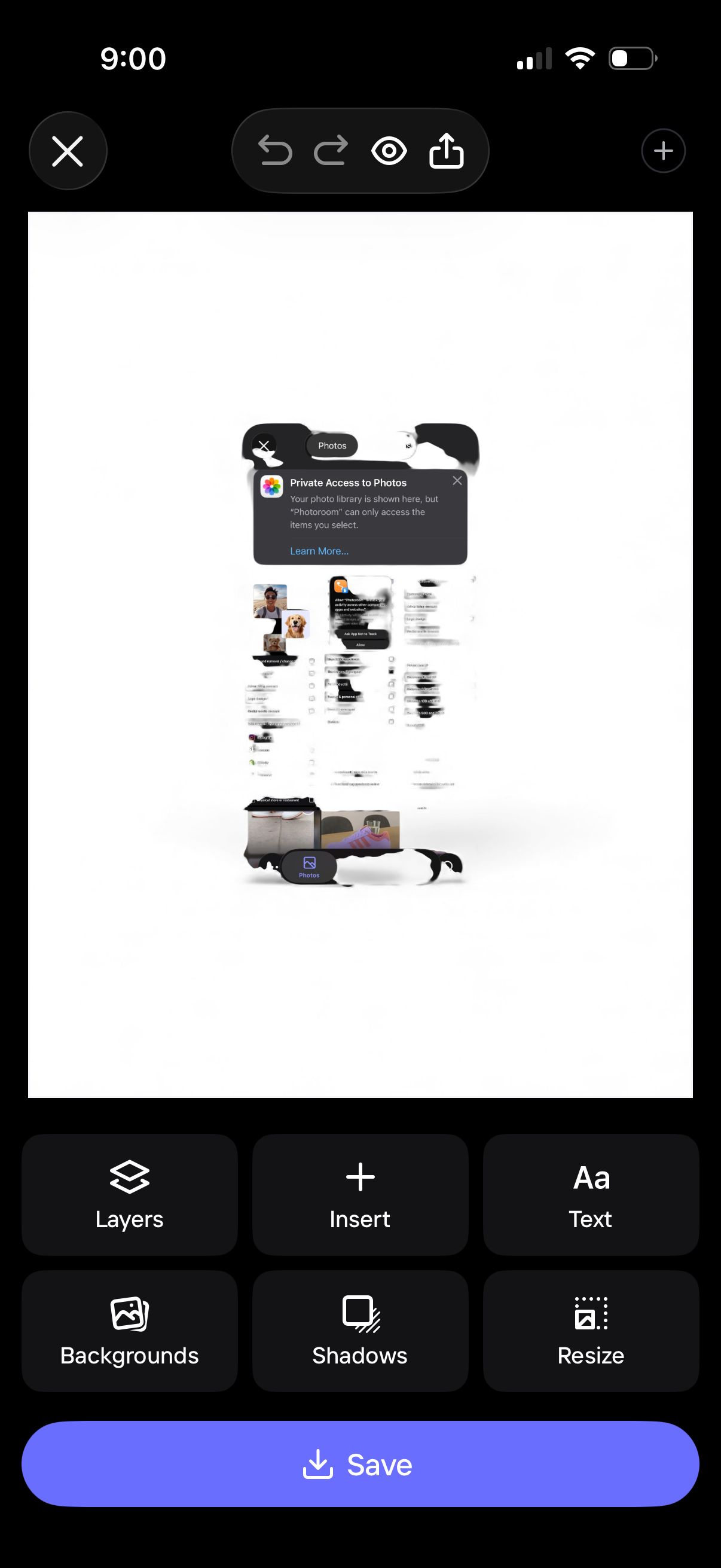
Mobile design editor screen showing a canvas preview with photo insertion and editing controls, including undo/redo, preview, and share. Bottom toolbar provides actions like layers, insert, add text, backgrounds, shadows, and resize, with a primary Save button to export the design.
2
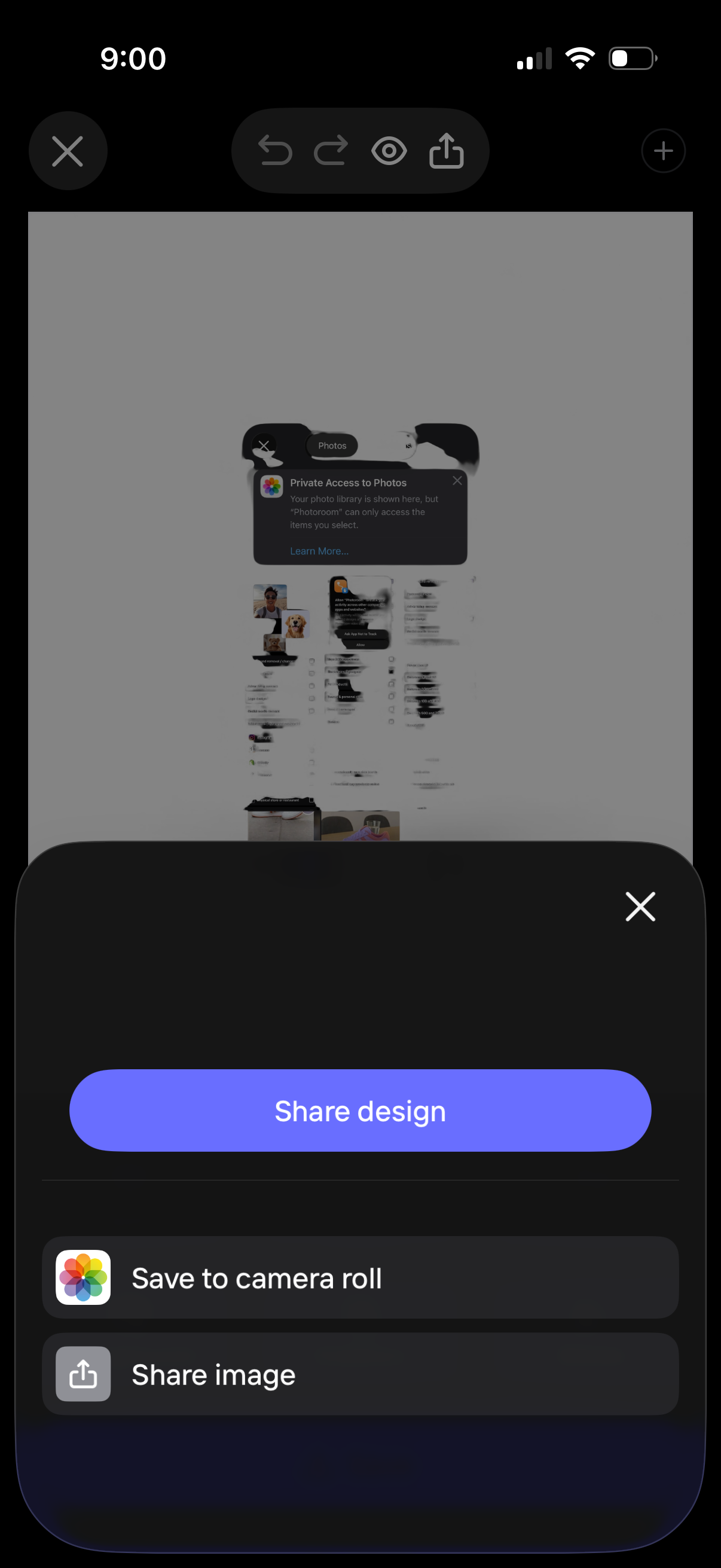
A mobile design preview screen with a bottom sheet for exporting and sharing the design. Primary action is “Share design,” with secondary options to save to camera roll or share the image, plus close/dismiss controls.
3
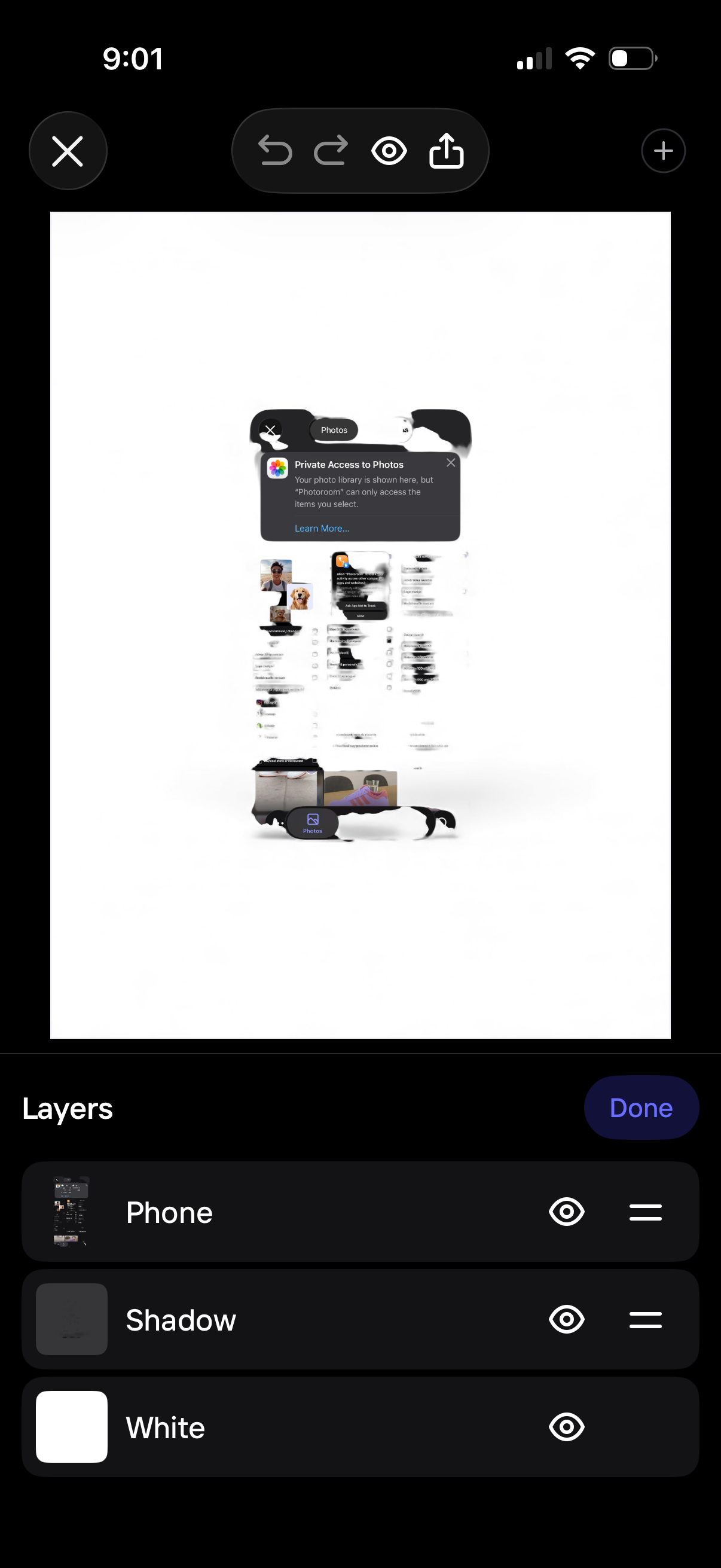
Photo editing canvas with a layers panel open, showing multiple editable layers with visibility toggles, reorder handles, and a Done button to apply changes. Top toolbar provides close, undo/redo, preview, share/export, and add new element options.