retouch with ai fill

Mobile photo editor screen for retouching a cutout on a canvas, with options to replace the image source (camera roll/camera/files), edit cutout, crop, and generate an image with AI. A bottom sheet shows progress for an AI retouch action (“Generating a new shadow”) with a cancel button and a Done action to finish editing.

Photo retouching editor with an open “Insert” panel to add content from camera roll, take a photo, upload files, or generate an image with AI, plus browsing recent photos, AI templates, and shapes/graphics search. The retouch workflow includes erase and fill tools with undo/redo controls and a done button to apply edits.
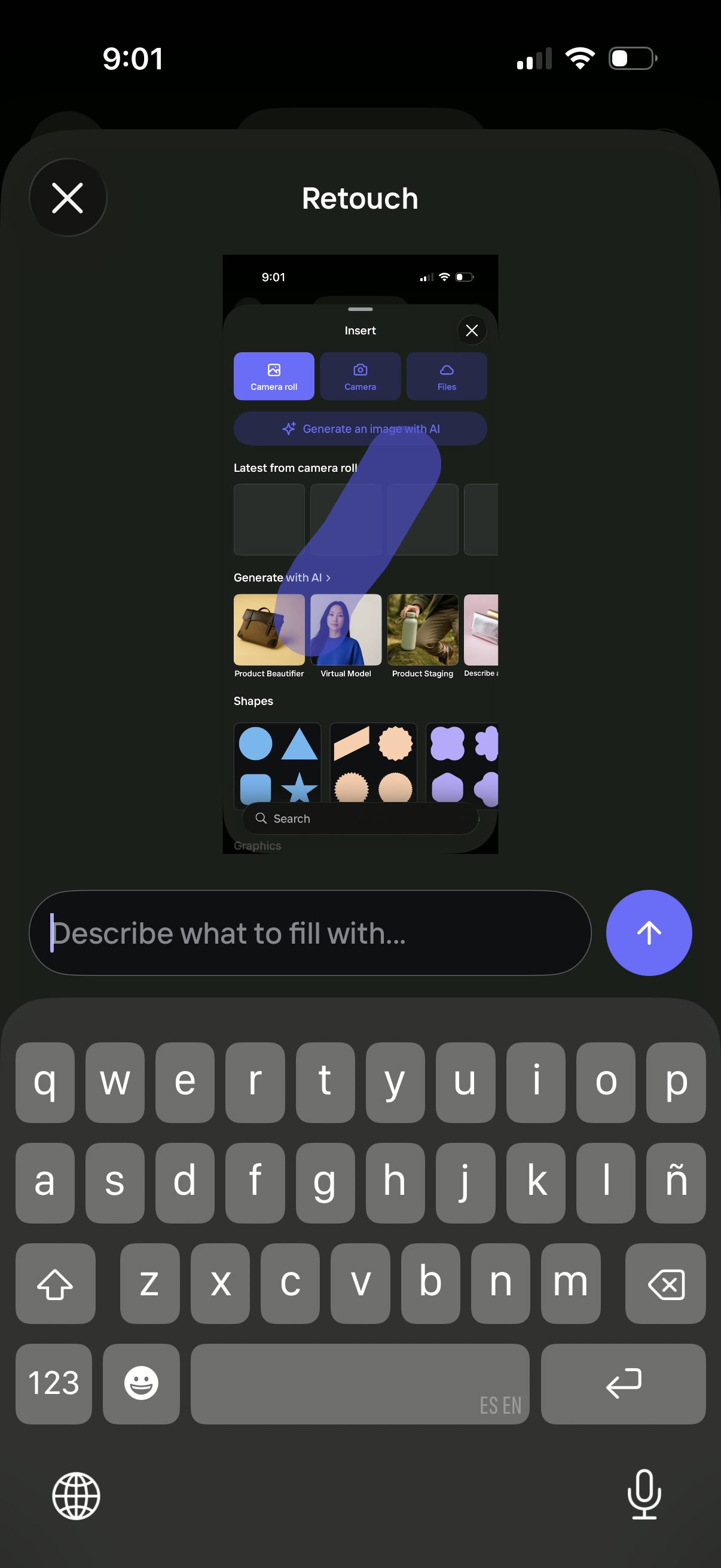
AI photo retouch screen with an “Insert” panel to add content from camera roll, camera, or files, plus options to generate images with AI (e. g.

Image retouching editor with an Insert panel for adding content from camera roll, taking a photo, importing files, or generating an image with AI, plus galleries for recent images, AI templates (e. g.
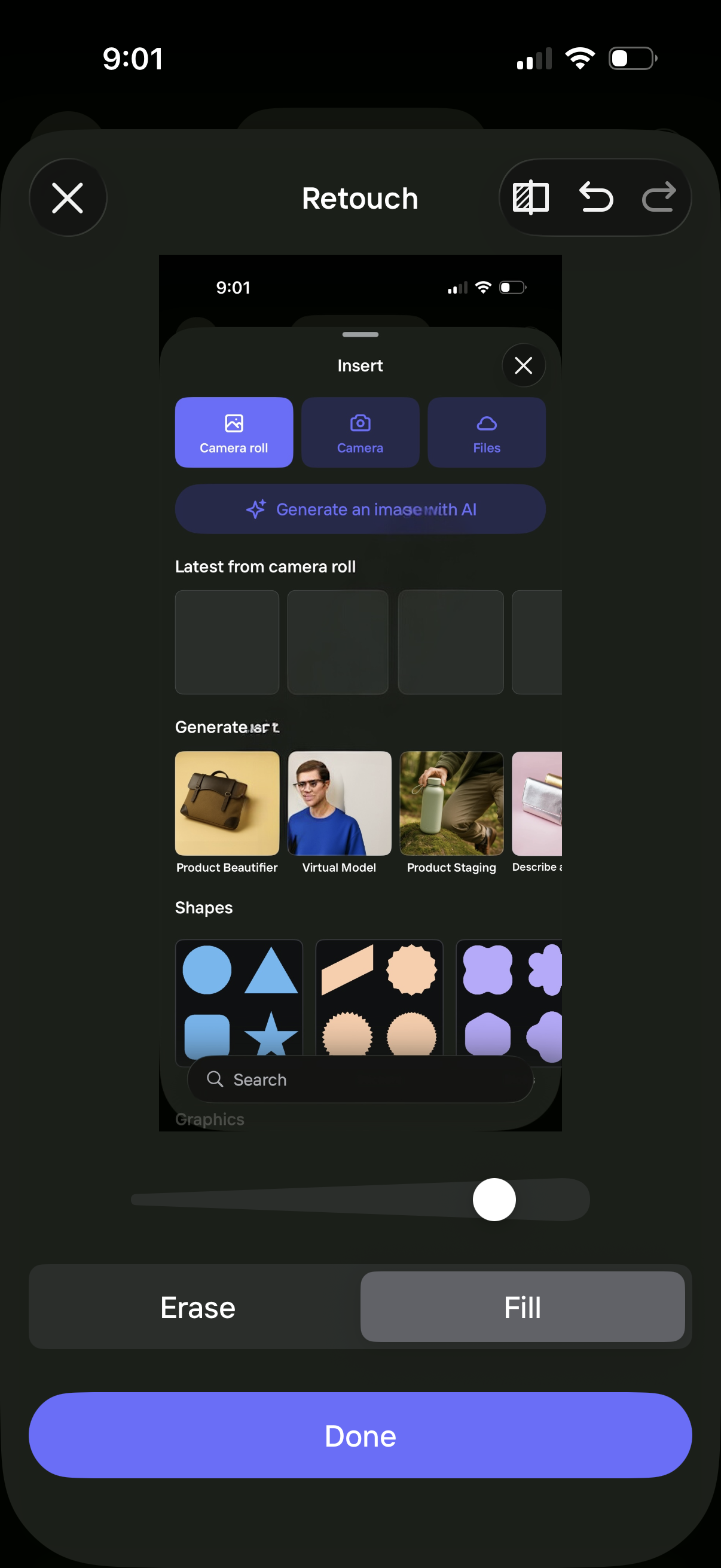
Photo editing retouch screen for object removal with an erase/fill toggle, brush size slider, and undo/redo controls. Includes an insert panel to add images from camera roll/camera/files, generate images with AI using templates (e.