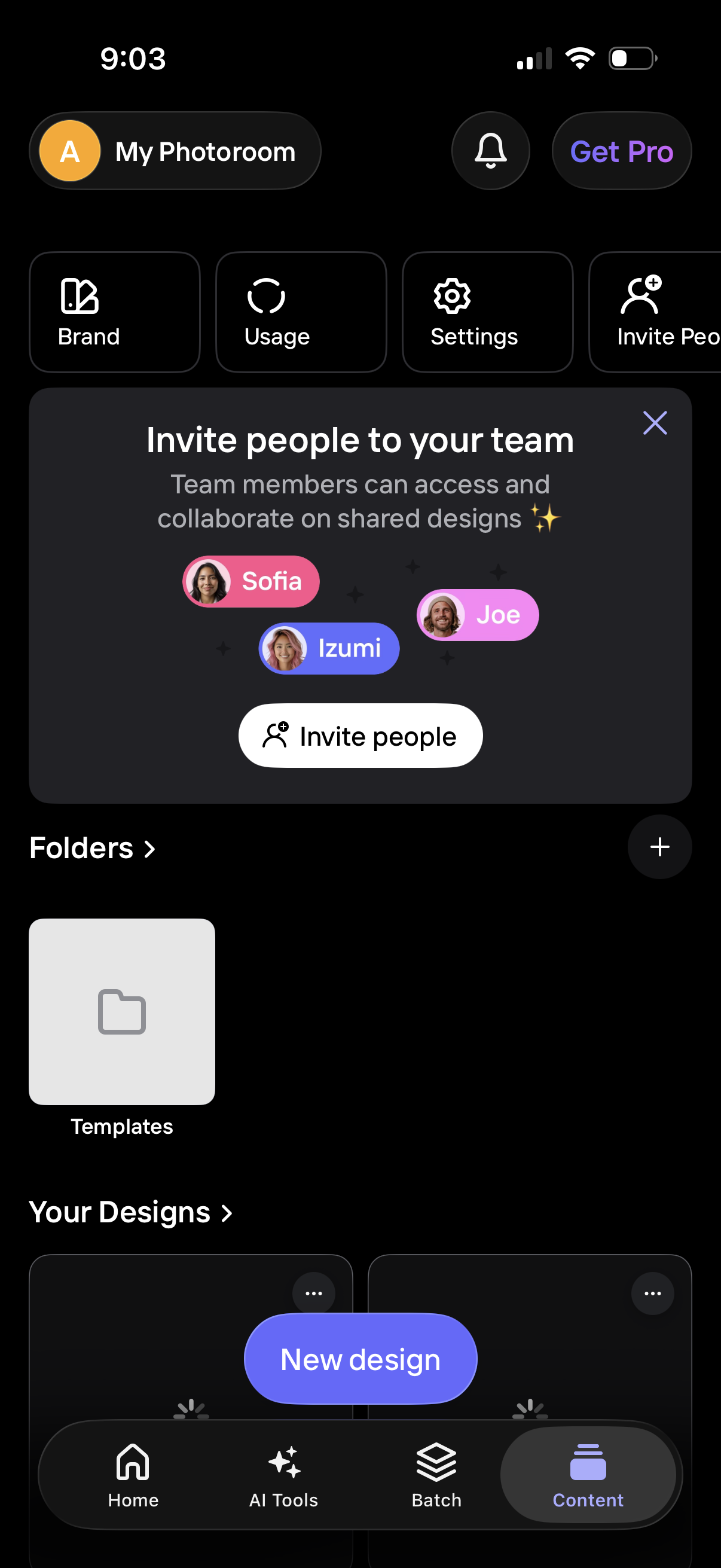
Home dashboard of a design/photo editing app showing account shortcuts (Brand, Usage, Settings) and a promotional modal to invite teammates for collaborative shared designs with an “Invite people” CTA. The screen also lists folders and design templates, provides a “New design” button, and includes bottom navigation for Home, AI Tools, Batch, and Content.

Brand kit management screen with a “Brand info” section and a Logos area where users can add and save brand assets. An onboarding modal introduces the Brand kit feature with a preview of stored logos/graphics and a dismiss/cancel action.
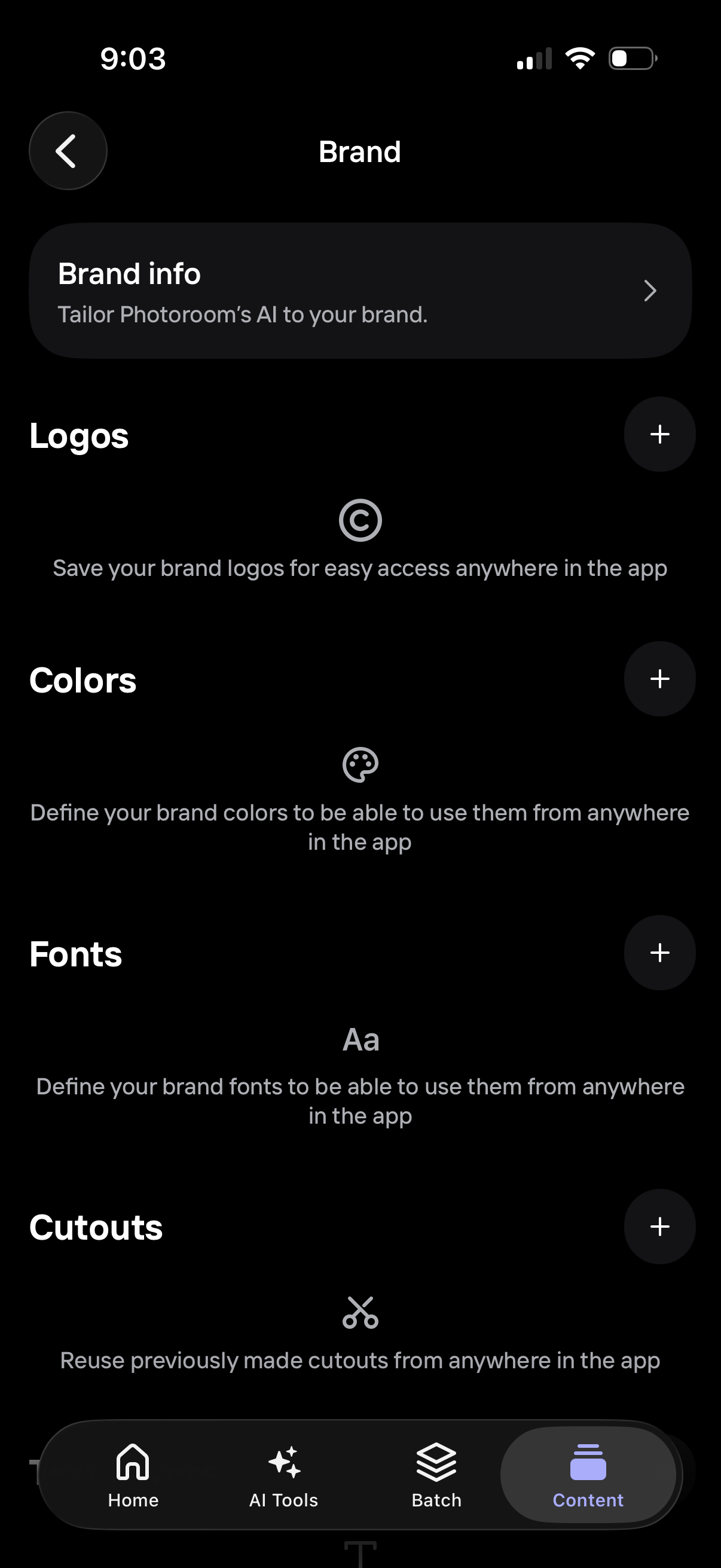
Brand settings screen for managing a brand kit, with a link to edit brand info and sections to add/save brand assets like logos, color palette, fonts, and reusable cutouts. Each section includes a plus button to upload or define assets for use across the app.
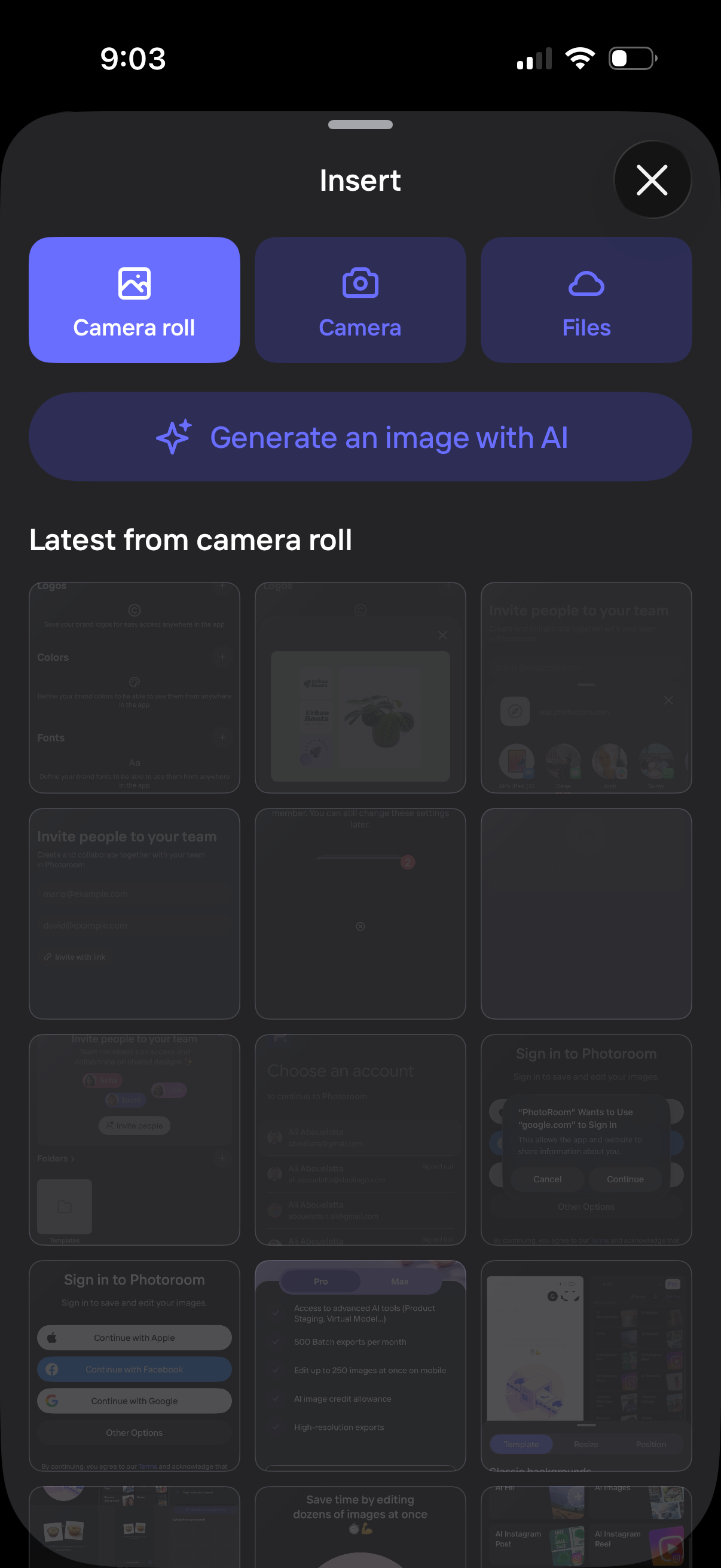
Bottom sheet “Insert” menu for adding an image, with quick actions to import from camera roll, take a photo with the camera, browse files, or generate an image with AI. Below, a gallery section shows the latest photos from the camera roll for quick selection.

Brand settings screen for managing design assets, with sections for Brand info, saved logos, and colors, plus a bottom sheet to add a color palette. Users can create a custom palette or choose from popular palette presets and add them to their brand.
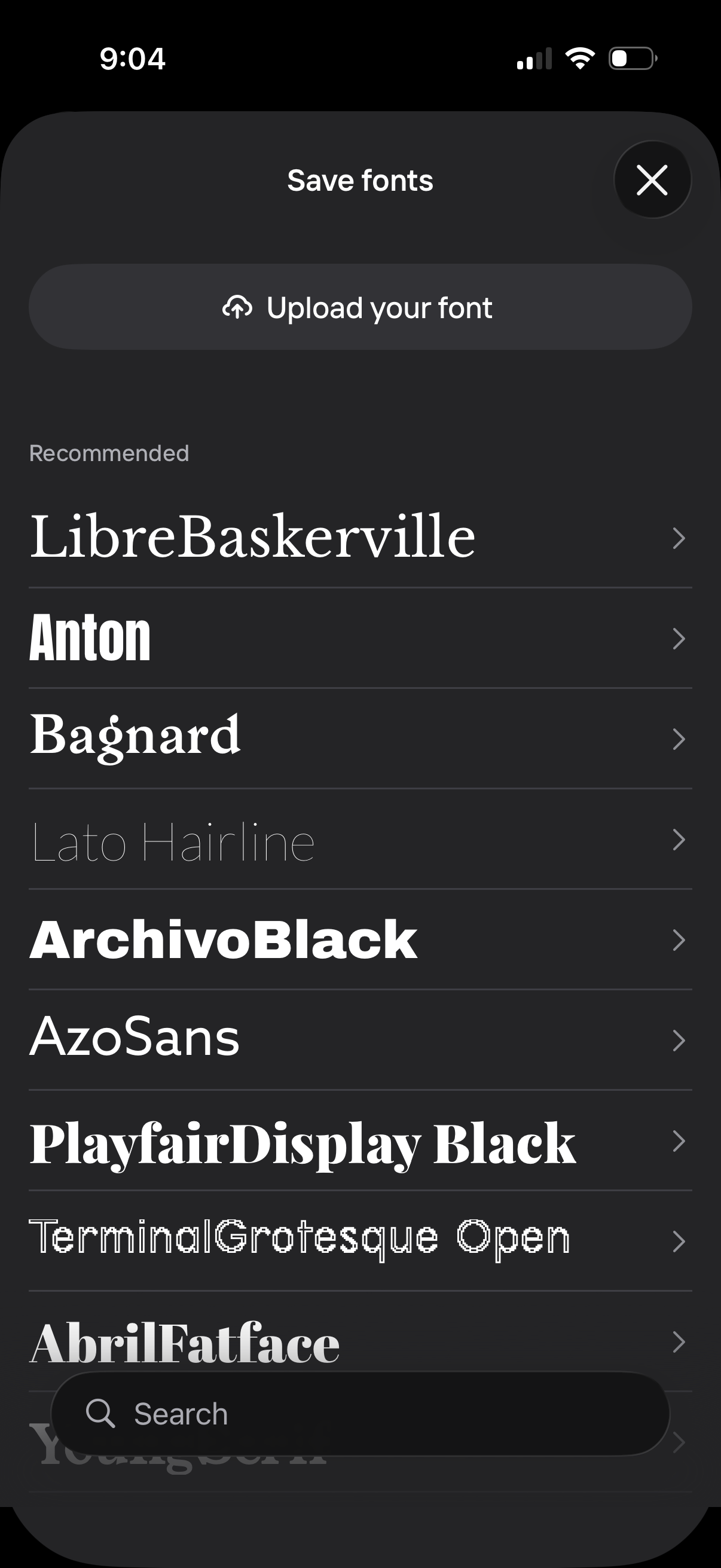
Font management modal for saving typography, featuring an “Upload your font” action and a scrollable list of recommended font styles with previews and chevrons to select. Includes a search bar to find fonts and a close button to dismiss the sheet.