1
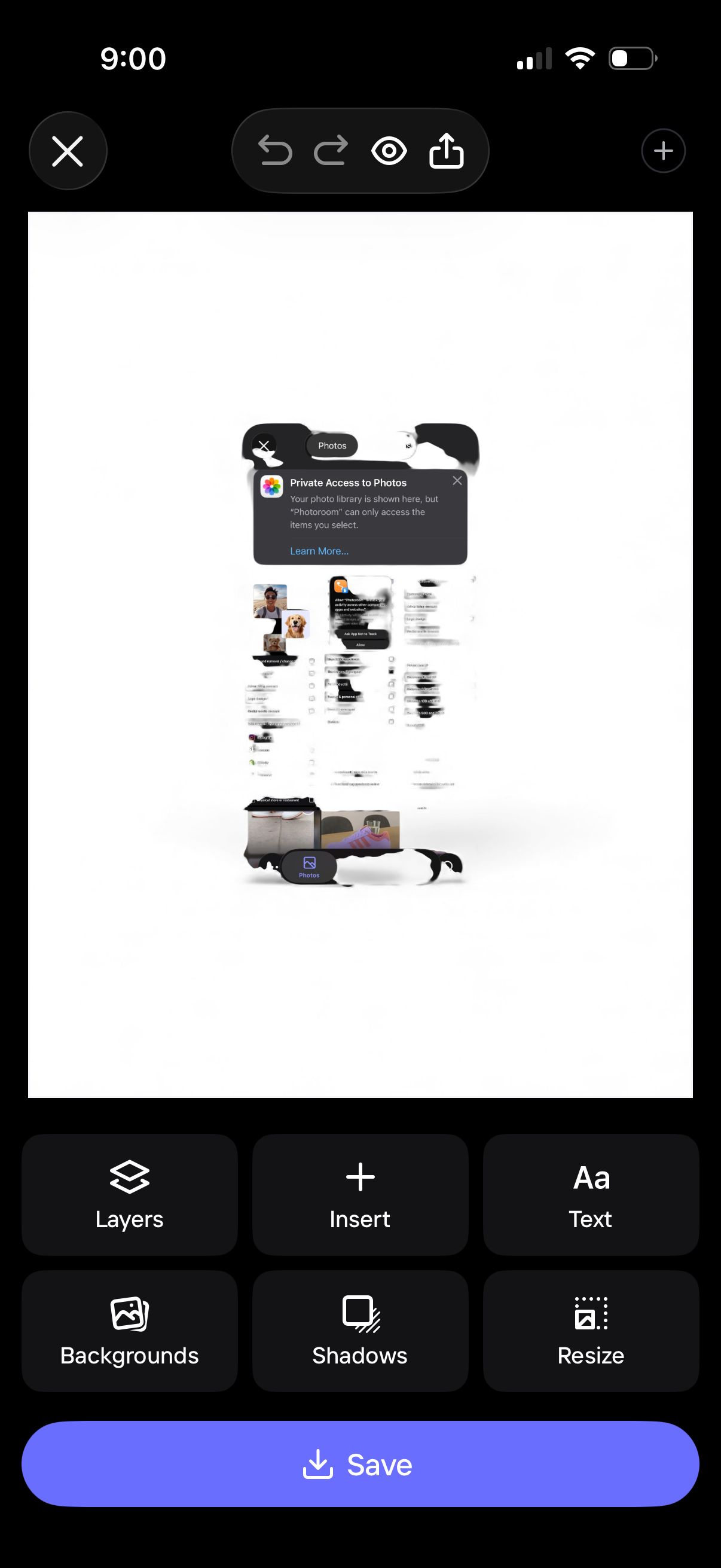
Mobile design editor screen showing a canvas preview with photo insertion and editing controls, including undo/redo, preview, and share. Bottom toolbar provides actions like layers, insert, add text, backgrounds, shadows, and resize, with a primary Save button to export the design.
2
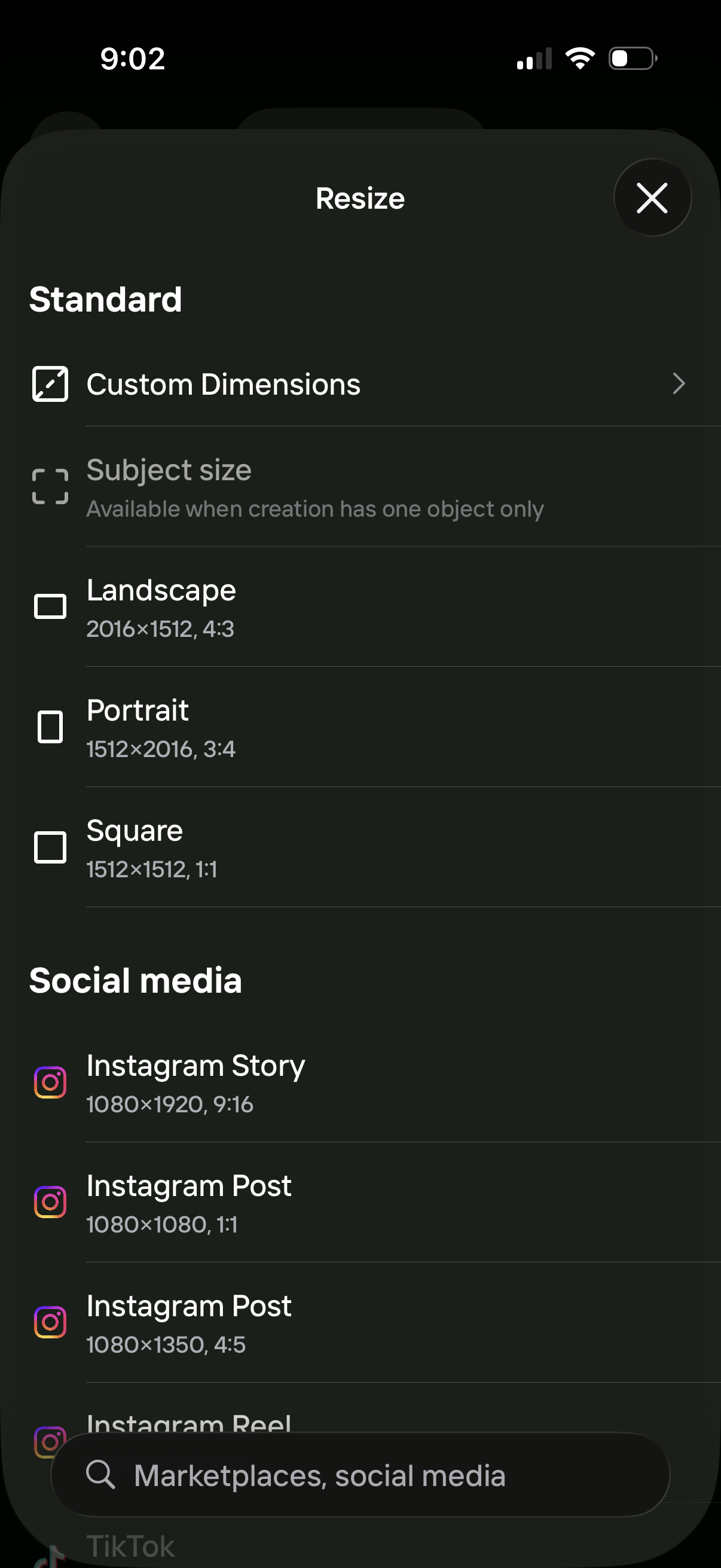
Resize settings panel for a design or image editor, letting users choose custom dimensions or preset aspect ratios like landscape, portrait, and square. Includes social media export presets (e.
3
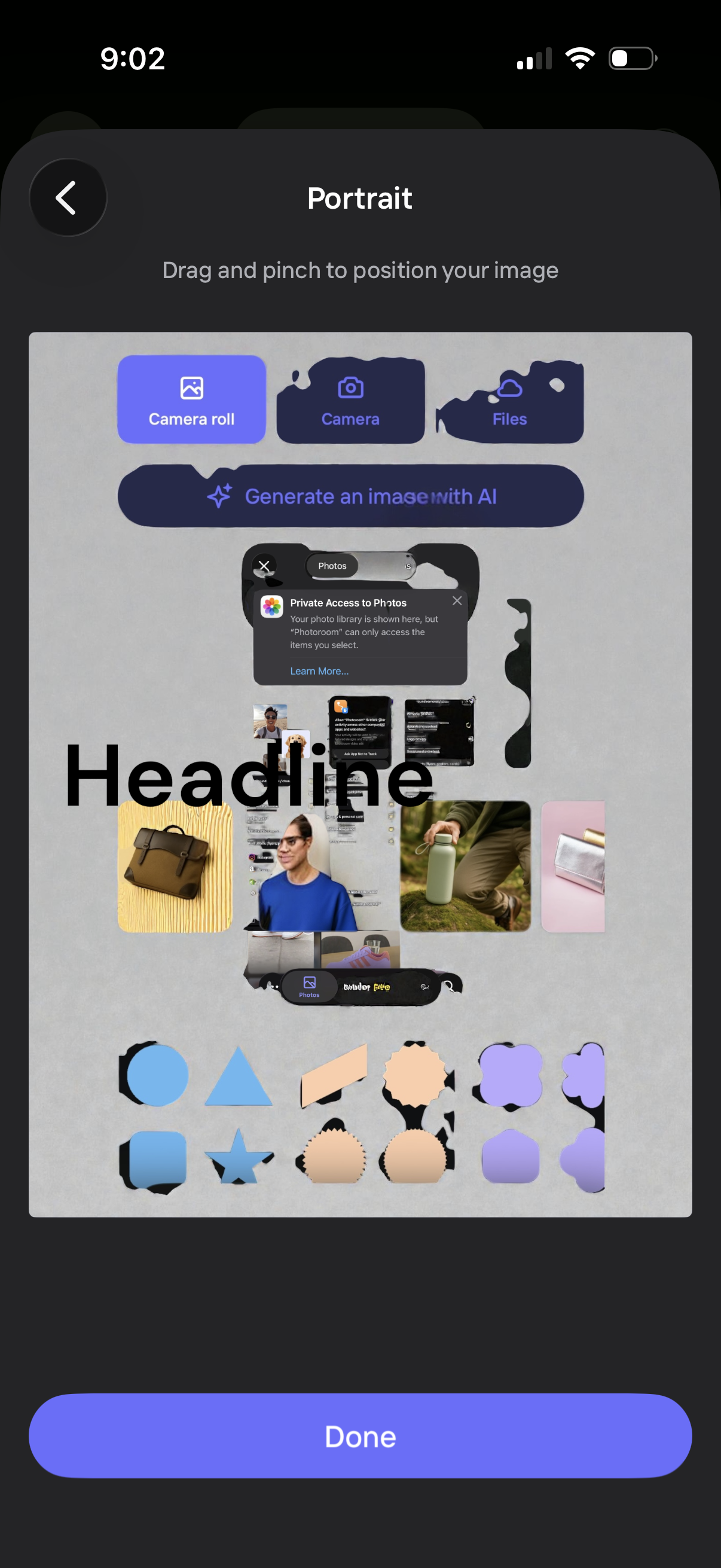
Profile portrait setup screen that lets users drag and pinch to position their image, with options to choose a photo from camera roll, take a new picture, import from files, or generate an image with AI. Includes a Done button to confirm the selected and cropped portrait.