1
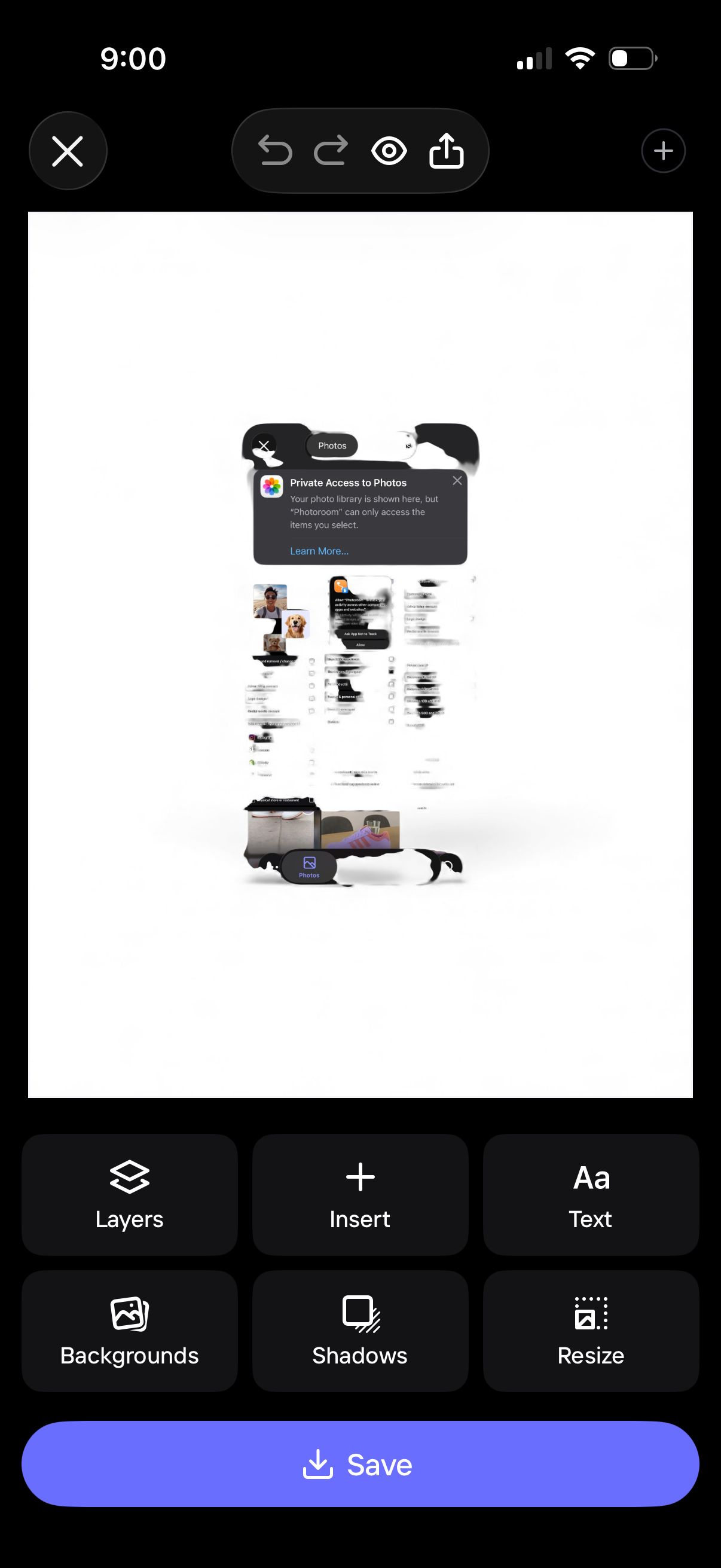
Mobile design editor screen showing a canvas preview with photo insertion and editing controls, including undo/redo, preview, and share. Bottom toolbar provides actions like layers, insert, add text, backgrounds, shadows, and resize, with a primary Save button to export the design.
2
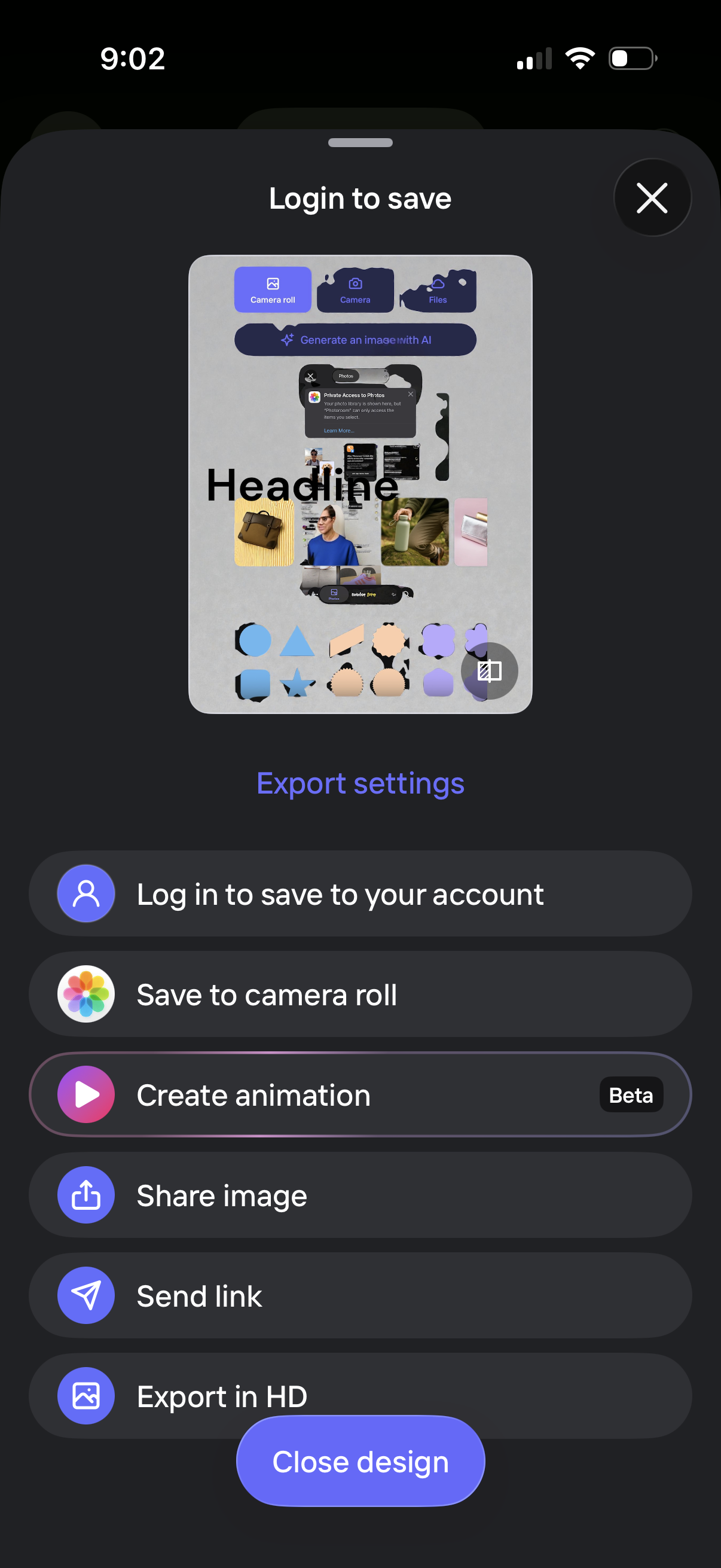
Export/share bottom sheet for a design editor prompting “Login to save,” with actions to log in to save to an account, save to camera roll, create an animation (beta), share image, send link, and export in HD. Includes a preview thumbnail, an “Export settings” link, and controls to close the sheet or close the design.
3

Mobile export settings screen for a creative design app showing a bottom sheet to choose an animation style for an asset preview (e. g.