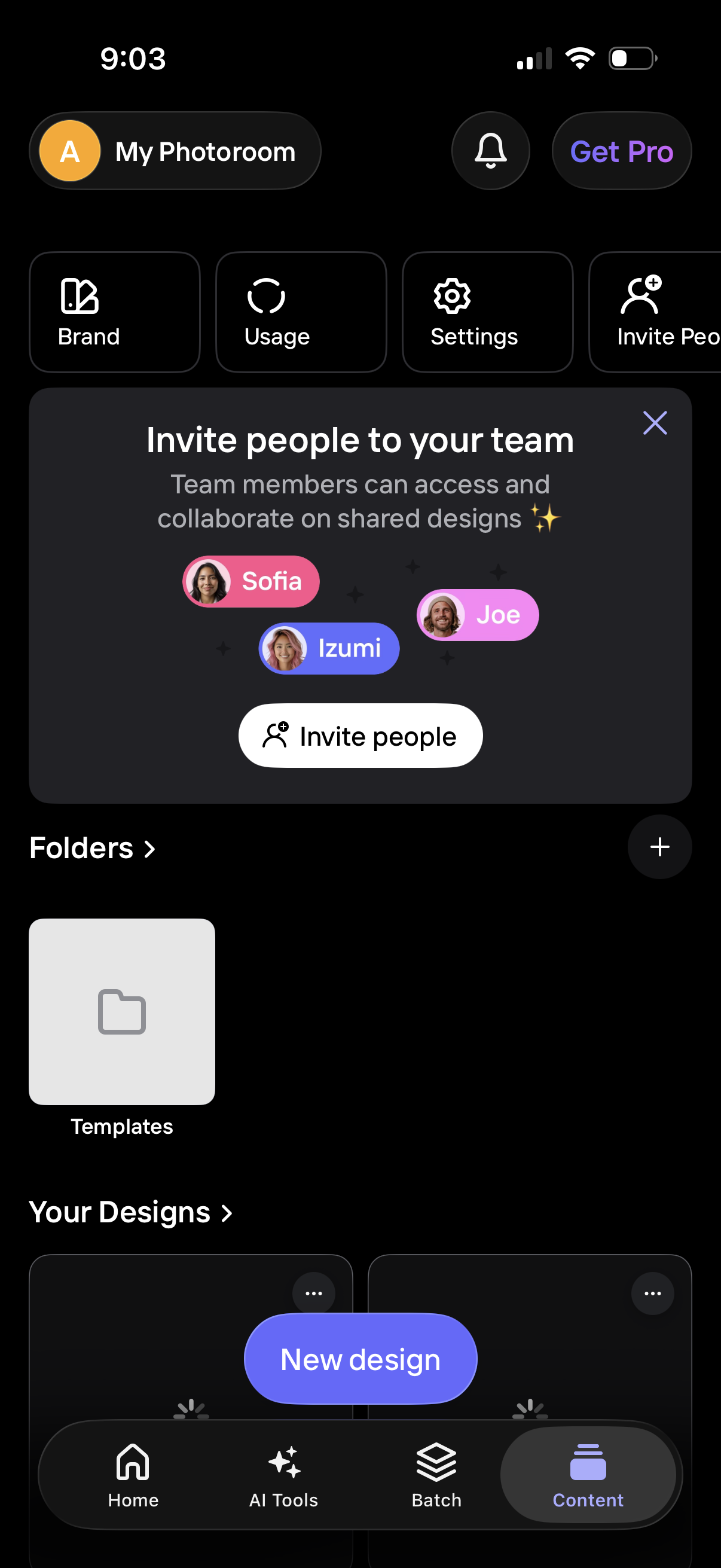
Home dashboard of a design/photo editing app showing account shortcuts (Brand, Usage, Settings) and a promotional modal to invite teammates for collaborative shared designs with an “Invite people” CTA. The screen also lists folders and design templates, provides a “New design” button, and includes bottom navigation for Home, AI Tools, Batch, and Content.
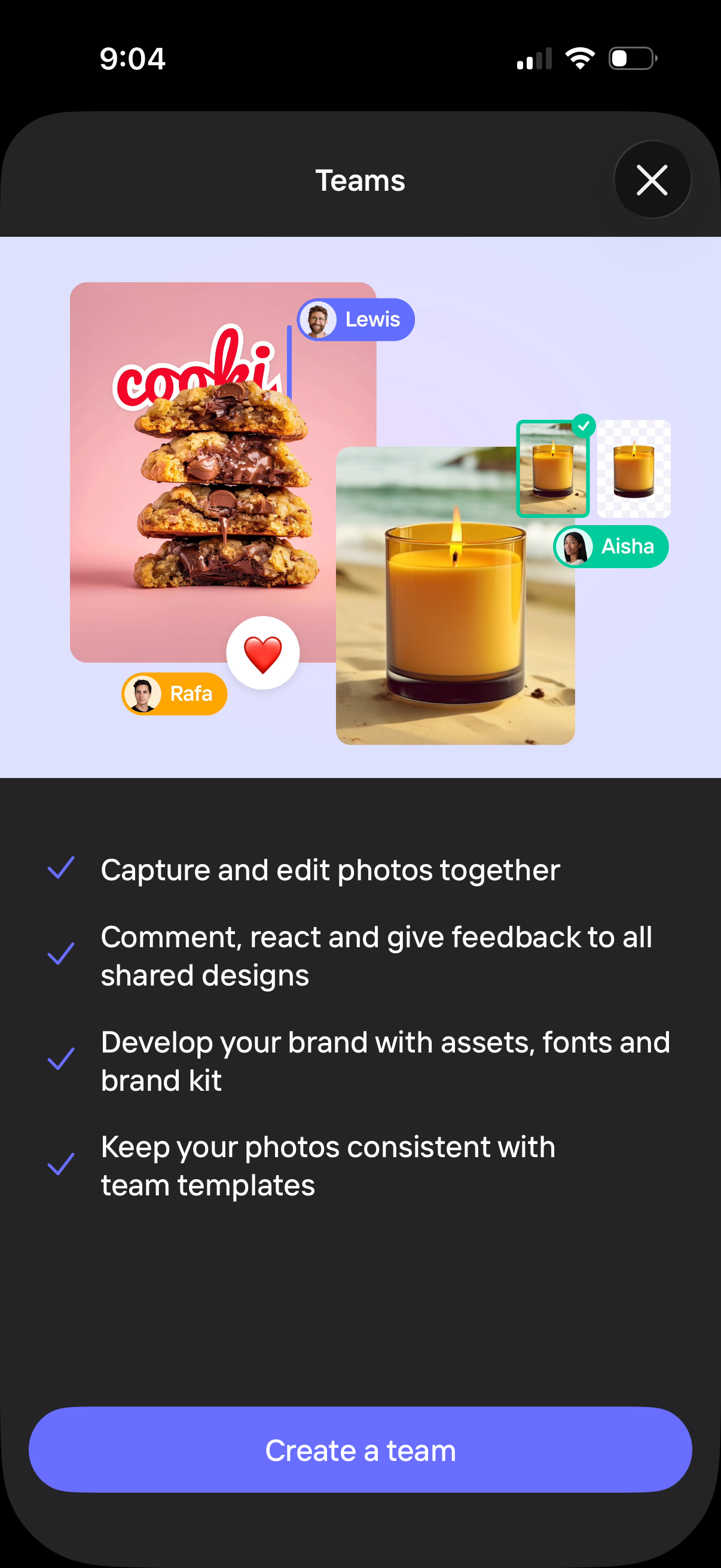
Teams onboarding/feature introduction screen explaining collaborative photo and design editing, including capturing and editing together, commenting and reacting on shared designs, managing brand assets/fonts, and using team templates for consistency. Primary CTA is “Create a team” with a close button to dismiss.
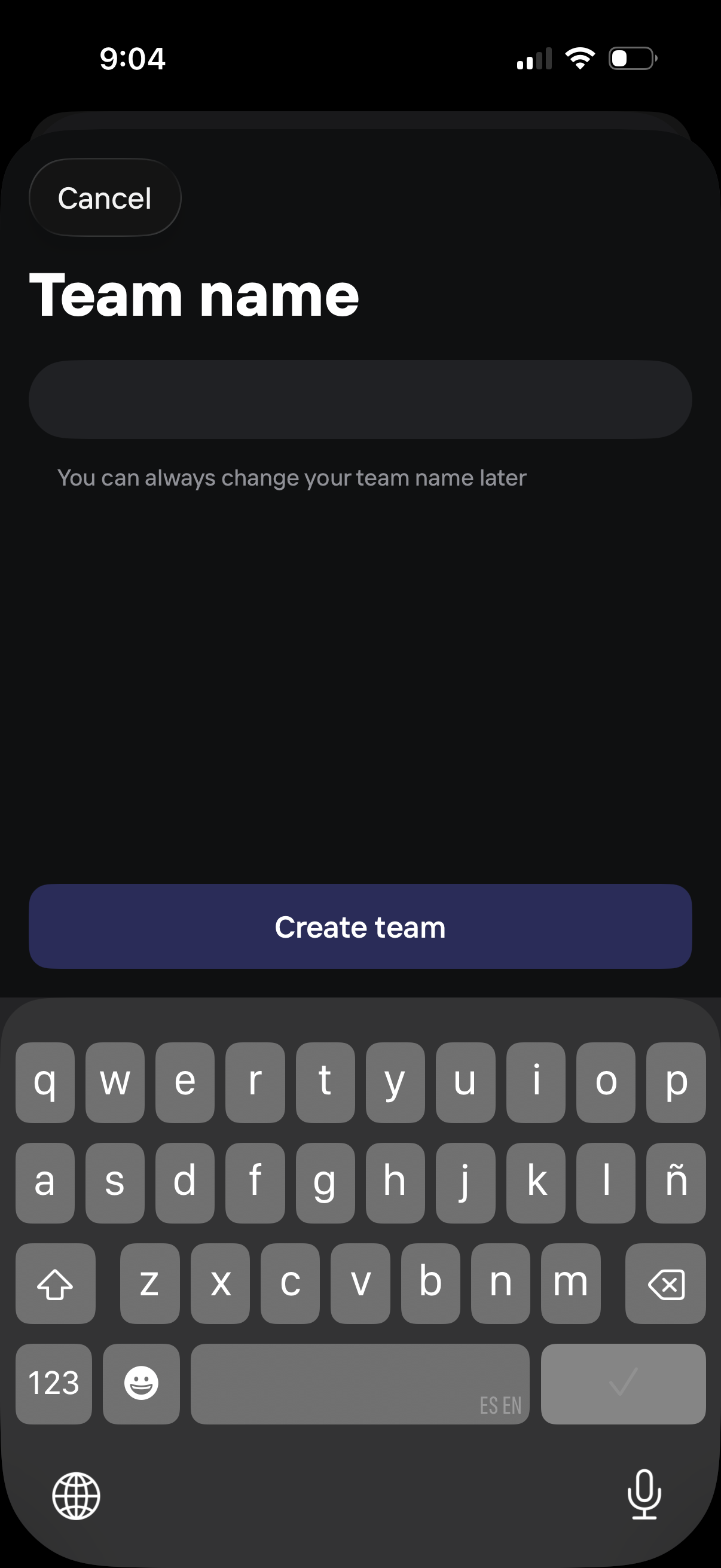
Team creation screen prompting the user to enter a team name in a single text field, with supporting note that the name can be changed later. Includes a Cancel option and a primary “Create team” button to submit and continue.

Team collaboration invite screen prompting users to invite teammates by entering email addresses, with an alternative “invite with link” option. Includes a primary “Send invites” call to action and a skip button for bypassing onboarding.
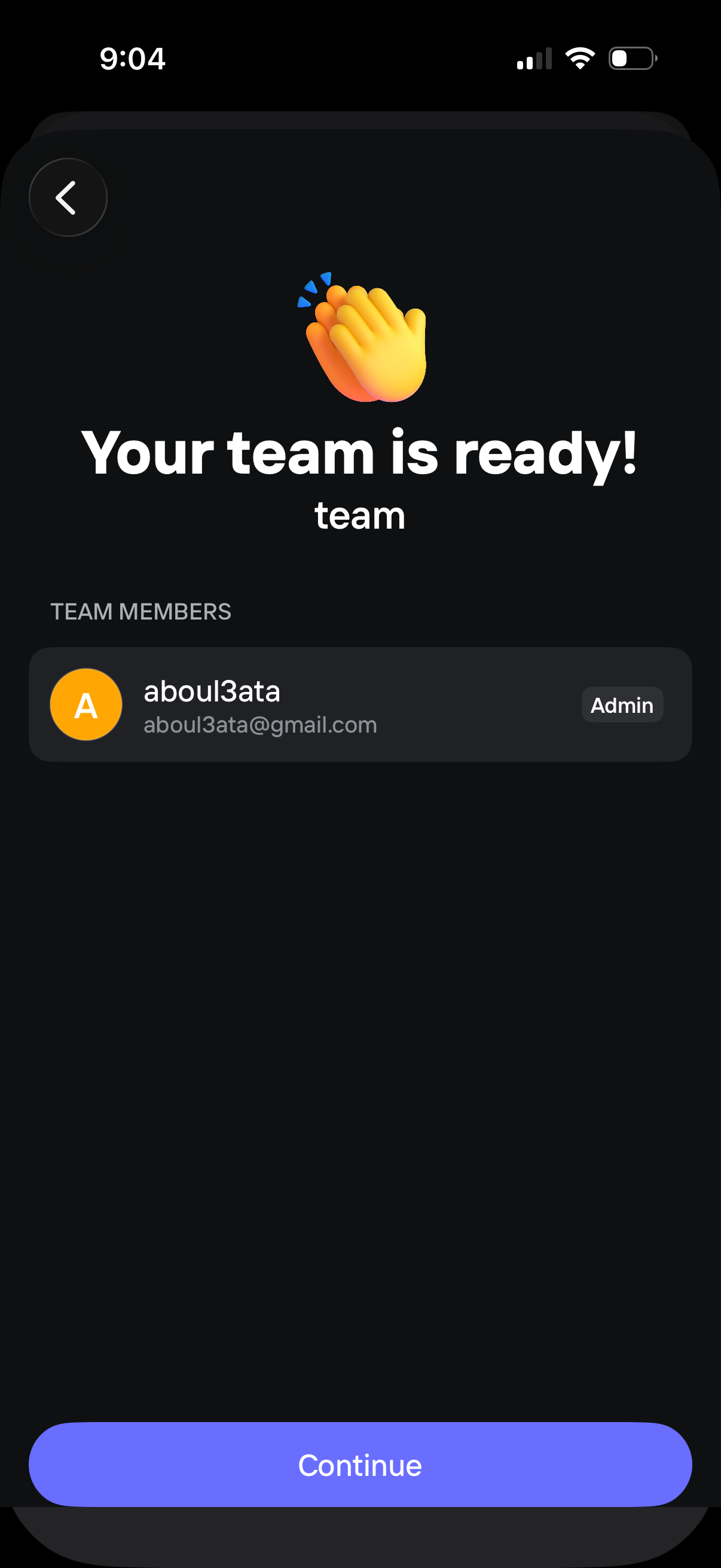
Team setup confirmation screen showing a “Your team is ready” success message, the team name, and a list of team members with roles (e. g.
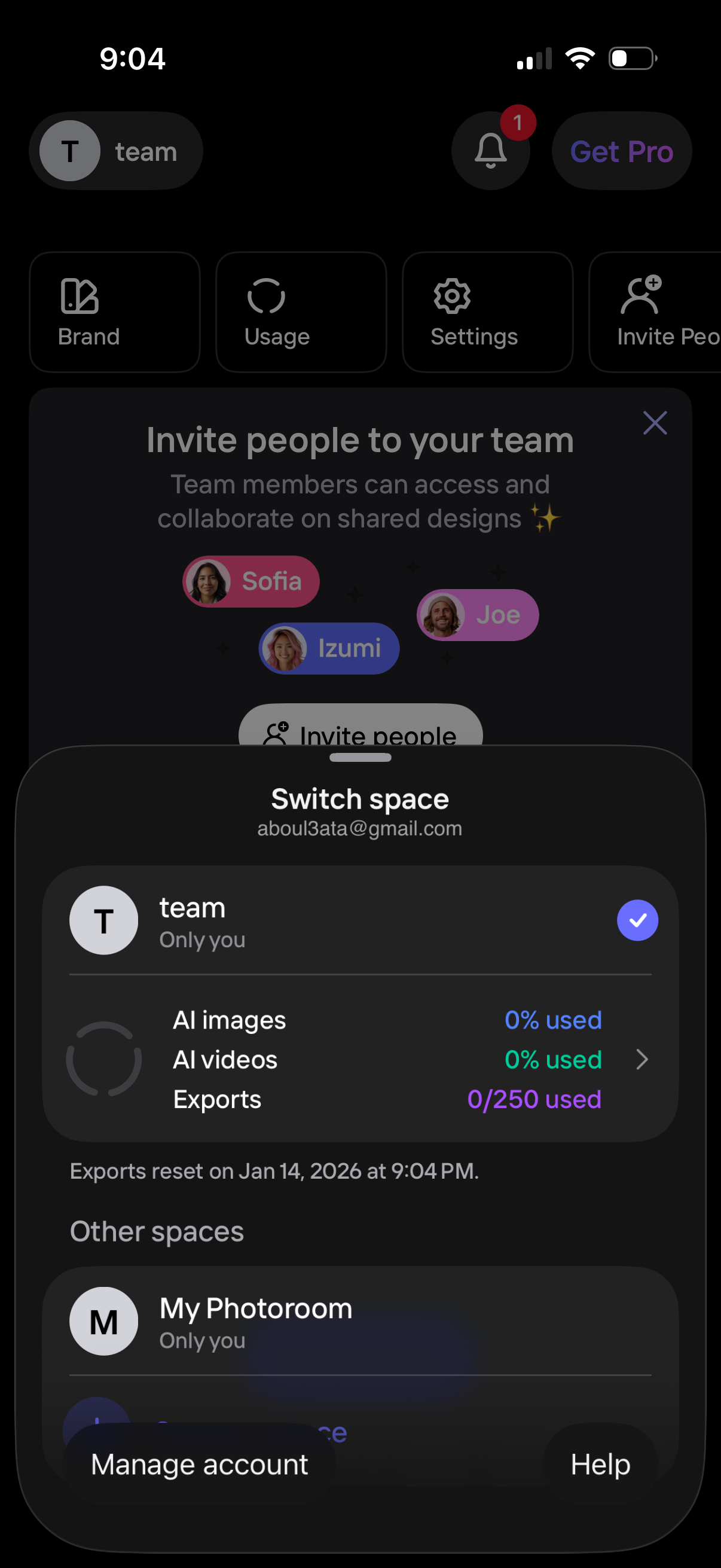
Account workspace switcher bottom sheet for choosing between spaces (e. g.